
Ashampoo WinOptimizer 2026 review: nineteen modules, one interface, half the nominal price
Summary
An annual suite that puts cleaning, analysis, file tools and system customisation behind one window. This generation spends its effort on a new foundation and on making the system's activity visible rather than on another button.
Recommend- Name
- Ashampoo WinOptimizer 2026
- Version
- 28.00.20
- Pricing
- Paid
- Open source
- Proprietary
- Operating system
- Windows
- Updated
- 2026-10-06 12:25
Ashampoo is a German software house older than 25 years, and its site gives the numbers: more than 22 million users, over 500,000 downloads a month, business in more than 160 countries. One of its best-known lines is WinOptimizer, whose 2026 edition carries the internal version 28.00.20, was released on 2026-01-13, and installs from a 24 MB package. What is interesting about an annual tuning suite is what it does not try to do: it does not solve one specific problem, but gathers everything a Windows machine runs into over time, the slowing, the accumulated traces, the dead links, the unnecessary programs, into one interface and splits the work into modules.
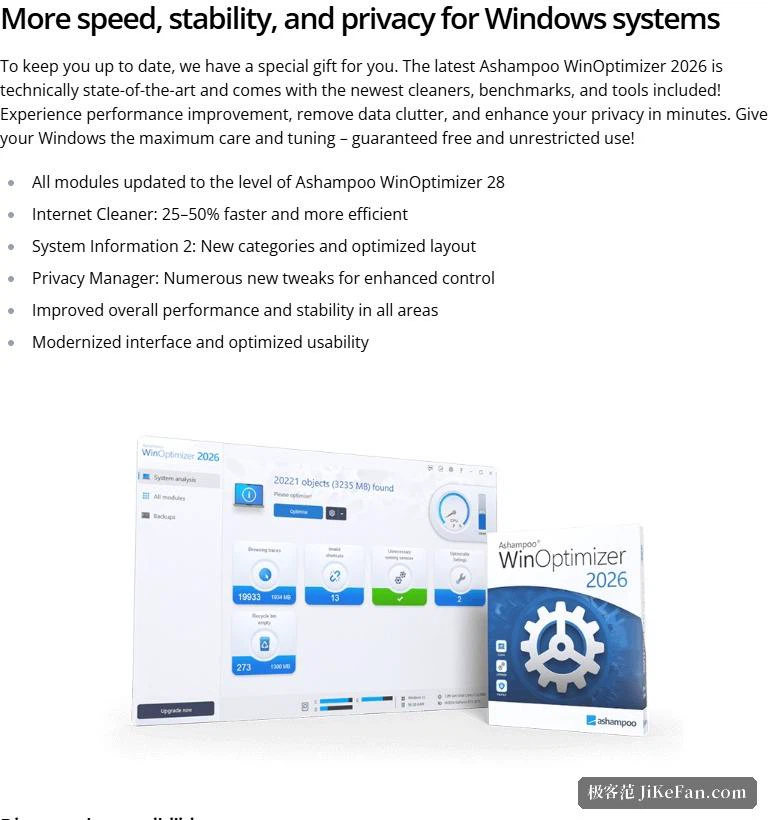
How the nineteen modules divide the work
The site states 19 powerful modules for analysing, optimising and customising Windows, sorted into six groups. The general group handles software updates, viewing the Windows licence key, user permissions, restore point and backup management, and help with saving power and extending battery life. The maintenance group is the cleaning muscle: cleaning profiles that support the latest Windows and browser versions, a cookie manager, detection of file system and structural problems, and add-on management for one browser.
The file group works on files themselves: File Wiper makes deleted files unrecoverable and can wipe and overwrite free disk space to clear residues, Undeleter brings back files deleted by mistake, and there are tools for encryption and decryption, splitting and managing files, along with support for exFAT partitions. The analysis group supplies the evidence: a disk benchmark, a font manager, DiskSpace Explorer for seeing what occupies the drive and finding large files, and a system benchmark compared against online results. The customisation group offers Tweaking 2 and adjustments to file associations, while the performance group holds an uninstall manager, a process manager with a tree view, and a Service Manager that can disable unneeded system services.
What changed in this generation
The site lists six highlights, and the first is a change of foundation: every module has been brought up to the technical level of WinOptimizer 28, with performance and stability improved across the board. For an annual product that matters more than one or two new buttons, because it means the 19 modules share one new base instead of mixing old and new code.
The other five point in specific directions. Internet Cleaner is now 25% to 50% faster and more efficient, and shows detailed results in a new statistics bar. System Information 2 has been redesigned from the ground up, giving more accurate hardware detail in new categories with a clearer, better ordered layout, which the site calls maximum transparency. Privacy Manager gains a large set of new switches for finer control over what data the system collects or transmits, with one press to restore full privacy. Taken together, the emphasis is on showing what the system is actually doing: visible cleaning results, more accurate hardware detail, and adjustable data collection.
Price and trial
The price block at the top of the product page reads 15 dollars against a crossed-out 30, marked as 50% off; the product information page lists the same 30 dollars officially, alongside 30 euros and 26 pounds in other currencies. In other words, the site sells at half price most of the time, so 30 is closer to a nominal figure and 15 to what people actually pay.
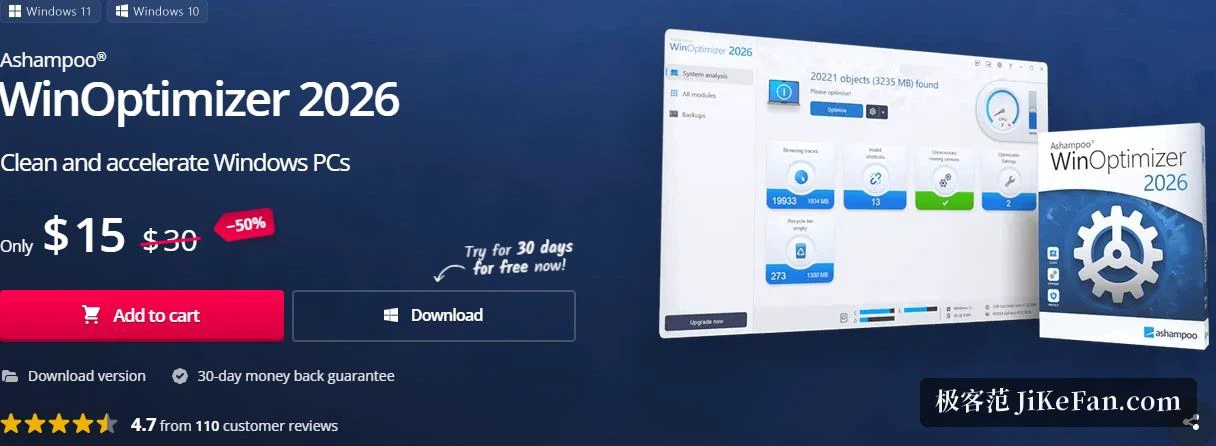
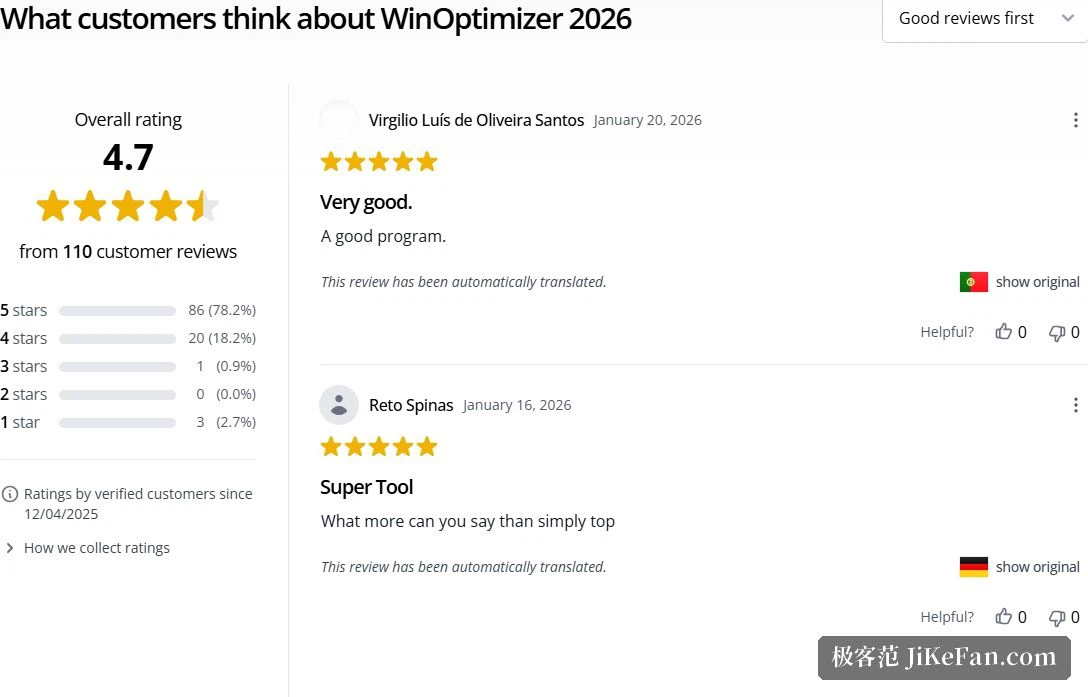
On trials, the information page states a 30-day trial period, while the product page carries a 30-day money-back guarantee. The two are different things: the trial lets you use it before buying, the guarantee lets you return it afterwards if it disappoints. The site also shows a rating of 4.7 from 110 verified customer reviews, with 78.2% of them at five stars.
System requirements and the environment it runs in
The information page names Windows 11 and Windows 10 and notes that systems with ARM processors are outside the supported range. It also states that full administrator rights are needed, that activation requires a network connection, and that the licence is revalidated periodically; the screen requirement is 1280 by 768, with 1920 by 1080 recommended. More than thirty languages are supported, both Chinese scripts among them.
The most noteworthy of those lines is the ARM exclusion. ARM machines are a growing share of the Windows world, and if yours is one of them the site is explicit that it is not covered. Periodic revalidation also means the product is not fully offline, which a machine kept off the network for long stretches should take into account.
Who it suits, and what to watch
Three groups. The first wants one interface to settle things, and gets 19 modules grouped by purpose, from cleaning to hardware detail to system customisation, without switching between tools. The second is sensitive about privacy settings, and finds in Privacy Manager finer switches than the system offers, plus a one-press restore. The third needs to judge the state of hardware and disks, and gets comparable numbers from the benchmarks, the space analysis and the large file search.
Three cautions. It is paid software: there is a 30-day trial, but continued use means buying, and since the gap between list and promotional price is wide, judge it at what it actually costs. The file tools cannot be undone, since both the wiper's deletion and the overwriting of free space are final, so confirm the selection and back up anything important first. And before changing system services or privacy settings, create a restore point, which the suite itself provides a module for, a sign that it treats the step as routine rather than as an extra burden.
An annual tuning suite is easy to dismiss as a new coat of paint, but this generation of WinOptimizer put its effort into a new foundation and into transparency: cleaning results you can see, hardware detail that is more accurate, data collection you can steer. For a Windows machine meant to last several years, handing judgement back to the user is worth more in the long run than one more button.