
ProcessOn: flowcharts, mind maps and Gantt charts, all behind one address
Summary
One of the earliest services for drawing diagrams in a browser: it opens, you draw, the file lives in the cloud, and several people can change the same drawing at once. Flowcharts, mind maps, swimlane diagrams, organisation charts and Gantt charts are all covered, code can be turned into a diagram, and one click tidies a tangle of connectors. The template community holds a million shared drawings to start from, and the free tier allows 9 files and three people working together.
Recommend- Name
- ProcessOn
- Version
- web-2026
- Pricing
- Free
- Open source
- Proprietary
- Operating system
- WindowsmacOSLinuxAndroidiOS
- Website
- https://www.processon.com
- Updated
- 2026-10-06 21:24
It used to mean installing something heavy
Drawing a flowchart or a mind map used to offer two choices: install a large desktop application built for the purpose, or put up with a crude substitute that could not do half of it. ProcessOn was among the first services to offer the work in a browser instead, and it is still one of the simplest answers. Nothing is installed, the drawing starts as soon as the page loads, files live in the cloud rather than on one machine, and several people can work on the same drawing at the same time. Dozens of kinds of diagram are covered, including mind maps, flowcharts, diagrams with swimlanes, entity relationship diagrams, network topologies, organisation charts and Gantt charts, and for most people working alone the free tier is already enough.
One place that draws all of them
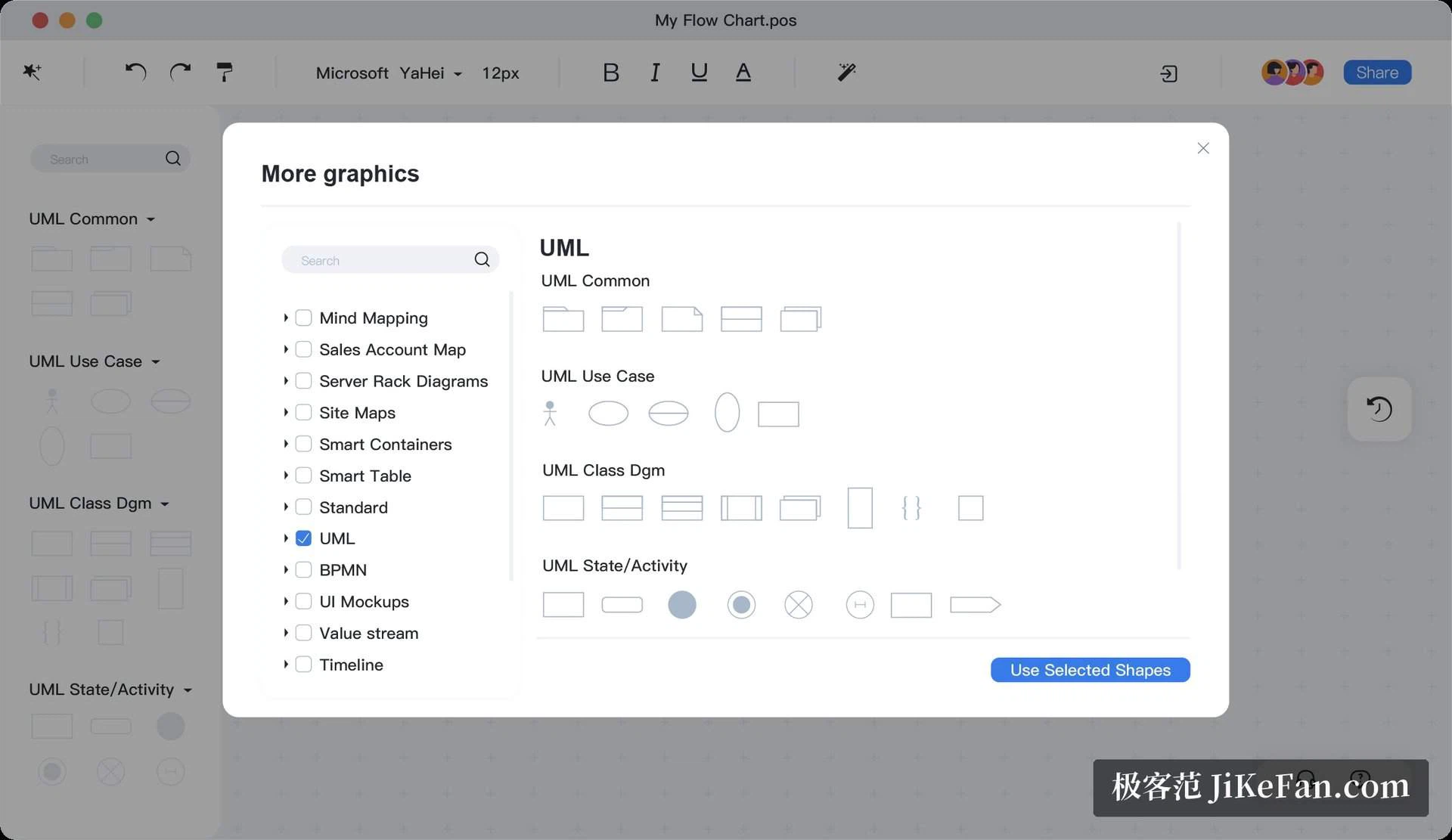
The strength is breadth. A product person draws a prototype and a flow, a developer draws a sequence diagram in UML and an architecture, whoever keeps the systems running draws a network topology, a manager draws a Gantt chart and an organisation chart, and a student sorts out a subject with a mind map. The editor behaves the way people expect it to, and underneath that it understands Markdown, mathematical formula syntax, and the habit of writing code that becomes a diagram. There is a single button that tidies the layout, which is what turns a drawing whose lines have gone everywhere into something worth showing. Work can be exported as PNG, PDF or SVG, among other formats, and files brought in from elsewhere can go on being edited.
The template community is the buried seam
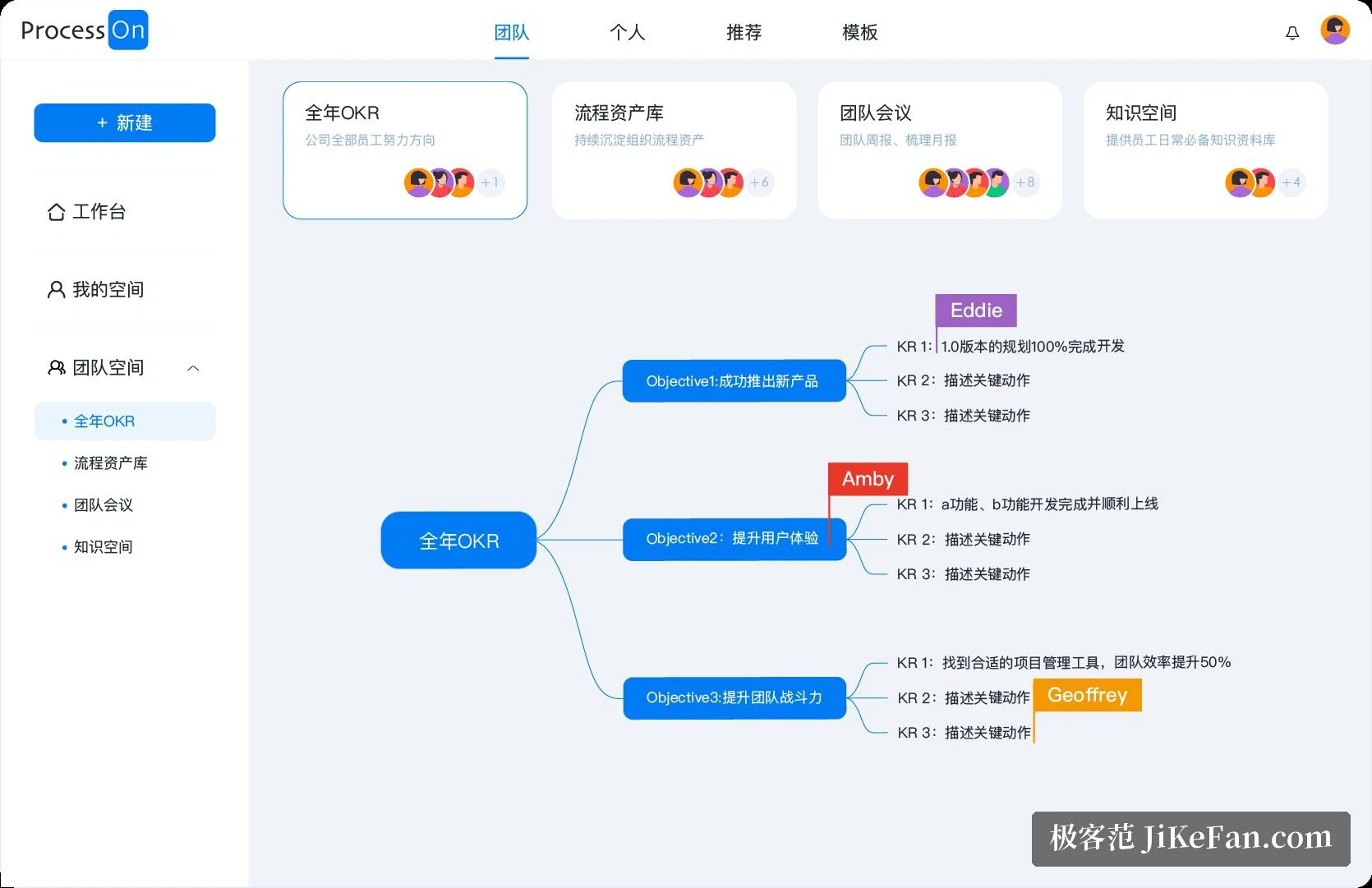
Over the years the service has collected a million or so drawings shared by its users: frameworks for revising for an examination, the working flow of a product manager, a route through learning to program, the process rules of a company. When the difficulty is not the drawing but the deciding what to put in it, searching the templates and changing someone else's work is far quicker than starting from an empty canvas, and the authors of the good ones can be paid for them, which keeps the supply coming. The knowledge section beside it holds a large number of tutorials and a small encyclopedia of diagram shapes, so a beginner following the examples gets somewhere quickly.
Working together is the point
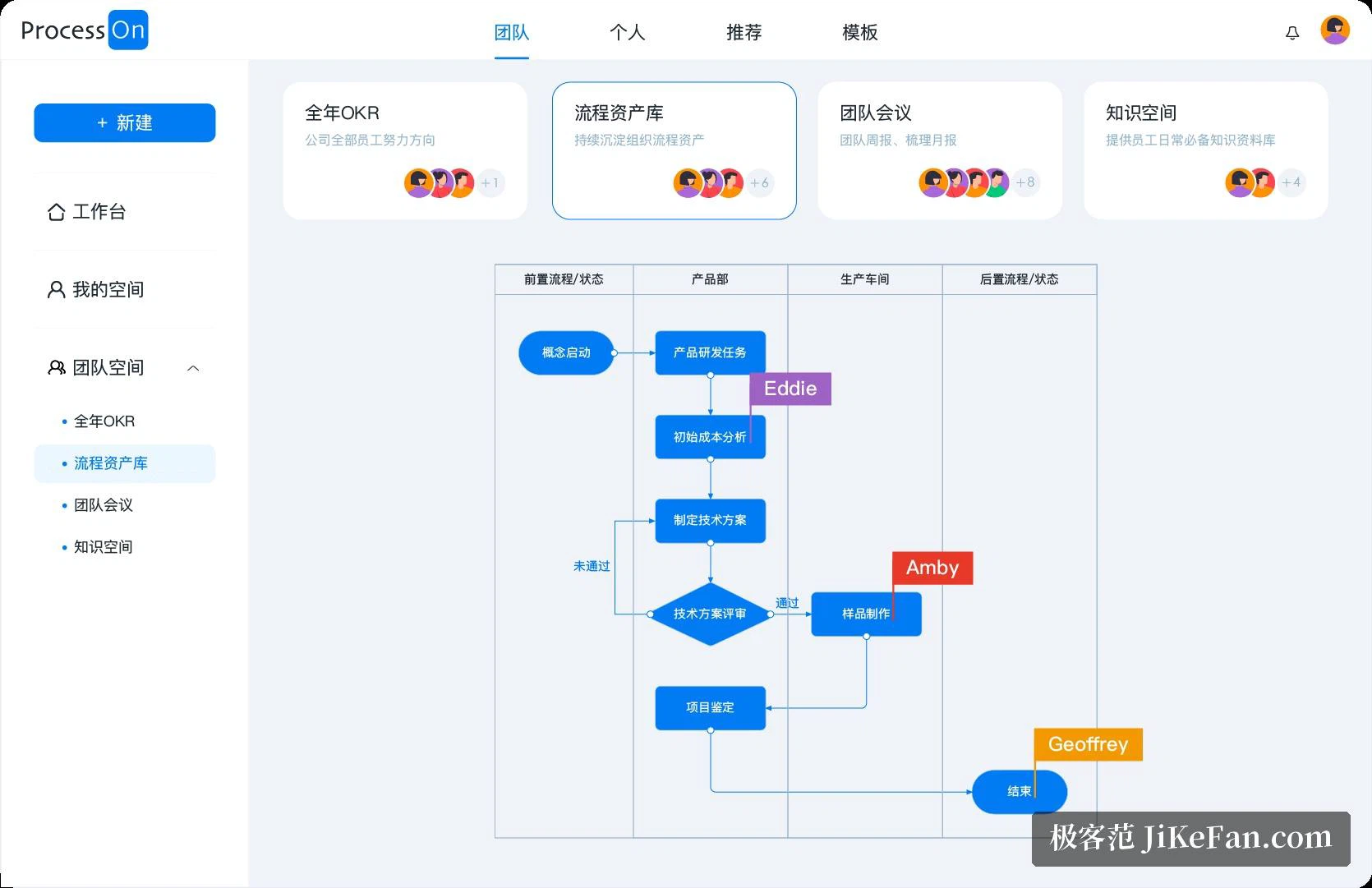
Collaboration is what separates this from software that sits on one machine. A link to the file is enough for a colleague to edit it with you, the position of every cursor is visible while it happens, and comments and notes land directly on the drawing instead of in a chat window somewhere else. For the case where someone should only look, the shared link can be set to read only. The edition for teams goes further: it connects to the office chat tools a company already uses, it offers a shared library of components so that drawings made by different people come out looking like one hand did them, and it keeps permissions in one place, which is what makes a set of process drawings into something a team can treat as its own knowledge.
What costs nothing, and what the generated drawings are like
The free version allows 9 files, exports at standard resolution and lets three people work together, which with the habit of exporting a finished drawing and deleting an old one goes a long way. A membership lifts the limit on files, raises the resolution of exports and gives a larger allowance of generated work. That generation has been the focus of the last two years: a sentence produces a mind map that can then be edited by hand, and a meeting outline, a list of things to do or an analysis of strengths and weaknesses all become drawings without being drawn. The service is reachable from a browser, a desktop client, a phone application and a mini program inside a chat tool, the cloud keeps everything in step, and earlier versions of a file can be brought back.