
Dr.Web CureIt!: a free checkup that runs without installing a thing
Summary
Dr.Web CureIt! is a portable scanner that starts on a double-click, works alongside whatever protection is already installed and leaves nothing behind. Free for personal use, Windows only.
Recommend- Name
- Dr.Web CureIt!
- Version
- 2026.7.19
- Open source
- Proprietary
- Operating system
- Windows
- Website
- https://free.drweb.com/cureit/
- Updated
- 2026-10-06 02:59
When the machine misbehaves and the installed protection shrugs
The page jumps around, the fan runs flat out, and the security software insists that everything is fine. That is not the moment to install a heavy suite and wait for it to settle; it is the moment for something that can be run and thrown away. CureIt from Doctor Web is a portable checkup tool: double-click and it starts looking, it is free for personal use, it does not fight with whatever protection is already on the machine, and it gives the system an independent second reading. Work on it was still frequent in September 2026, it ships in thirty-four languages including both simplified and traditional Chinese, and it runs only on Windows.
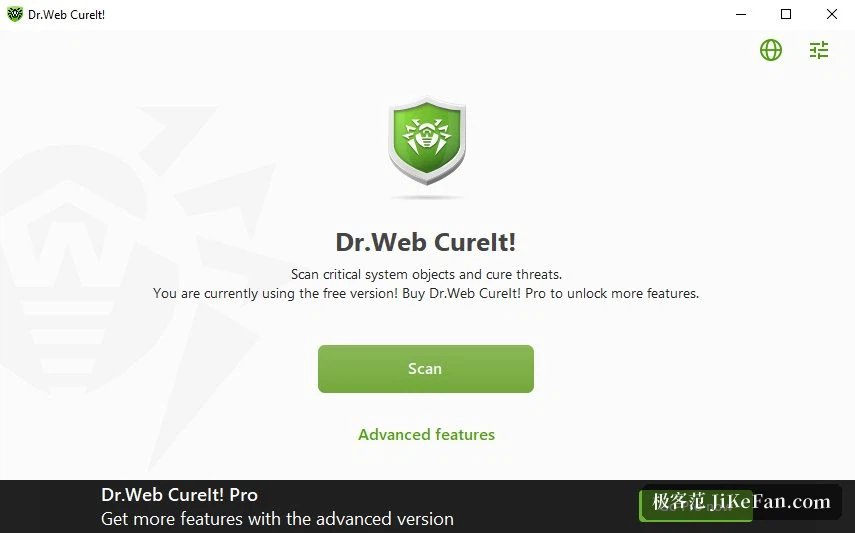
Nothing to install, nothing left behind
The defining property is that it is green in the portable sense: one file comes down from the official site, nothing is installed, no background service stays running, and when the scan ends you close the window. Put it on a USB stick and it travels to a friend's computer as well. Because it does not compete with resident protection for the low-level permissions those products hold, the two can run at the same time without switching one off first, and that is exactly why it has a reputation as a second-opinion tool: when the main product says the machine is clean and you want to be sure, this is the least troublesome way to check. The scan covers memory, startup areas, system folders and any attached device, and the depth is a choice, so a quick pass can be run when time is short and a full pass when it is not.
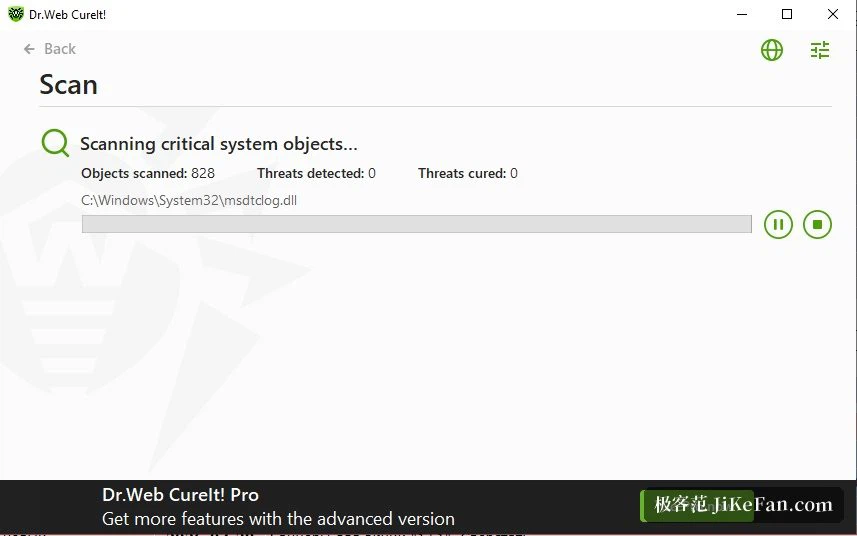
The engine keeps pace, the definitions do not update themselves
The scanning engine is the same one the paid product uses, and the signature database is refreshed as often as once or twice an hour at peak, which is quick enough to matter. What has to be understood is that this is a one-shot tool. The definitions travel inside the package, and the program does not update itself, so the right habit is to fetch a fresh copy before each use rather than keeping an old download around. When something is found it tries to repair first, and anything it cannot handle comes with a recommendation and a clear path through the steps, so even a first-time user can follow it to the end without guessing.
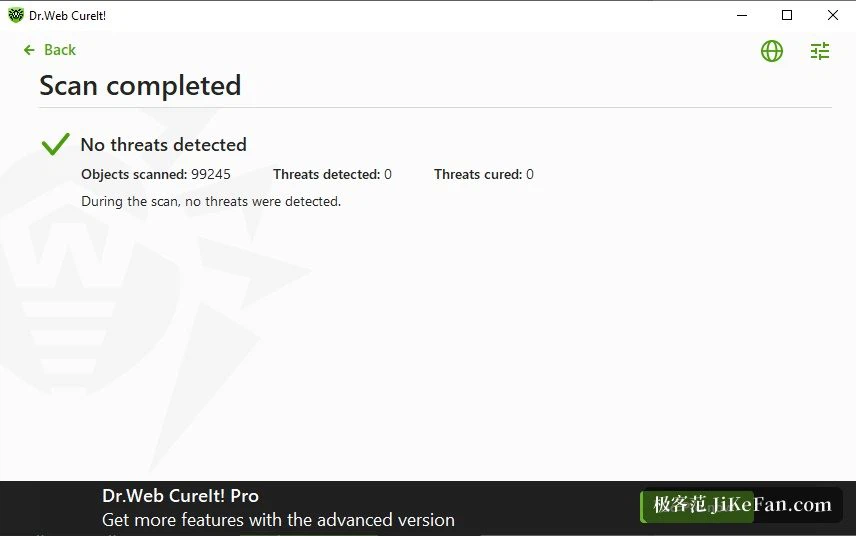
Where the free version ends and Pro begins
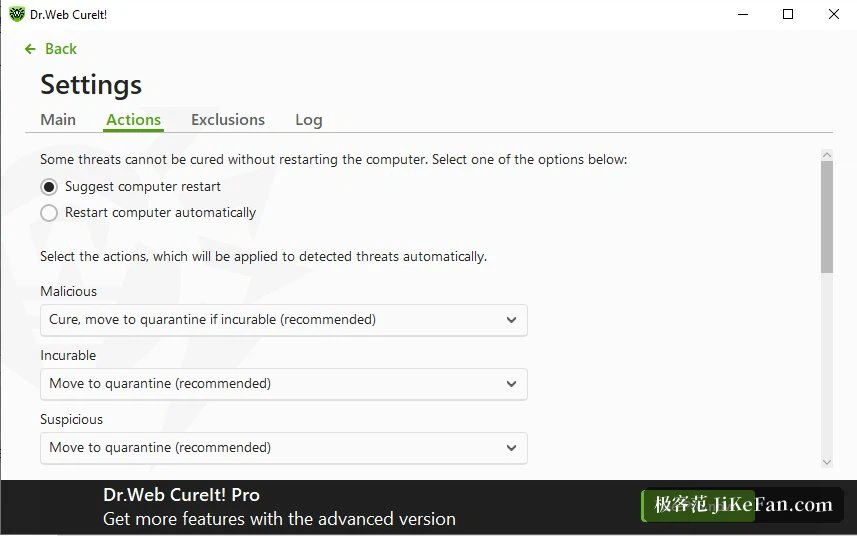
A revision during 2026 made the two lines clearer. The free version concentrates on the shortest possible path, which is download, press scan, read the result, and it keeps the options simple. Anyone who wants to define a custom scan scope, exclude particular folders or set an automatic handling policy can buy the Pro tier by the day, and five or ten days cost very little, which suits a one-off deep clean. System requirements are modest: 32-bit and 64-bit builds of Windows from 7 through 11 all run it, server editions included. One thing needs saying plainly. It offers detection and repair, not real-time protection, so it cannot replace resident security software. The correct arrangement is to use both, the standing product for every day and this one for the moment something feels wrong. A self-protection mechanism keeps it from being interrupted mid-scan, which is the kind of stability an old engine earns over years.
The occasions worth keeping it for
A few situations come up often enough to remember. After a new build or a reinstall, a full pass confirms the foundation is clean before anything else goes on. When behaviour is odd but the resident product raises nothing, a second engine gives an independent answer that carries more weight than the same vendor agreeing with itself. When fixing a relative's or a colleague's computer, the portable nature removes the whole install-and-uninstall ritual: scan, close, leave. It also works as a check on the standing product, since running it may turn up items the everyday scanner missed, and two readings side by side are worth more than one. The rhythm costs nothing either: nothing resident, no background load, run it when the thought occurs and treat a clean result as a free checkup. One last note on where the file comes from: take it from the vendor's own site, because an old build from a download portal may carry an expired signature database and give a weaker answer than it should.