
-
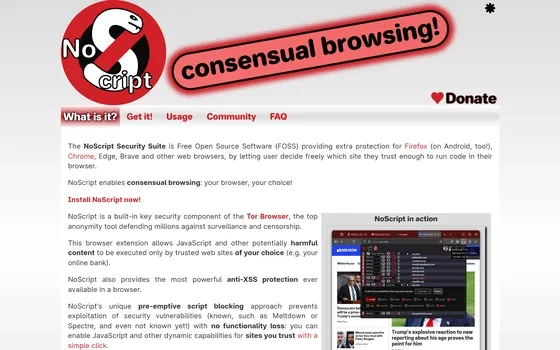
NoScript 13.6.36: a browser extension that trusts nothing by default
An open security extension for browsers that starts from a conservative trust level for unclassified sites and lets the user decide which ones may run scripts. Permissions can be set per site, and the same component ships inside the Tor Browser. Version 13.6.36.
-
Chromium: the upstream project that several browsers share
An open source browser project maintained mainly by Google, with core code under a permissive licence and test oriented builds published alongside release channels. Design documents, architecture notes and test material sit next to the source, across Windows, macOS and Linux.
-
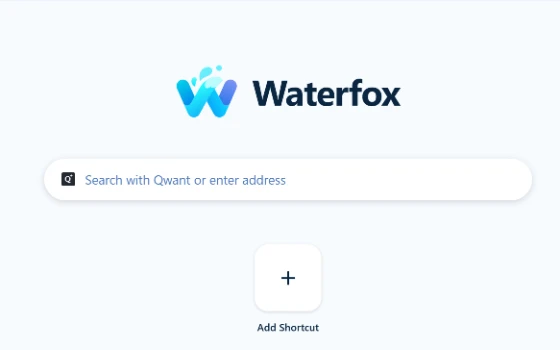
Waterfox: a cross-platform Gecko browser with built-in filtering and vertical tree tabs
Waterfox is a cross-platform browser on the Gecko engine with built-in content filtering and vertical tree tabs, and tabs that can be unloaded by hand. Version 6.7.4 brought RSS and live bookmarks back, and 6.7.5 added a subscription manager.
-
Colibri browser: Links instead of tabs, light and free on three systems
Colibri replaces tabs with Links, a saved list that follows the account across machines, groups entries with Lists and reads subscriptions through Feeds, on a deliberately thin interface; note that the last build dates from December 2021.
-
Min Review: A Browser That Wins by Leaving Things Out
Min treats the browser as something to be reduced rather than expanded: one address bar for search, navigation and quick arithmetic, tabs that fade when idle, and a focus mode that clears the screen. Open source, light on memory, three desktop platforms.
-
qutebrowser: browsing without lifting your hands off the keys
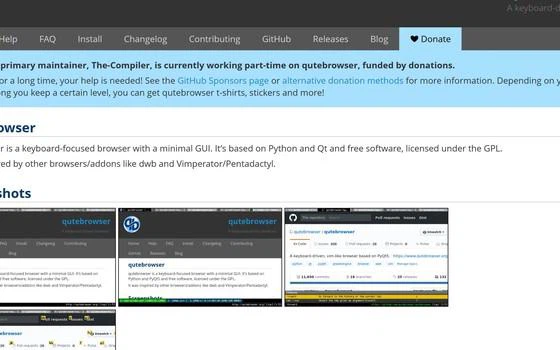
The mouse is the default accessory of a browser, and for people who live on the keyboard, reaching for it is itself an interruption. qutebrowser turns navigation into typed commands: press a key, every link gets a label, type the label.
-
Google Chrome stays the default choice for everyday browsing
For most people the first browser they install is still Google Chrome. Pages are tested against it before anywhere else, startup and rendering stay fast, and the extension store is the largest of its kind. Sign in and bookmarks, passwords and settings follow you to every device, while the old extension format finally left the store at the end of August 2026.

-
Ungoogled Chromium: a browser that explains itself
Ungoogled Chromium patches the Chromium source at build time, replacing company domains with invalid ones and blocking internal requests, and publishes every change as a readable patch.
-
Quark browser puts an AI workbench behind the address bar
Quark rebuilt its PC browser around a large model instead of extensions: search, questions and summaries share one box, a sidebar assistant stays open, and a floating ball works outside the window.

-
Avast Secure Browser review: protection built into the browser itself
Avast Secure Browser builds anti tracking, phishing blocking and breach monitoring into a Chromium based browser, and adds a bank mode that moves payments into an isolated space.

-
Yandex Browser: Turbo mode, built-in translation and page summaries
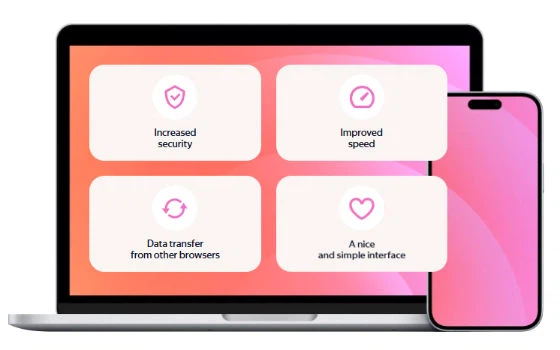
Yandex Browser is a free Chromium based browser from Yandex that adds Turbo data saving on weak networks, instant page translation and AI summaries of long articles.
-
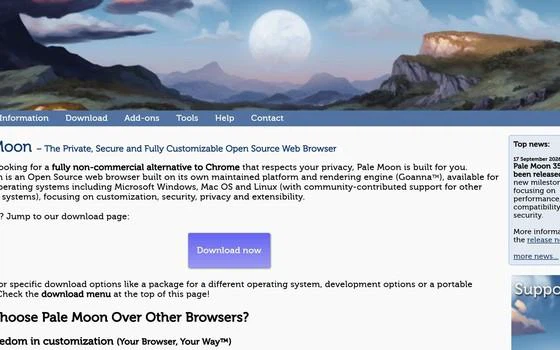
Pale Moon: an independent browser that keeps its own engine and its own rules
Pale Moon is an independently maintained browser with its own Goanna engine, no telemetry and a surviving XUL extension system that lets add-ons reshape the interface.
-
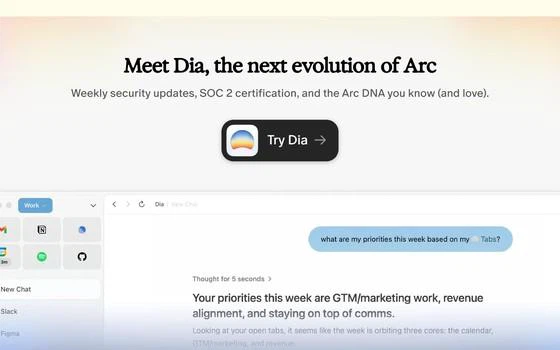
Arc 1.152: vertical tabs, spaces, and a window that thinks differently
Arc is a Chromium browser that moved the tabs into a left sidebar, grouped them into spaces for separate contexts and put search and actions behind a command bar, with full extension compatibility. Feature work stopped in May 2025, the company was acquired in October 2025, and only security updates follow now. Still usable, still worth trying, but no longer growing.
-
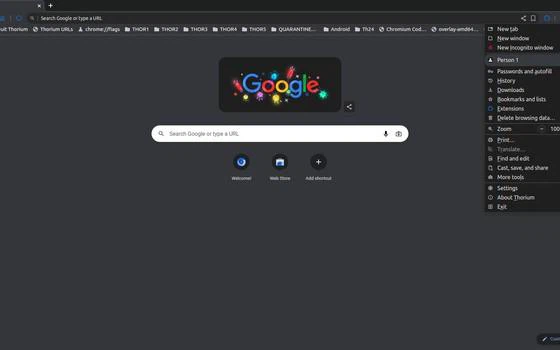
Thorium: a Chromium build with parallel downloads, full addresses and privacy defaults
Thorium keeps the Chromium engine but changes how it is compiled, ships per instruction set, and turns on parallel downloads, full addresses and privacy defaults.
-
Microsoft Edge is already on the machine and keeps twenty open tabs from eating it
The Chromium browser that ships with Windows, with a tab search panel, vertical tabs, suspended background tabs, a split view and passkey sign-in.

-
第 1 / 2 页