
-
Privacy Browser 3.20.1: every privacy switch starts off, and sites are opened one rule at a time
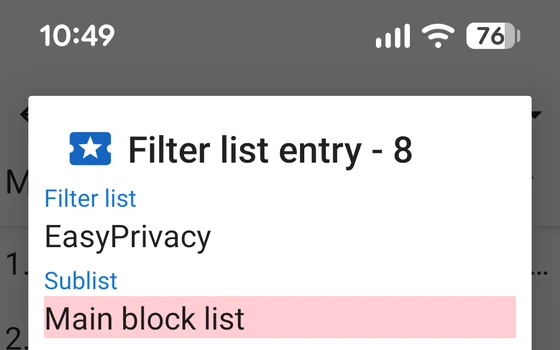
Privacy Browser 3.20.1 keeps scripts, cookies and DOM storage off by default and lets each domain opt in. Version 3.20 rewrote the block list engine so filtering lands more precisely, and the cache is no longer left on the device.
-
FOSS Browser: an Android browser that keeps privacy in profiles
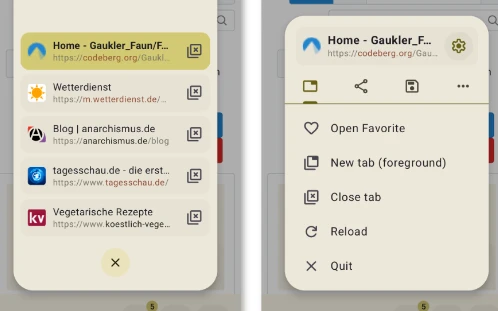
A privacy minded open source browser for Android that uses profiles to control ad blocking, scripts, cookies and fingerprint protection separately, and lets a profile be bound to specific domains. Bookmarks and history can be backed up. Current version 24.
-
Waterfox: a cross-platform Gecko browser with built-in filtering and vertical tree tabs
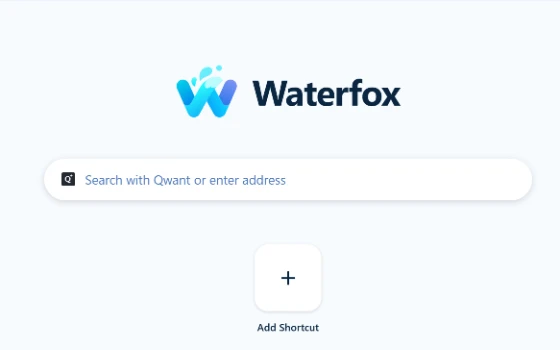
Waterfox is a cross-platform browser on the Gecko engine with built-in content filtering and vertical tree tabs, and tabs that can be unloaded by hand. Version 6.7.4 brought RSS and live bookmarks back, and 6.7.5 added a subscription manager.
-
Stargon Browser review: what a few megabytes can still do
A browser that installs in the space of a photo, asks for no permissions it does not need, and still carries gestures, reading mode, background audio and a night theme for tired eyes.

-
Puma Browser review: a model on the phone, so the conversation stays there
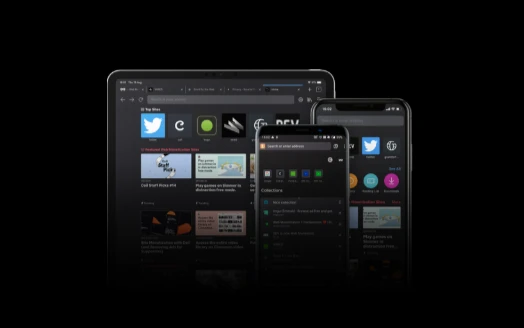
Most AI assistants send your conversation to a server. This mobile browser runs an open model on the phone instead, works offline, and lets you switch to a cloud model when you actually want one.
-
Google Chrome stays the default choice for everyday browsing
For most people the first browser they install is still Google Chrome. Pages are tested against it before anywhere else, startup and rendering stay fast, and the extension store is the largest of its kind. Sign in and bookmarks, passwords and settings follow you to every device, while the old extension format finally left the store at the end of August 2026.

-
Ungoogled Chromium: a browser that explains itself
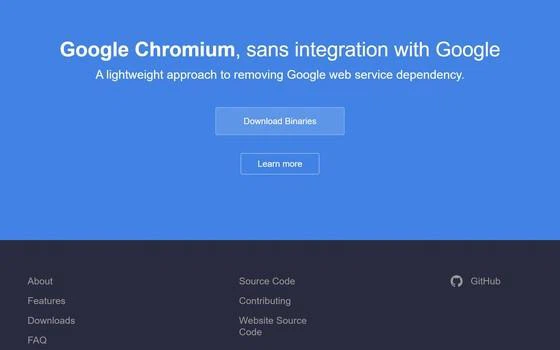
Ungoogled Chromium patches the Chromium source at build time, replacing company domains with invalid ones and blocking internal requests, and publishes every change as a readable patch.
-
Quark browser puts an AI workbench behind the address bar
Quark rebuilt its PC browser around a large model instead of extensions: search, questions and summaries share one box, a sidebar assistant stays open, and a floating ball works outside the window.

-
Avast Secure Browser review: protection built into the browser itself
Avast Secure Browser builds anti tracking, phishing blocking and breach monitoring into a Chromium based browser, and adds a bank mode that moves payments into an isolated space.

-
Yandex Browser: Turbo mode, built-in translation and page summaries
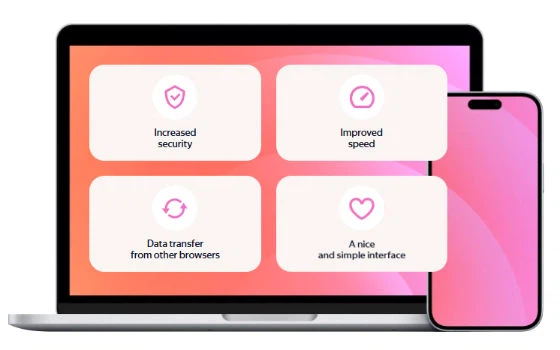
Yandex Browser is a free Chromium based browser from Yandex that adds Turbo data saving on weak networks, instant page translation and AI summaries of long articles.
-
X Browser takes things away: ad blocking and media sniffing in a 2MB Android browser
X Browser is an Android browser whose install package is about 2MB, with no news feed, no push notifications and no background process. Ad blocking is built in, userscripts install without a separate manager, media sniffing finds audio and video on a page, and downloads can be handed to a dedicated tool.
-
Cromite 151: filtering built into the browser core, privacy shut tight by default
An open-source browser that filters advertising inside its own core instead of relying on extensions. Tracking and fingerprinting countermeasures are tightened on a fresh install, and the address bar will list the requests and scripts behind the page in front of you. It runs on Android, Windows and Linux under a GPL licence.
-
Microsoft Edge is already on the machine and keeps twenty open tabs from eating it
The Chromium browser that ships with Windows, with a tab search panel, vertical tabs, suspended background tabs, a split view and passkey sign-in.

-
Quark sells itself as an AI browser, an AI search box and an AI assistant in one
A sidebar that reads the page with you, a PDF view that keeps a scanned document's original fonts and colours, translated subtitles for any video, and 6T of download space — wrapped in a claim of no ads anywhere in browsing or search.

-
Firefox: a browser built by a foundation rather than an advertising business
A browser run by a non-profit foundation, with tracking protection on by default, container tabs that separate identities, encrypted sync the operator cannot read, a built-in PDF editor and thirty thousand extensions. Open source, on five platforms.

-
第 1 / 2 页