
Avast Secure Browser review: protection built into the browser itself
Summary
Avast Secure Browser builds anti tracking, phishing blocking and breach monitoring into a Chromium based browser, and adds a bank mode that moves payments into an isolated space.
Recommend- Name
- Avast Secure Browser
- Version
- 20260922
- Pricing
- Free
- Open source
- Proprietary
- Operating system
- WindowsmacOSAndroidiOS
- Updated
- 2026-10-06 21:16
The usual strategy is repair after the fact
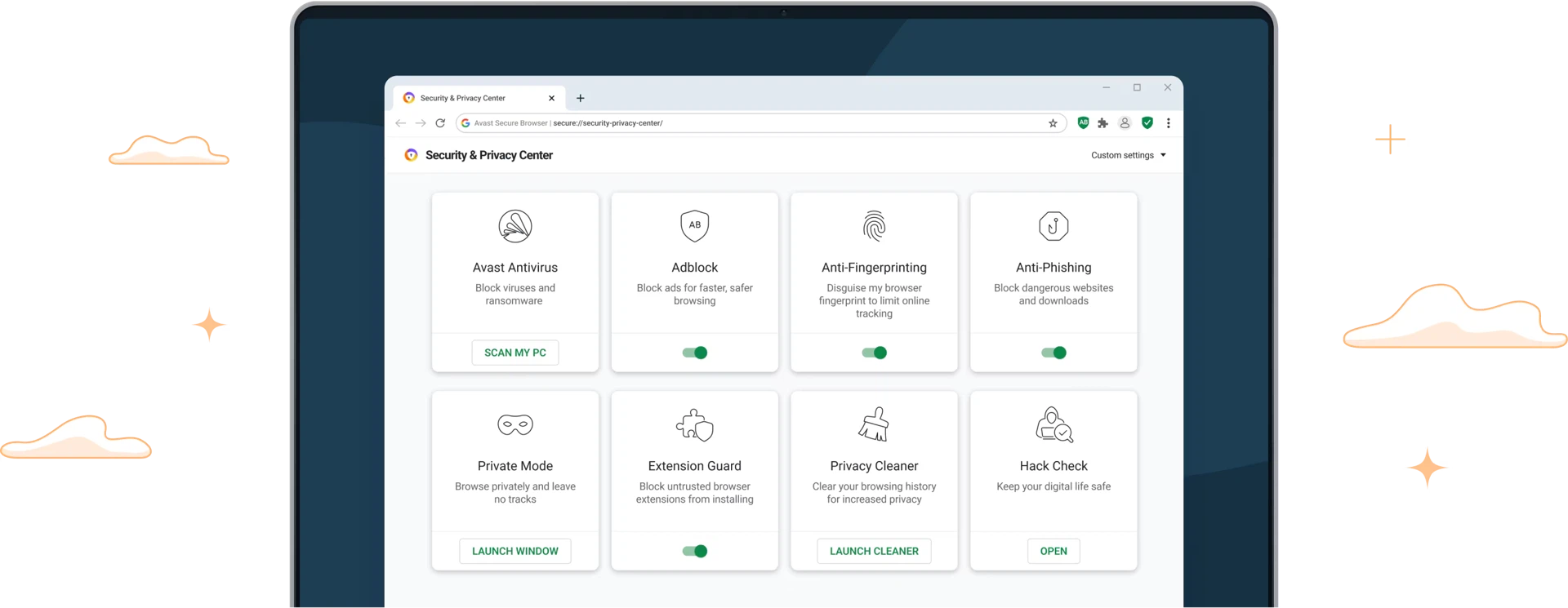
Most people treat browser security as a clean up job: something goes wrong, then a protection tool gets installed. Avast Secure Browser reverses the order. It is built on Chromium, so the whole web and the familiar extension catalogue still work, and the protection is part of the browser rather than a plug in added later. Anti fingerprinting muddles the device characteristics that advertising networks use to recognise a visitor, the anti phishing system blocks fraudulent pages before a form is filled in, and breach monitoring watches whether the accounts someone actually uses have turned up in a leak.
For people who do not want to tune anything, that arrangement has an obvious appeal: it is active from the first launch, and there is no separate agent running alongside trying to intercept traffic. The cost is also obvious, and worth stating plainly: a browser carrying its own protection stack asks for more trust than a plain one, and the answer to that is the vendor reputation behind it rather than a benchmark.
Bank mode: a separate room for payments
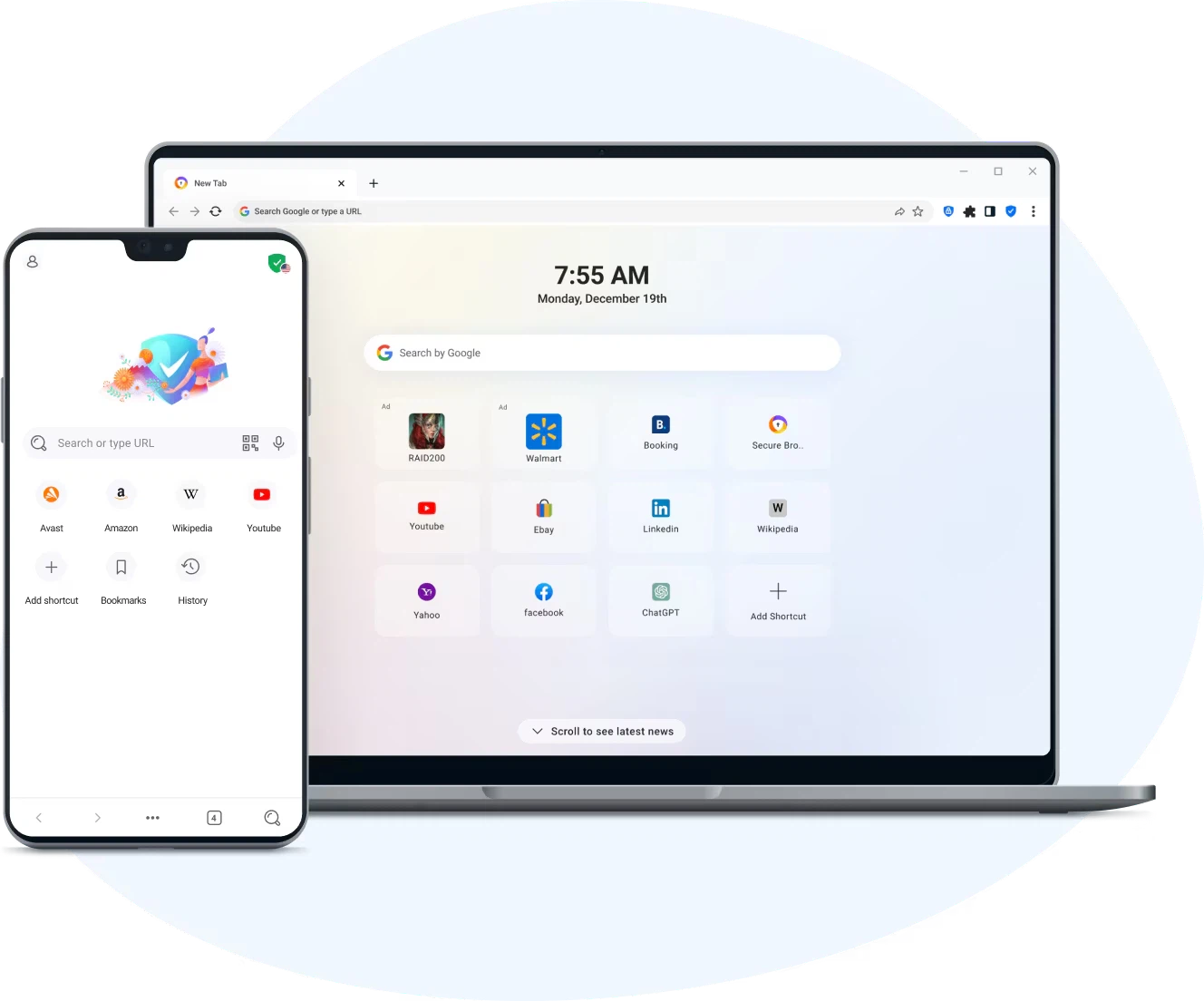
The feature that distinguishes it most is Bank Mode. When a banking site or a payment is about to be used, one action moves the session into an isolated virtual desktop, so the techniques that specifically target payment flows are kept outside a protected space. Whether or not a person believes they are a target, the design removes a category of risk from the most expensive ten minutes of any browsing session.
The rest is the ordinary hygiene that most browsers now offer, gathered in one place: forced HTTPS, blocking of advertisements and trackers, and a security panel in the sidebar where each switch can be turned on or off and seen at a glance. Having the switches in one panel matters more than it sounds; protection that cannot be inspected gets switched off in frustration, and a user who can see what is running tends to leave it running.
Ecosystem, platforms, and the fine print
Anyone already running the same vendor security software gets the most from it, because threat intelligence is shared and blocking decisions arrive sooner. Windows, macOS, Android and iOS are all covered, and account sync carries bookmarks and passwords across devices. The sibling product built on the same engine, AVG Secure Browser, is nearly identical in function, so the choice usually comes down to which protection suite a person already pays for.
One caution belongs in any honest review: more security features usually mean more defaults worth reviewing. Two minutes in the settings after the first launch, turning off whatever is not wanted and confirming what is, is the difference between a browser that protects and a browser that nags.
This is not a browser for minimalists. It is heavy, it is opinionated, and it assumes the person using it would rather be protected by default than configure everything by hand. For the audience it aims at, that trade is the entire point.
There is a second argument for this shape of product, and it is about attention rather than technology. Security advice usually arrives as a list of things a person should check, and lists lose. A browser that arrives with the checks already made, and with a panel that shows what they are doing, converts a habit nobody keeps into a default nobody has to remember.
The browser is the first door onto the web, and this one is built like a steel door: fingerprint resistance, phishing blocking, leak monitoring and an isolated payment space, layered one behind another.