
Microsoft Edge is already on the machine and keeps twenty open tabs from eating it
Summary
The Chromium browser that ships with Windows, with a tab search panel, vertical tabs, suspended background tabs, a split view and passkey sign-in.
Recommend- Name
- Microsoft Edge
- Version
- 153.0.4234.48
- Pricing
- Free
- Open source
- Proprietary
- Operating system
- WindowsmacOSLinuxiOSAndroid
- Website
- https://www.microsoft.com/edge
- Updated
- 2026-10-06 02:31
Already on the machine, usable before you download anything
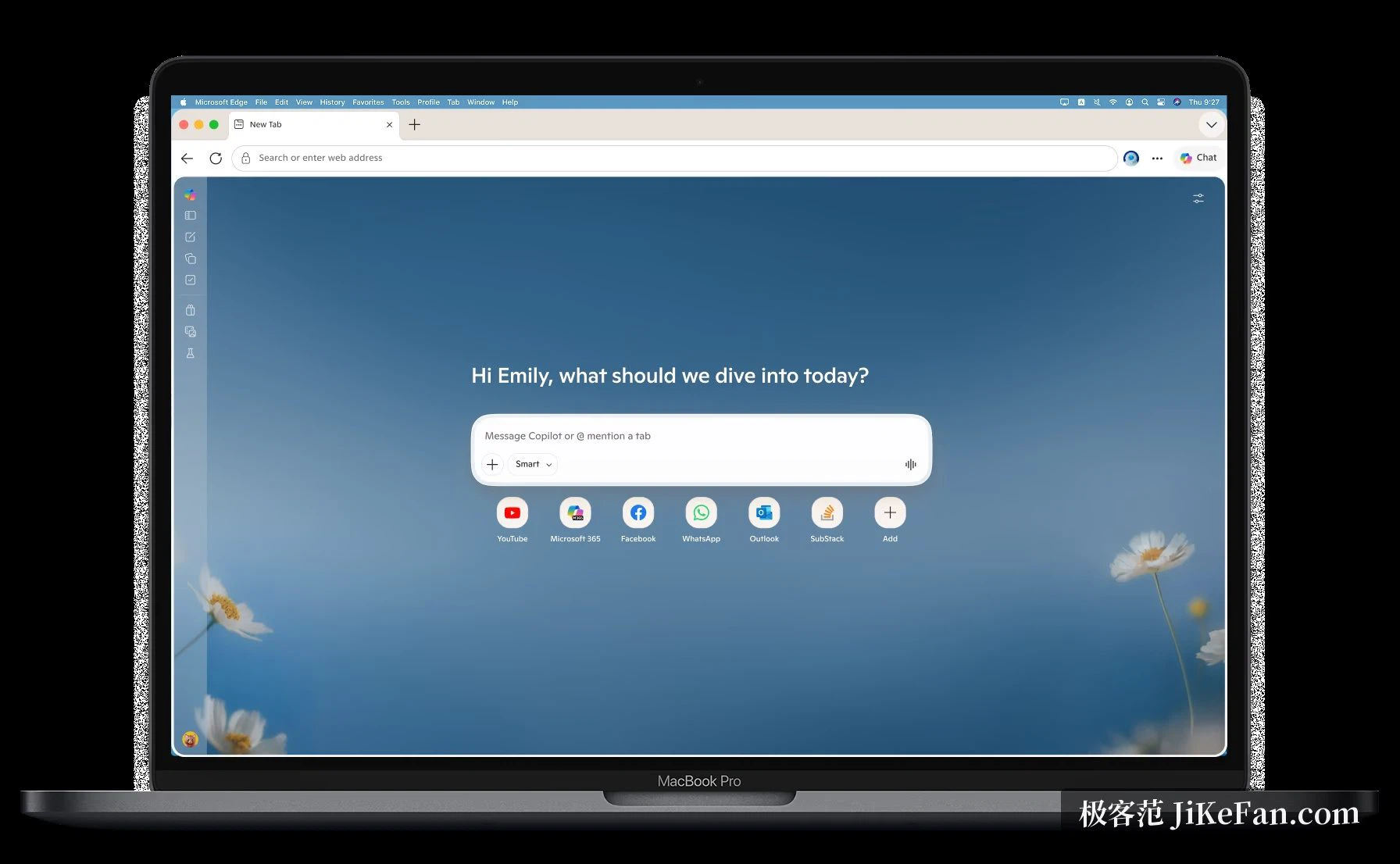
On a Windows computer Microsoft Edge is simply present. There is no package to fetch and no first-run ritual to survive: the browser opens on a Chromium engine, and the extensions people already rely on install from the store in a single step. Bookmarks, saved passwords and history follow the account from device to device, so a page left open on a laptop can be picked up on a phone a minute later. Separate builds exist for Windows, macOS, Linux, iOS and Android, which is what makes that handover possible. A Copilot entry sits in the toolbar for asking about the page in front of you or having it condensed into a summary. As of September 2026 the stable channel was still receiving security and feature updates on a regular cadence, so the built-in option does not mean the neglected one.
Getting back a tab you lost, and making room for the rest
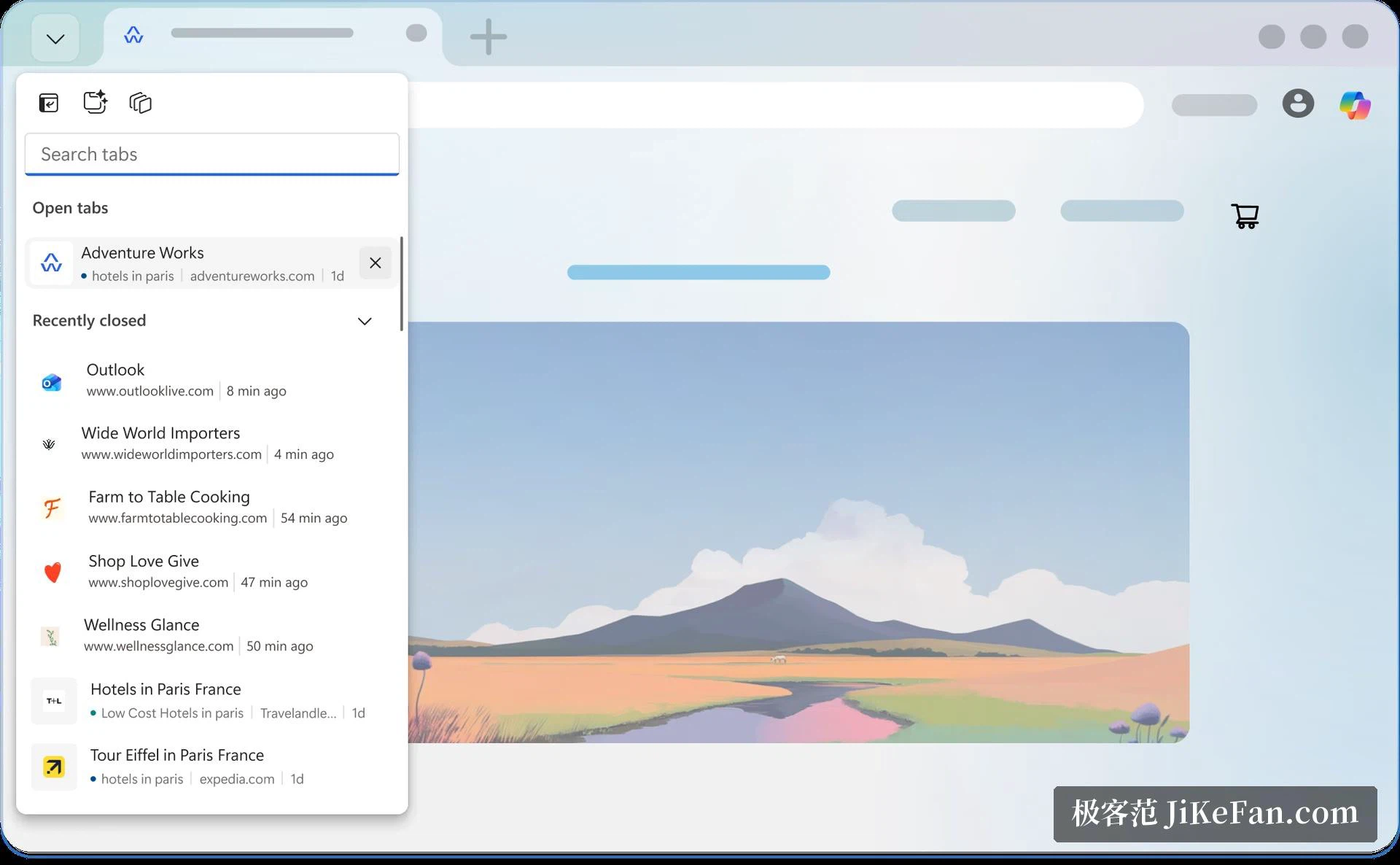
Twenty tabs is an ordinary working day for a lot of people, and the tools here are aimed at that reality rather than at a tidy three-tab session. An arrow at the left edge of the tab strip opens a search panel: type a few letters and the browser looks through both the tabs currently open and the ones closed recently, which is faster than sweeping the strip with the mouse. Vertical tabs move the whole strip to the side of the window, freeing horizontal width for the page itself, and once the count climbs past a dozen the list actually becomes easier to read than a row of shrinking tabs. Collections take a third approach, gathering pages, images and snippets of text into one panel that survives across sessions, which beats pasting the same links into a scratch document.
Sleeping tabs hand the memory back
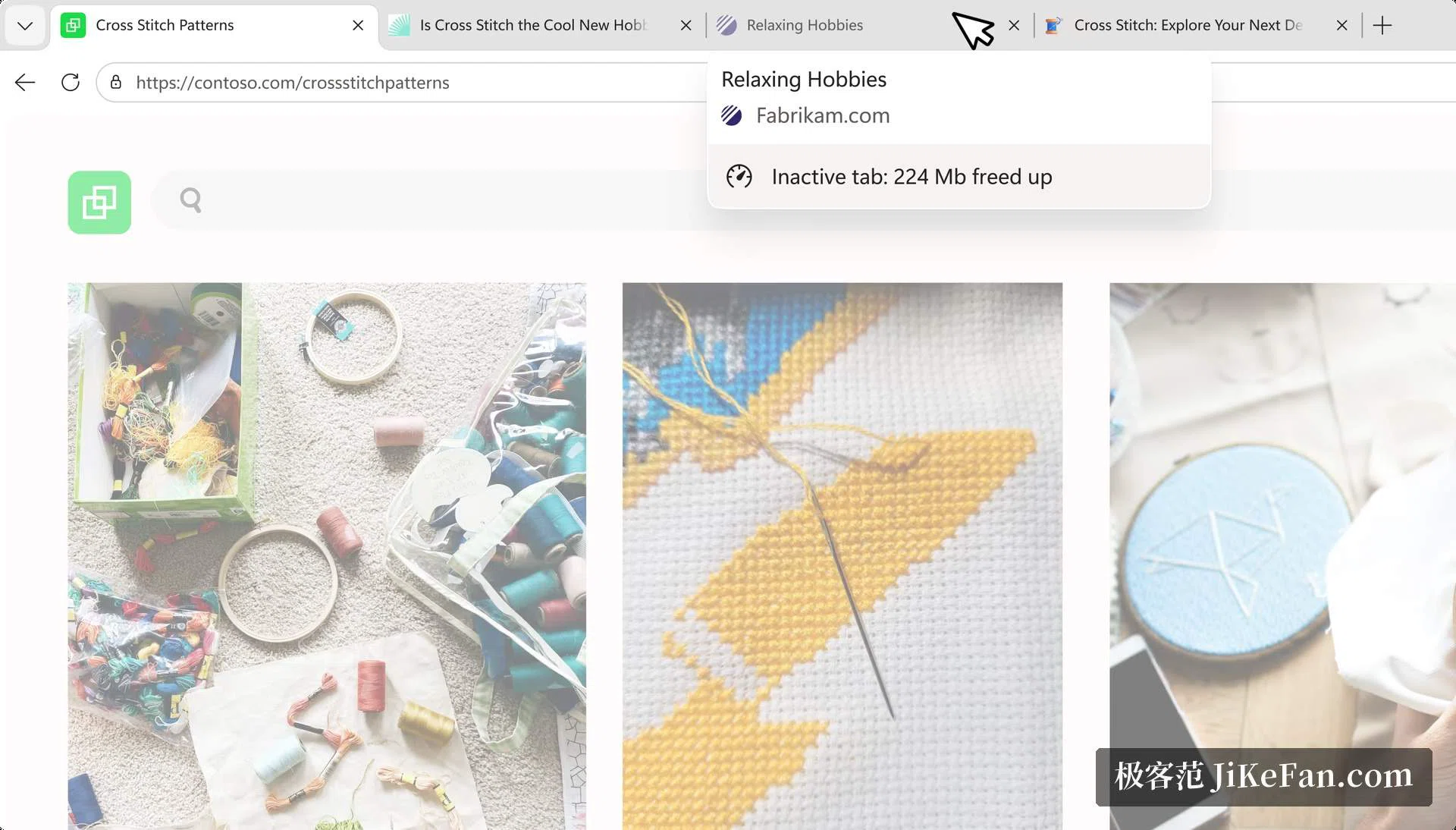
A tab left in the background keeps holding memory for as long as it lives, and that is the quiet reason a machine slows down in the afternoon. Here a tab that has gone unused for a while is suspended, and whatever it was holding becomes available to the page you are actually looking at. The mechanism is visible rather than silent: hovering the tab shows a note that an inactive tab has freed 224 MB, and one click brings it back with the page state intact, so a half-written form or a scrolled position does not disappear. Alongside it, an efficiency mode trims processor and memory use, and on a laptop with modest memory the difference shows up as fewer stalls while browsing a long reading list.
Two pages inside one window
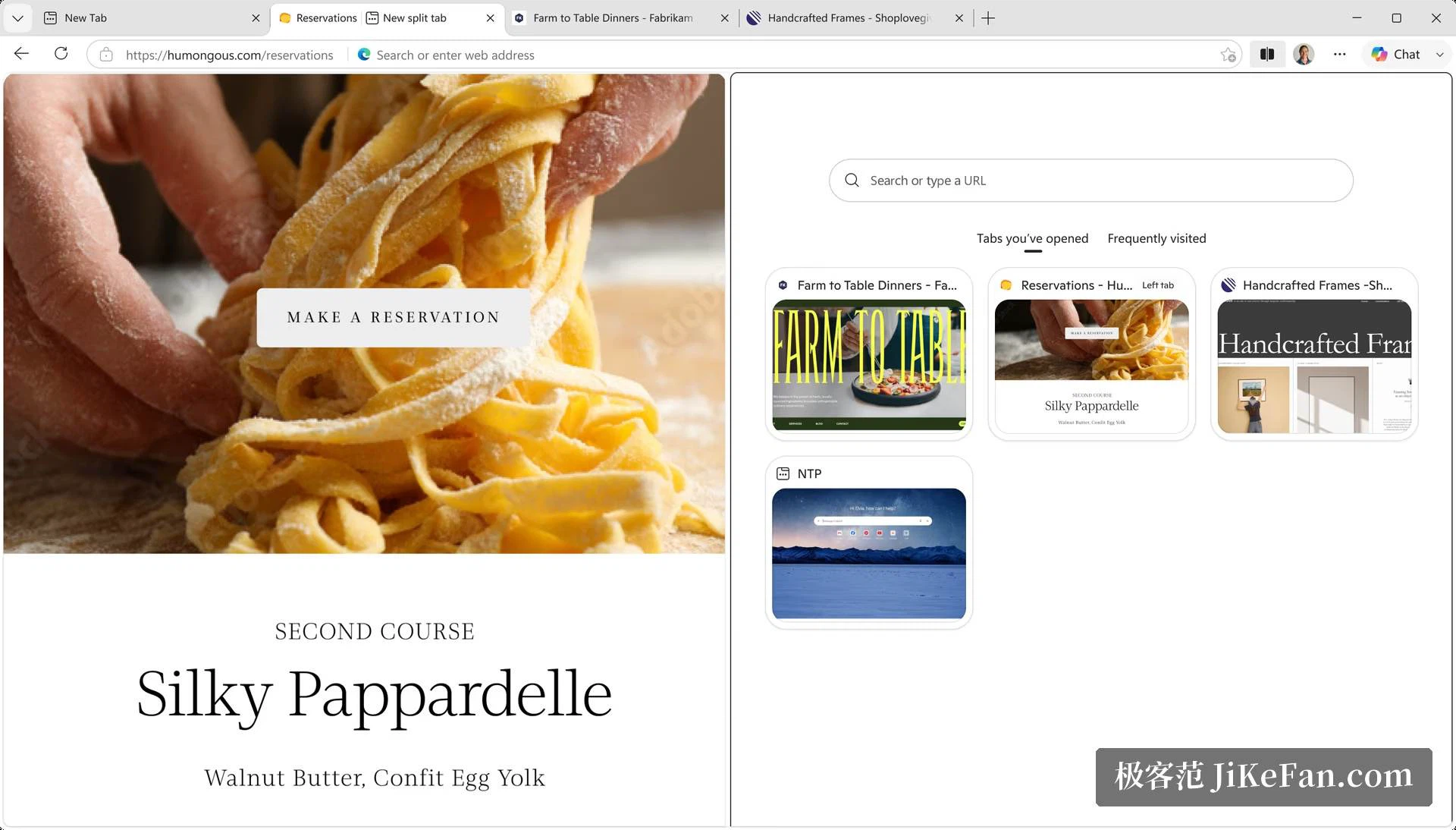
The split view divides the current window in two, with a page on each side and a divider that can be dragged to change the proportion. Research on the left and writing on the right, or two listings compared side by side, no longer requires a second window to switch between or a second monitor to attach. It rewards a wide screen: when there is enough horizontal space both sides stay legible at once, and attention stops bouncing between overlapping frames. On a narrow laptop panel the same feature is still usable, but the two halves start to compete for room.
Passwords, and the shift to passkeys
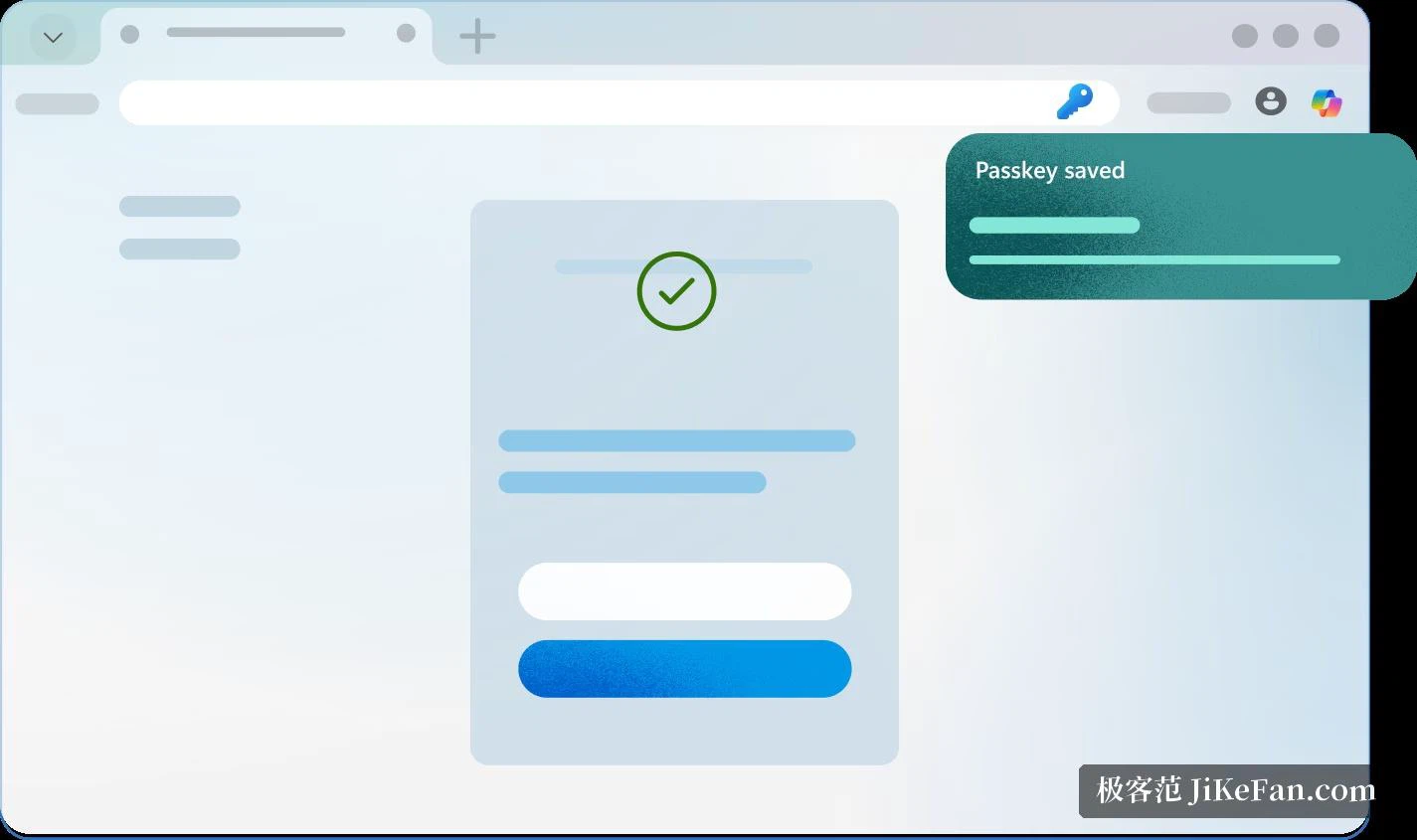
Signing in is the part of a browser people touch every day, and two routes are offered here. Account passwords can be stored in the browser and filled in automatically, while sites that support passkeys let a fingerprint, a face or the device PIN do the work instead of a string of characters nobody remembers. On the security side, a reputation warning appears when a site or a download looks doubtful, and cross-site behaviour inside pages is blocked by default. These settings arrive switched on, and after signing into the same account on another machine they follow along, so the protection does not have to be rebuilt on every device.
Who it fits, and where it still stumbles
For anyone on Windows this is the option that costs nothing extra: the browser is part of the system, there is no separate download and no additional disk footprint, and people coming from another Chromium-based browser bring their extensions and data across with almost no learning curve. Those who routinely keep dozens of tabs alive, or who want an assistant inside the browser rather than in a separate window, will notice where the effort went. The gaps are real as well: a minority of regional sites and services adapt on a slower schedule, and when something refuses to render properly the quickest fix is often to open that one page elsewhere.