
Arc 1.152: vertical tabs, spaces, and a window that thinks differently
Summary
Arc is a Chromium browser that moved the tabs into a left sidebar, grouped them into spaces for separate contexts and put search and actions behind a command bar, with full extension compatibility. Feature work stopped in May 2025, the company was acquired in October 2025, and only security updates follow now. Still usable, still worth trying, but no longer growing.
Recommend- Name
- Arc
- Version
- 1.152
- Pricing
- Free
- Open source
- Proprietary
- Operating system
- WindowsmacOS
- Website
- https://arc.net/
- Updated
- 2026-10-06 13:44
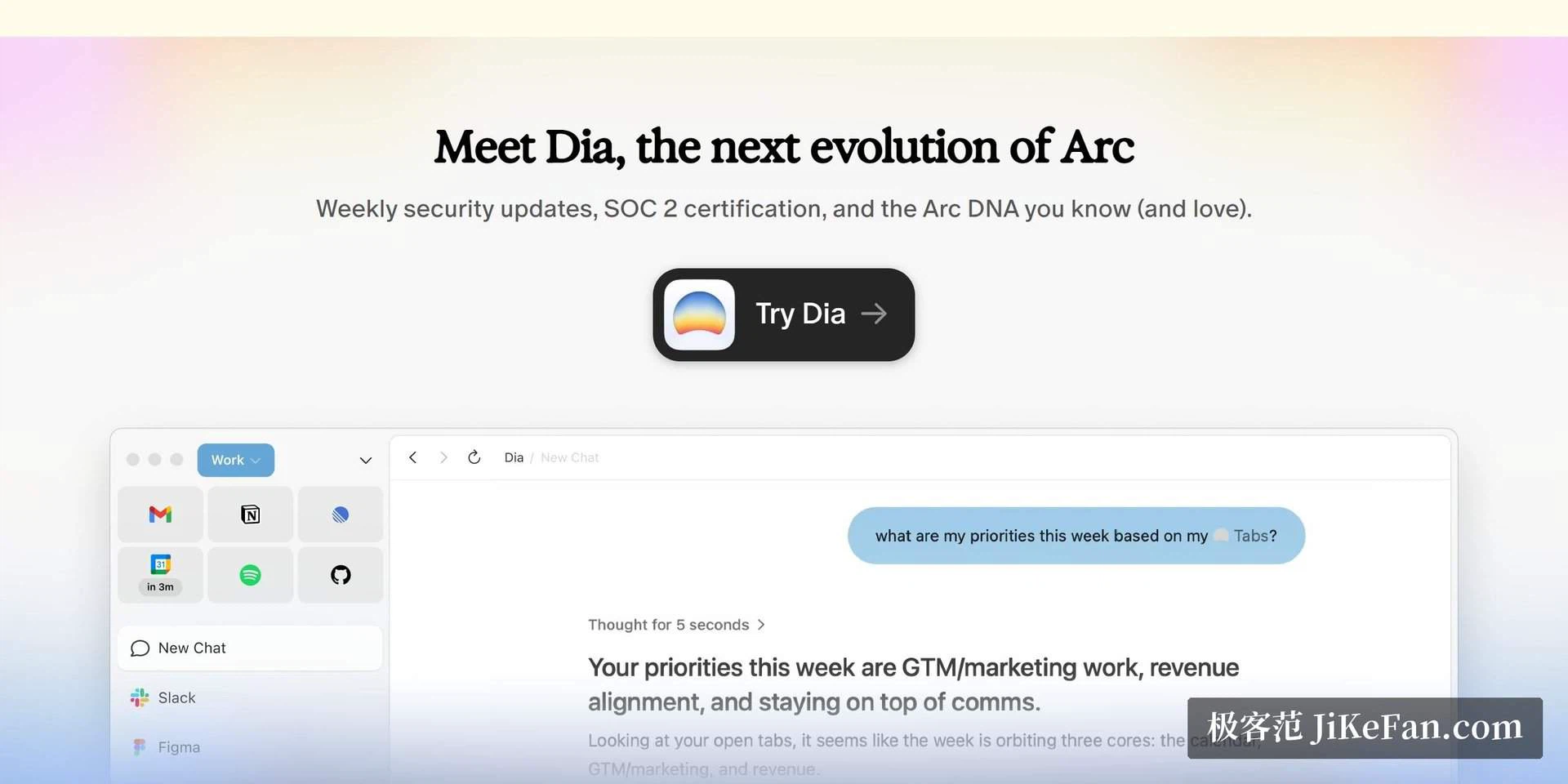
Tabs stood up on their side
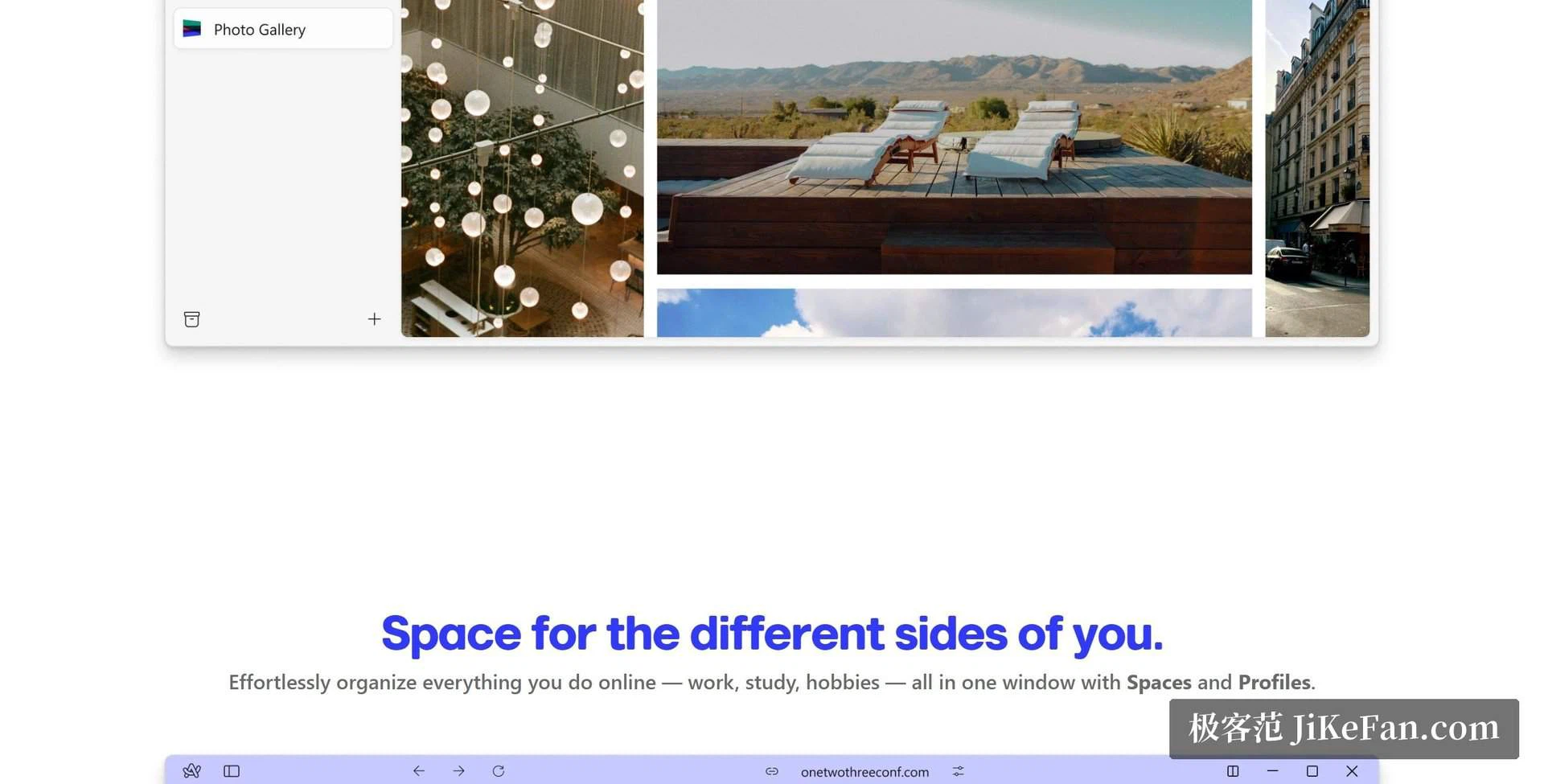
The browser earned its following with a window model that looked nothing like the others. Every tab lives in a vertical strip on the left, so the mouse no longer has to hunt through a row of shrinking squares across the top; the names stay readable even with thirty of them open. Spaces divide that strip into contexts that do not leak into each other, one for work, one for a project, one for everything else, and switching between them takes a single click rather than a cleanup.
A command bar sits behind a keyboard shortcut and does the work of several menus: search open tabs, search history, and run actions without leaving the keyboard. It sounds like a small thing until a session has twenty tabs in it and the fastest route to the right one is typing three letters of its title.
Engine, extensions, and the small details
Underneath it is Chromium, which means the extension catalogue of that ecosystem works without modification, and signing in with an account carries passwords and history across machines. The smaller ideas are still there too: a compact window for a single link that should not become a full tab, pinning for the handful of pages that are always open, and per-site customisation that can restyle a page you visit every day. Cross-device sync is still running.
Those details are the reason people stayed. They are not features anyone demands in a review, but they are the sort of thing that makes a different browser feel like it was designed by someone who used it.
The present state, stated plainly
Feature development stopped in May 2025. Every release since then follows the engine's security and stability pipeline, which means the feature list is frozen exactly where it was. In October 2025 the company was acquired, and the original team moved on to a new AI-focused browser, so there is no scenario in which the old product starts growing again.
The current macOS build is 1.152, dated 18 June 2026 and carrying engine version 149. The Windows build follows with the same security updates. Sync, extensions and spaces all work today, and nothing suggests they will stop in the near future — a browser in maintenance mode is still a browser that opens pages, and the engine underneath is current because the updates are the engine.
Is it still worth installing
Yes, with one condition: go in knowing that this is a browser whose feature list will not grow. If what attracts you is the vertical tabs and the spaces themselves, note that the mainstream browsers have been adding native vertical tabs of their own, and the independent alternatives in this corner keep iterating. That makes a migration plan worth having, even if you never use it.
What remains is a genuinely different take on how a browser window should be organised, and that is worth experiencing at least once. The mistake would be to adopt it as a permanent daily driver without accepting the date it stopped: May 2025.
What a frozen feature list actually feels like
Living with a product that stopped growing is a specific experience. Nothing new arrives to distract you, and nothing you rely on changes under your feet either; the layout you learned stays the layout. For a browser that already does what you need, that is closer to an advantage than a flaw, and it is why some people keep using software long after its last release note.
The risk sits elsewhere: a browser is a window onto a moving web, and the window has to keep up with it. Updates that follow the engine's security pipeline handle that part, so the pages you visit today will keep rendering, but anything requiring a new capability at the browser level will never appear. That trade is fair only if you know you are making it.
So if you try it, decide on whether you like what it is now. Choosing it in the hope of what it might become is a hope that will not be answered.
Very few browsers have rethought the window itself rather than the toolbar, and this one did. Try it for what it is, enjoy the sidebar, and keep the bookmarks file somewhere you can move.