
WorkBuddy 5.11 makes scheduled tasks editable and folds three home entries into one
Version 5.11
Summary
Version 5.11.0 of WorkBuddy lets a scheduled task run at once, be edited, paused or deleted, merges the three scenario entries on the home page into one task desk, and files generated images and video into the library by default. It matters most to heavy automation users.
Recommend- Name
- WorkBuddy
- Version
- 5.11
- Open source
- Proprietary
- Operating system
- WindowsmacOSLinux
- Website
- https://www.workbuddy.cn
- Updated
- 2026-11-06 23:00
A desktop workbench that turns a spoken request into a delivered file. What 5.11 touches is not new features but the few places clicked every single day.
On 3 November Tencent WorkBuddy pushed out 5.11.0. The official changelog marks it as rolling out, which means it will not reach everyone at once, and anyone who sees no prompt has to check for it inside the client. The notes run to five lines, and reading them through shows no pile of new features: every change sits somewhere long standing users touch daily.
Scheduled tasks: from set and wait to adjustable whenever
This is the most substantial item. Until now a scheduled task, once configured, could only wait for its own trigger. A wrong time, content that needed changing, or a temporary stop usually meant deleting and rebuilding, and the run history went with it. Version 5.11.0 puts five actions directly on the task: run now, edit, rename, delete, and start or pause.
The real difference is the cost of verification. Run now means a fresh configuration shows its result on the spot: whether the data source connects, whether the output format is right, whether the notification actually went out, all within minutes instead of surfacing the next morning. Editing and renaming keep the task record, so a seasonal job no longer has to be deleted; leave it paused and switch it back on when needed. For anyone hanging daily reports, weekly reports or material digests on scheduled tasks, this is worth more than any new button.
Three home page entries become one
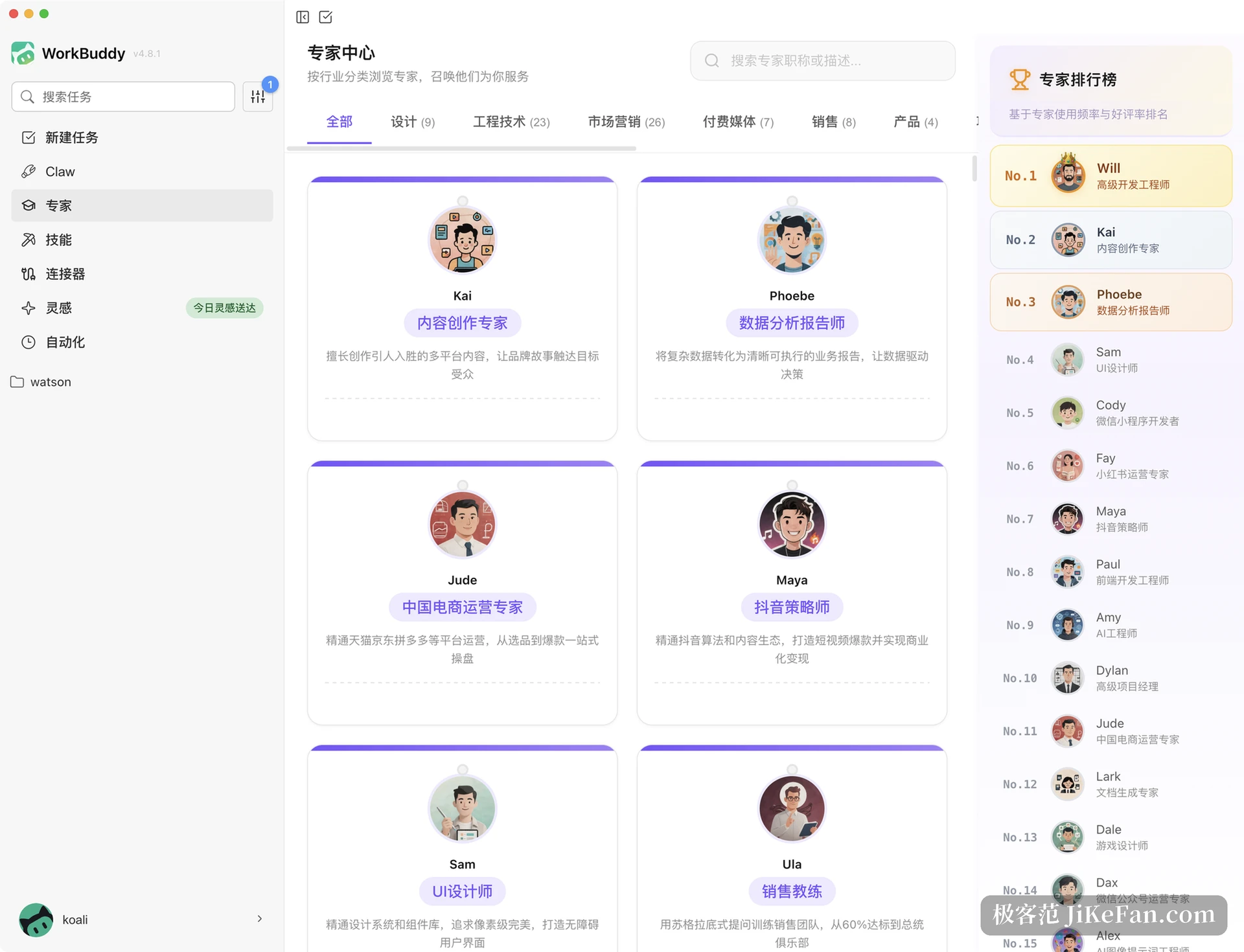
Before 5.11.0 the home page split into three scenario entries for office, development and design. On a first visit that is easy to match yourself against, but a task crossing those lines, say editing code while reading material, meant switching back and forth, with the task bar and header rearranging as you moved. The new version retires the three entries and unifies the task bar, the menu and the header into one layout, so every task starts from the same place.
Existing users have nothing to relearn. Automation tasks already built and the contents of the library are unaffected; the change amounts to a few fewer jumps.
File browser and channels: more windows, across devices
The standalone file browser can now drag a tab out into a window of its own, and the right panel gains a preview. Working through a batch of files, seeing them next to each other beats opening them again and again. Channel messaging gains component message cards and custom sticker packs, messages sync across devices, and channels and experts can be shared in one action, so handing the tool to a colleague no longer takes a stack of screenshots explaining where the entrance is.
None of this group is large, and all of it points one way: gathering scattered windows, messages and assets into a single flow instead of asking people to remember which layer of the menu holds which feature.
Generated images land in the library by default
Creative design now takes in image editing, image and video output open on one canvas, and by default they are stored in the library. That answers the retrieval problem. Output used to scatter across the artefacts of individual sessions, and reusing something days later meant scrolling back through chat history; now it sits in the library and a search can bring it back.
WorkBuddy was never limited to conversation. It extends outward in four ways. Experts are roles with a working method already set, skills are procedures that can be reused, connectors reach external services, and the library holds your own material. None of that changed much in 5.11.0, but output landing in the library by default is what lets the library start accumulating instead of staying an empty drawer.
Upgrade now, or wait
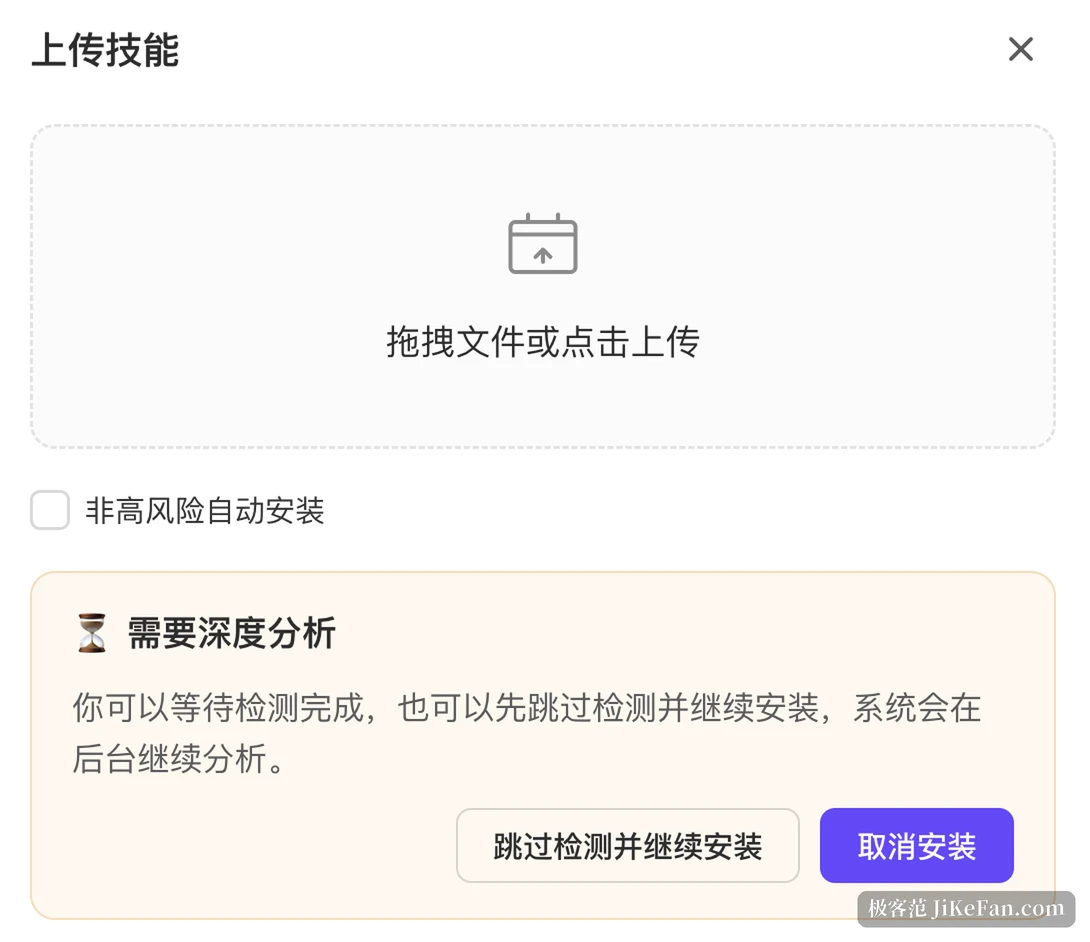
In a rolling release the features are not necessarily visible everywhere at once, and problems lack a wide base of similar reports. The steady route is to install on one controlled machine first and walk the five actions on a scheduled task: create a test task, then click run now, edit, pause and resume in turn, checking whether the run history stays complete; then drag a tab out into a window and confirm the preview loads. Once all of that flows, push it to the other machines.
As for whether it suits you: if you only ask a few questions now and then and have it write a paragraph, this release means little to you. If scheduled tasks are already part of the routine, pulling material at fixed times, producing reports and sorting files, then 5.11.0 deserves to go first, because it fills in the long awkward corner where a mistake meant starting over.
5.11.0 adds no new capability. It turns automation from a bet placed at configuration time into something that can be changed, checked and stopped at any moment. Tools mature exactly here: not by gaining something, but by the awkward parts ceasing to be awkward.