
Self-hosted HedgeDoc users: 1.12.2 closes a series of published holes
Summary
Seven published advisories are answered in 1.12.2 and the withdrawn 1.12.1, covering login impersonation, injection through rendering and a crash any signed-in user could trigger. The earlier release was pulled over a migration failure on PostgreSQL, so anyone on it has to move on.
Recommend- Name
- HedgeDoc
- Version
- 1.12.2
- Pricing
- Free
- Open source
- Open source
- Operating system
- Web
- Website
- https://hedgedoc.org/
- Updated
- 2026-11-06 23:00
For anyone hosting shared documents, the fear is not a missing feature. It is finding out one day that a note link opens under someone else's name. That is the class of problem HedgeDoc 1.12.2 closes.
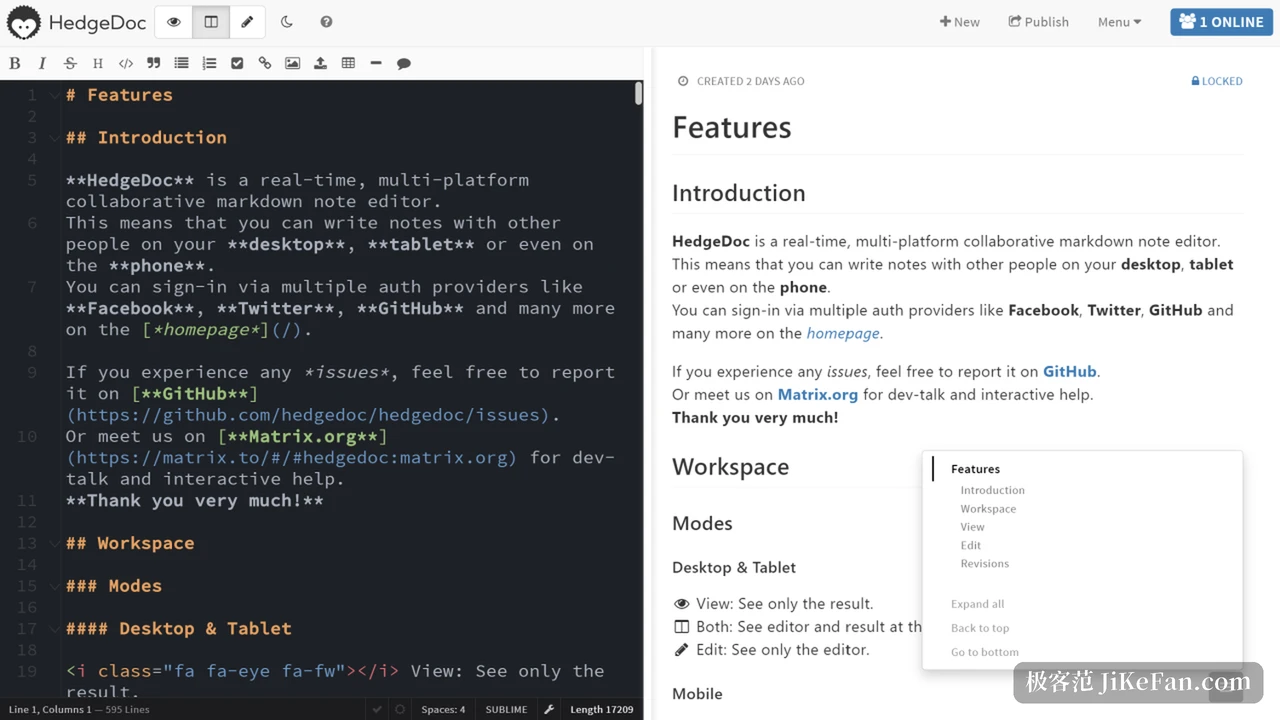
HedgeDoc is an open source Markdown editor for real time collaboration that runs in the browser and can be installed on your own machine. It was called CodiMD until 2020, when a name clash forced the change, and the source is published under AGPL-3.0. The proposition is plain: send a colleague a note link, they open it and write alongside you, no client to install, the data on your own server. On 4 November 2026 two patch releases arrived back to back, 1.12.1 and 1.12.2.
Two releases in a day, and the first was withdrawn
Both came out on 4 November, but the 1.12.1 page carries a notice: problems appeared when it ran with PostgreSQL, the release was withdrawn, use 1.12.2 instead. What 1.12.2 itself fixes is a single item, the failure of the profile provider migration on PostgreSQL. In other words, if you already moved to 1.12.1 and you run PostgreSQL, going on to 1.12.2 is not optional.
The part worth real time is the batch of security fixes carried by 1.12.1. It answers seven published advisories, spread across the three chains where things go wrong most easily: permissions, authentication and content rendering.
What the seven advisories repair
The first is login impersonation. When two authentication providers return the same profile id, one identity can be taken for another. That weighs heaviest on an installation with several providers at once, which is exactly where administrators wire a company directory and an outside login side by side.
The second is a crash in the real time collaboration code: one malformed selection takes the shared channel down. The third lets the slide view embed an unescaped frame, which opens a path for injected markup. The fourth concerns mail addresses, where an attacker can tell from response timing whether a given address is registered on the installation, a textbook timing side channel. The fifth is a missing enforcement of permissions when those permissions are invalid, the sixth an injection through a crafted display name. The seventh is the bluntest: a signed-in user who picks a particular note alias can bring the whole installation down.
The advisory text adds that several further injection possibilities were closed in the same lot. For a self-hosted installation the combined weight is not small, because most of these need no administrator rights; an account is enough, and in some cases merely the ability to open a shared link.
Two small additions on the side
There is nothing large on the feature side, but two changes deserve a mention. A new configuration option lets an OAuth2 or OIDC provider supply an image address directly, instead of everything falling back to the generated default, which teams behind a single sign-on will notice. The other raises mermaid to 11.17, widening the range of diagram types. On the runtime side the floor has been Node 20.17 since 1.12.0, and from 1.12.1 the project also tests and officially supports Node 26, so installations still on an older runtime should put the upgrade on the calendar.
What kind of tool this is
Functionally it puts its effort into one thing, Markdown. Several people edit the same note at once and changes travel immediately, presentation mode turns a note straight into slides, flowcharts and other diagrams sit inside the note, a dropdown sets visibility to public, signed-in only or named people, and revision history records every change with the option to return to any older version. Resource use is modest; the project says it runs even on a small board, and both an installation bundle and container images are ready.
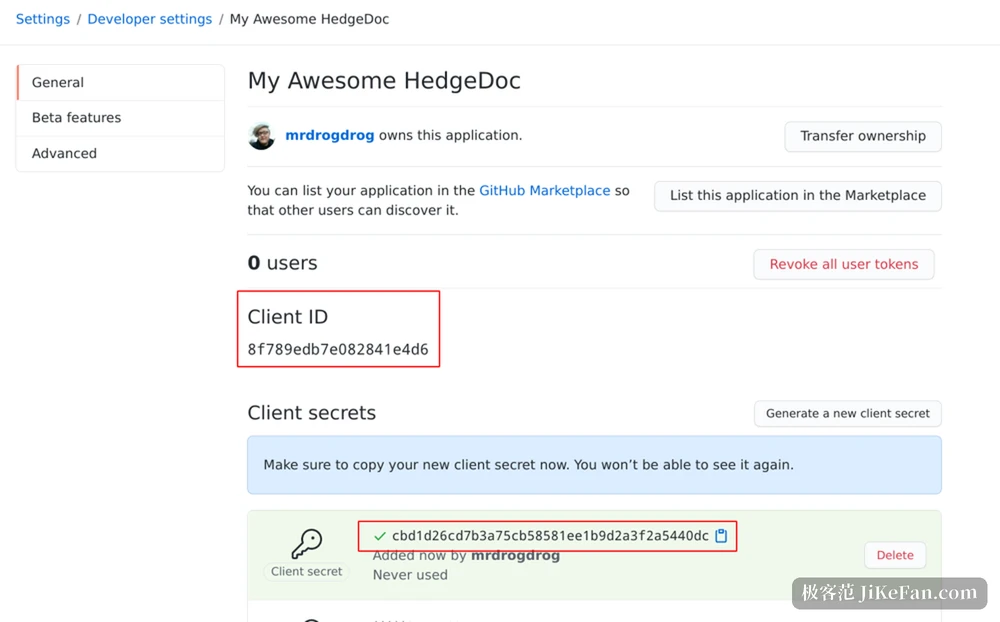
Accounts can be wired to OAuth2, LDAP and SAML, and besides local storage the files can live in object storage. The point of that combination is that a team does not have to feed a second account system and a second island of data just to write documents together.
Two things to do before upgrading
Back up the database first. The trouble this time landed precisely in the migration step on PostgreSQL, and the lesson of 1.12.1 is that the upgrade path itself can carry a trap, so a backup you can return to beats any set of instructions. Then check the runtime version: Node 20.17 is the floor, and anything below it will not start after the upgrade.
Whether to move now has a simple test. If the installation is open to the outside, accepts registrations or lets notes be shared by link, at least three or four of those seven advisories apply directly, so do not wait. If it lives only on an internal network and only a fixed handful of people use it, the window is narrower, but not narrow enough to leave it alone.
Neither release brings an exciting new feature. What they do is close a series of windows that were not properly shut. Running it yourself keeps the data in your hands, and that is also the price: the patches are yours to apply.