
AdGuard 8.0.4 manages traffic per application and catches up on accessibility
Summary
AdGuard for Windows filters ads and trackers below the browser. Version 8.0 lets you manage traffic application by application and read the statistics, and 8.0.4 fills in accessibility and stability. It suits machines with many desktop clients and ads from mixed sources.
Recommend- Name
- AdGuard
- Version
- 8.0.4
- Open source
- Proprietary
- Operating system
- Windows
- Updated
- 2026-11-06 23:00
What it installs is not a browser extension but a filter layer running inside the system, so requests from clients and desktop applications outside the browser travel through the same pipe.
Advertising stopped living only inside web pages a long time ago. Install a piece of software and a recommendation appears in the corner of the desktop now and then; download a file and the real download button has a neighbour that looks even more like a button; even the messages inside a client can carry promotion. A browser extension cleans the web layer, and the moment it steps outside the browser it has no reach.
AdGuard for Windows takes another route. Version 8.0 arrived in August this year and pushed filtering from the DNS layer out to the network layer; the latest patch, 8.0.4, was pushed on 5 November and fixes a pile of trouble left behind by the migration to 8.0, by the filter editor and by localisation.
Only inside the system does it block
By the vendor account, AdGuard installs a network driver in the system, sends and receives pass through it, and the traffic of every application on the device can therefore be inspected. DNS filtering is still there, and its grain is coarse: it knows the domain but not which particular request. HTTPS filtering supplies that layer by decrypting the traffic so the full path becomes visible, which lets it cut only the tracking request and let everything else through.
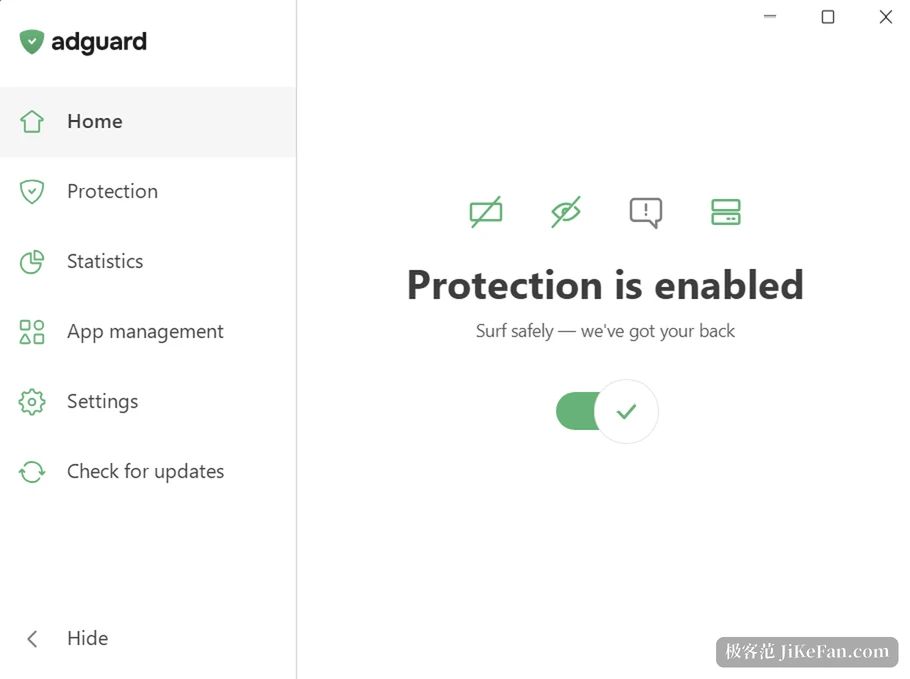
The price is a root certificate that has to be generated and installed in the system. The vendor states this plainly, and adds that the changes made to the system are reset once it is uninstalled. Put another way, it asks you to hand over a share of your network trust, and whether to do so depends on your judgement of the company.
Per application, not one broad stroke
Version 8.0 added two sections. Under application management, any application that goes online shows up in the list. You decide whose traffic travels through AdGuard, which applications should block ads and trackers, and which ones get HTTPS filtering on their own. The default policy filters everything, but HTTPS interception stays off for a new application, so no program is broken on first contact.
Statistics spreads the traffic out: which companies this machine has sent requests to, and concrete numbers by application and by domain. Which background process is quietly reporting home has an answer after one pass. The value of that panel is not that it looks good, but that it turns who is online from a black box into a list you can check.
What 8.0.4 fills in
8.0 was a large revision, and 8.0.4 is closer to the finishing pass: the updates tab rechecks every time it is opened and offers a retry after a failure, and whether the filters are current is shown correctly; exporting logs and the log level moved to logs under support; the mouse back and forward buttons navigate inside the application. Accessibility is the focus of this release, with spoken descriptions for settings that were unusable across tracking protection, DNS servers, DNS rules, user rules, the allowlist and the blocklist, and a screen reader explanation of why protection is off when it is.
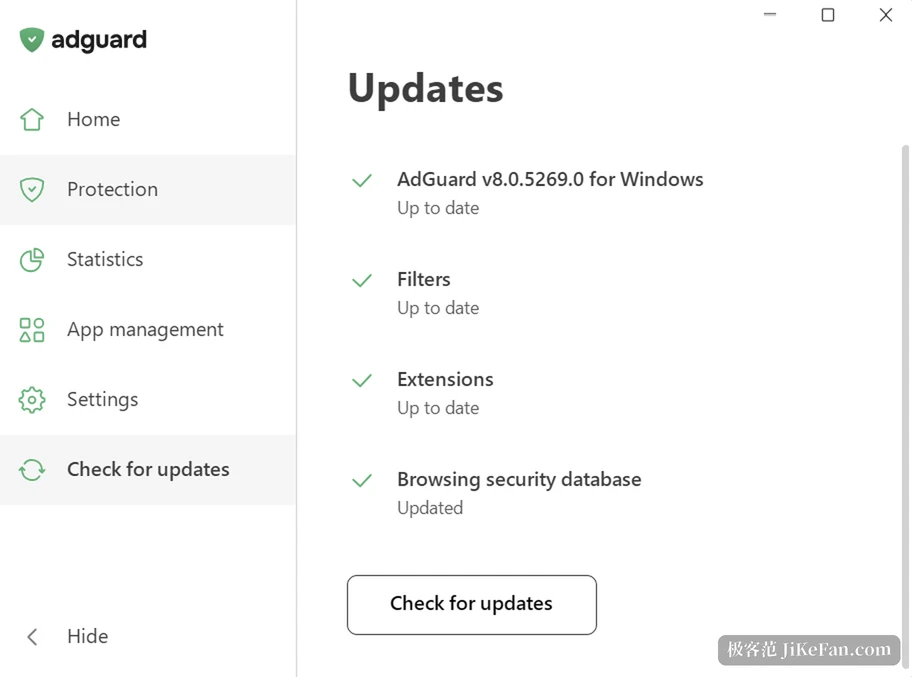
Two small gaps were closed on the feature side: DNS-over-QUIC now supports Quad9, and DNS rules gain a blocking mode. The fix list runs longer: crashes in the filter editor and in extensions, a quit during bulk rule adding or deleting, empty elements encountered while copying, pasting, importing and exporting rules, and a rise in CPU use together with a memory leak when signing in to a certain game store. Compatibility was reworked as well, and the vendor says dozens of games and a batch of everyday programs work normally again.
Whether it is worth using
It suits people whose advertising does not come from web pages alone: many desktop clients installed, software from mixed sources, promotions interrupting regularly outside a browser. The vendor offers a 14 day trial, enough to walk through the software you actually use. See how many unfamiliar programs appear under application management first, then check statistics for requests you did not expect, and those two glances largely settle whether it is useful to you.
If you only read pages inside a browser, an extension is the lighter arrangement. Once the scope widens to the whole machine, you accept two things that are not light: a driver and a certificate. That is not free convenience, it is an explicit trade.
8.0.4 brings no surprise. It makes the 8.0 frame, in which system wide traffic is visible and controllable, properly solid: you can see who is online and decide which road each one takes. The arrangement only holds if you are willing to pay a driver and a certificate for that visibility.