
Mubu 6.1.1 hands on: outline and mind map swap in one click
Summary
Mubu 6.1.1 keeps an outline and a mind map on the same tree, so one body of content gets two views while typing stays on the keyboard. This release fixes layout drift when zooming a map and the sync conflict that Windows users hit when running several windows.
Recommend- Name
- Mubu
- Version
- 6.1.1
- Open source
- Proprietary
- Operating system
- WindowsmacOSiOSAndroid
- Website
- https://mubu.com/
- Updated
- 2026-11-06 23:00
Write the structure first, argue about layout later
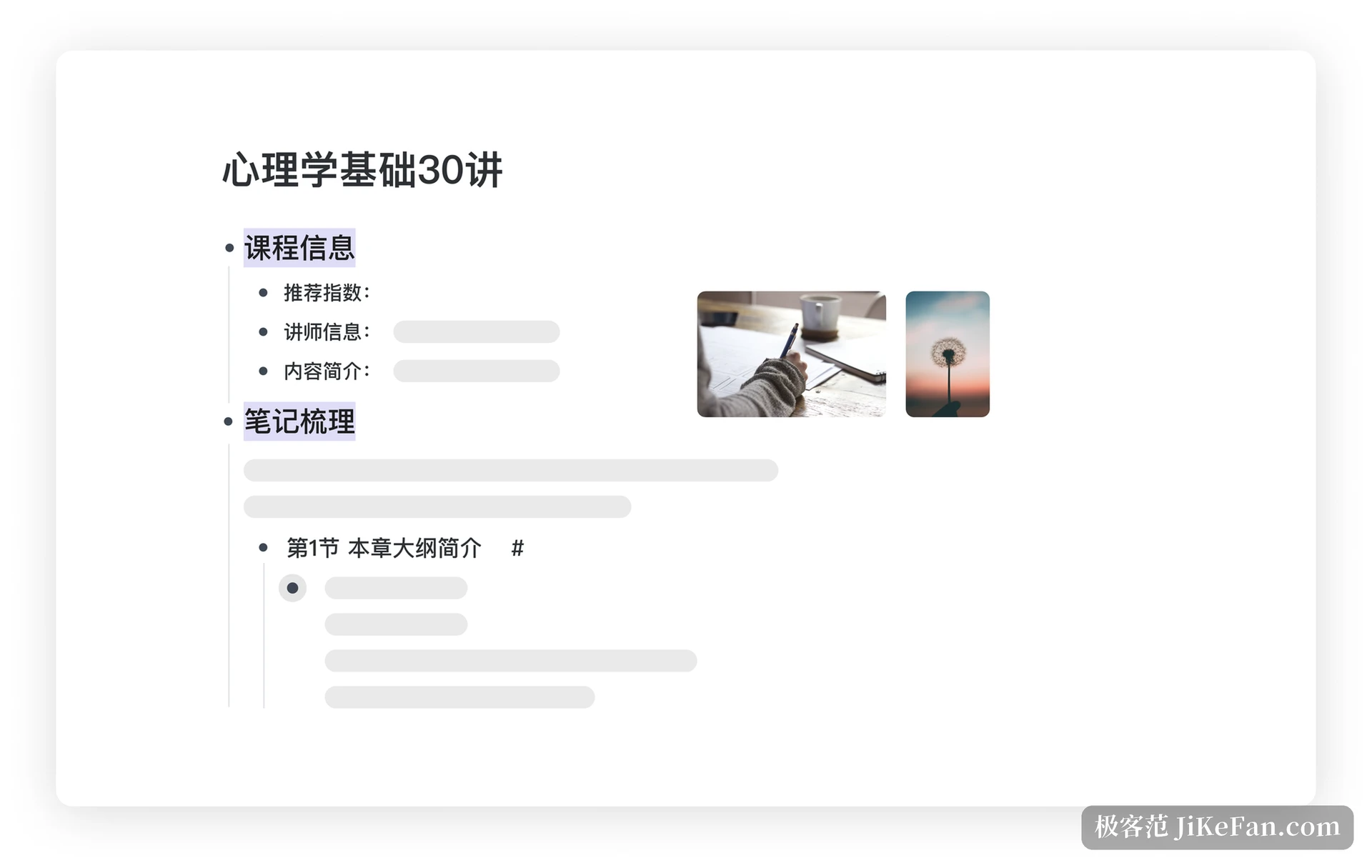
Most note tools assume a blank page and leave the tidying for afterwards. Mubu reverses that order. You open straight into an outline, one node per line, Enter adds a sibling, Tab pushes down a level, Shift plus Tab pulls back up, and the content grows into a tree by construction. The interaction looks plain, and its whole effect is that it forces a hierarchy: any thought that goes in has to answer which item it belongs to, and anything vague shows itself at once.
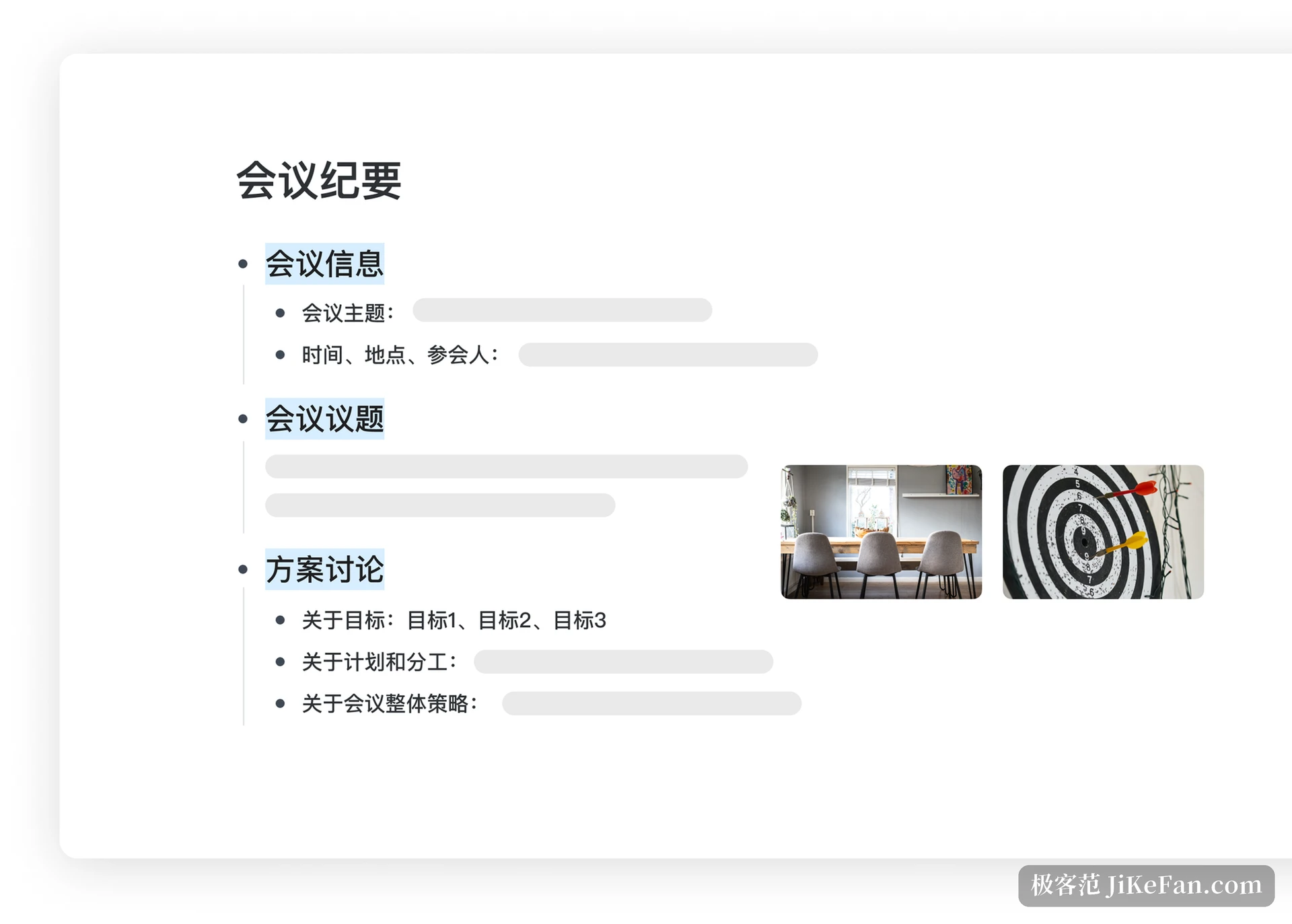
That logic fits three settings particularly well. Reading notes have to separate chapters, points and your own annotations, and an outline mirrors that. A work plan has to split modules before filling in detail, and levels are the work breakdown. Meeting minutes have to distinguish topics, conclusions and follow ups, and indentation carries the ownership naturally. The vendor site groups the uses as breaking down knowledge, sorting out work and planning life, which come down to one thing: settle the relations first, write the content second.
One body of content, two ways of seeing it
Finish the outline and a click turns it into a mind map. The point is not an extra pretty rendering but a second angle on the same data. The outline is where detail gets filled in; the map is where the whole is visible, which branch is suspiciously empty and which one repeats another. Both views share one tree, so a change on either side follows on the other, and there is no map to finish and then reconcile with the text.
Presentation mode is the other underrated use. Project the finished map and talk through it, nodes opening one at a time, and attention follows the structure far more clearly than it follows someone reading a script. The vendor also offers a template library, with ready skeletons for study, work plans, personal improvement and exam preparation, so an empty page is not the starting point.
Keyboard flow, and formulas
Editing leans on the keyboard: shortcuts across the app cover creating, indenting, folding and switching views, those being the frequent moves, and the hand does not leave the main key block. The vendor claims even very large documents open instantly, which is a requirement for the habit of pasting a whole book in; a tool that stutters once a document grows will not be used long, however good its structure. On input, Markdown syntax and LaTeX formulas are both supported, so a technical note does not need formulas captured as screenshots. Plain text does the job.
Once there is a lot of content, bidirectional links tie the loose documents together. The same piece of knowledge turns up in several notes, and cross references turn them into a net, so finding something no longer depends on remembering a folder path. This works alongside the hierarchical outline rather than replacing it: the outline keeps order inside a tree, the links connect one tree to another.

Collaboration and sync
In team settings Mubu lets you send a document link to a colleague, who opens it and edits along with you, and comments are supported as well. For a project meeting or a design discussion where several people have to change one piece of content, that removes the file passing back and forth. Across devices it covers Windows, macOS, iOS and Android plus a web version, and adding a few points on a phone before continuing on the desktop is ordinary use.
Sync brings a problem with it: the same document edited on two devices at once easily produces a conflict copy. Mubu handles it with a dialog asking which version to keep, the other being unrecoverable, and the vendor help pages advise against closing the client straight after editing, suggesting a return to the main screen so it can sync by itself. Once that mechanism is understood, daily use rarely runs into trouble.
What changed in 6.1.1
Version 6.1.1, pushed in early November, is a maintenance release aimed at detail. According to the release notes it fixes the layout breaking when a mind map is zoomed, smooths the transition in and out of a map, enlarges the main window font on Windows, and adds empty-all to the recycle bin. For anyone who zooms out to look at the whole map every day, the layout no longer jumping is the most tangible item on the list.
The same notes record a fix for running several Windows instances: with multiple client windows open, file sync no longer fights itself. The usual trigger is a web version and a desktop client editing one document together, which is exactly how conflict copies appear. The release also carries general optimisation for the web and desktop builds, the kind that is invisible but felt.
Who it suits
Mubu is comfortable in the stage where something is in your head but not yet shaped. Students sorting out knowledge points, professionals sketching the frame of a plan, authors outlining a long piece, project managers breaking down tasks all need to press messy thought into structure rather than draw a careful diagram. People who like to list first and organise second will get on with it, because it will not let the content become a heap.
If what you want is free dragging and nodes placed wherever you like, an outline-first interaction will feel tight, since a node position comes from its level and cannot be put anywhere. The basic tier is free to use, with quotas on document count, number of collaborators and export formats, and a subscription covers more. For most individuals the sensible order is to build the structuring habit on the free tier first rather than pay on day one.
Judged by a small release like 6.1.1, the current focus sits on stability and small details rather than piling on features. For a structured tool opened every day that is not necessarily a bad thing: an outline that does not go wrong, a map that does not break its layout and a sync that does not fight matter more than ten more buttons nobody presses.