
uTools: one shortcut in front of a hundred small tools
Summary
A plugin-based desktop workspace: press one shortcut and a small input box appears, matching whatever you type against translation, file search, clipboard history, batch renaming and a hundred more plugins. Runs on Windows, macOS and Linux; the core is free, a few advanced items need a membership.
- Name
- uTools
- Version
- 7.8
- Open source
- Proprietary
- Operating system
- WindowsmacOSLinux
- Website
- https://www.u-tools.cn
- Updated
- 2026-10-24 22:00
Someone who crosses a dozen small tools a day does not have a productivity problem. They have an entrance problem: there is no single door.
A desktop full of shortcuts is not a system
Translate a sentence: open a browser, look for a translation page, paste, copy the result back into the document. Rename a batch of files: dig out the utility installed for exactly that job. Work out a quick figure: reach for the calculator, or worse, open a spreadsheet. Keep a note, take a screenshot, find a document you are certain exists somewhere — each of those wants its own application, its own window, and its own small ritual of remembering where it lives.
None of these tasks is difficult. The expense is in the transitions. Every switch carries a few seconds of orientation: which application, which shortcut, where did I put that thing. Multiply that by the number of times an ordinary working day crosses those boundaries and it becomes the largest single tax a desktop imposes on attention, and it never shows up on any invoice.
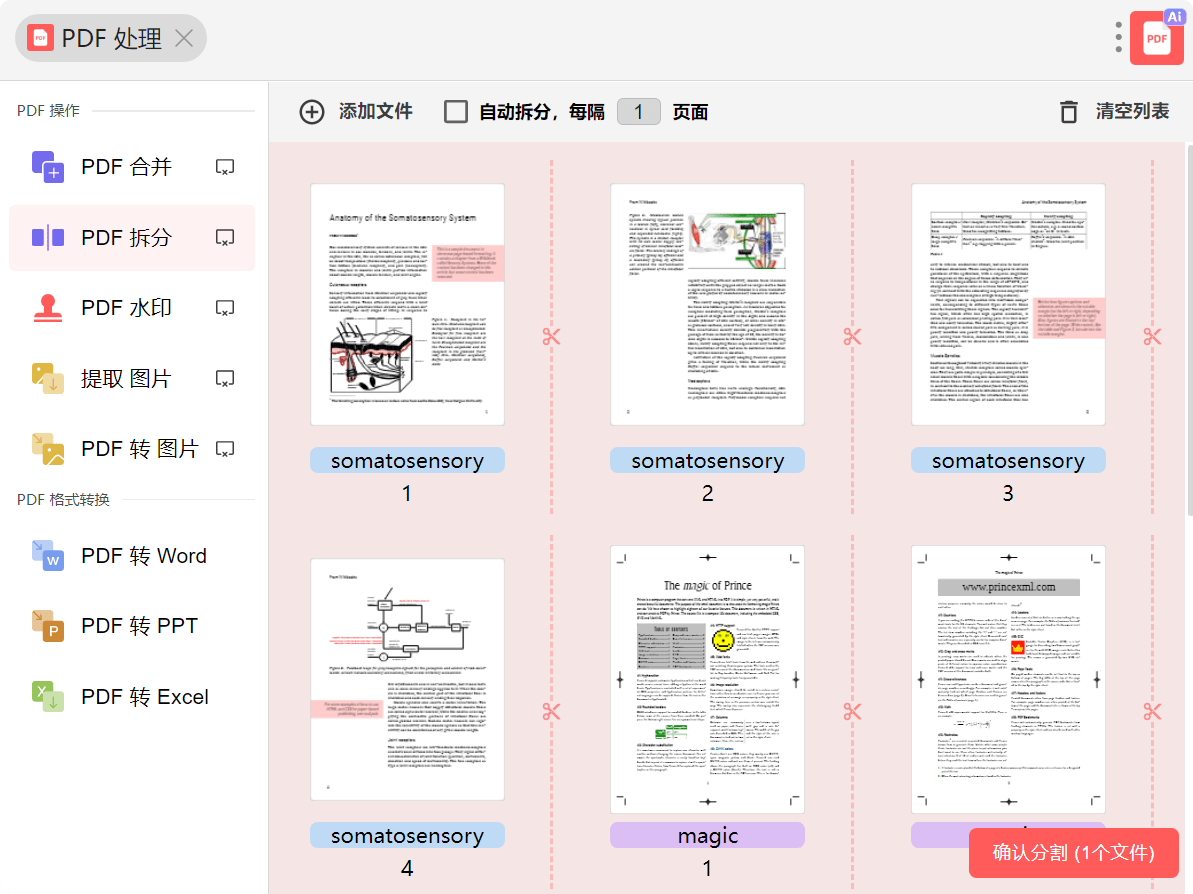
One keystroke, one input box
uTools inverts the order. Press the shortcut and a small field appears over whatever you were doing; type, and the capability that fits answers. Type a phrase and a translation plugin takes it. Paste a file path and file search opens. Drop in an image and image handling steps forward. Type an arithmetic expression and the result is already there.
That is the entire idea: you never recall plugin names, and you never launch an application first. What you feed into the box tells the box what to do with it. The decision sounds minor and is not, because it removes the one part of tool use people routinely get wrong, which is choosing the tool.
There is a second layer for moments when the material is already selected. Highlight text or a file, hold the right mouse button, and a panel of likely actions opens on the spot: share a link as a code, translate the selected passage, open the containing folder, copy the path. The input box is the general entrance; the panel is the shortcut for people who already know what they are holding.
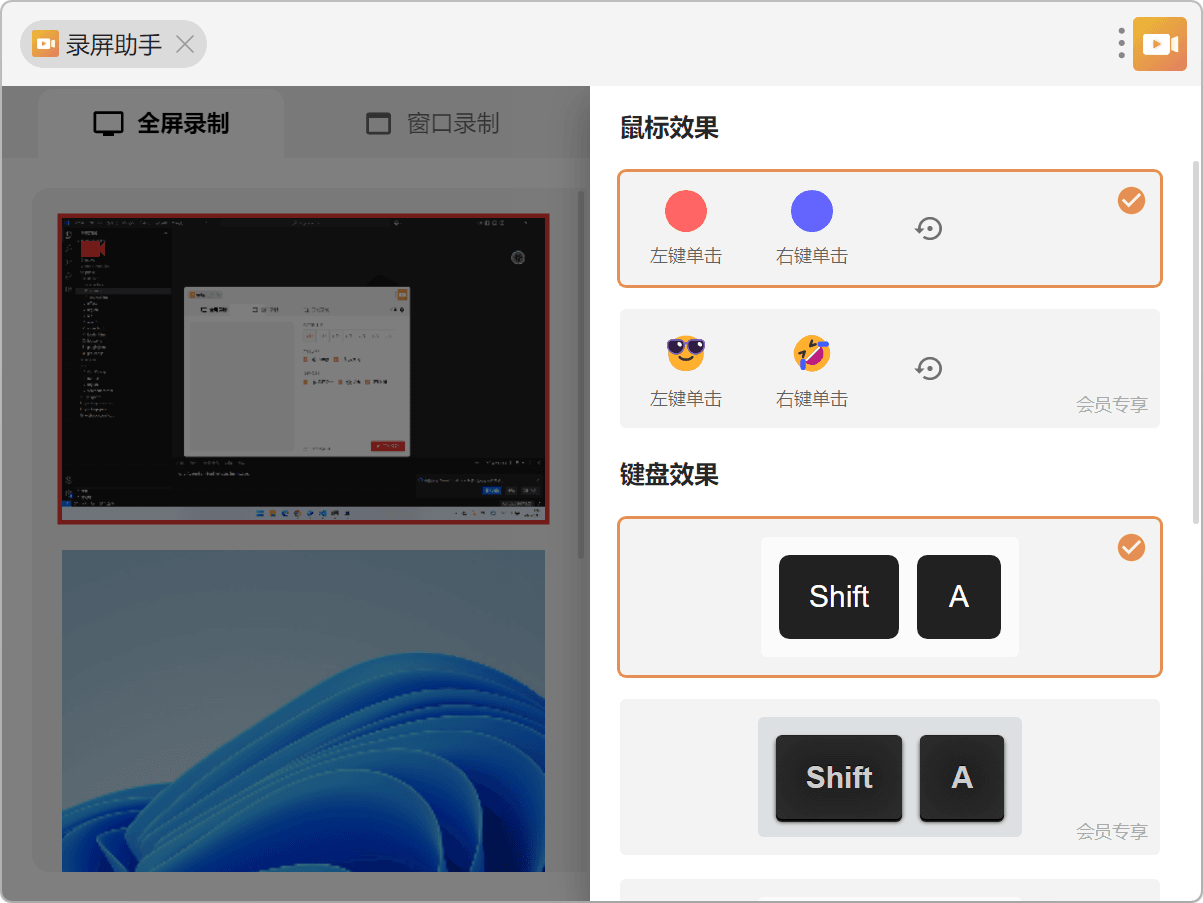
Plugins as building blocks
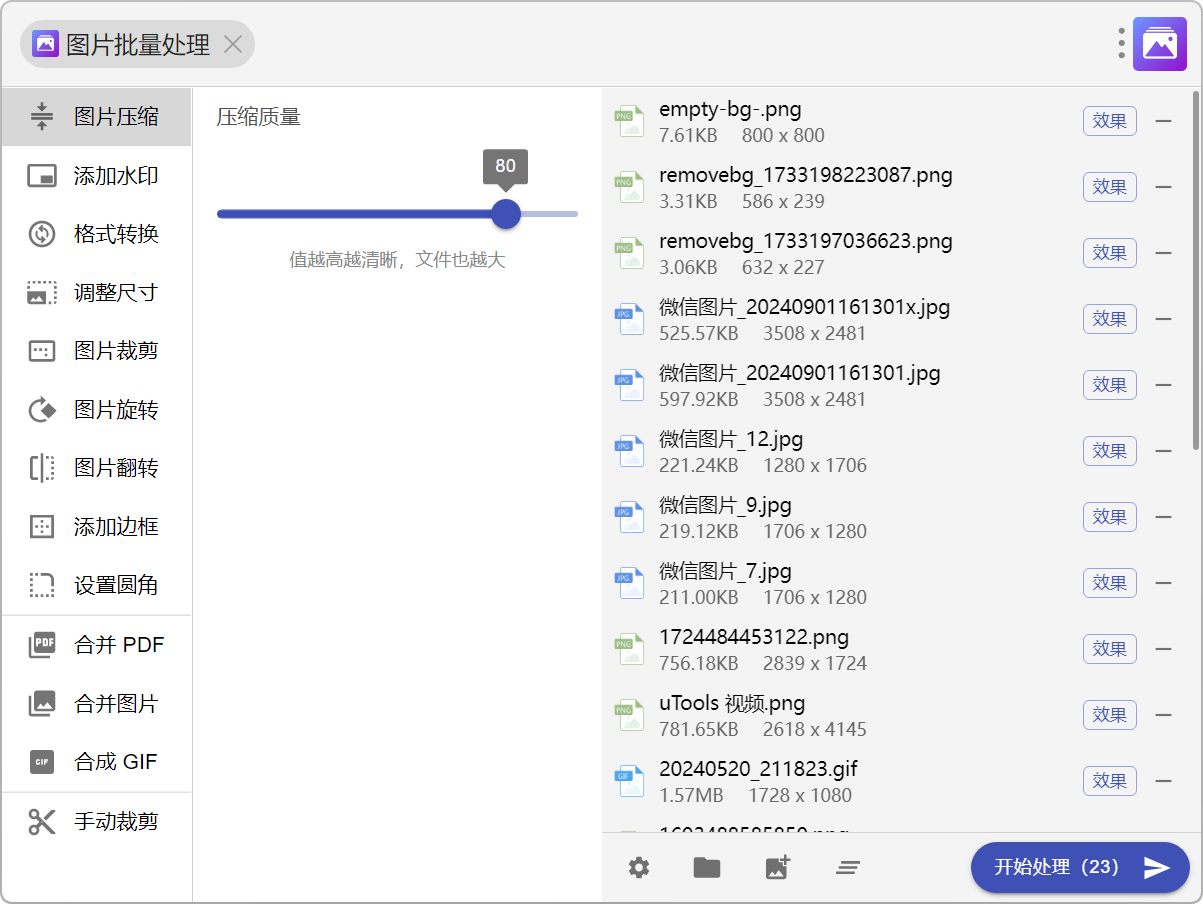
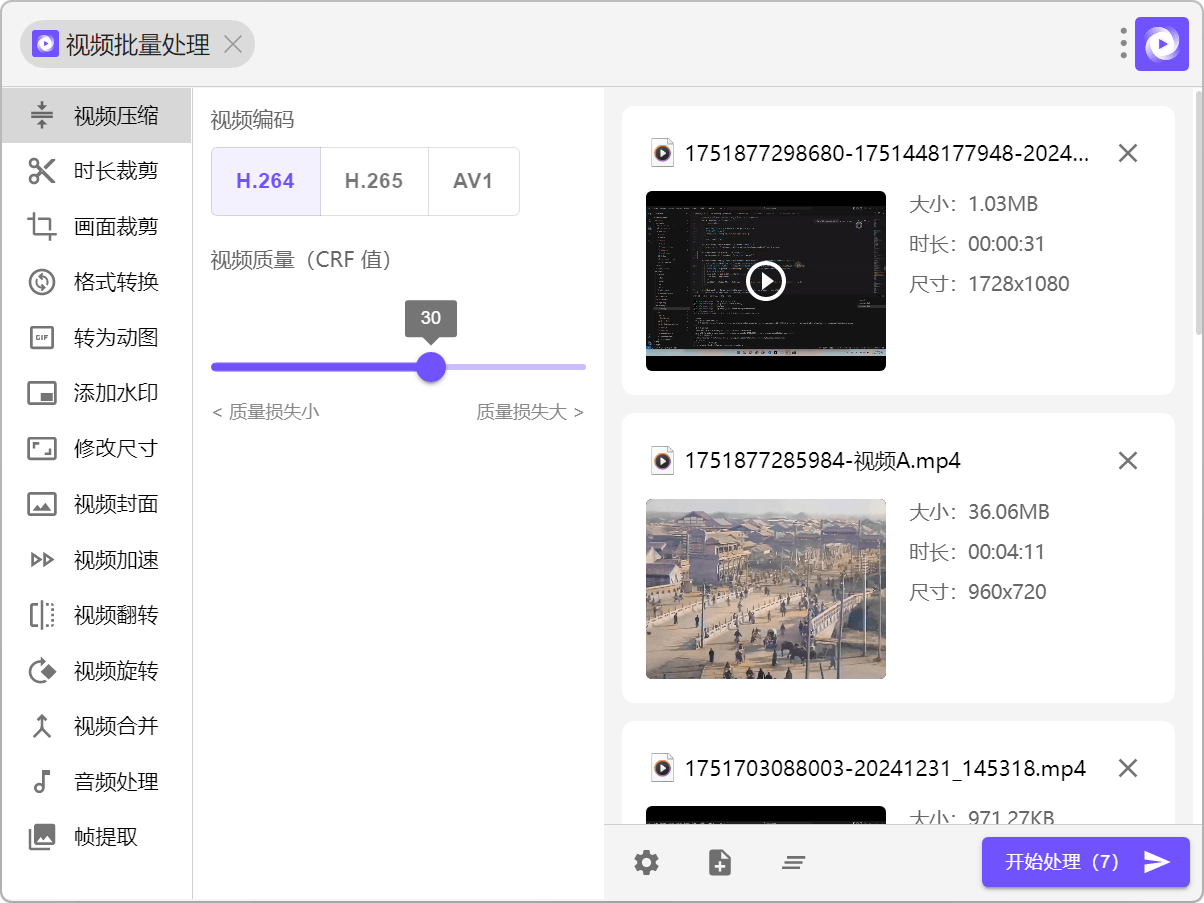
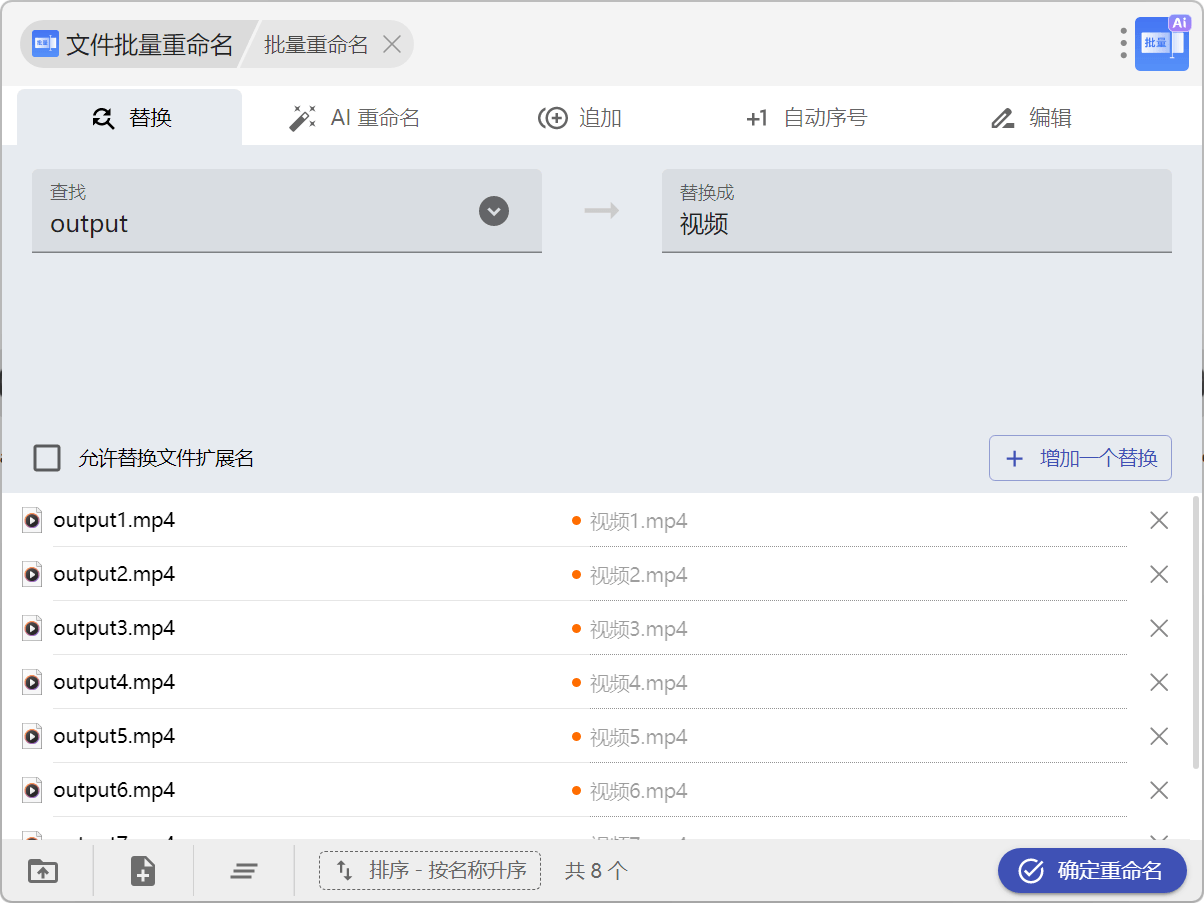
The plugin market covers far more ground than a launcher normally does. File work: batch renaming, PDF conversion, image compression, video processing. Retrieval: local full-text search, index-based file finding, clipboard history. Everyday assistance: translation, text recognition from images, code generation for links, colour picking, a calculator. Developer utilities: formatting structured text, encoding conversion, pattern testing, timestamp conversion.
Each plugin weighs a few hundred kilobytes and works the moment it is installed. Nothing you do not use runs in the background, so the toolbox grows exactly as fast as your needs do. That is the real difference between a suite and a platform: a suite guesses which twenty features you want, a platform lets you assemble the six you actually use.
Guessing what you meant
Copy a file path, call uTools, and it reads what is on the clipboard and proposes the operations that fit: open the containing folder, copy the file itself, hand it to someone quickly. The proposal is not a blind guess; it is derived from the shape of the content, which is why it feels less like a menu and more like a colleague finishing your sentence.
This is where a launcher stops being a list of bookmarks. A list requires you to know what you want. A matching engine only requires you to know what you have.
An assistant in the same box
Recent versions put a language model behind the same input field. Describe the task in ordinary words — draft a short request for leave, translate this paragraph, explain what this error message means — and the answer appears where you were typing, with no detour through a separate chat window.
The claim is not that the assistant is cleverer than a dedicated one. The claim is that it lives at the same address as everything else. Zero switching is the feature; the individual capabilities are interchangeable parts behind it.
Three platforms, one account
uTools runs on Windows, macOS and Linux from the same lineage, and signing in on a second machine brings your installed plugins and preferences along. Core features and the great majority of popular plugins cost nothing; a few advanced items, cloud syncing and assistant quota among them, sit behind a paid membership.
That split deserves to be stated plainly, because it decides who the tool is for. If your use stays inside translation, search, arithmetic and file handling, the free tier is not a trial version of the product. It is the product.
Who it fits
If you sit at a computer more than six hours a day and cross repeatedly between translation, search, arithmetic and file work, uTools is worth the half hour it takes to learn one shortcut. It will not replace a full image editor or a heavyweight code editor. It will replace the twenty or thirty small utilities that exist only to be opened once and closed again.
The larger argument is architectural. A full application is a room you walk into; a plugin is a capability you summon. Most daily tasks never needed the room.
What uTools really does is not any single plugin. It demotes application-level features to plugin-level calls, so the only thing in front of you is a box that already knows what you are holding.