
UnionTech UOS review: a desktop system ready for ordinary work
Summary
UOS builds its own desktop environment on the Linux kernel with careful typography and themes, adds a system level AI assistant in V25, and reaches more than ten million installed machines.
Recommend- Name
- UOS
- Version
- v25
- Pricing
- Free
- Open source
- Proprietary
- Operating system
- Linux
- Website
- https://www.chinauos.com
- Updated
- 2026-10-05 08:31
A desktop system that has reached the stage of daily use
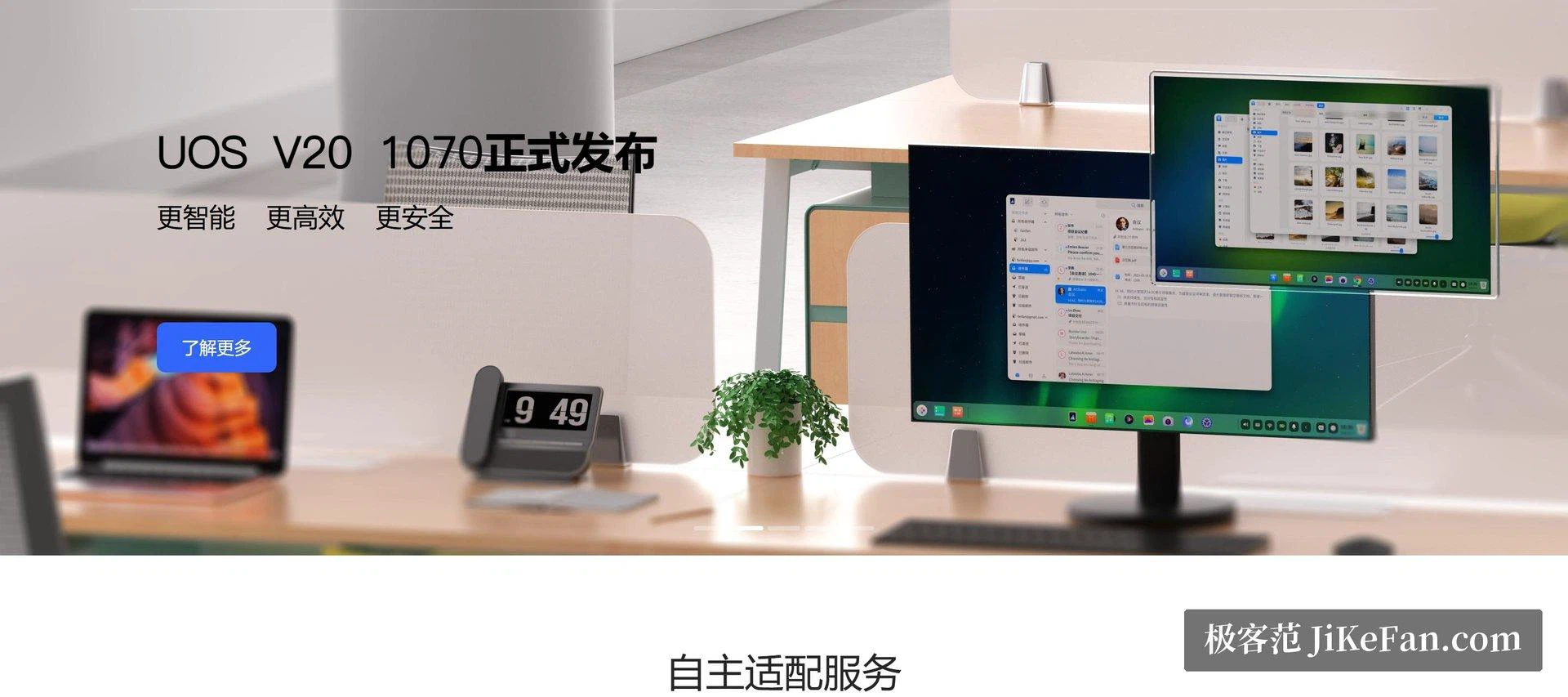
Mention a domestic operating system and many people still picture the early years, when such a system could run but was unpleasant to live with. UOS from UnionTech is one of the products that changes that impression. It is built on the Linux kernel with a desktop environment developed in house, and the surface is unapologetically modern: text rendering is careful, window animations do not stutter, and the light and dark themes both look finished rather than added afterwards. It appears very often in government and state enterprise replacement projects, and the cumulative scale of hardware and software adaptation has passed ten million machines, a number that says more about an ecosystem than any feature list.
Numbers of that kind are easy to quote and hard to earn. They imply drivers for the machines an office actually buys, an application catalogue that covers the work people actually do, and a support organisation that answers when a department of two hundred cannot print. A desktop system is not judged on its settings panel; it is judged on the Monday morning when everything must work at once.
V25 puts the assistant on the desktop
The current V25 release writes intelligent productivity into the product line rather than into a side feature. AI capability is introduced at the system level, so the assistant is available to the shell rather than trapped inside one application, and it takes on the ordinary tasks that fill an office day: summarising a long document, drafting a first version of a notice, turning a pile of notes into something readable. Paired with the natively adapted office suite, the routine of official documents and spreadsheets follows conventions that people already know, which matters more than any novelty.
The application side has filled in as well. The store covers the usual categories, office work, media, development tools, and installs them in one step. The two messaging applications that decide whether a working day is possible, WeChat and QQ, both exist as native Linux builds, and the mainstream path of daily use is therefore open. Server editions and enterprise support are offered alongside, so the product line runs from the desk to the data centre.
Who should try it, and what still needs checking
The barrier for an individual is lower than expected: a personal licence can be requested through the official channel, and the honest way to judge a domestic system is to put it on a spare machine or inside a virtual machine and use it for a week. Trying it in a review is not the same as living with it, and the second is what any real verdict requires.
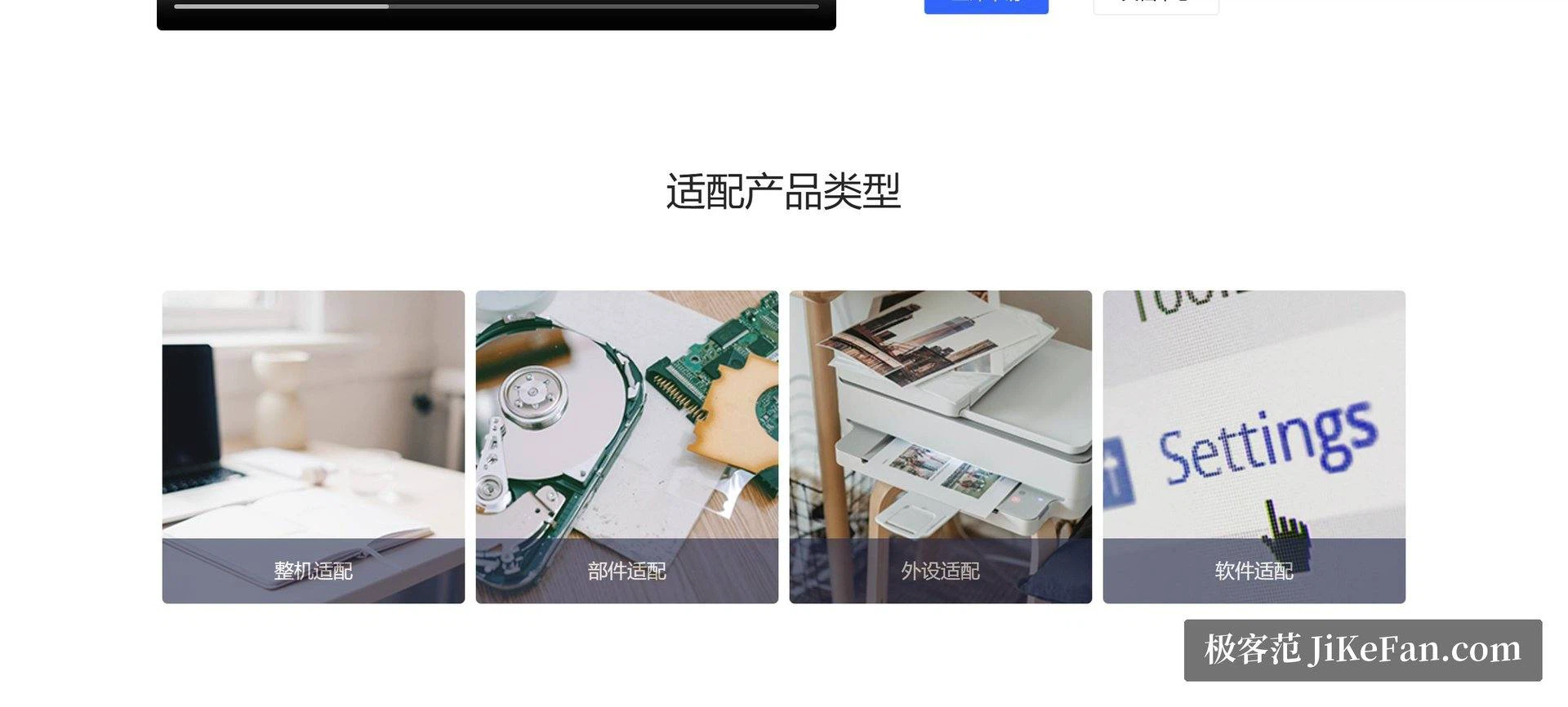
It is also fair to place the system in its current stage. Small peripheral drivers and specialised industry software still need to be confirmed item by item, and a heavy gamer should plan differently. Those are the limits of an ecosystem still catching up rather than defects of the desktop itself. In the office, which is the main battlefield, the answer it gives is already a passing one.
What a person planning a switch asks first is not about the assistant. It is whether the folders of documents already on the disk will open, whether the formulas in a spreadsheet survive, whether the printer on the second floor is recognised. The wider that answer is, the smaller the pain of moving, and the office suite carries most of it. Conversely, anyone whose work is held by a specialised tool should check that tool before anything else.
The desktop environment itself is worth a word of its own, because it is the part that cannot be imported from elsewhere. A shell built in house can decide how windows snap, how the launcher behaves, how a theme is composed, and the result here feels considered rather than assembled from parts. For an organisation that will look at the same screen for five years, that consistency is a quieter benefit than any single feature.
The significance of UOS is that it moves the domestic system from a phrase in the news to a phrase in ordinary conversation: an interface that is not embarrassing, applications that are sufficient, an assistant that fills the gaps. Large scale deployment in public organisations came first and personal experience follows, and on the road of replacement it is the one most worth actually trying.