
Stacher: the front end that takes the command line out of video downloads
Summary
Stacher is a graphical front end for the command line downloader: paste a link and the available qualities, formats and subtitles are listed, pick one and the job runs in the background. A local media library, subscriptions and post processing are built in, free on all three desktop platforms.
Recommend- Name
- Stacher
- Version
- 7.1.11
- Pricing
- Free
- Open source
- Proprietary
- Operating system
- WindowsmacOSLinux
- Website
- https://stacher.io/
- Updated
- 2026-10-06 22:54
A good engine should not need a manual
Nobody argues about the machinery underneath. It parses more formats, covers more sites and ships fixes faster than anything else in its corner of the field, and the people who use it daily are loyal for good reasons. It is also a command line tool. The reference runs to dozens of pages, and the average person who opens a terminal, sees white text on black and closes it again is not being unreasonable. Stacher addresses that last stretch of the road. It moves the capacity into a window: paste a link, and the available qualities, formats and subtitles are listed for you, pick one and confirm, and the job starts in the background with no command typed anywhere.
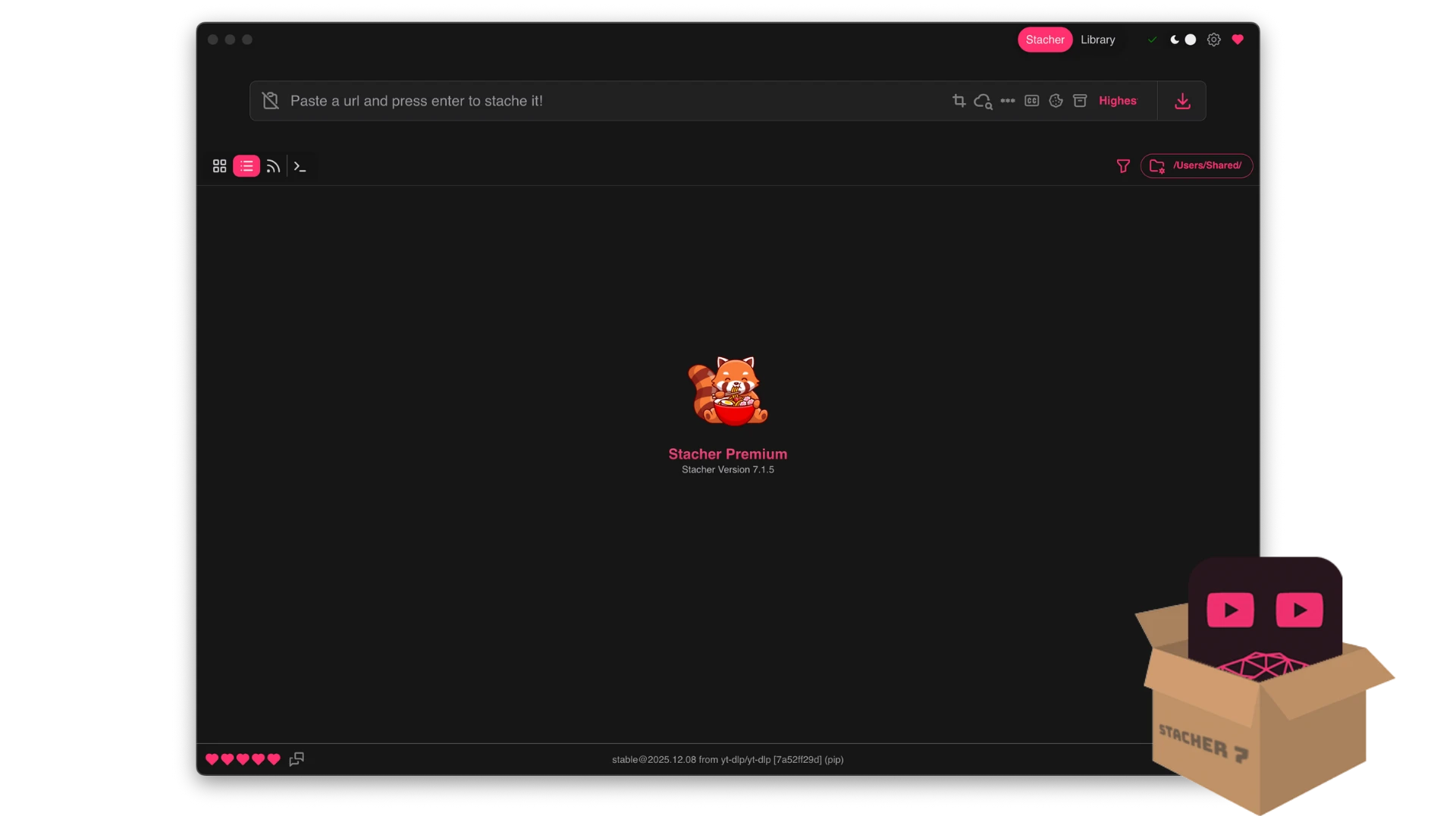
That phrasing sounds trivial and is not. The hard part of a front end is not drawing buttons, it is deciding which of the dozens of engine options to expose, in what order, with which defaults, so that a person who does not know the options still gets a sensible result. Judgement shows up in the defaults, not in the checklist.
More than a shell around someone else work
The part that gets attention is what happens after the transfer. A local media library keeps finished video and audio in one place, with playback, notes, favourites and tag based search. Subscriptions watch a channel you care about and pick up new items when they appear. Post processing that usually means another tool and another set of arguments is done by ticking boxes here: trimming a clip, converting a format, writing metadata, attaching subtitles.
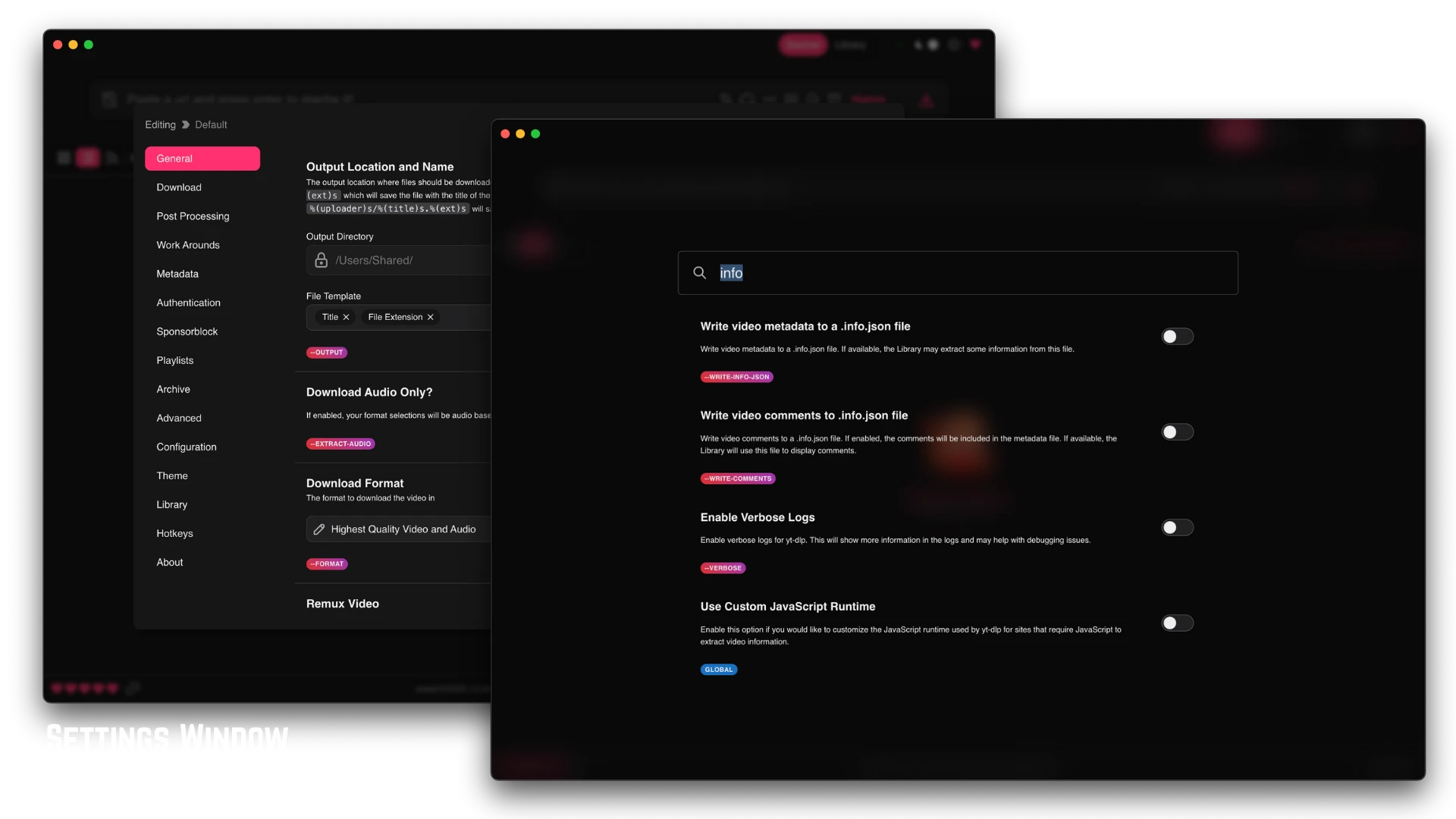
The queue handles batches and lets priorities be rearranged while it runs. Configuration profiles can be switched per task, so a different set of parameters can sit behind each kind of job instead of being retyped. Installers exist for Windows, macOS and Linux, updates follow the upstream rhythm, and 2026 has been a year of dense iteration.
The value here is that a threshold has been flattened. The engine is the same formidable engine; the difference is that memorising parameters became pressing a button. Power should not belong only to people who type commands, and this handles that well.
Two practical notes. Before downloading anything, make sure the material is for personal keeping or another legitimate use, and respect the terms of service and the copyright rules of each platform. Some platforms only hand over higher quality streams to a signed in session, and credentials entered for that purpose belong on your own machine and nowhere else.
The application itself is free, and the interface is in English but laid out plainly enough that the language is not the obstacle. For anyone who wanted this engine and was put off by the command line, this is the door that was missing.
There is a quieter benefit to a tool like this, which is that it makes the engine visible. Anyone who has read a page of that reference knows how many decisions sit behind a single download: which stream to take when several are offered, whether audio and video arrive as separate pieces that must be joined, what happens when a site changes its layout and the extractor needs updating. A window does not answer those questions, but it does put the consequences on screen, where a wrong choice shows up as a smaller file or a missing subtitle instead of an error line that scrolls away.
Batch work is where the difference is largest. Doing twenty items by hand means twenty command lines and twenty chances to mistype a flag; doing them in a queue means setting the pattern once and letting it run.
For anyone keeping a personal archive, the combination of library, tags and subscriptions ends up mattering more than raw speed, because the hard part of an archive is not bringing material in, it is finding it again two years later.
One more thing worth saying about defaults. A front end that guesses badly is worse than a manual, because the wrong guess looks like a result. The useful test is simple: paste a link, accept whatever is preselected, and see whether the file that arrives is the one you would have chosen deliberately. If it is, the defaults were thought about.