
ShredIt review: deleted does not mean gone, and this is the fix
Summary
Emptying the recycle bin leaves the data where it was. This old utility overwrites it, handles free space and whole disks, and puts a confirmation step in front of an operation you cannot undo.
Recommend- Name
- ShredIt
- Version
- 20260923
- Pricing
- Paid
- Open source
- Proprietary
- Operating system
- WindowsmacOSAndroidiOS
- Updated
- 2026-10-08 16:49
Emptying the recycle bin is not deleting
Drag a confidential document to the recycle bin, empty it, and the file is gone from the interface. On the disk, the data is still exactly where it was; only the pointer has been removed, and any recovery tool will find it in seconds. This is not a flaw but how file systems work: deleting is cheap because it does not touch the blocks, and that is also why an undelete is possible.
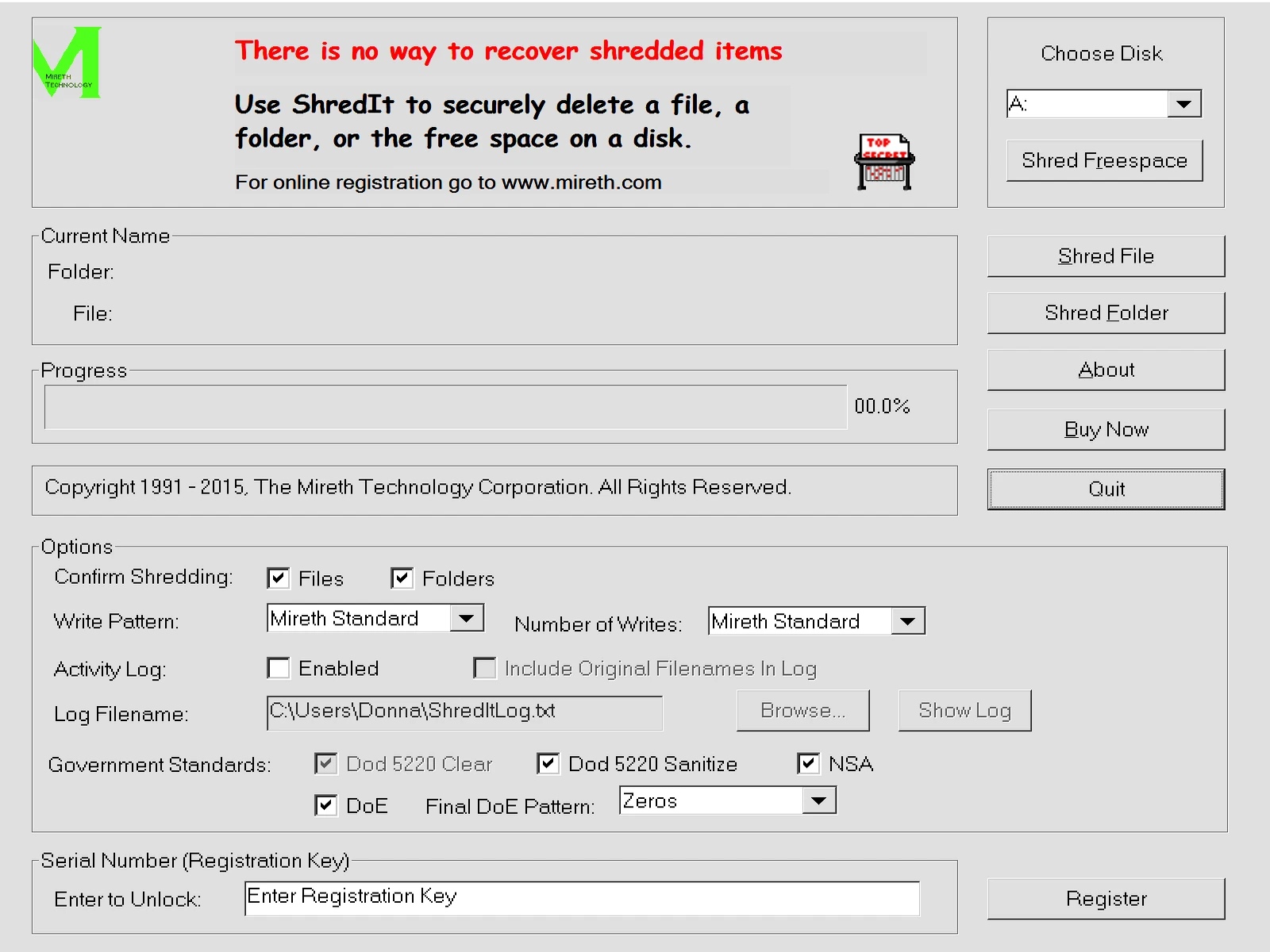
Making data actually disappear requires overwriting it, writing meaningless values over the original blocks until nothing of the original survives. ShredIt has been doing exactly that for a long time, and it covers the cases that matter: individual files, whole folders, the free space on a drive, and entire disks. The number of overwrite passes is selectable, with standards available for anyone who needs to satisfy a policy rather than a hunch.
The situations where this is not paranoia
Selling a laptop, donating a desktop, retiring a drive, sending a machine to repair, or disposing of a work computer that held client data. In each case the buyer, the recipient or the technician has physical access, and physical access plus a recovery tool equals your files. Free space matters more than people expect here, because a document you deleted months ago still occupies blocks that a new file has not yet overwritten.
Solid state storage complicates the picture honestly: wear levelling means the drive may keep copies in blocks the operating system cannot address, so overwriting a file is no guarantee on flash. The reliable answer for a drive you are giving away is full-disk encryption from the start, then destroying the key, and this tool is best understood as the right instrument for magnetic drives and for cleaning the free space on a system you keep.
The platform coverage is unusually broad, from desktop systems to phones and tablets, including some old versions, which suits a household that has accumulated a drawer of retired devices. The developer has been in this specific business for more than twenty years, which in a category where mistakes are irreversible is a relevant kind of experience.
The design detail that deserves credit
Destructive tools usually fail in the same way: they make the wrong action too easy. This one puts a mandatory confirmation in front of a shred, and adds a protected area mechanism so that important documents can be excluded from a bulk operation. Two safeguards for one button is not excessive when the operation cannot be undone.
It is paid software with a trial, which is a reasonable model for a utility used a few times a year and dangerous to get wrong. The trial is enough to confirm it works on your hardware before you rely on it for the one operation that matters.
This is the last link in the privacy chain: managing data is not only about backups, it is also about a dignified exit. Data that should disappear should actually disappear.
How to use it. Before selling or gifting a device, do a full-disk overwrite rather than deleting folders one at a time, and let it finish even if it takes hours. For day-to-day confidential files, use file shredding and clean free space periodically, since that is where old copies accumulate. Keep the confirmation and protected-area features enabled, because the point of a powerful tool is that it should be hard to misuse. And check that the drive is magnetic before assuming an overwrite is conclusive on flash storage.
A final piece of realism: shredding protects against recovery, not against a backup. If the file was in a cloud sync folder or on an external drive, deleting it in one place leaves copies elsewhere, and the tool will not know about them. Deal with the backups first, then shred the original.