
SHAREit Review: Direct Device Transfer Without Using Data
Summary
SHAREit builds a direct link between two nearby devices and pushes the file across it, so a large video costs no mobile data and arrives in minutes instead of the long wait a Bluetooth pair would need.
Recommend- Name
- SHAREit
- Version
- 20260923
- Pricing
- Free
- Open source
- Proprietary
- Operating system
- WindowsAndroidiOS
- Website
- https://www.ushareit.com/
- Updated
- 2026-10-07 20:26
The moment when there is no network worth using
You are away from home and a friend wants a video you shot last week. Mobile data is metered, the local network is either absent or locked, and the file is far too large to send through a chat application. This is the situation SHAREit was built for. It creates a direct link between the two devices, using the wireless hardware they already have rather than the cellular network or the internet, and pushes the file across that link. Nothing leaves the room, nothing counts against a data plan, and the speed is measured in tens of megabytes per second rather than the patient crawl of a Bluetooth pairing. For a file of a few hundred megabytes, the wait is a minute or two instead of a coffee break.
Pairing that does not require a manual
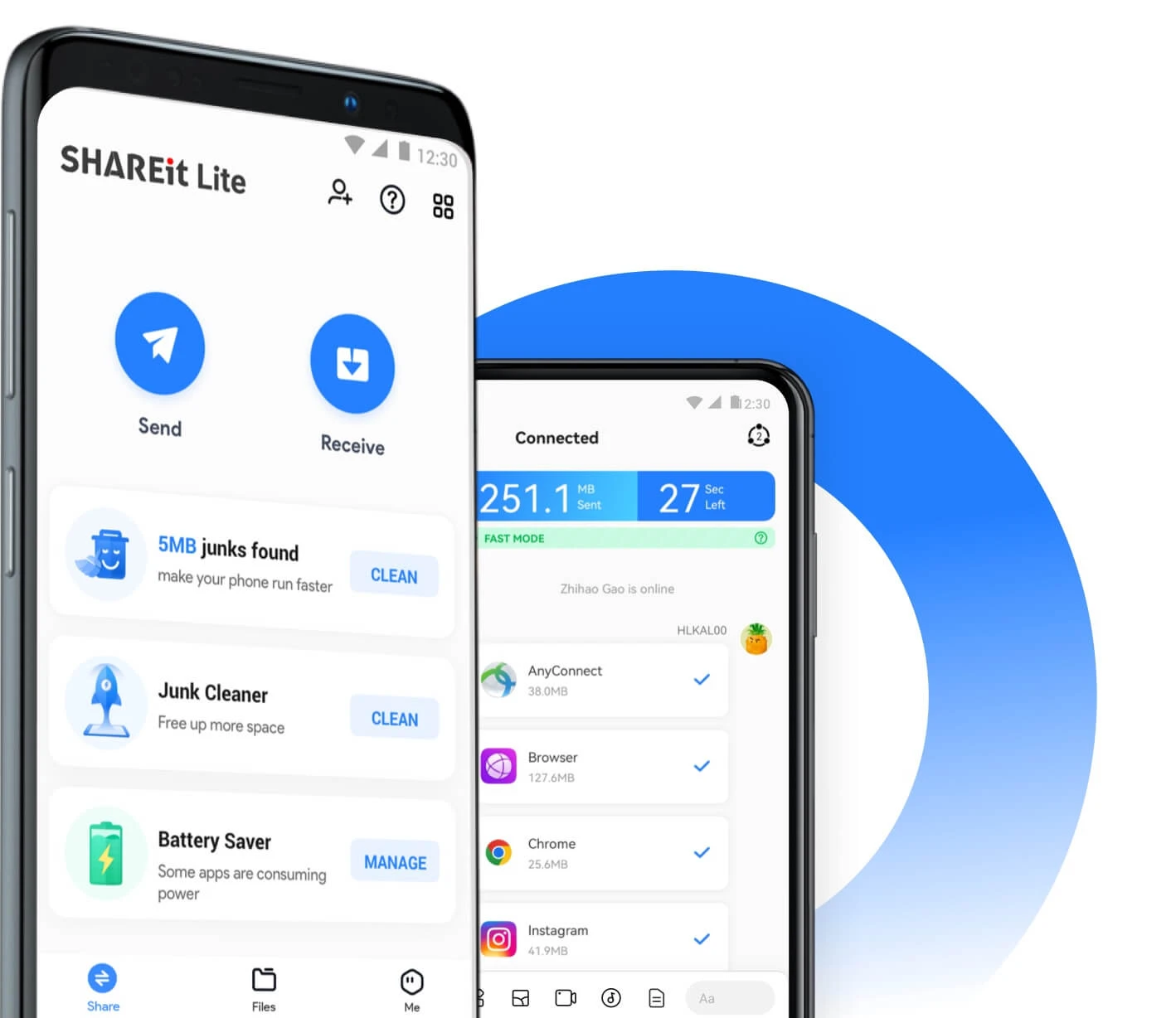
The setup step is deliberately unglamorous: one device offers a hotspot, the other joins it, and a code or a scan confirms the match. That is the whole ceremony. Both sides then show the same file browser, and a transfer is a matter of selecting and confirming. Because the connection is local, distance matters more than signal strength, so keeping the two devices on the same table is enough for a stable run.
The cross platform part is what makes it more than a phone trick. Sending from a phone to a laptop, or pulling photos off a phone onto a desktop during a system migration, uses the same interface on both ends. Client builds exist for the major desktop and mobile systems, the installer is small, and the core transfer features are free. Because data moves device to device instead of through a cloud relay, private material such as identity documents or family photos never passes through a third party server, which is a meaningful difference from the messaging-app route.
One habit improves the experience more than any setting: pack before you send. A folder of two hundred photos transfers far more slowly than the same photos collected into a single archive, because the negotiation overhead is paid once per item rather than once per batch. The tool will happily queue individual files, and for a handful that is fine, but anything above a couple of dozen belongs in one package. Clearing old transfer history afterwards also keeps the list readable and stops the app from growing a cache nobody looks at.
SHAREit proves a plain point: the most stable need is often the least fashionable one. Getting a file from this device to that device, quickly, cheaply and reliably, is the whole product philosophy, and it is still underserved.
Where the approach strains
Direct links have limits worth knowing. Both devices must be awake, so a locked screen in the middle of a long transfer is the most common way a job fails. Interference from a crowded wireless environment can slow a run, and very old hardware negotiates a lower speed. The habit that avoids most trouble is simple: place the two devices close together, keep both screens on until the progress bar finishes, and select only the items you actually need before starting, since a batch of small files is slower than one large archive of the same total size.
Migration is the other scenario where it earns its place. Moving photos, contacts and chat backups from an old phone to a new one over a local link avoids uploading everything to a cloud service and downloading it again, which on a metered connection can be the difference between an evening and a month of quota. The tool has been around long enough to have accumulated a very large install base, most of it in markets where mobile data is expensive and fixed networks are thin, and that history shows in how well the offline path is handled.