
Riot Client: one launcher for every PC game from the studio
Summary
Riot Client is the publisher's own launcher and, since 2026, the single entry point for all of its PC titles. A few megabytes to install, one sign-in for the whole library, a click at the top right to switch games, and downloads, patches and per-game installs all handled inside it. Free on Windows 10 and later and on macOS, with an account the only requirement.
Recommend- Name
- Riot Client
- Version
- 20260922
- Pricing
- Free
- Open source
- Proprietary
- Operating system
- WindowsmacOS
- Website
- https://www.riotgames.com/en/
- Updated
- 2026-10-06 22:38
One icon instead of a row of them
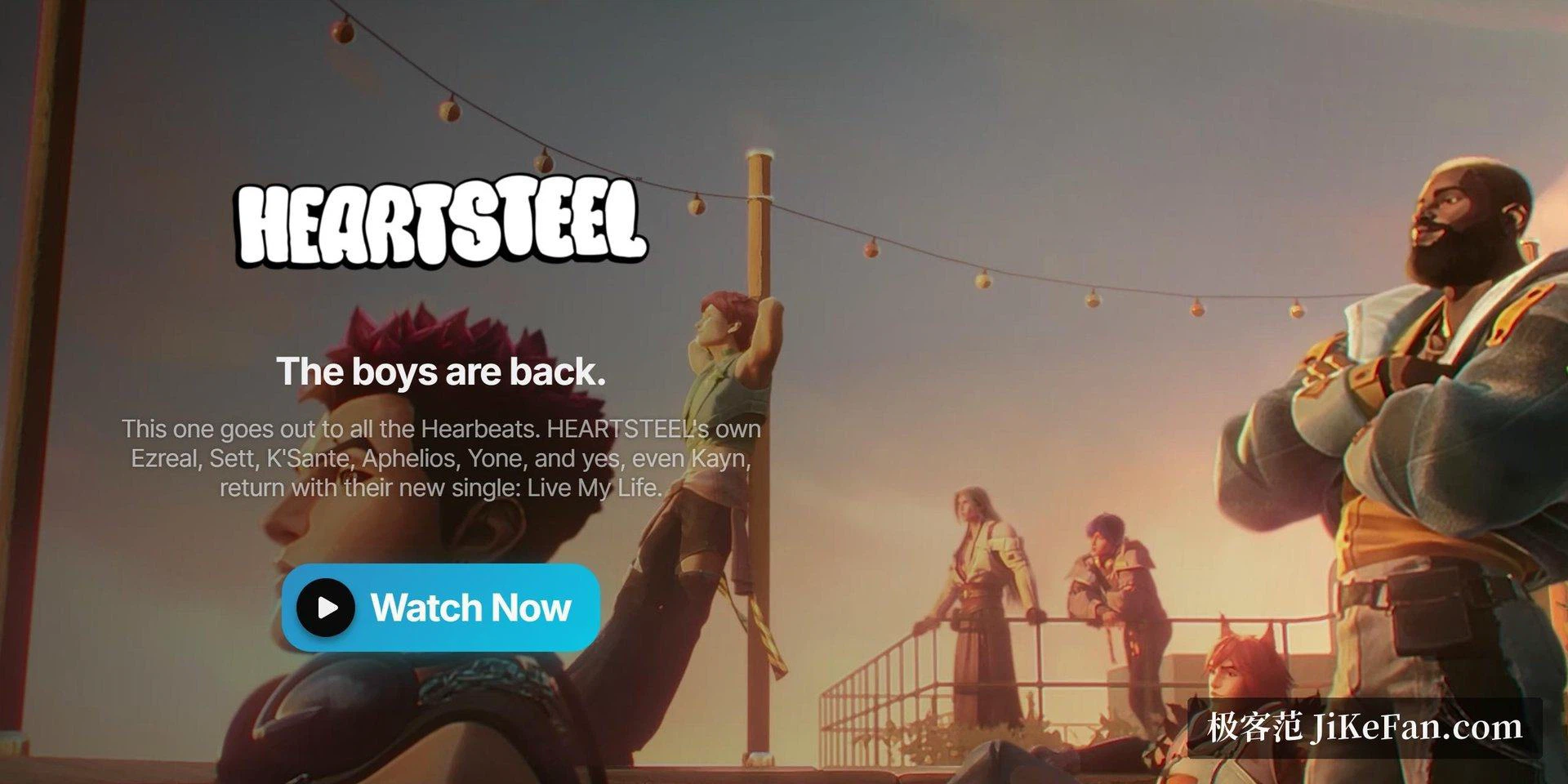
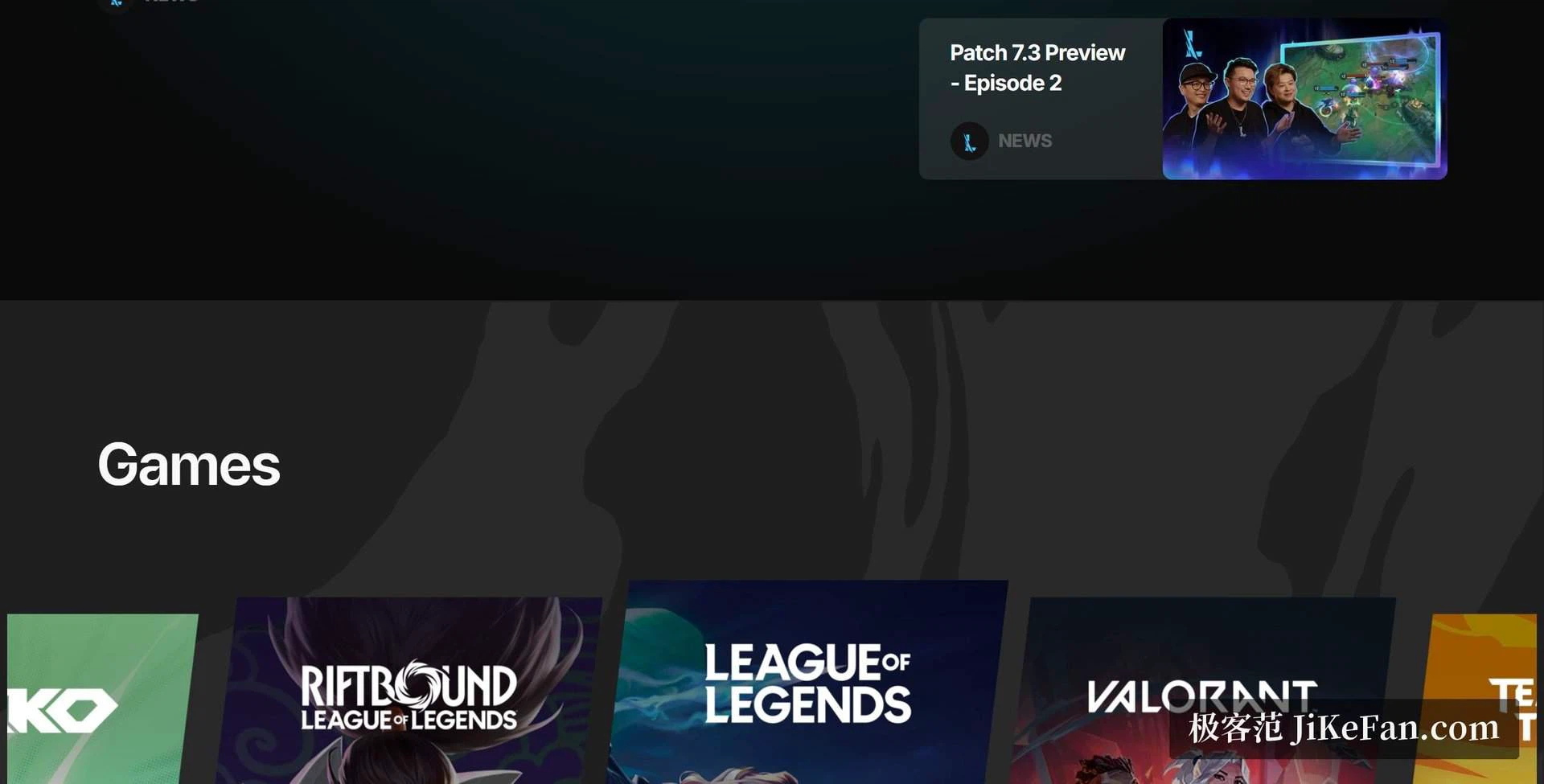
Anyone who plays more than one title from this publisher used to keep a separate shortcut for each, and each of those came with its own updater, its own sign-in and its own patch prompt. Since 2026 the whole catalogue on PC starts from one launcher instead: a competitive shooter, a team strategy game, an auto battler and a card game all live behind the same window.
The installer is only a few megabytes, which is the first pleasant surprise — the games themselves are tens of gigabytes each, and the launcher being small means it can be installed without deciding anything about what to play. After the first sign-in the library fills in, and switching titles is one click in the top right corner with no second login.
A launcher that does a little more than launch
Downloads, version updates and patch management all happen inside the client rather than in a separate tool that everyone forgets to run. Each title can be installed on its own, and one that is no longer played can be removed on its own, without dragging the rest of the library with it. For a machine with a small drive that is not a detail: it is the difference between keeping two games installed and keeping none.
The account system is unified, so moving to a new computer needs one login and nothing else. Progress, purchases and the friends list come along because they were never stored locally in the first place. The older per-game launchers are being retired one by one, which means newcomers now see a single entry point rather than a family of them.
Platforms and how it arrives
The client runs on Windows 10 and 11 and on macOS from 10.13 upwards. The download page reads the operating system and offers the matching package, so there is no guessing about which build to pick. The software itself is free; using it needs an account, and creating one takes about two minutes.
One regional note matters for readers in mainland China. The largest title there is operated through a local partner with its own distribution and its own client, while the international versions of the games and the rest of the catalogue are handled by this launcher. The two arrangements coexist without conflicting, and installing one does not disturb the other.
Who needs it
If two or more titles from this publisher are in rotation, the launcher is effectively mandatory: it is where the library, the wallet and the account all hang together, and the switching is genuinely smooth. For someone who plays a single game it is less of a decision, because it arrives quietly alongside that game's installation and stays out of the way afterwards.
What it does not do
It is not a general store, and it will not become the place where every game on the machine lives: it serves one publisher's catalogue and nothing else. That is worth saying because launchers tend to expand into platforms, and this one has stayed narrow. Nor does it replace the regional client where a local partner runs a title — the two sit side by side and each keeps its own account for its own service.
The other thing to expect is patch day. A competitive game updates often, and the client is where that download lands; a large patch on a slow line is the one moment when a launcher is noticed at all. Scheduling the update for a moment when the machine is on but nobody is playing is the only practical advice, and it applies to every launcher of this kind.
Collapsing a family of launchers into one entry point is the sort of consolidation that usually goes badly, and here it was done thoroughly. The one thing worth checking before committing is which regional channel your games belong to, since that decides which client actually serves them.