
Perplexity Comet review: a browser that reads the page and then acts on it
Summary
Comet is a full browser rather than a plugin, and its pitch is that asking, navigating and acting all happen inside the page you are already on. The assistant can read context and carry a task across days, which is the part that changes habits.
Recommend- Name
- Perplexity Comet
- Version
- 20260918
- Open source
- Proprietary
- Operating system
- macOSWindowsiOSAndroid
- Website
- https://www.perplexity.ai/comet
- Updated
- 2026-10-06 19:01
The browser category has had no new entrants for a long time, and Comet is the answer one company submitted. The site calls it a new browser from the team behind a well-known answer engine, the headline reads a browser that works for you, the small print below says Mac, Windows, iOS and Android, and the download sits on the first screen. That is the first thing to register: it means to be a whole browser, not a plug-in added to the one you already use.
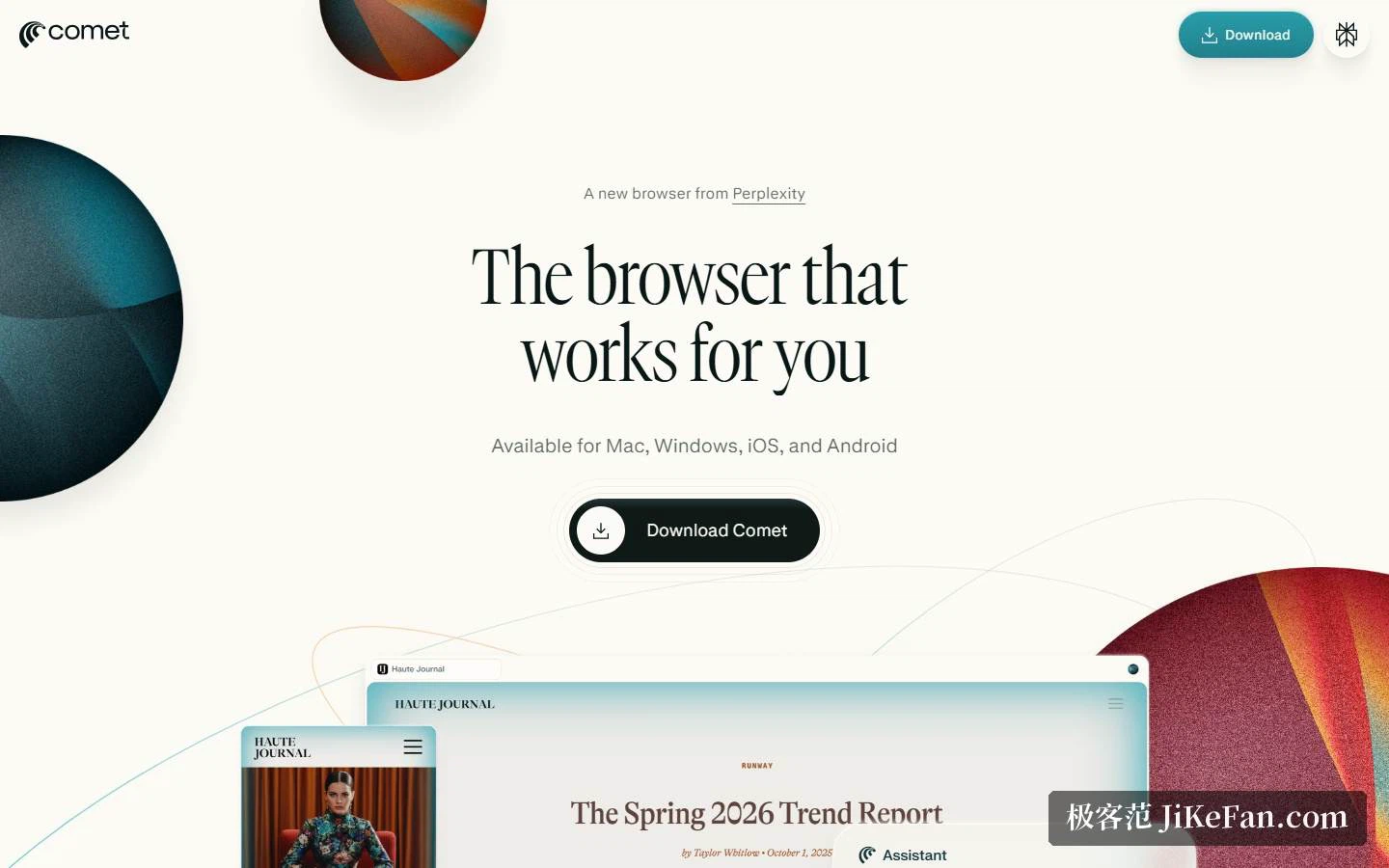
From navigating to thinking
The launch post of 9 July 2025 explains the design with five contrasts: from navigation to cognition, from answers to action, from trustworthy to accurate, from consuming to curiosity, from here to the next step. The reasoning in the post is that for thirty years the internet grew from browsing and searching into the place where we live, work and connect, while the tools we use to move through it stayed primitive, so the interface should run as fluidly as a person thinks.
In shipping terms that becomes three things: fold the tabs into an interface that understands intent, let the assistant run an entire browsing session, and ground the answers in sources you can check. The examples are concrete, comparing whether the same bicycle ships faster from another shop, or setting what you are reading against what you read before, and selecting any text on a page brings back an instant explanation.
It started on invitation: subscribers of the top tier first, then a waiting list that widened slowly, with new users getting a few invitations to pass on. The pacing is common among products of this kind, and the benefit is that experience keeps up with capacity.
What the assistant can do
The site demonstrates five scenes, and they read like a roll call of ordinary moves. Understanding: ask how different outlets reported the same event. Building: put a basic site together with a site builder. Mail: draft a reply against the calendar. Creating: lay out a week of study from a syllabus. Shopping: pick an office chair that is comfortable and cheap. Two further entry points sit below, a uses page and a resource centre, for anyone who wants to keep digging.
The assistant is positioned as a personal assistant whose errands run from clearing an inbox and ordering groceries to keeping track of finances and planning a holiday. Three words summarise the product: agentic, contextual, personal. Translated, it reads the page in front of you, and it holds on to a task that spans several days.
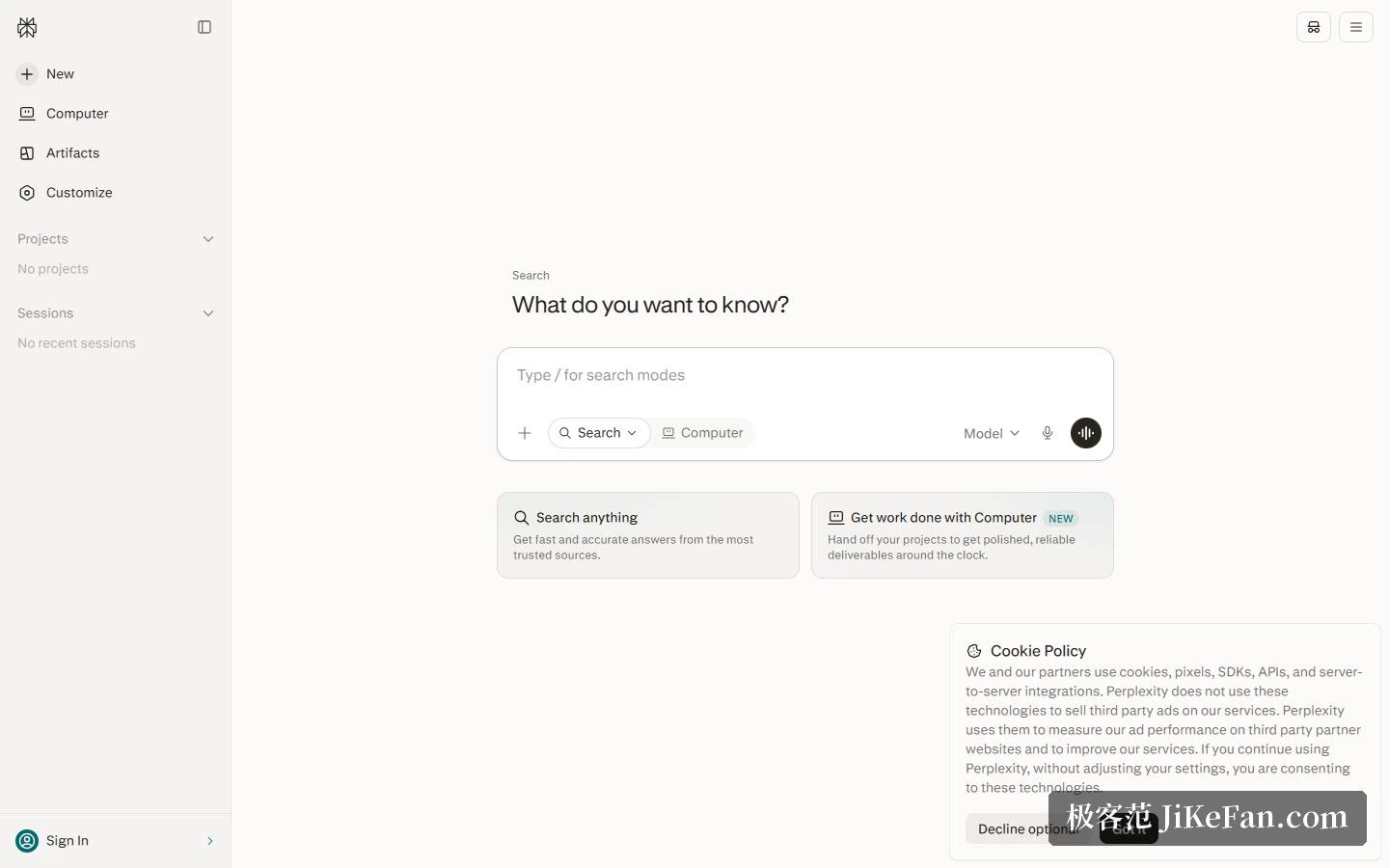
Where it sits in the product line
The company divides its work into four blocks. The answer engine returns cited answers. A cloud research product handles multi-step jobs like research, analysis and coding. Comet handles asking, navigating and acting inside the browser. An interface platform opens the same capabilities to developers. The line for Comet says that asking, navigating and acting all happen inside the workflow, without leaving the browser.
On the front page, search and the cloud product share one input box with a switch underneath: one side is labelled fast, accurate answers from trusted sources, the other as handing over a project and receiving a polished deliverable. The two are parallel paths — the browser side stays close to what you are doing, the cloud side suits handing over a whole project.
Search is free, the two paid tiers are not
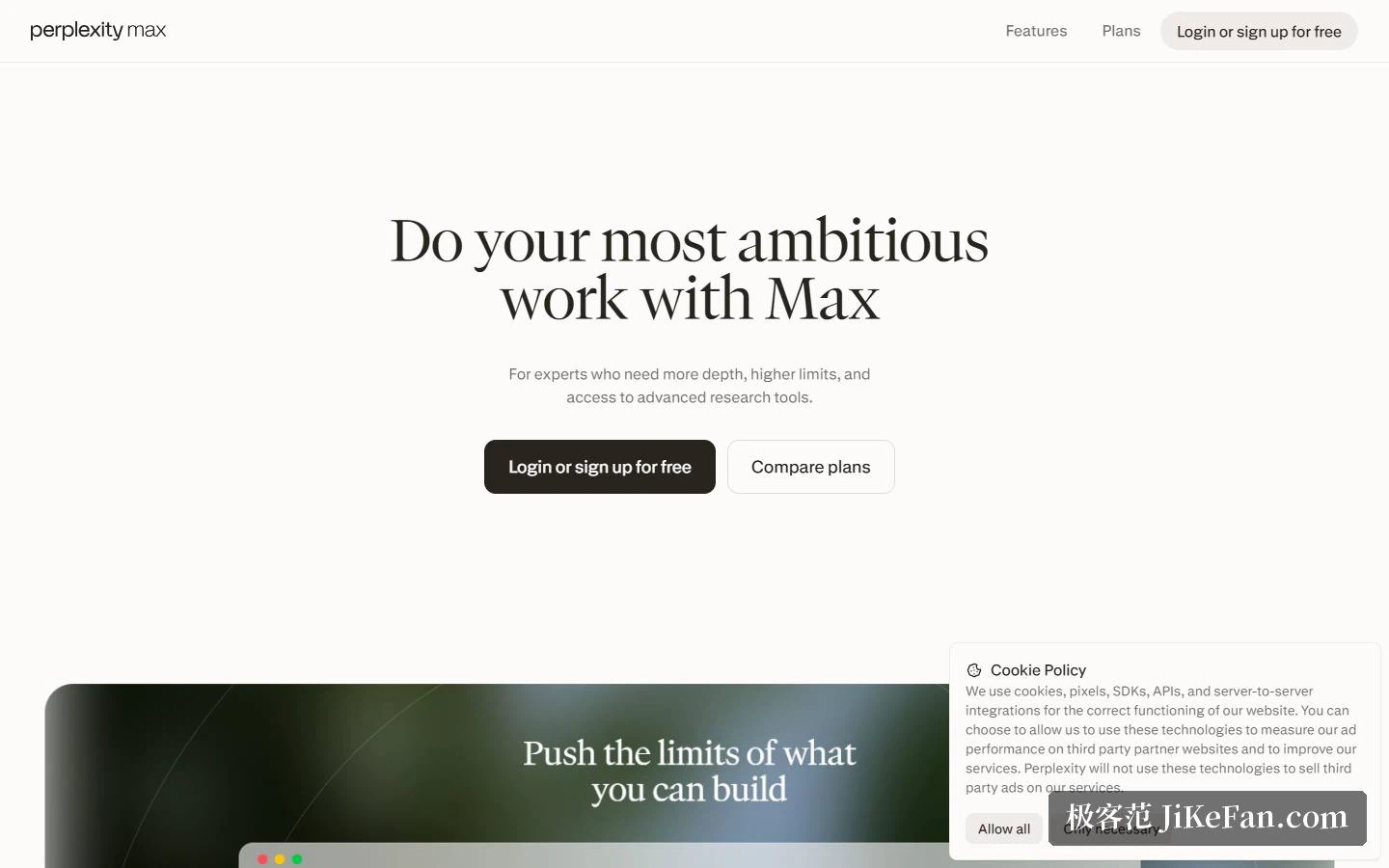
The FAQ is blunt: core search is free, Pro is 20 dollars a month or 200 a year and unlocks professional search, projects, file uploads, image generation and higher allowances, and enterprise pricing is quoted separately. The Max page states that annual billing works out at 167 dollars a month, aimed at deeper research with higher ceilings and advanced research tools; it includes everything in Pro, higher usage limits and memory, expert-level research, frontier models, early access to new features, and 10000 points a month plus 35000 bonus points. A time-limited line at the top adds 450 dollars of cloud task credit.
The Comet FAQ carries one item asking whether Comet is free, and six more on platforms, installation, which search engine is used, setting it as the default browser, managing privacy settings and browsing safely, all folded into panels to open one by one. The search answer can be assembled from the main FAQ: replies rest on live web sources with inline citations, conclusions click back to the original text, and underneath, several frontier models are routed so each question reaches the one better suited to it.
Enterprise and privacy
The enterprise page says 50000 organisations or more already use the platform, and lists the browser as one capability among them: answering questions, replying to mail and handling chores, on desktop and on phone. Under security it names an audited certification, no training on enterprise customer data, alignment with European data protection and health-privacy rules, configurable retention and automatic deletion, user and sharing management, single sign-on and directory sync, and audit logs. Industry figures follow, across legal, financial, government, technology, education and marketing teams, with research verification 90 percent faster and 125 hours a week saved per user.
The individual position sits in the same FAQ: queries on the paid personal and enterprise tiers are not used to train third-party models. Put plainly, the strength of data handling rises with the tier, and stronger controls mean the enterprise plan.
Who it suits, and what to watch
Three groups. Research-heavy users who compare across many tabs and need conclusions that survive checking find cited answers plus cross-page comparison directly on point. Anyone handling mail and a calendar daily can hand meeting booking, reply drafting and inbox tidying to the sidebar and save a great deal of switching. And small teams and companies get browser, search and cloud tasks under one account, with permissions and compliance drawn along tier lines.
Two cautions. The habit has to be relearned: handing page content to an assistant means accepting that it can read what you are looking at, so with accounts, payments and internal material, decide first which pages are fair to hand over. And capability is tied to allowance, since the browser can be used for nothing, while the stronger models, cloud tasks and finer controls all sit in the subscription tiers, so estimate usage before depending on it.
The browser has gone a long time without giving anyone a reason to replace it. The reason offered here is simple: if most of the day is spent working on web pages, then something that reads the page and is willing to act on it belongs inside the browser.