
AZIP Master brings batch extraction, password archives and WiFi transfer to Android
Summary
AZIP Master handles extraction, compression and browsing inside archives on Android, with batch jobs, password protected ZIP files, background runs and WiFi transfer, plus a direct line to Google Drive. Current version 4.2.3.
Recommend- Name
- AZIP Master
- Version
- 4.2.3
- Pricing
- Free
- Open source
- Proprietary
- Operating system
- Android
- Updated
- 2026-10-22 21:36
When a rar archive arrives on a phone, the first instinct is usually to wait until you are back at a computer. AZIP Master targets exactly that step, putting extraction, compression and browsing inside an archive on Android. The current version is 4.2.3, and installs on Google Play have passed ten million.
Where opening an archive on a phone goes wrong
The file manager that ships with Android handles some zip files and often gives up on rar or on split volumes. Plenty of people send the archive back to a computer, unpack it there and send the result to the phone again, spending data and time on both legs. AZIP Master takes the other road, gathering extraction, compression and browsing in one screen, with recent files listed on the main view so nobody has to walk down a directory tree every time. The store page positions it as a zip opener and extractor that can also create ZIP and RAR archives.
On formats, the store description names ZIP and RAR. Third party catalogues record a longer list, adding 7z, JAR, TAR, ISO, LZH, ARJ and the 001 style volumes among others, while the official page does not enumerate them, so whether an unusual format opens in practice still depends on the file.
Batch extraction and background runs
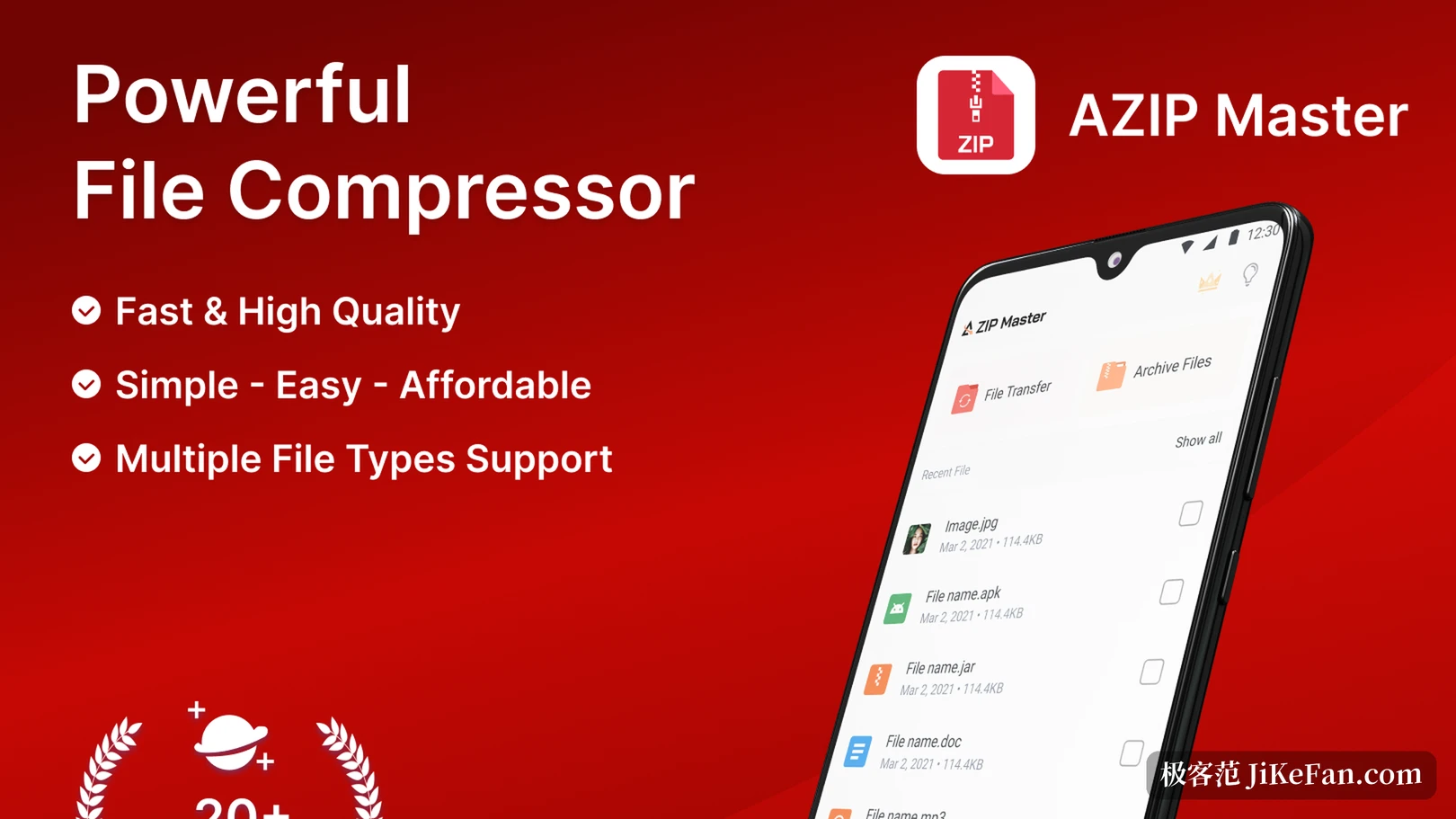
The first item the store page lists is extracting several files at once: select a batch of archives and the jobs run side by side, instead of opening one, waiting, and starting again. That situation is common when downloading assets on a phone, where handling dozens of archives one by one costs more in switching screens than in the work itself. Both directions, packing and unpacking, offer a background mode, so switching to another app lets progress continue and the result sits in the list on return. On models with little memory, where background processes get cleared by the system, that mode matters more than a pretty interface.
Another detail is what happens to resources during parallel jobs. Compression and extraction run on background threads, so the interface in front stays usable for browsing folders and ticking files, and one large archive does not freeze the whole app.
Passwords and integrity checks
Archives can be created with a password, and password protected ones also support a batch pass in one go. Locking an archive before sending it beats reminding the recipient afterwards not to pass it around. The other piece is an integrity check inside the archive: something downloaded from the network occasionally arrives with a piece missing and only fails halfway through extraction, and running the check first catches it earlier and saves a repeated download. Large archives are in scope too, so an asset pack of a few hundred megabytes does not simply lock up.
Transfer without a cable
When two devices share a network, files move directly over a hotspot or WiFi, cutting out both the cable and a third party cloud drive. Moving assets between phone and tablet, or pushing an archive from a computer to a phone, both take this road. Files that arrive can be sent onward by mail or a messenger without a screenshot to explain where they went.
Cloud drive and the file picker
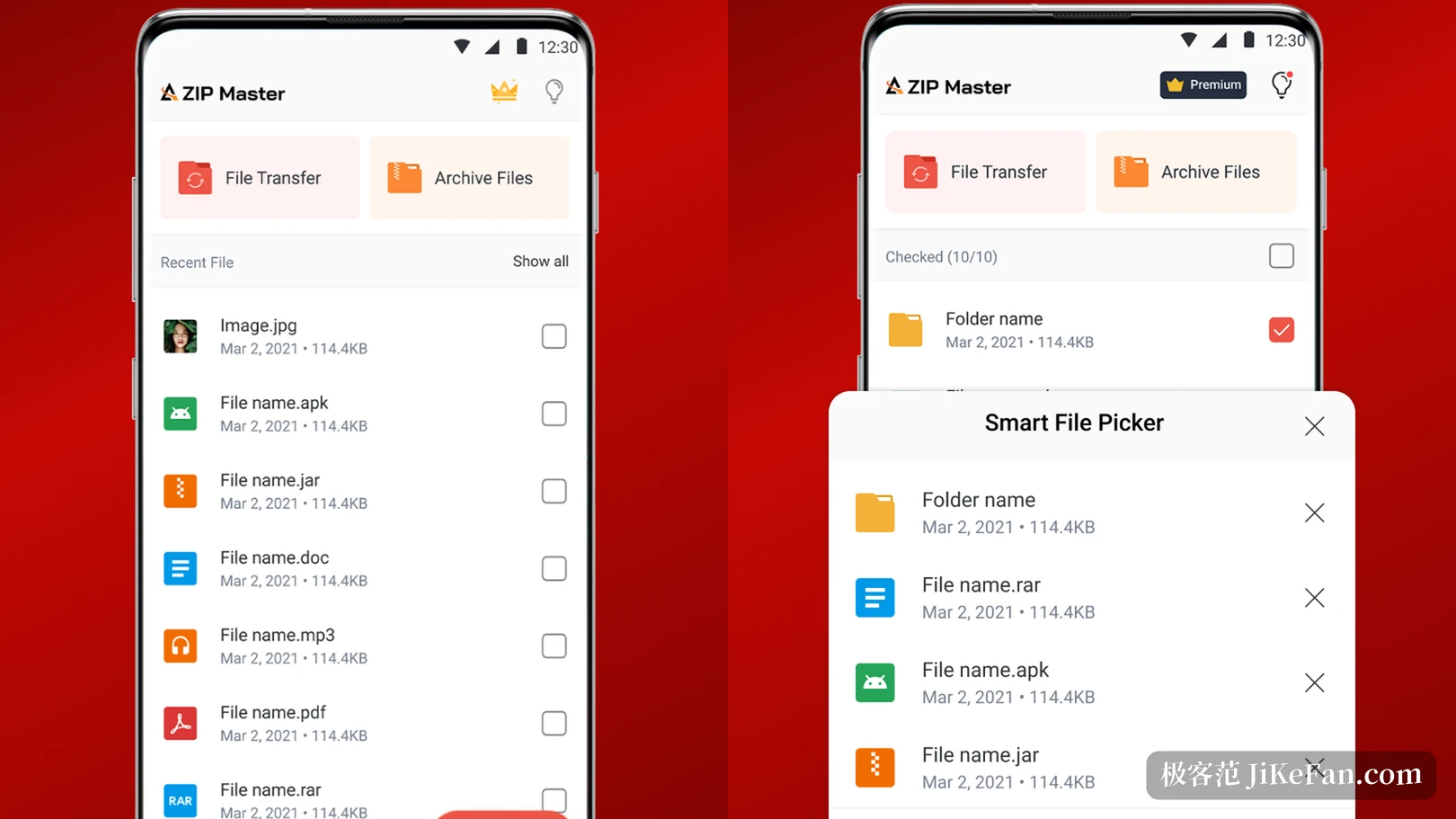
The app connects to Google Drive, so files in the cloud compress or extract without a download to local storage first, and sync back once handled. The smart file picker saves effort elsewhere: when ticking files to compress it groups candidates by type, so one pass of ticking and one packing run replaces jumping between folders. The app also filters by format and size, so the size of the result can be estimated before compressing.
Free to download, with ads and purchases
The store page marks it free to download and states that it contains ads and in-app purchases, with a crown shaped paid entry visible in the top right corner of the interface, where some abilities need a subscription. That is worth knowing in advance: daily extraction and compression are covered, and anyone bothered by ads should weigh it first. The publisher is WELLY GLOBAL, a company running more than a dozen utility and casual game apps, with AZIP Master first in its product list and a lighter AZIP Lite also present in the same list.
Who it suits
More than ten million installs and a rating around four stars say it answers a mainstream need rather than a niche hobby. It suits people who occasionally open an archive and do not want a pile of tools on the phone, and situations where photos and documents get packed up to send to someone. For split backups of tens of gigabytes, a desktop still holds steadier, and the value of a phone tool is being at hand. The install package runs a little over twenty seven megabytes, restrained for a device short on storage.
The position of AZIP Master is clear: gather the few things that most often stall on a phone, batch extraction, password protected packing, local network transfer and a direct cloud line, into one app. It does not chase completeness in features and wins by shortening the common path, at the cost of ads and purchases that are better known before starting.