
ownCloud Infinite Scale review: your own sync server, minus the upkeep
Summary
A rewrite that throws out the old stack, ships as one executable and keeps the parts that matter: desktop and mobile sync, sharing links, and a deployment that fits on a page of instructions instead of a runbook.
Recommend- Name
- ownCloud Infinite Scale
- Version
- 8.2
- Pricing
- Free
- Open source
- Open source
- Operating system
- LinuxWindowsmacOSAndroidiOS
- Website
- https://owncloud.com/
- Updated
- 2026-10-08 16:53
The case for keeping your own drive
Public cloud storage has settled into a pattern that nobody enjoys: transfer caps that appear without warning, subscription tiers that grow every year, and a permanent low-level anxiety about running out of space. Putting the drive on your own hardware solves all three at once, because the limit becomes the size of the disk you bought and the price becomes the electricity it draws. ownCloud has been the loudest name in this corner for over a decade, and Infinite Scale is its full generational replacement rather than a version bump.
The old architecture is gone. What used to be a stack of a web server, a PHP runtime and a database has been rewritten from scratch in Go, and the result ships as a single binary that starts the whole service. Anyone who has spent an evening chasing a failed migration knows what that means in practice: upgrades become a file swap, and the deployment instructions fit on a page instead of turning into a runbook.
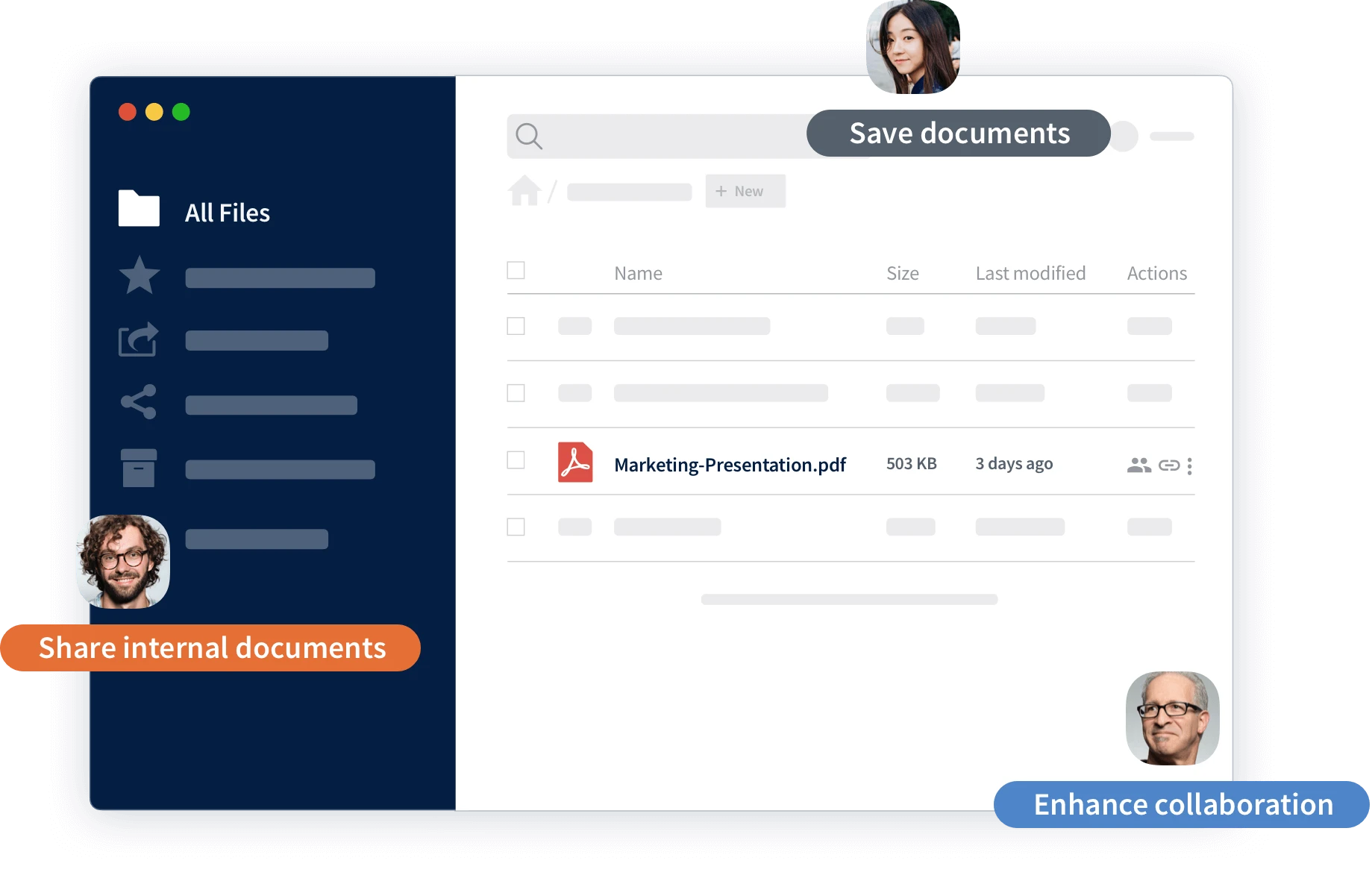
What the lighter build buys you
Resource use drops noticeably. On a small home server the difference is visible in memory graphs rather than benchmarks, and the service stays responsive while a large upload is running, which was not always true of the previous generation. Startup is fast enough that a container restart feels like a normal operation instead of a coffee break.
Nothing was cut to get there. The desktop client still syncs folders in the background, the mobile apps still read and write on the move, sharing links still work with passwords and expiry dates, and the collaborative editing layer is still there for teams. Enterprise features such as multi-factor authentication and external storage mounts have been catching up release by release, and the project runs on a dual track where the open source core and the commercial edition advance together.
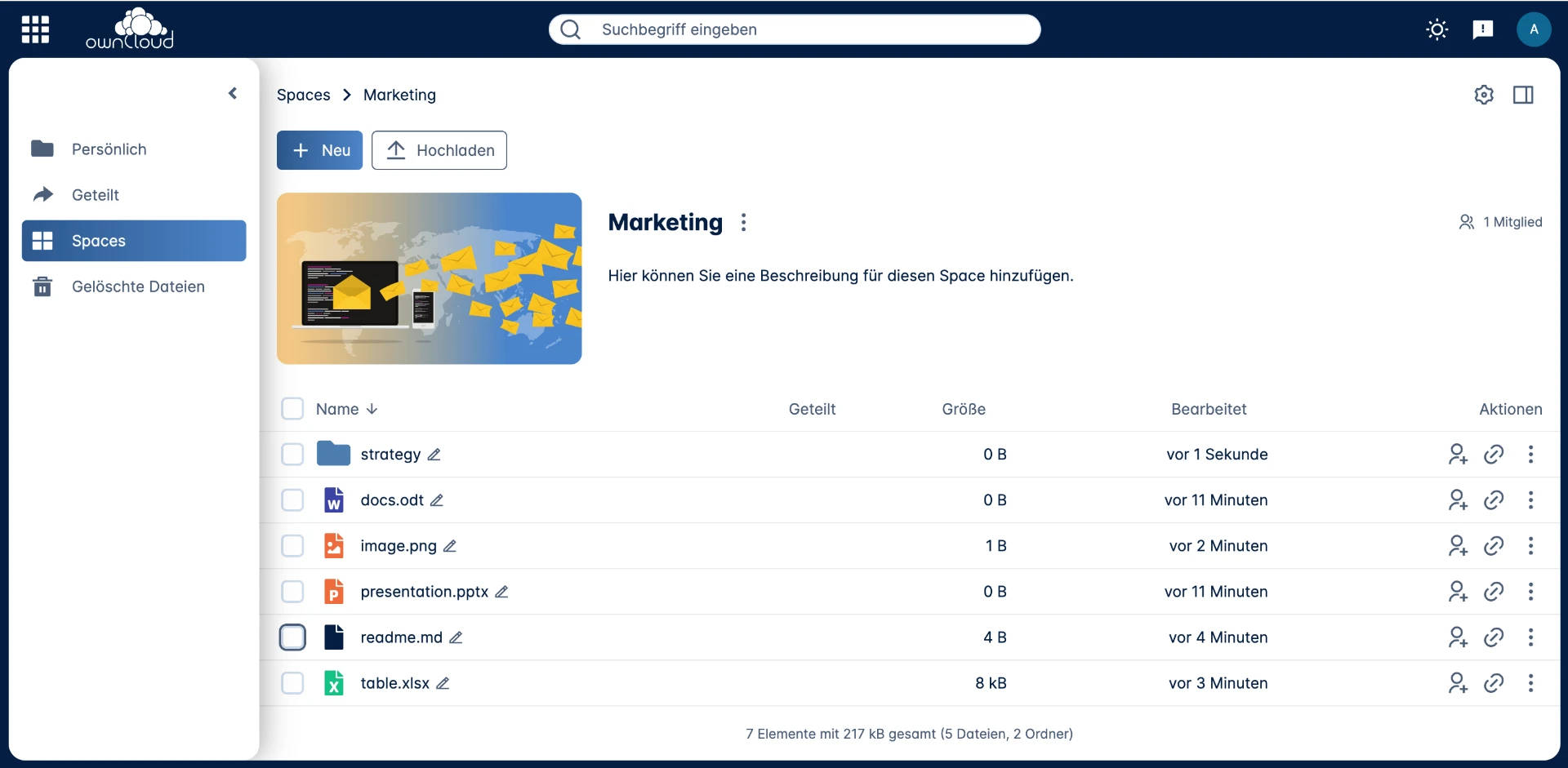
The audience is broader than the reputation suggests. A home server with a couple of drives, a team server in an office closet, a company that wants a private cloud without building one: the same binary covers all three, and the configuration file does not grow much between them. That low floor is the actual achievement here. Self-hosting used to be a hobby with a maintenance tax; this version makes it a weekend project with an evening of setup.
Where it still asks something of you
Honesty requires a few caveats. Running your own storage means you own the failures too: a disk dies, a certificate expires, an update goes wrong. The software can make those events rarer, but it cannot make them somebody else's problem, and anyone who signs up expecting the convenience of a commercial service will be disappointed within a month.
Backups remain your job, and the three-two-one rule does not stop applying because the data lives in your own rack. Snapshots before upgrades are cheap insurance against an evening lost to a rollback. And the ecosystem, while healthy, is smaller than the commercial alternatives: third-party integrations exist, but you will occasionally find a service that only speaks to the big providers.
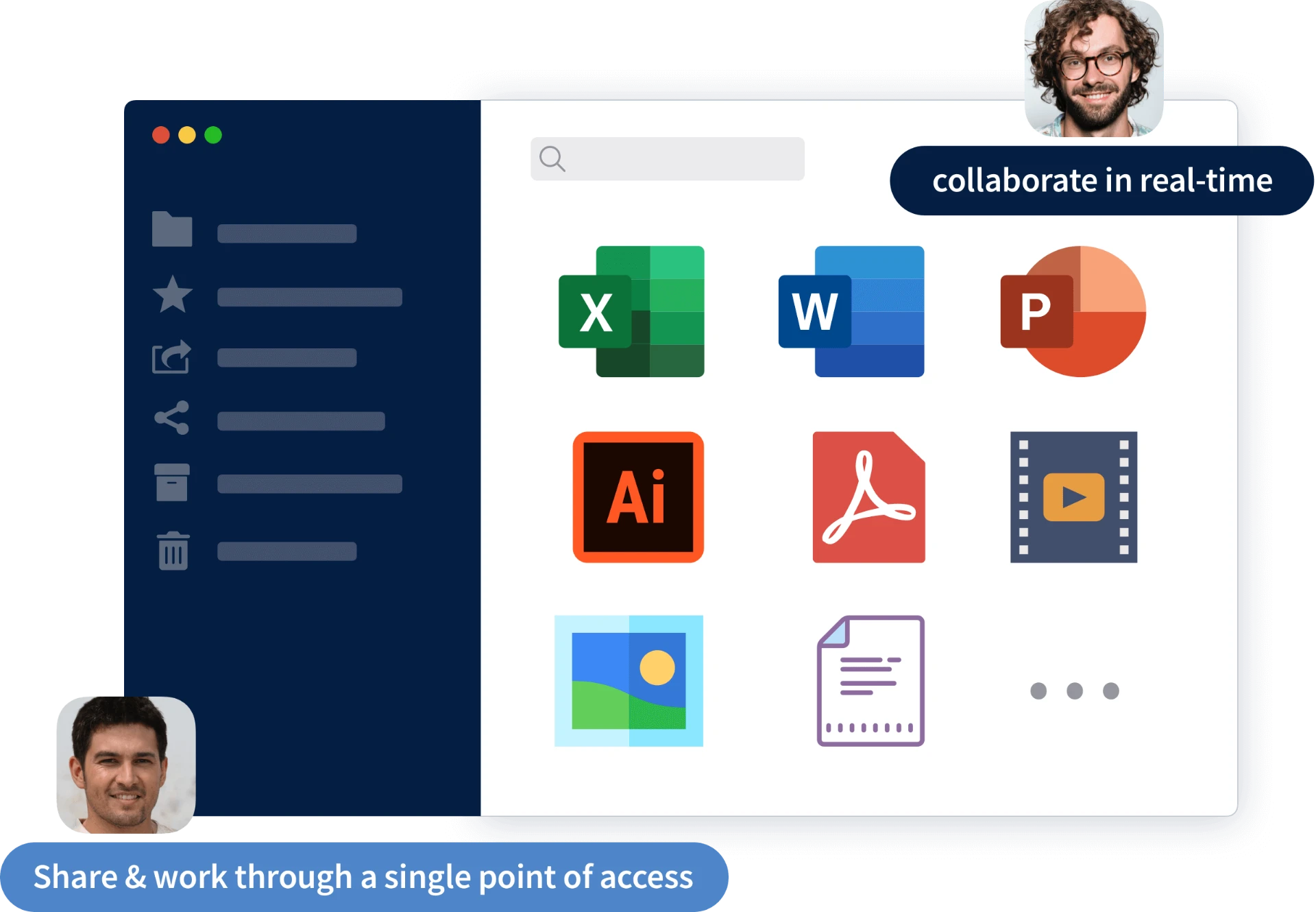
The rewrite proves something worth repeating: self-hosting should not require a specialist. When deployment takes as long as making a coffee, a private cloud stops being a technical statement and becomes an ordinary choice.
A practical path for anyone tempted. Start with a single container on the home machine and sync documents and photos for six months before adding anything else; that period tells you more about your real needs than any planning document. Keep the data on a disk you can physically unplug, snapshot before every upgrade, and write the recovery steps down while the system is still healthy, because the moment you need them is the moment you will not want to be improvising.