
NoMachine: not just the remote desktop any more, but a remote terminal too
Summary
NoMachine reaches a computer across platforms and through a firewall without a public address, and the latest release adds a remote terminal beside the desktop. The free edition has been replaced by a paid personal one.
Recommend- Name
- NoMachine
- Version
- 10
- Pricing
- Paid
- Open source
- Proprietary
- Operating system
- WindowsmacOSLinux
- Website
- https://www.nomachine.com/
- Updated
- 2026-10-06 22:41
An old name in remote desktops
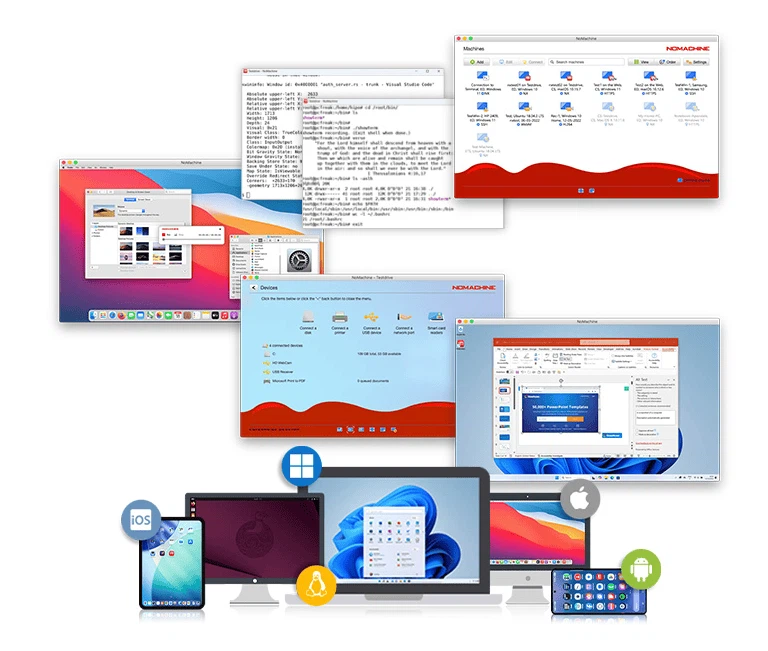
NoMachine is a remote desktop tool that spans Windows, macOS and Linux, and also runs on small single-board machines and ARM hardware. Its own pitch is a connection to any computer at the speed of light, and beside the picture of the desktop it carries the things remote work actually needs: file transfer, printing in both directions, session recording and device redirection.
Getting through without a public address
The hard part of remote desktop has always been the network. When the target machine sits behind a router, has no public address and is blocked by a firewall, somebody has to go and configure port forwarding. The approach here is a relay service: publish the machine once and it can be reached from any device afterwards, without knowing its address. There is no limit on how many machines are published; what is counted is the number of simultaneous connections.
What the new release changed
On the last day of July 2026 the current major release was declared available, and two changes stand out. The first is a remote terminal connection: a shell can be opened without bringing up a full desktop, and it connects either to the shell service that the host already runs or straight to an SSH server, which is convenient for running scripts and for maintenance work. The second is that the free edition is gone, replaced by a personal edition that is an entry-level commercial product for individuals. On the Linux side, virtual desktop support arrived for recent desktop environments and their display protocol, and hardware video encoding and decoding was added so that compressing the picture is handed to the graphics chip instead of the processor.
Why the terminal is the interesting addition
Most remote work falls into two shapes, and they are not the same. One is looking at a screen: a design file, a spreadsheet, an application that only exists on that machine. The other is typing commands: restarting a service, reading a log, moving a file. Pulling up an entire desktop to do the second is like starting a car to open the boot, and having a terminal in the same client means the same credentials and the same connection path serve both. It is a small feature on paper and a large one in a working week.
What the surrounding features save
Moving files between two machines over the same connection sounds minor, until the day a document has to go from a laptop to a server with no shared drive. Printing in both directions means a document opened remotely comes out of the printer downstairs. Recording a session turns a remote demonstration into something that can be handed over. Redirecting devices makes a local USB stick appear on the machine far away. Each piece is small, and together they remove the reason for reaching for a second tool.
The enterprise line
Businesses are served by a separate line with three tiers, a desktop edition, a terminal server and a cloud server. They can be hosted entirely in-house, accept an unlimited number of users, and bring a built-in private network and load balancing across a cluster. The new release also extends single sign-on to the standard authorisation protocols that enterprises use, so a token from the company's identity provider can be accepted directly.
Before installing
For reaching your own computer without wrestling with public addresses and firewalls, the publish-and-connect idea remains the least troublesome route. What needs saying plainly is that personal use is no longer free as of this release, so the licence terms are worth reading before the client goes on three machines.