
NanaZip Review: An Old Compression Engine in Current Clothes
Summary
NanaZip keeps everything that made 7-Zip reliable and replaces only the shell: a Fluent interface that follows the system dark mode, a context menu that belongs in Windows 11, modern icons and dialogs. The engine is merged forward from upstream, and the project ships under a permissive licence.
Recommend- Name
- NanaZip
- Version
- 7
- Pricing
- Free
- Open source
- Open source
- Operating system
- Windows
- Updated
- 2026-10-07 16:11
New clothes for a familiar engine
The ability of a certain long-lived archiver is not in doubt anywhere. It handles a long list of formats, its compression choices are trustworthy, and it has been quietly correct for so many years that people stopped discussing it. What people do discuss is the interface, which still looks like it was designed for a desktop from the turn of the century: grey dialogs, a toolbar of tiny icons, tooltips written for someone who already knows the answer. On a modern system the mismatch is jarring in a way that is hard to justify, because the program itself is excellent.
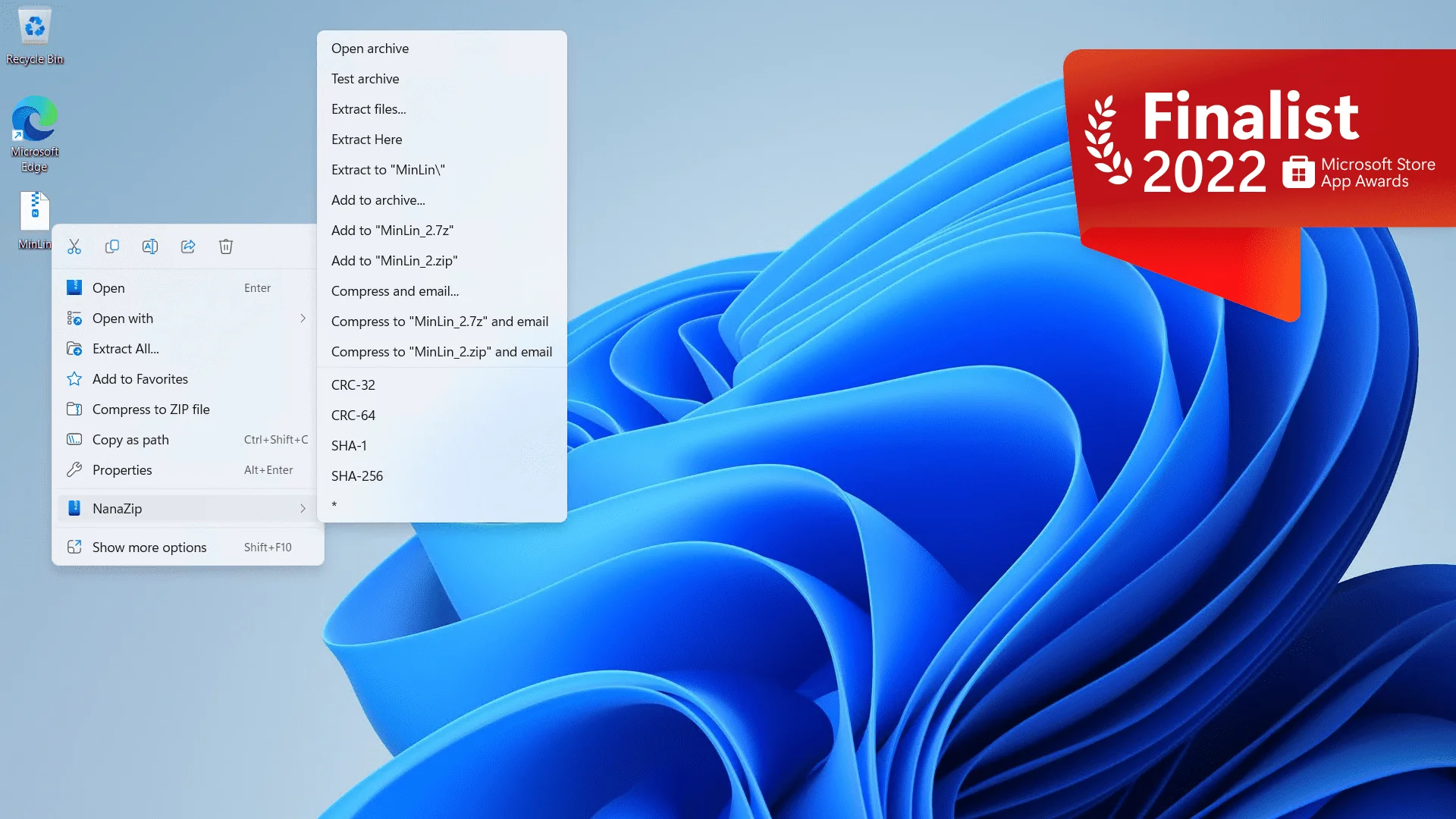
NanaZip takes the restrained position that this is a shell problem, not an engine problem. The compression core stays, the format support stays, the behaviour that made the tool dependable stays. What changes is everything the user actually looks at. The dark mode follows the system setting instead of offering its own separate switch hidden in a menu. The context menu integrates with the current Windows design so that right clicking a file feels like part of the operating system rather than a visitor from another era. Icons and dialogs have been redrawn to match.
For anyone who cares about a consistent desktop, this is the piece you install after the system itself, in the same spirit as replacing the default wallpaper. It is a small pleasure, repeated thousands of times, and small pleasures repeated often are what a comfortable machine is made of.
The engine stays current, the channel is modern
The evolutionary strategy is the smart part, and it is worth being precise about it. When the upstream project publishes a new version, the compression core gets merged forward, so format handling and compression efficiency do not fall behind. The rolling release line already tracks the newest engine capabilities rather than freezing at an old branch and slowly drifting out of date. That is the difference between a fork that stays alive and one that becomes a museum piece.
Distribution is treated as seriously as code. The application arrives through the Microsoft Store channel, which means updates are handled by the system instead of by a manual version check that nobody remembers to perform. Given how often archivers are the first thing to touch an unfamiliar file, being current is not a luxury; a stale unpacker is a security surface.
The project is open source under a permissive licence, the code is public, the community is active, and issue reports get answered. None of that is unique, but all of it together is the reason a fork can be trusted with the mundane but constant job of opening files.
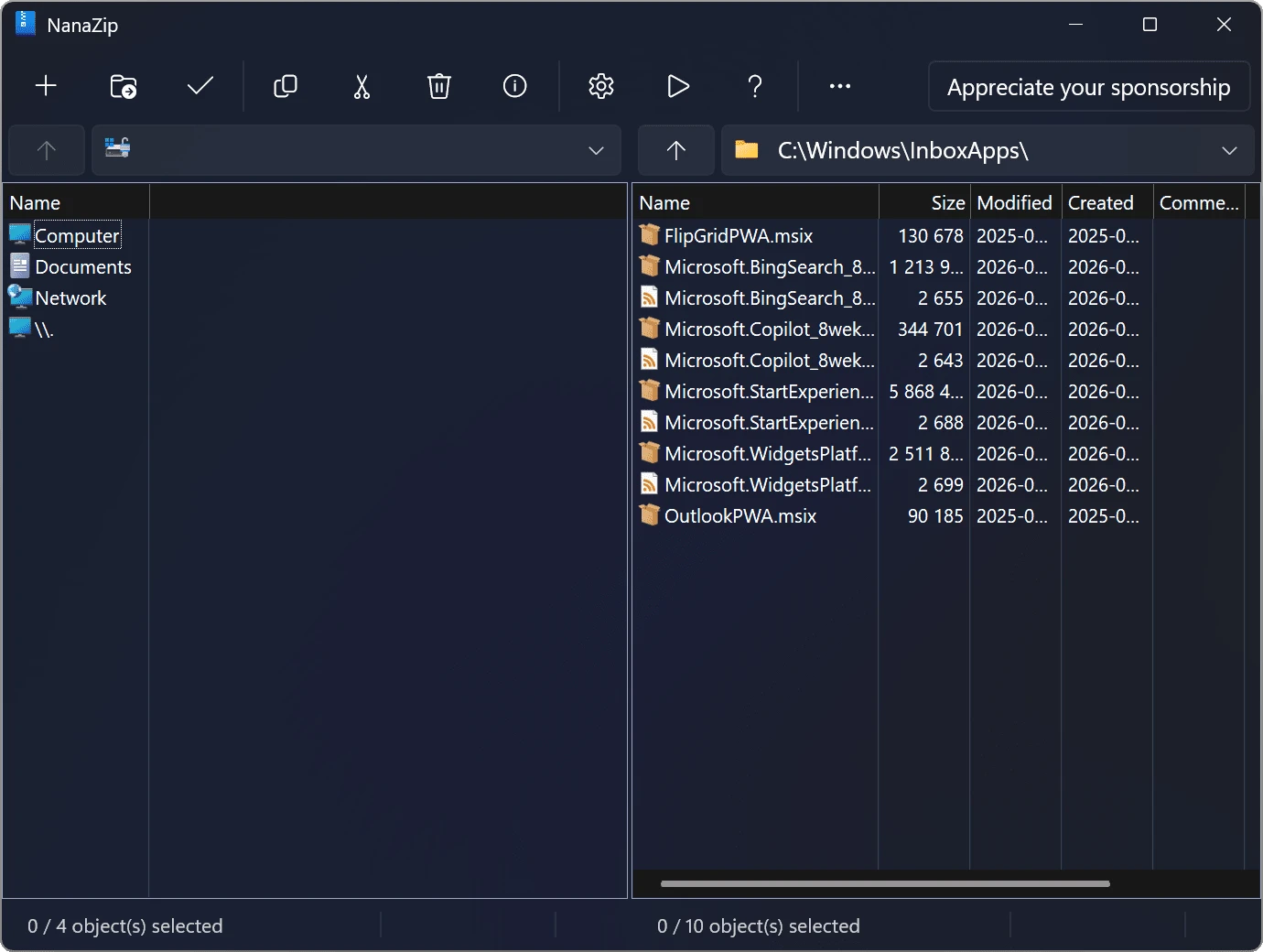
The lesson in NanaZip is the art of inheritance: do not rebuild the wheel, just fit modern spokes to it. A classic engine and a current experience were always allowed to coexist.
What switching actually costs
For someone moving from the classic tool, the learning cost is close to zero. The menus are the ones you already know, the compression options are in the familiar places, and file associations plus the context menu are set once and then forgotten. Nothing needs to be relearned, which is the entire point of a faithful fork.
Two honest limits. It is a Windows application only, so anyone working across platforms will still need something else for the other machines. And the modern shell does not remove the advanced settings, which means the depth is still there for people who want to tune parameters by hand, and still invisible for people who do not.
For ordinary work, the practical summary is unglamorous and correct: it opens what you throw at it, it looks like it belongs on the machine, and it updates itself. That is a complete description of what most people need from an archiver, and it took a fork to deliver it without asking anyone to change their habits.