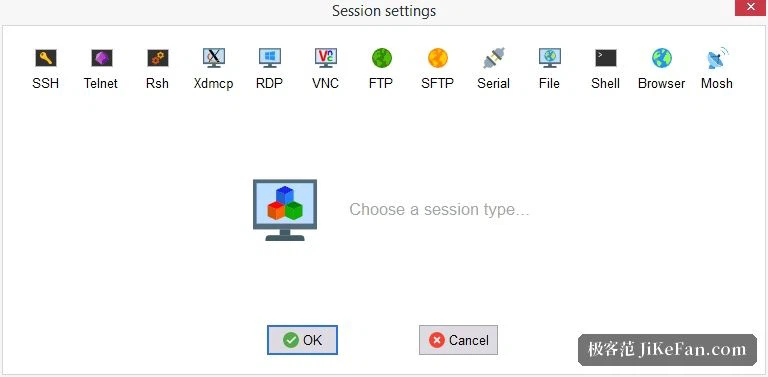
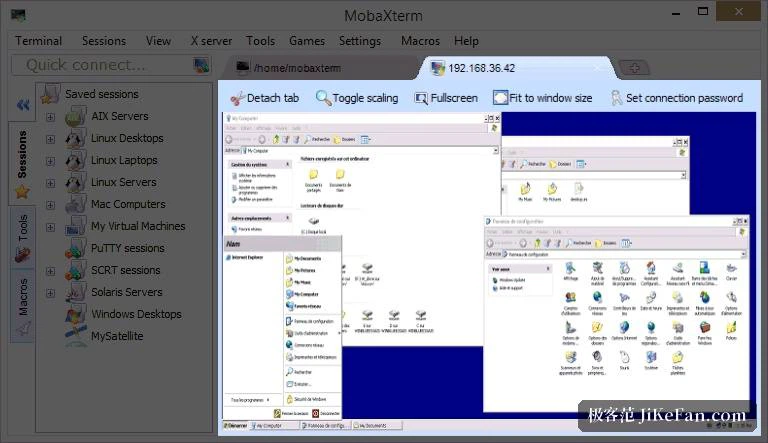
MobaXterm 26: the Windows remote toolbox where SSH, X11 and SFTP share one window
Summary
A French-made all-in-one remote tool for Windows: an X server that is ready before you ask, a Unix command environment, tabbed sessions and a drag-and-drop SFTP browser, free in the home edition.
Recommend- Name
- MobaXterm
- Version
- 26.4
- Open source
- Proprietary
- Operating system
- Windows
- Website
- https://mobaxterm.mobatek.net/
- Updated
- 2026-10-05 20:45
A whole remote toolkit folded into one window
Connecting from Windows to a Linux server used to mean assembling a kit: one program for the shell, a separate X server for graphical forwarding, an SFTP client to move files, and a few small utilities for looking at the network, with the taskbar filling up as each one opened. MobaXterm, made by a French team, collects the work into a single tabbed window: an SSH client, an X11 server, an SFTP browser, remote desktop, and a complete Unix-style command environment underneath. For the administrator or developer who spends the day on other people's machines, the point is not that any one of those pieces is unusual, but that the switching stops. As of September 2026 the current line is 26.4, and releases still arrive several times a year.
X11 forwarding that is already running
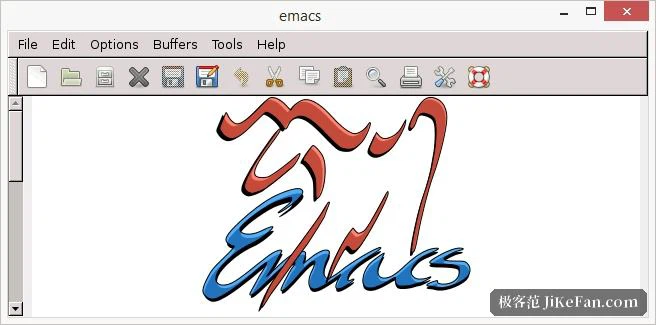
The feature long-time users mention first is the built-in X server. It is up and ready as soon as the program starts, so once an SSH session to a Linux host is open, typing the name of a graphical program is enough: the remote window appears on the Windows desktop. No extra X server to install, no DISPLAY variable to set by hand, no registry edit to get wrong. Work that once meant three separate pieces of software and a configuration step now happens without a setup phase, and that is the main reason people move away from a shell client paired with a standalone X server.
Sessions in folders, and files that move by dragging
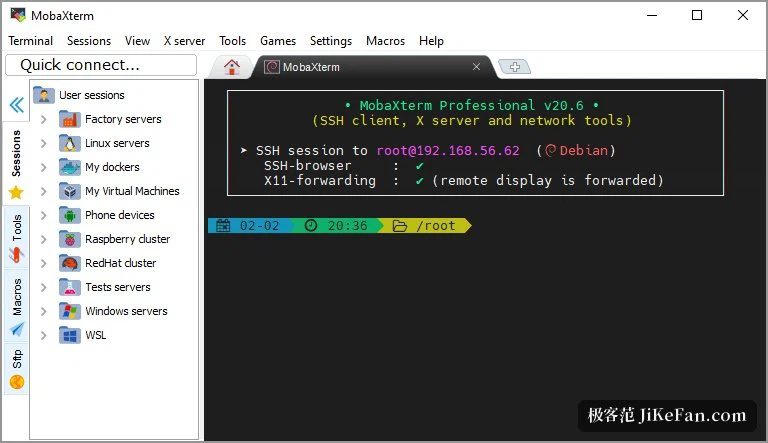
The sidebar keeps every connection in folders: SSH, remote desktop, VNC, FTP and Telnet each in their own place, a session opening in a new tab when it is clicked, servers used often bookmarked and grouped. Start an SSH session and a graphical SFTP browser appears on the right: the remote directory looks like a local file manager, and a drag in either direction moves the file. Editing a configuration file or pulling a log no longer needs a second program opened alongside. Both password and key authentication are supported, sessions can be set to reconnect after a drop, and a long job left running on a server survives a moment of bad network.
Unix commands, locally
A Unix command environment sits inside the program, built on a compatibility layer, so bash, grep, awk and rsync are simply there on Windows: writing a script, processing text or pushing a batch of files no longer requires a virtual machine or a second environment to maintain. Macros record a repeated sequence once and replay it with a keystroke. Port forwarding, an SSH gateway, a network scanner, ping and traceroute all live in the same toolbox, which means a network problem gets investigated in one place instead of being pieced together from four utilities.
Free for home use, and portable
Individual users can run the home edition at no cost. Sessions, macros and bookmarks are capped at twelve, which covers the daily work of most solo developers; teams that need no cap and configuration that roams between machines buy the professional edition per seat. Both an installed and a portable build are offered, and the portable one carries the entire toolbox on a USB stick, which suits an engineer moving between several computers in a week. If a server connection is part of every working day, this replaces a shelf of small utilities with one window.
Details that keep getting attention
Recent releases have kept pace with the systems around them. The terminal core follows its upstream engine, character handling tracks the current Unicode standard, and dark mode now reaches the settings dialog, the context menus and the paste confirmation instead of stopping at the main window. DNS lookups and the retry behaviour of failed SFTP transfers have been reworked. Font smoothing, colour schemes, keyboard shortcuts and window layout are all configurable, several sessions can be shown split side by side, and logs can be watched in one pane while commands are typed in another.