
MEGA: an encrypted cloud drive the provider itself cannot read
Summary
MEGA is a cloud storage service built around zero knowledge encryption: files are encrypted on your own machine before they are uploaded, so even the provider cannot read them, and MEGAsync syncs Windows, macOS, Linux and mobile.
Recommend- Name
- MEGA
- Version
- 6.6
- Open source
- Proprietary
- Operating system
- WindowsmacOSLinuxAndroidiOS
- Website
- https://mega.io/
- Updated
- 2026-10-06 20:19
At the end of the road, a cloud drive has to be encrypted
Anyone who uses a cloud drive for long enough runs into the same unease. The files live on somebody else s server, and the question that will not go away is what the provider can technically see. MEGA s answer is nothing. It is one of the best-known zero knowledge encrypted drives, every file is encrypted on your own device before it is uploaded, the keys stay in your hands, and encryption and decryption never pass through a server. In theory MEGA itself cannot read your data. Private files, a creator s raw material and a company s confidential documents all gain a mathematical layer of protection on top of the promise.
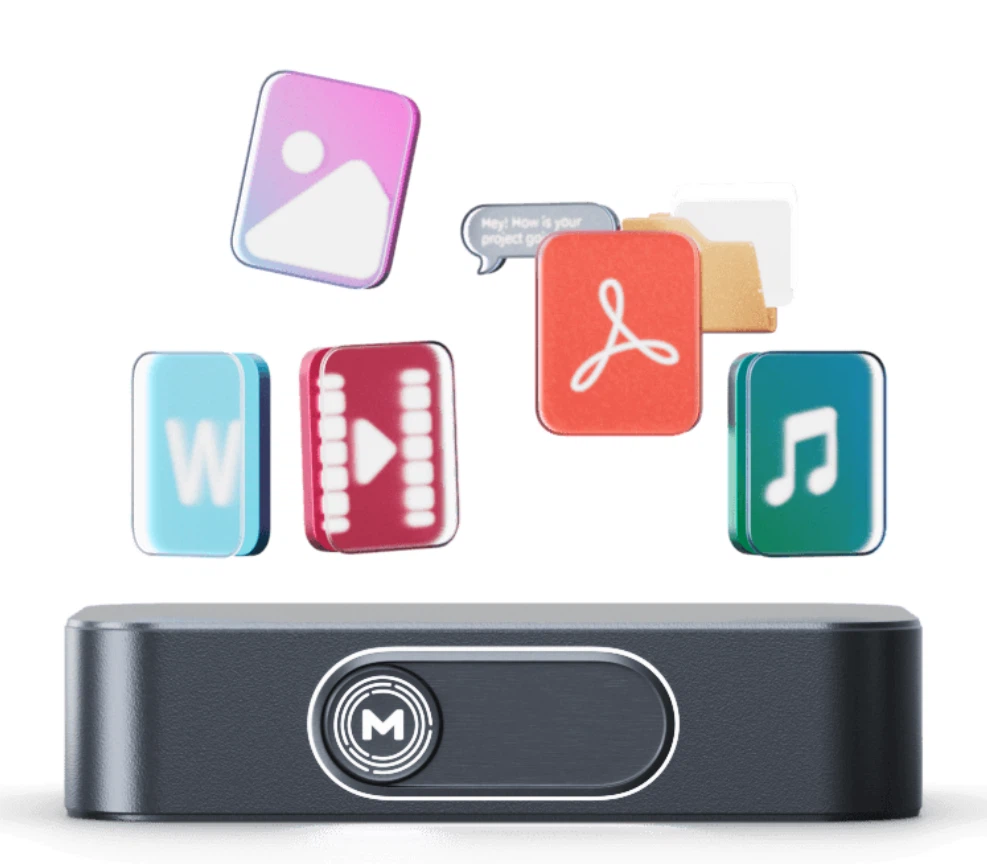
The word mathematical is doing real work there. A policy can change with a management decision, a jurisdiction can change with a court order, but a file that was encrypted on your machine before it left stays unreadable to whoever receives it, whatever they are entitled to ask for. That is a different kind of assurance from a privacy statement, and it is the reason people who handle sensitive material bother with this category of service at all.
MEGAsync: making encryption something you never notice
Encryption sounds like work. MEGAsync turns it into something invisible. You choose a local folder and a matching cloud directory, and from then on files dropped in are encrypted and uploaded automatically, with changes syncing both ways in real time. The backup mode mirrors a chosen directory to the cloud in one direction instead, which is the arrangement that guards against accidental deletion and against ransomware.
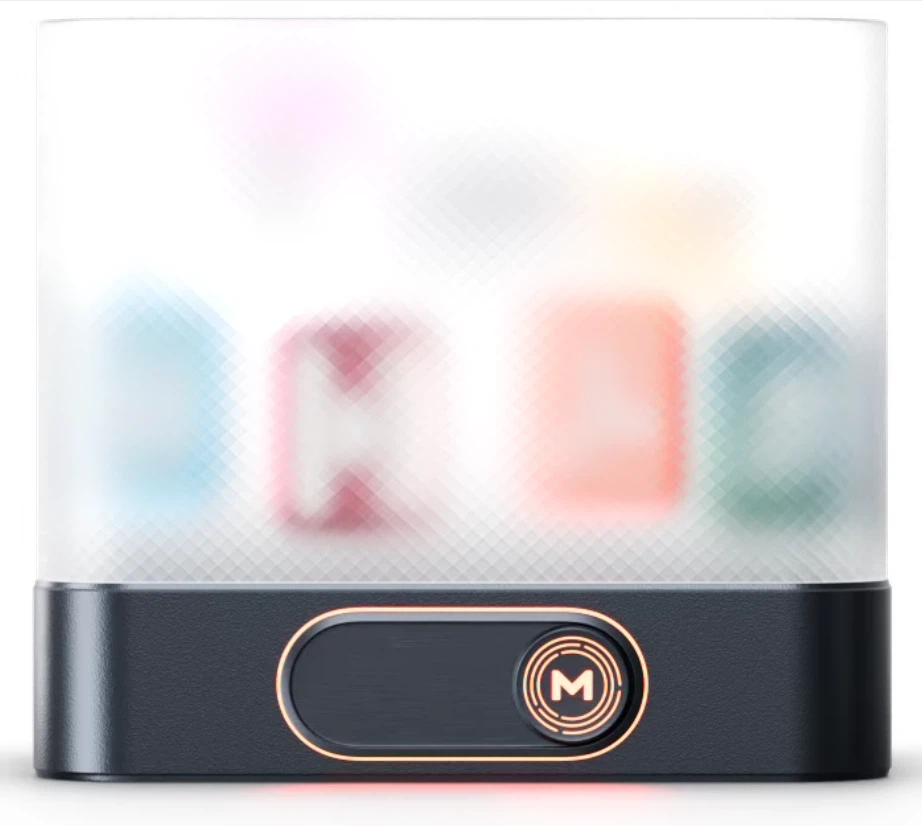
The transfer manager offers queue ordering, speed limits and pause with resume, and a large file interrupted by a dropped connection carries on where it stopped rather than starting again. The desktop client covers Windows, macOS and Linux, the mobile apps back up photos and videos automatically, and the current 6.6 series, updated at the end of 2026-08, keeps working on sync performance and stability.
A free tier that is enough, and paid plans that are fair
The free allowance is among the largest in this category, and activities such as the check-in promotion can add to it. The paid Pro tiers are divided by capacity and by transfer volume, and the price sits in the upper band for encrypted storage, which is worth knowing before comparing it with unencrypted drives that cost less because they do less.
Sharing is designed around encryption too. An encrypted link allows the key and the link to be handed over separately, so a recipient who has the link but not the key still cannot open anything. For an individual or a small team that wants the convenience of a cloud drive and sovereignty over the data at the same time, that combination deserves serious consideration.
One practical note before signing up. The whole design rests on the key being yours, so the recovery route has to be arranged in advance, not after the first lost password. That is the single real threshold of a zero knowledge architecture, and it is a small price for everything else it buys.
The mobile side is what makes the arrangement stick for most people. Photographs and videos are backed up automatically once the folders point at the cloud, which means the encryption happens as part of the backup rather than as an extra errand. Nothing has to be remembered before a trip, and nothing stays unencrypted because the moment was inconvenient.
Backup mode and sync mode are usually confused with each other, and the difference matters more than the names suggest: one protects against a mistake, the other keeps two places identical, and the error of picking the wrong one is only discovered on the day it counts.
MEGA proves one thing: encryption should not be a privilege for specialists but infrastructure that is on by default. The only thing you have to remember is that the key is everything, so set up the recovery route before you need it. That is the one threshold of a zero knowledge design, and it is worth paying.