
MediaMTX review: a stream router in a single file
Summary
MediaMTX takes a stream in over one protocol and hands it out over another, with RTSP, RTMP, HLS and WebRTC all speaking to each other. One binary, no dependencies, small enough for a single board computer, and open source.
Recommend- Name
- MediaMTX
- Version
- 1.21.1
- Pricing
- Free
- Open source
- Open source
- Operating system
- WindowsmacOSLinuxARM
- Updated
- 2026-10-06 19:49
Minimalism applied to a job that is usually heavy
Putting a streaming service together used to mean assembling a media framework, wiring a transcoder to it, standing up a web server in front, and then maintaining a chain of components whose versions all had opinions about each other. Changing one line of configuration felt like defusing something. The proposition here is the opposite: one executable, start it and it runs, no external dependency at all.
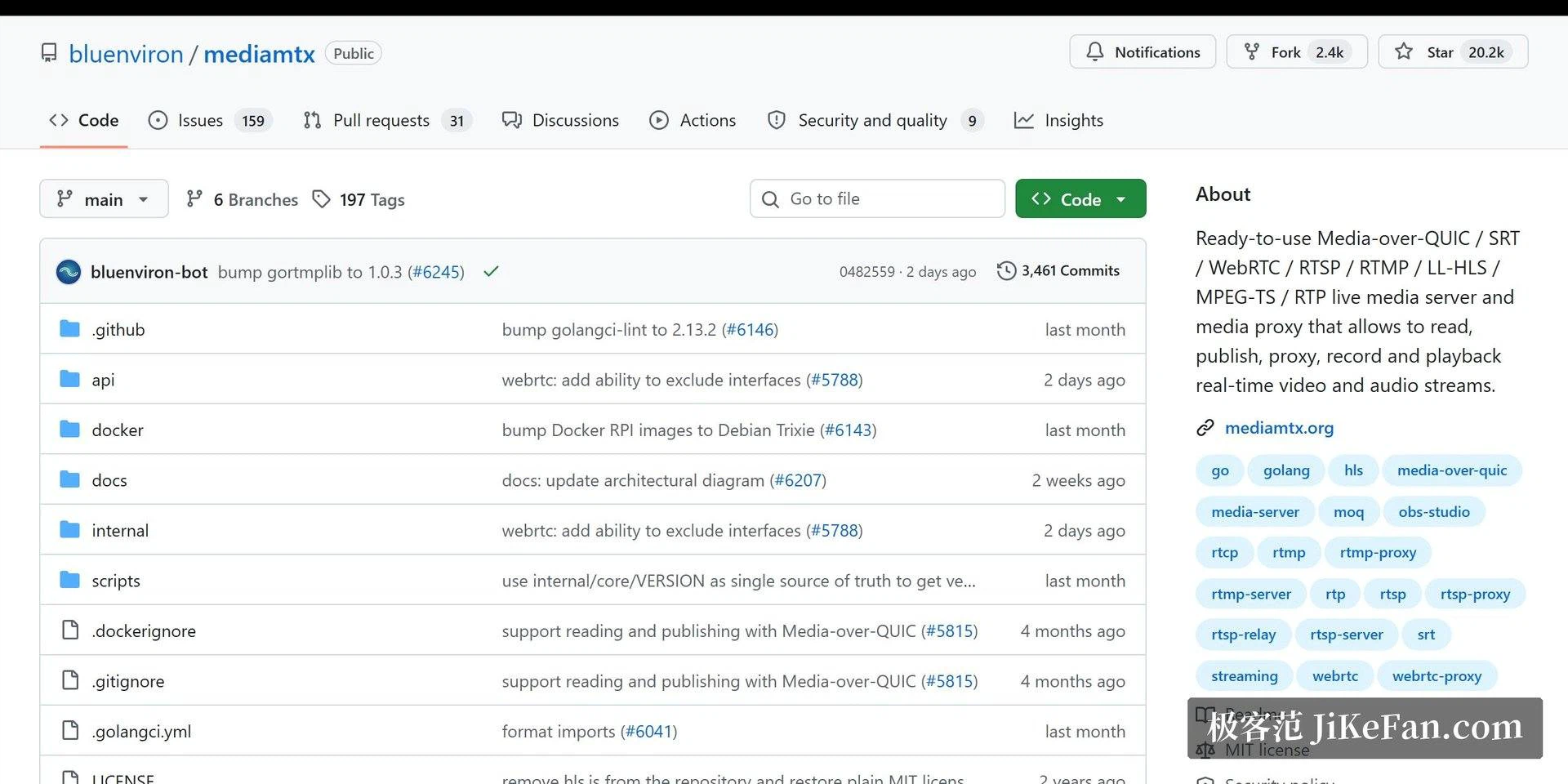
It is written in Go and grew out of a project that was originally named for a single protocol. As the list of supported protocols expanded, the old name stopped describing the ambition, so it was renamed. That history explains both the small footprint and the range: the same binary that runs on a server also runs on a single board computer, which is not a claim most media stacks can make.
A router for media, in the networking sense
The clever positioning is that this is a media router rather than a platform. A stream can arrive over RTSP from a camera, and the viewing side can pick whatever suits it: WebRTC in a browser for low latency, HLS for playback and review, or RTMP handed onward to a platform that expects it. The same source, the protocol chosen at the edge of each viewer, changed without touching the source.
Aggregating cameras is the scenario where this shines. Several cameras in a house all push to one instance, and a laptop or a phone opens a browser and watches, with no client software and no per camera configuration. Self hosted broadcasting is just as natural: a streaming tool pushes in, and the distribution to viewers is already handled.
Authentication, recording, and routing by path all exist as configuration options rather than as paid tiers or plugins, and the whole thing fits on a device in the single board computer class. Production features, hobbyist hardware, which is an unusual combination to find in one place.
The configuration is a single file with sections, and it is readable without a manual. Paths are named, protocols are switched on or off per path, and the defaults are sensible enough that a first test needs almost nothing. That matters more than it sounds: the reason media setups rot is not that the software is bad, it is that nobody can remember how the five moving parts were wired together six months later.
It also behaves well as a piece of a larger system, which is where a router belongs. A camera that speaks only one protocol can be normalised here, a viewer that speaks only another can be served without touching the camera, and a recording can run on the side without altering either end. Each of those is a small problem solved locally rather than a reason to rebuild the whole chain.
This is proof that infrastructure software can be light: one file, one configuration, zero dependencies, and a heavy job carried as if it were nothing. Simplicity here is not naivety, it is what remains after complexity has been dealt with.
Setting expectations correctly
One limit needs stating first, because it decides whether the tool fits: this routes streams, it does not transcode them. If a camera emits a format that a viewer cannot decode, no amount of configuration here will fix that, and a processing step has to be added to the chain. The other limit is scale: very large audience distribution belongs behind a content network or a cluster, and pushing that load through a single small instance would be a misreading of the design.
One practical note for anyone trying it for the first time. Start with a single path, prove that one camera or one push arrives, and only then add authentication and recording. Most of the frustration with tools like this comes from configuring everything at once and then having no idea which part is wrong.
Within its range, though, it is close to the cheapest possible answer. Home monitoring, a local network broadcast, protocol debugging between two pieces of software that refuse to agree: all of those are solved by starting one file. Open source, free, available on every desktop platform and on low power ARM devices, maintained actively, documented thoroughly. For the price of a download it is worth trying before building anything more elaborate.