
Amp moves the agent onto a remote Orb so you can shut the laptop
Summary
Every task gets its own clean remote machine, the agent keeps working after you close the lid, and a phone, browser or terminal is enough to take over. Bring your own model and the platform costs nothing.
Recommend- Name
- Amp
- Version
- 0.0.1789481293
- Open source
- Proprietary
- Operating system
- WebWindowsmacOSLinux
- Website
- https://ampcode.com
- Updated
- 2026-10-29 22:00
Put the coding agent on a remote Orb and it finishes the job after the laptop closes. Amp simply moved where the work happens.
Anyone who writes code with a model knows the same awkwardness. The agent runs on your own machine, so you dare not shut the computer down, you dare not start too many tasks at once, and when the fan spins up you know several agents are fighting over one CPU. Amp's answer is to move the execution environment out of the way entirely. Each task gets a machine in the distance, called an Orb, and your computer is left with issuing instructions and reading results.
One thing needs saying first: Amp is no longer a Sourcegraph product. It was incubated inside Sourcegraph and formally split off in December 2025 to become Amp Frontier Corporation, with Sourcegraph's co-founder as chief executive and the founding team drawn from the original crew. The product line itself did not change, but calling it Sourcegraph's Amp is now a historical statement. It is a closed source commercial product on a mixed model of free tier plus subscription.
An Orb: one clean remote machine per task
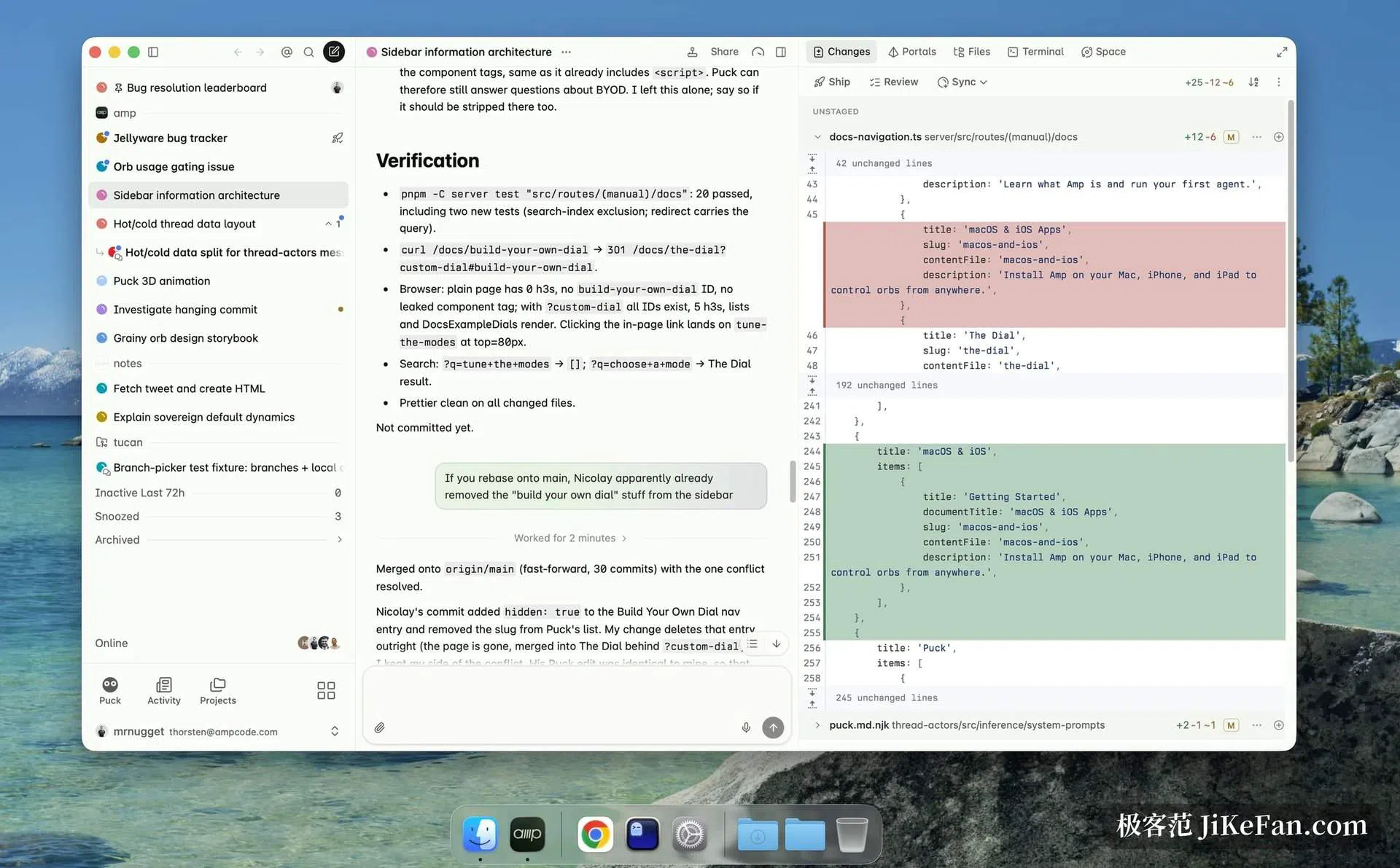
The Orb is the central idea. You open a thread from the web, a terminal or a phone, and Amp spins up a clean remote machine for it, installs your code, plugins and tools, and the agent starts work inside. The official definition is blunt: remote machines where agents run without supervision.
That solves a few specific irritations. First, isolation: every Orb is a fresh environment, so dependencies from different tasks do not collide, ports do not clash, and the thing is thrown away when finished with no cleanup afterwards. Second, scale: hundreds or even thousands of Orbs can be opened, and a small patch and a full feature follow the same process, leaving you with nothing to do but send a prompt.
Close the laptop, the agent keeps going
Because execution happens remotely, there is no need to guard a machine that stays open. Send the prompt and shut the laptop; the agent carries on inside the Orb. Later you check progress and give the next instruction from a browser, a terminal or a phone.
The official wording is specific about this: agents in orbs keep working after you close your laptop. With several tasks in flight the pattern is especially comfortable, since each one owns its machine and its context, and no switching between terminal windows is required.
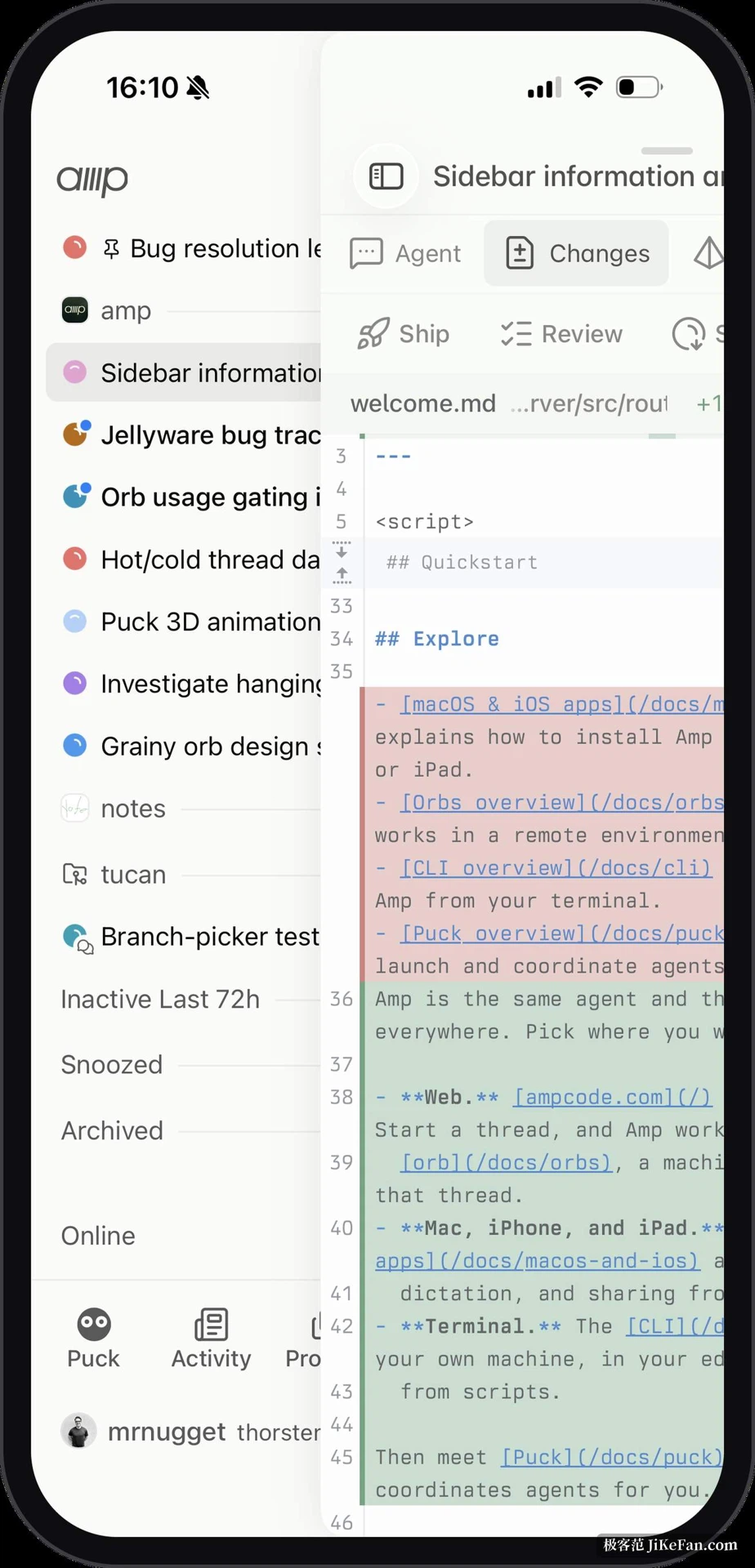
On the client side there are macOS and iOS applications, both marked beta, with push notifications, dictation and the ability to share images in from other apps. Worth noting is that the phone runs no agent at all: the agent runs in an orb and not on your device, so the handset is only a remote control, which keeps battery drain and heat modest.
An agent that wakes itself up
One design detail is genuinely interesting. When the agent is idle the Orb goes to sleep by itself, and no charge accrues while it sleeps; send another prompt and it wakes and continues. According to the team, people have left Orbs asleep for weeks and come back to them without trouble, and a sleeping Orb keeps its session, files and running services.
Further still, an Orb can be woken by outside events. A new ticket in the issue tracker, a failed main branch pipeline, or a scheduled task the agent set for itself all trigger work. You can even say, in plain words, do this every forty-five minutes for the next eight hours, and the agent plans it out, sleeps, and wakes on time. The on-call part of writing code gets handed over.
Portals: run the application inside the Orb
Judging a change from a diff alone is tiring. The approach here is to start your application inside the Orb and expose it through portals: anything that can listen on a port and speak HTTP becomes a portal, and opening it in Amp shows the actual result of the agent's changes, with live reload. No local checkout and no local dev server are needed at any point.
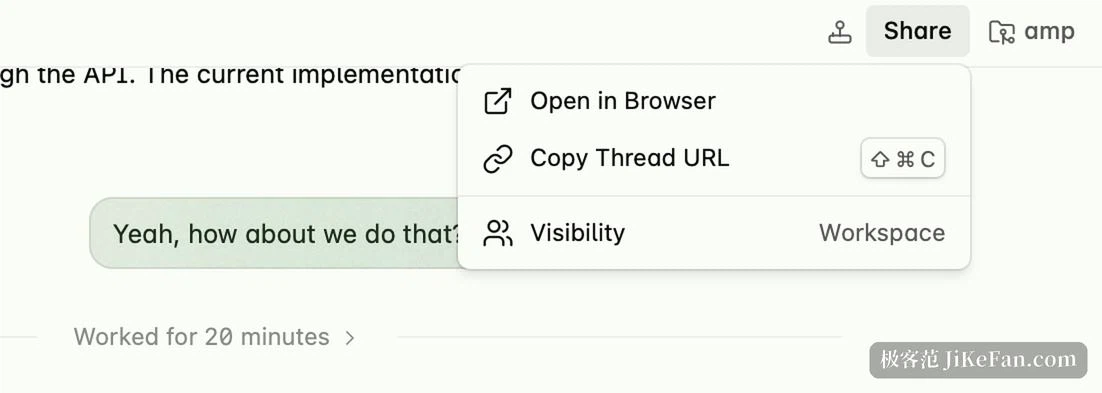
A portal has its own address and can be sent to a colleague to look at. Each Orb thread has an address too, so others can read the whole conversation between you and the agent.
Pulling a colleague into the same Orb
Multiplayer lets you invite colleagues into one Orb, sharing control of the same agent, the same code and the same running application. You can discuss while watching the agent work, and open a conversation directly inside the Orb. When hands-on work is needed, a shell can be opened in the Orb sharing the agent's tmux session, so inspecting files, running tests and debugging all happen in the same place.
If all you want is the changes locally, amp sync mirrors the Orb thread's changes into your own checkout while the agent keeps running remotely.
Four levels of effort on one dial
Amp does not ask you to pick a model, it asks you to pick an effort level. Since July 2026 the old modes were replaced by four steps, and the team stresses that these are capability presets rather than a fixed model selector: which model is actually called is decided by Amp, routed according to which subscriptions you have linked and what limits a workspace imposes.
Low is fast and cheap, for small and well-defined jobs. Medium balances speed against cost and carries most tasks. High is for hard problems that need deep reasoning. Ultra is the top setting, for open-ended difficulties.
Beyond the main agent there are an oracle for second opinions and a librarian for searching across repositories; project conventions live in AGENTS.md, and a plugin system governs the permissions of tool calls. There is also a meta-agent named Puck, built to manage and schedule your other agents, with live voice control added in August 2026.
How the free route works: bring a model and the platform is free
In mid-September 2026 the billing was restructured, and the central move was splitting the platform fee from the compute fee.
The new Hobby tier includes the full product. You can attach your own ChatGPT subscription or a model API key, and Amp charges no extra token fee for bring-your-own-key use, with no cap on volume; running the agent on a runner on your own computer is likewise free. What is genuinely metered is the Orb, a remote machine billed by running time. Take over someone else's subscription, or stay on the local runner, and everyday use can reach zero platform cost.
On the paid side, Megawatt is twenty dollars a month with forty-five thousand minutes of Orb time and twenty dollars of credit; Gigawatt is two hundred a month with a higher class of Orb and more credit. Teachers and students pay ten a month, team collaboration carries no extra per-seat charge, and the enterprise tier is quoted to need. The promise of zero retention and minimal data retention has also been extended to all users rather than remaining a contractual guarantee for enterprise customers only.
On coverage, the web version works without installing anything, the terminal CLI supports macOS, Linux and WSL, and native applications exist for Mac, iPhone and iPad, all in beta.
What Amp sets out to fix is not how fast the code gets written but how closely you have to watch it. Once the agent lives on a remote Orb you can shut the lid, leave the desk, and let it finish while you sleep, and that is a far more interesting proposition than one more completion feature.