
Jellyfin 12.3 hardens the home media server
Version 12.3
Summary
Jellyfin 12.3 is a stability release: it stops crashes from subtitle charsets the server cannot read and relaxes the year rule when scraping series.
Recommend- Name
- Jellyfin
- Version
- 12.3
- Pricing
- Free
- Open source
- Open source
- Operating system
- WindowsLinuxmacOSAndroidiOS
- Website
- https://jellyfin.org/
- Updated
- 2026-11-19 16:42
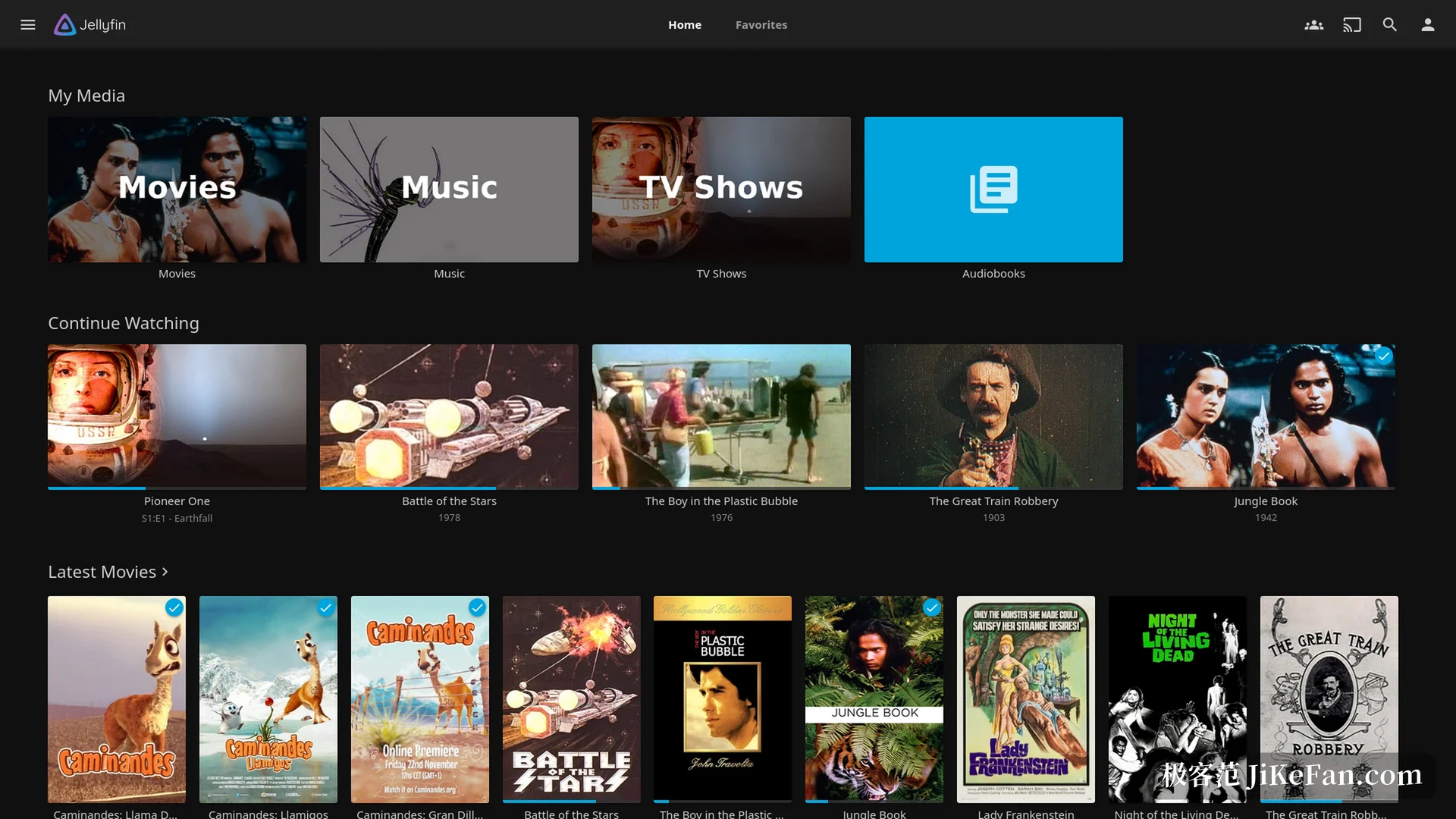
Jellyfin is a self-hosted media server that scans the films, series, music and photos scattered across hard drives and NAS boxes into one library, adds covers, synopses and cast lists, and then serves the result to a browser, a phone or a TV box. It runs on Windows, Linux and macOS, and the project published 12.3 on 2026-10-23, a small release given over to bug fixes.
A service rather than a player
Two halves have to be kept apart. The server runs on a machine that stays on, scanning files, fetching metadata and transcoding streams. The client runs on whatever device you watch from and only displays and plays. Servers exist for Windows, Linux, macOS, Docker and the usual NAS systems, while clients cover Android, iOS, the web and television platforms.
The structure pays off at once. There is one copy of every file, several devices in the house see the same library, and each keeps its own playback position. Accounts are local: the first-run wizard asks for an administrator, and no online service has to be registered.
12.3 works on the details
No new features arrived with this version; the changes concentrate on stability. A subtitle file written in a character set the server did not recognise used to take the service down, and that path is now closed. Probing a stream that carries no frame size crashed in the same way and is handled too.
Scraping changed one rule. When a series differed by a single year, it was treated as a different work, and now the two are matched side by side, so remakes and older versions stop being split so readily. A missing bracket in the cover extraction filter is fixed, and the useless warnings in the log were trimmed. Ratings and gain values that are not finite numbers no longer reach the database, so one bad record cannot disturb a whole page.
Scraping and transcoding are the hard work
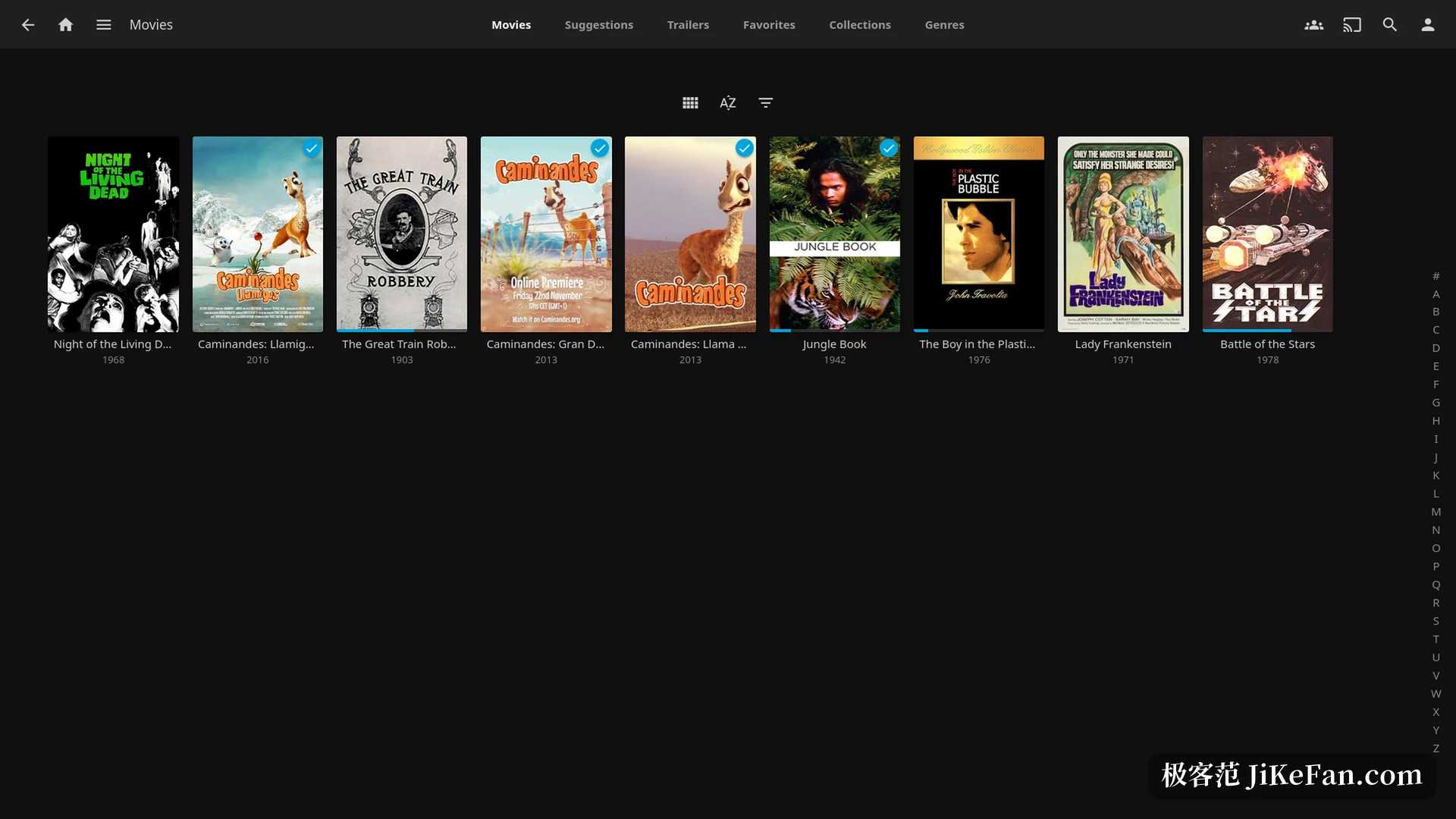
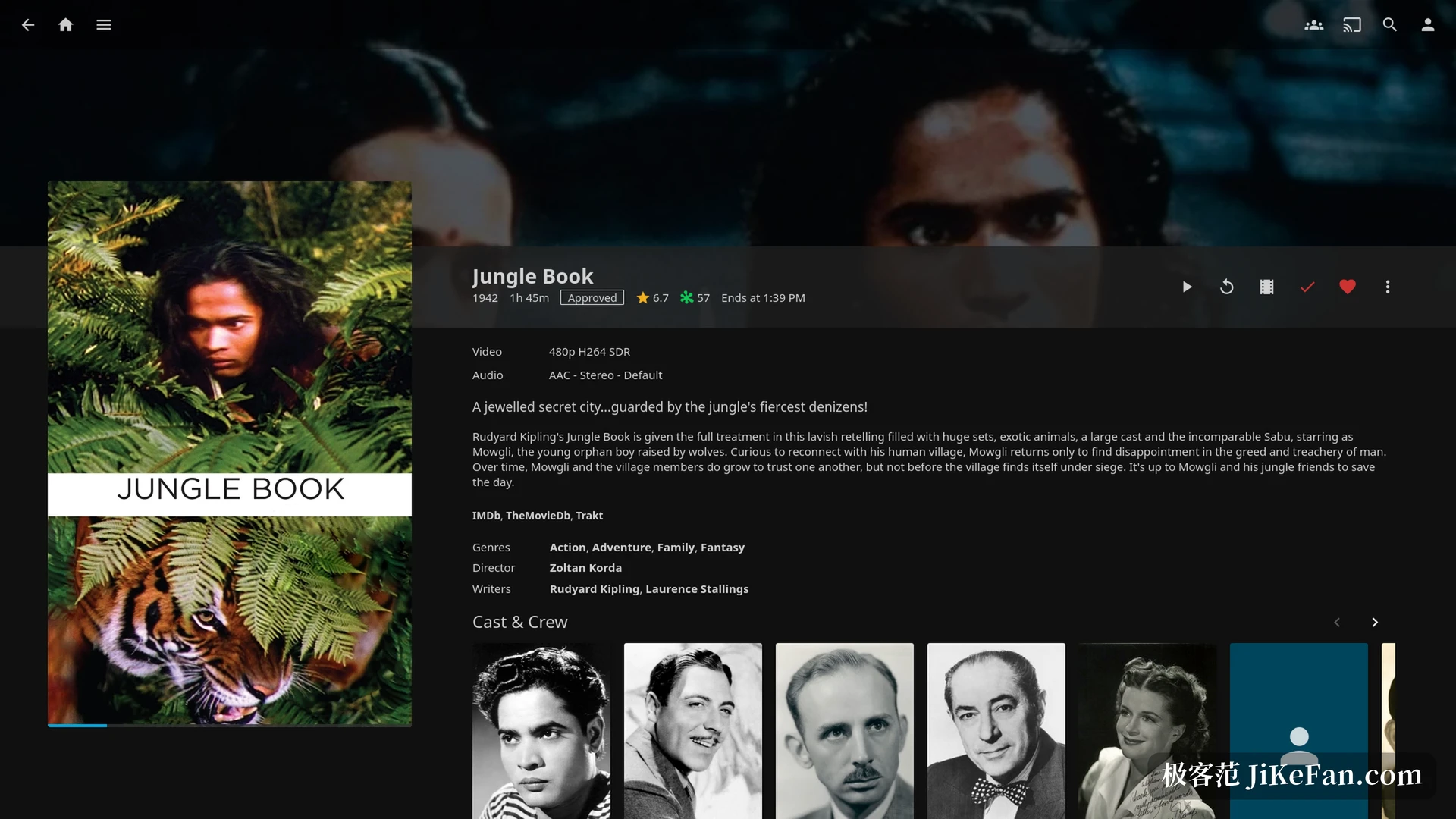
Scraping decides whether the library looks presentable. Jellyfin matches file names against public databases and pulls back posters, backdrops, synopses, cast and ratings, with manual overrides when a match fails. Older films with tidy names usually pass on the first attempt, and a messy collection needs each entry corrected by hand.
Transcoding decides whether anything plays at all. Clients support a wide spread of codecs, and the server has to convert what they cannot handle in real time. A machine with a discrete graphics card or with integrated graphics can enable hardware acceleration and drop the processor load a long way; without it, a high bitrate 4K source may stutter. That is why so many people keep an old computer around as a media server.
Watching together and watching apart
SyncPlay is one of the rarer collaborative features here. Several people connect to the same server, playback stays in step, and a pause pressed by one stops the others, which suits watching a film from different cities. Live television and recording need a tuner and a signal, and the channel list and the programme guide share one screen.
Books and photographs fit into the same library as audio and video. Comics, PDF files and family albums sit together, and the screen in the living room stops being only a film screen.
What self-hosting costs
The software itself is free under the GPL, with no paid tier and no feature held back for subscribers. The cost sits elsewhere: the machine has to stay on, the drives need headroom, and a full backup before an upgrade follows the advice in the release notes. Watching from outside the home network means configuring that layer yourself, and there is no ready-made answer for it.
Hardware demands are modest. An old laptop, a small form factor box or something at the level of a single-board computer will run the server, though smooth transcoding is another question. For 4K conversion, money spent on a card with hardware decoding goes further than money spent on more processor cores.
- Current release
- 12.3 from 2026-10-23
- Kind of software
- self-hosted media server
- Server platforms
- Windows, Linux, macOS, Docker, NAS
- Clients
- Android, iOS, web, television
- Licence
- GPL; free and open source
Whether to start down this road
If you only want to watch a few video files on a computer, a player is enough and a server is overkill. If a library keeps growing and more than one device in the house needs to reach it, this setup removes a long-term annoyance: no copying files back and forth, no remembering which machine holds which film.
A small release like 12.3 is a simple upgrade for people already running it, provided configuration and database are backed up first. Anyone still deciding can build a library on an idle machine and add drives or better hardware once the habit sticks.
Jellyfin 12.3 only repairs things, and what it repairs is the most tiresome class of problem in long-running use: one crash, one misidentified film, one dirty record. The reliability of a home library is accumulated release by release, in exactly this way.