
iTerm2: turning the Mac terminal into a workbench with panes, hotkeys and AI
Summary
iTerm2 is the de facto terminal replacement on macOS: split panes, a global hotkey window, tmux control mode and built-in AI assistance, released as version 3.7.2 in 2026-09 under the GPL and free to use.
Recommend- Name
- iTerm2
- Version
- 3.7.2
- Pricing
- Free
- Open source
- Open source
- Operating system
- macOS
- Website
- https://iterm2.com/
- Updated
- 2026-10-05 23:11
Why the terminal that ships with macOS does not keep people
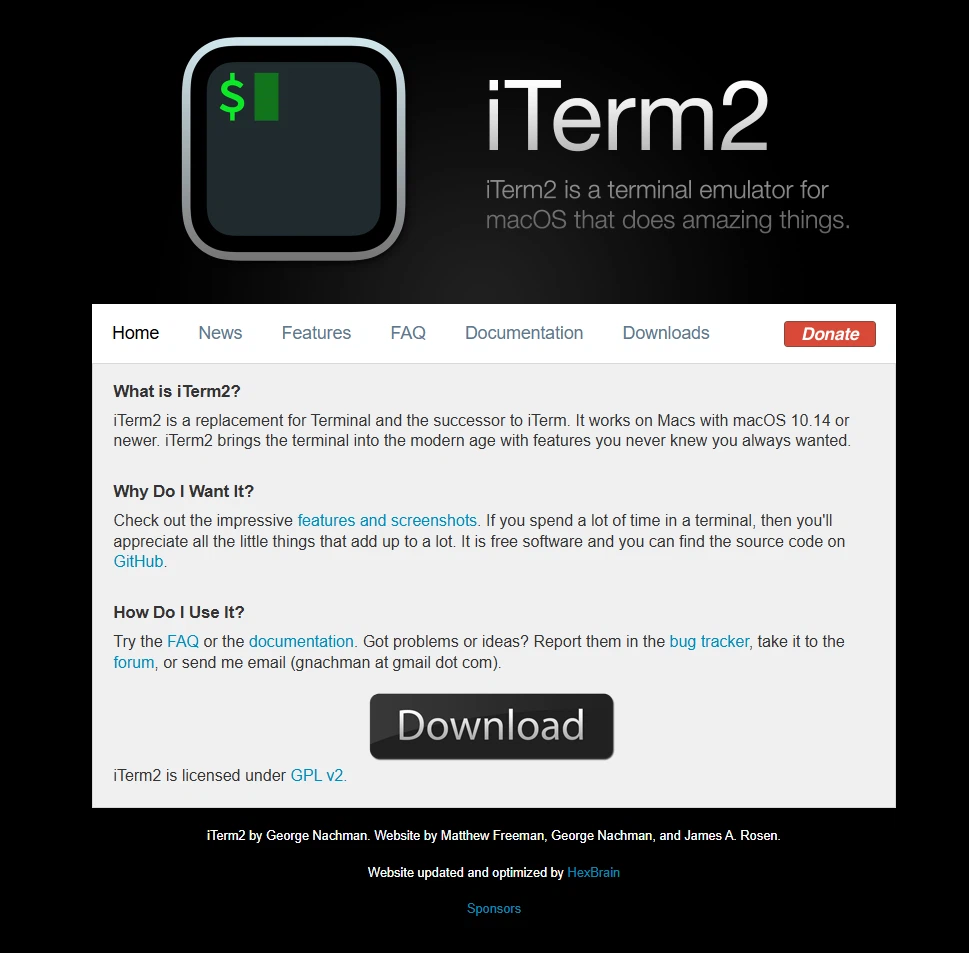
Most people start with the terminal that comes with the system, and within a week they hear about iTerm2. That script has not changed in ten years. iTerm2 is the de facto terminal replacement on macOS: it is open source under the GPL, maintained under the lead of George Nachman, and it fills in every part the system terminal leaves out while continuing to move forward. The 3.7.2 stable release arrived in the middle of 2026-09.
The pattern is worth noticing because it says something about the tool. A built-in utility is designed to be adequate, and adequate is exactly what stops being enough once a terminal becomes the place where the working day happens. The gap is not dramatic, it is a hundred small gaps, and closing them is what a decade of steady iteration looks like.
Split panes, a hotkey window, and tmux control mode
The core experience is built around managing several sessions at once. Windows can be split freely, tabs can be organised into groups, and a global hotkey summons the terminal from the edge of the screen in a second, which sounds like a small thing until a command has to be checked without losing the window you were reading.
For people who live in tmux there is a feature with no real equivalent: tmux control mode, invoked as tmux -CC. The local terminal takes over the remote tmux session directly, and the remote windows and panes are mapped onto native interface elements, so copying, pasting and scrolling all return to local habits. Anyone who has used plain SSH with tmux attached will recognise the difference immediately, because the selection rules of the terminal stop fighting the selection rules of the remote session.
The details are polished to a degree that only shows up in daily use: search, autocompletion, triggers, shell integration and 24-bit colour all behave the way a person would expect rather than the way a specification allows.
AI and scripting as the new direction
The 3.7 series brings AI into the terminal itself. Local models through Ollama or cloud services can be connected, error messages can be explained, commands can be generated, and tool calls are being extended release after release. Together with the built-in Python scripting interface, where windows, tabs and sessions can all be driven by code, the space for automation is considerable.
One recent changelog entry is more revealing than any feature list: a fix so that a Claude Code session does not crash on exit. That is not a line about an editor. It is a line about the terminal becoming the container in which command line workflows of the AI era actually run.
What follows from all this is fairly simple. A terminal is touched more often than almost any other program on the machine, so a small improvement in it compounds every day, and a tool that has been iterating for a decade without losing its footing is a rare thing to find installed for free.
Search is the feature that quietly changes a habit. Scrolling back through thousands of lines to find one warning becomes a jump, and once a terminal does that reliably, copying the output into a file to search it starts to look like a workaround. Triggers go a step further: a pattern in the output can fire an action, so a routine warning can be flagged or handled without anyone watching for it.
The scripting interface is where experienced users separate from the rest. Windows, tabs and sessions can be driven from Python, which means a layout can be reproduced on demand instead of rebuilt by hand every morning. It is not a feature anyone needs on day one, and it is the reason long-term users rarely leave.
The remarkable part is the rhythm: ten years of steady iteration, every macOS release adapted to promptly, and the AI wave caught without drama. If you face a terminal every day, this is probably the highest return of any free install on your Mac.