
HarmonyOS PC owners can claim a Foxit PDF Editor year licence until 31 December
Summary
The benefit programme for HarmonyOS computers runs from 20 October to 31 December, and the Foxit PDF Editor annual licence is on the list, open again even to those who took one in an earlier year. Popular app benefits unlock on the ninth day after first sign-in, and activation has to happen within 30 days.
Recommend- Name
- Foxit PDF Editor
- Version
- 2025.1
- Open source
- Proprietary
- Operating system
- WindowsmacOSLinuxHarmonyOS
- Website
- https://www.foxitsoftware.cn/
- Updated
- 2026-11-06 23:00
If a HarmonyOS machine is really sitting on your desk, this year of PDF work costs nothing. It has to be claimed before 31 December, after that it simply expires.
The vendor behind HarmonyOS runs a benefit programme for owners of its computers, and this year the window runs from 20 October to 31 December. Inside the popular membership tier a user picks from a list of annual licences, and Foxit PDF Editor sits on that list. According to the official announcement, qualifying machines can claim it through the official channel for free until 31 December, and anyone who already took a quarterly or annual licence in an earlier year can take this one as well.
Where to claim it, and three traps
The entry point is the vendor's own service app on the HarmonyOS computer. From its home page you open the benefits section, pick the Foxit annual licence from the list and follow what the screen asks. The whole thing happens inside an app that already ships with the system, so nothing else has to be set up first.
Three rules are easy to miss. The first is a delay: benefits for popular apps only unlock on the ninth day after the device first signs in with the account, so hunting through the list on the day a new machine arrives finds nothing. The second is uniqueness: one device and one account count once, and the choice cannot be changed afterwards, so it is worth deciding before tapping one of those annual licences. The third is the activation window: claiming is not the same as activating, and activation has to happen within 30 days or the licence lapses without a replacement. On top of that, if another benefit from this programme was already taken this year, this one is closed off, since only one of them is allowed.
What the HarmonyOS build can do
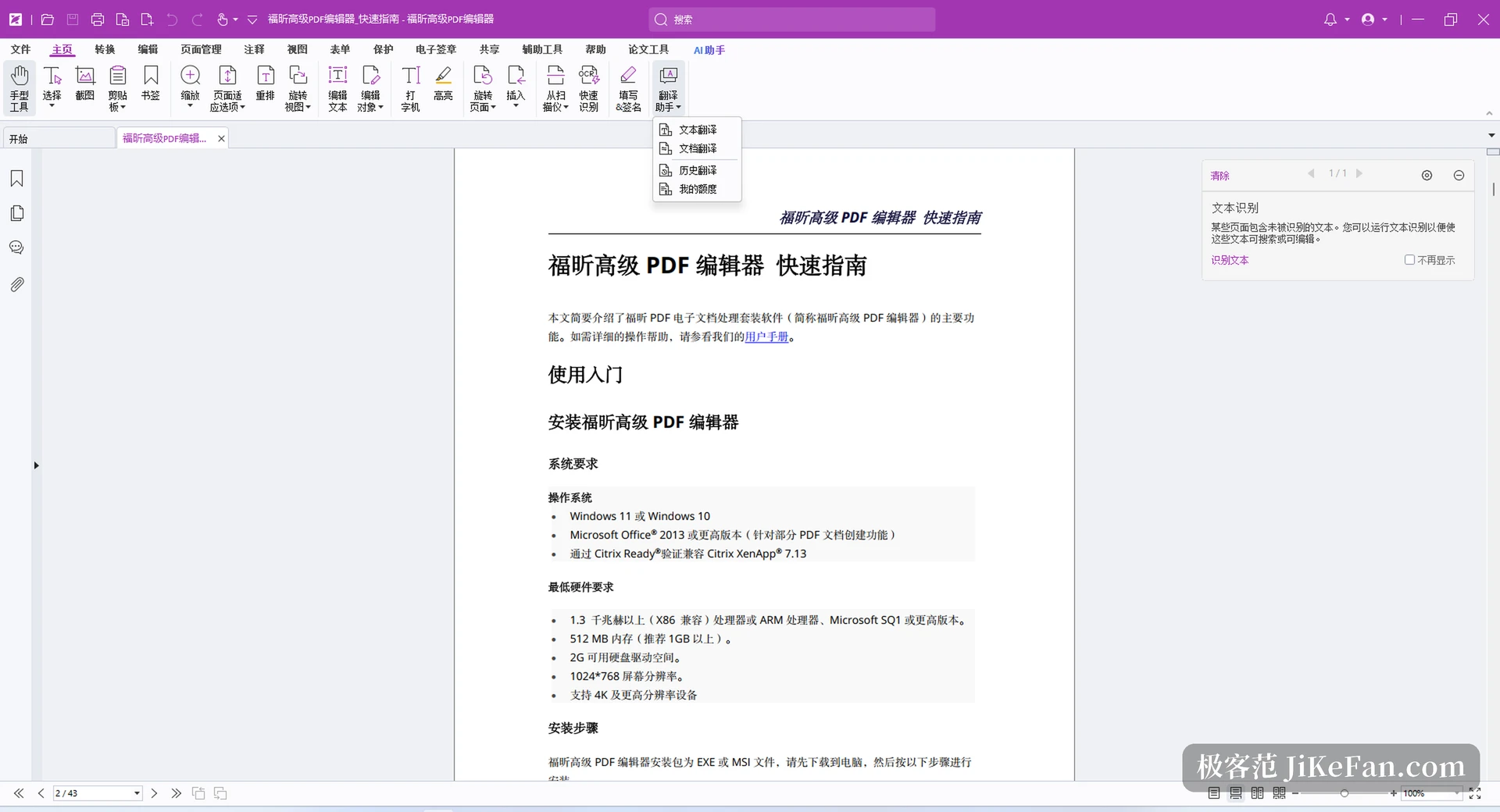
The HarmonyOS edition is a native port built for HarmonyOS Next, first published in May 2025, and it carries the compatibility certification of the platform. What it brings across is the desktop set of PDF work: a new document can start from copied content, from several file types or from a blank page, PDF converts in both directions with office formats, images and plain text, and several files merge into one.
Forms support filling and saving XFA forms, importing and exporting their data, and merging form data from several sources into one structured table file. On the security side there is encryption by password and by certificate, management of permission rules, and signing that covers handwritten approval, image stamps and digital signatures with a mark that can be customised, plus trusted timestamps and checks against the vendor's certification list and the European trusted list. Review work covers highlighting, underlining, stamps, arrows and freehand drawing, measurement of distance and area, and annotation data that can be exported and imported as a whole. Reading offers tabs, reverse-order reading, thumbnails and bookmark navigation, with a word count. The OFD format common in Chinese offices can be displayed, paged through and zoomed.
Five things 2025.1 added
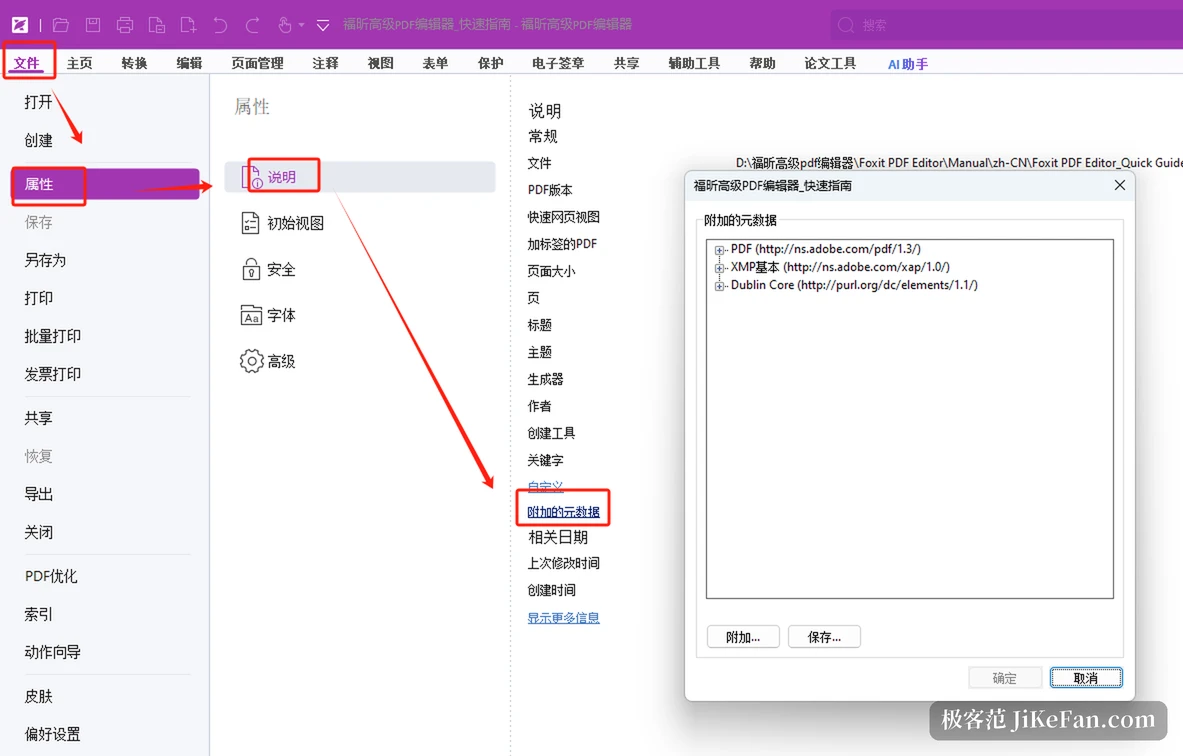
If the licence lands on the current build, the 2025.1 changes come with it. Cross references let distant parts of a long document jump straight to each other, which cuts down the hunt for an appendix table across dozens of pages. Conversion and merging were extended: a web address or a saved web page becomes a PDF directly, and two documents can be merged in interleaved page order. A new optimisation feature targets file size, either as a quick pass or with compression settings adjusted by hand. A summary comment gathers annotations scattered across the pages into one list, so a finished review no longer means walking every page. Removal of hidden information cleans metadata, embedded content, attachments, scripts, hidden text and layers, which is worth running before a file leaves the office.
Who should claim it, and who can skip
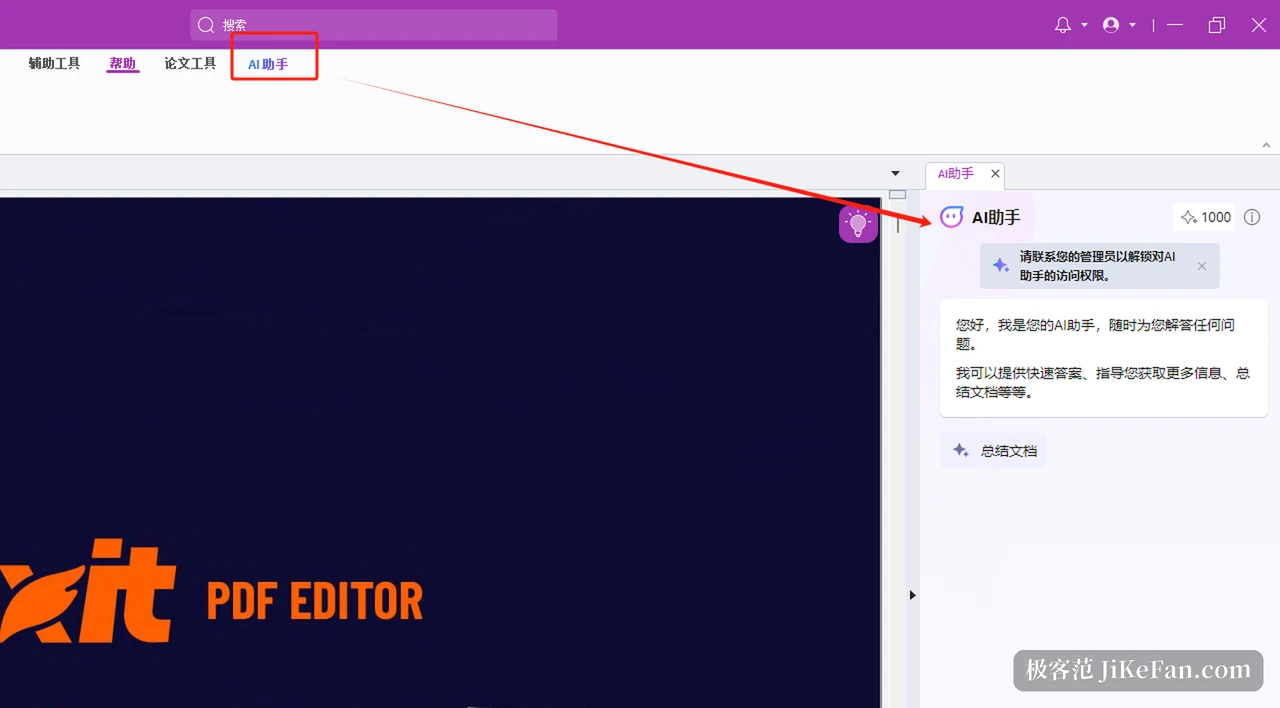
The test is simple. If the machine on the desk is one of the listed HarmonyOS computers and the day job really involves fixed-layout documents such as contracts, drawings, papers or official forms, the licence is a net gain. If there is no such machine, buying one for a year of PDF editing is a bad trade, and this programme is not a reason to change hardware.
One more caution: the benefit is bound to both the account and the device, so a second-hand machine, or someone else's device signed in with your account, tends to stall at the activation step. Before claiming, bring the service app and the system build up to what the programme asks for, which saves a round of back and forth later.
What an annual licence is really worth has little to do with its list price. It depends on whether the machine is there, and whether the file will actually be opened during the year. When both are true, claim it before 31 December.