
Cursor: an editor that splits the work and hands it out
Summary
Describe the outcome instead of the next line: the agent reads the whole repository, edits the files, runs commands and repairs what it broke - and for bigger jobs a coordinator plans, hands pieces to parallel agents and brings the result back.
Recommend- Name
- Cursor
- Version
- 3.20
- Pricing
- Free
- Open source
- Proprietary
- Operating system
- WindowsmacOSLinux
- Website
- https://cursor.com
- Updated
- 2026-10-03 09:06
When a change runs through a dozen files, completion stops helping
Real changes rarely land in one place. Add a field and you touch the data model, the interface layer, the form in front of the user and the tests, scattered over a dozen files. Traditional code completion is good at predicting the half-line you were about to write and close to useless here - you end up holding the checklist in your head and walking it one item at a time, hoping nothing in a corner was missed. Cursor turns the task around: hand the whole thing to an agent. Describe the result you want, and after reading the entire repository it works on its own - edits files, runs terminal commands, sees an error and goes back to fix it, until the thing runs.
Cursor is not a chat window bolted onto an editor; it presents itself as a software craftsman that hands over finished work.
Split it first, then spread it out
Leave one agent staring at a dozen files and it will lose the thread. Cursor decomposes in two layers. The inner one is the sub-agent. Each runs in its own context window, takes on one kind of work, and hands its conclusion back to the parent, so the exploration in between does not eat the main conversation. They can start at the same time on different parts of the repository instead of queueing behind one another. Three are provided: one explores and analyses the code, one runs shell commands, one drives a browser through MCP tools, and all three answer from the editor, the command line and a cloud agent alike. You can define your own, with a prompt, a set of tools and a model, and use it across projects.
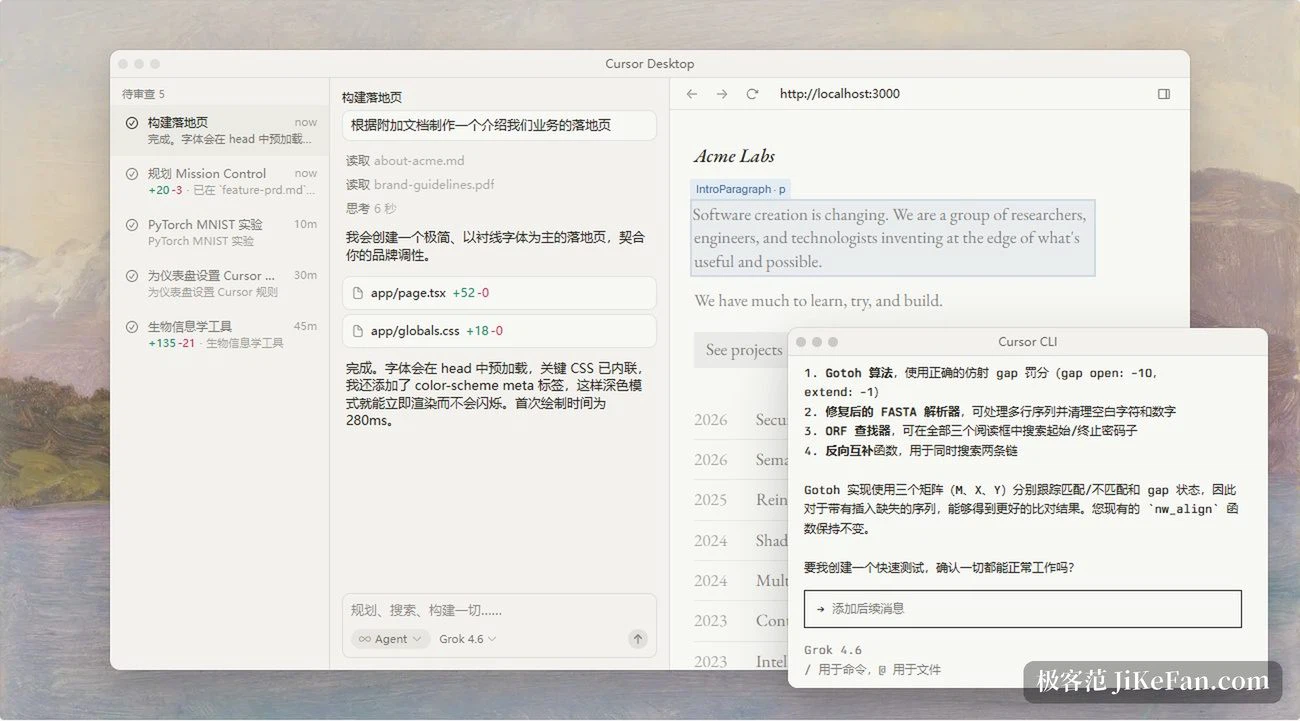
Projects: a coordinator that writes no code
When the task is too large for one session, the Projects layer takes over, and its division of labour is the interesting part: the coordinator does not implement anything. The official description is that it does not write code directly - it plans the work, dispatches the implementation tasks and brings the finished output back for you to inspect. It opens as many agents as the work needs, running side by side. Each project runs on its own machine in the cloud, so closing the laptop interrupts nothing; when something has to be checked on real hardware, the coordinator starts a local agent to carry on.
More notable still, these agents do not each forget everything. A project keeps a set of files synchronised across every cloud and local machine, and agents append what they found, the conventions they learned and the practices you prefer. If one agent works out how a service should be tested, every later agent can use that conclusion directly, which makes the coordinator more useful as the project goes on. It can also take a subscription to a feedback channel, run on a schedule, or follow all of your pull requests without being asked.
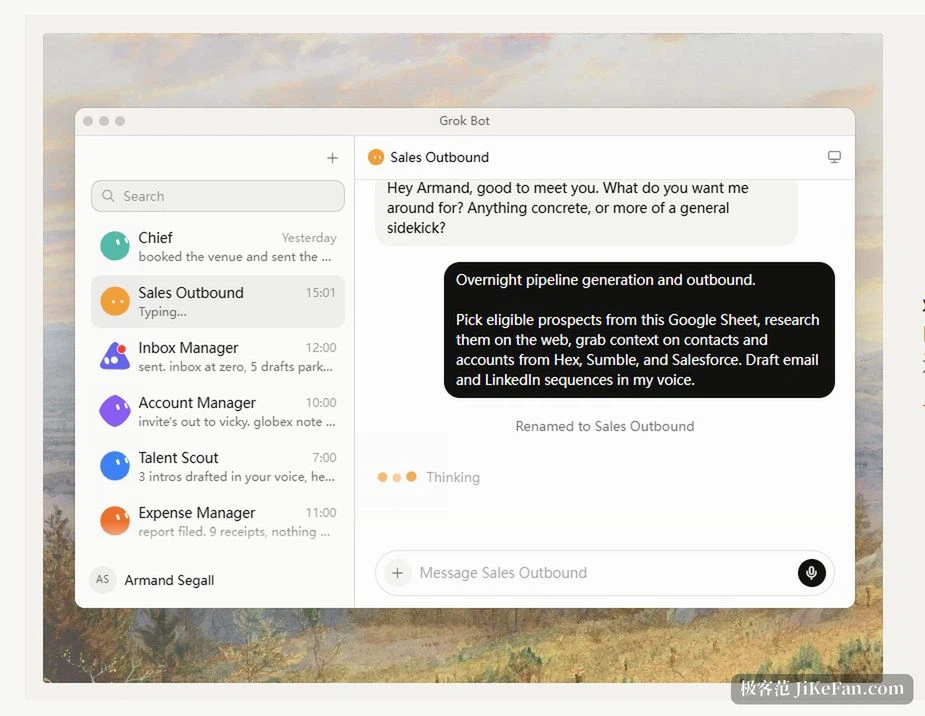
Where the work actually runs
Agents working in parallel need somewhere to run. Cloud agents sit in isolated virtual machines with the repository already cloned, the dependencies already installed, keys and network access available, so they genuinely build, test and interact with the software they are changing, and eventually push the result as a pull request. They also subscribe to the pull requests they opened, working the continuous integration failures and the bot comments until the thing is merged.
Teams whose code may not go to a public cloud can run machines of their own: tool execution stays inside your network, the repository, the build output and the keys sit on internal machines in your own infrastructure, and the tool calls are handled locally. A shared pool for a team grows and shrinks with request volume, sleeps when idle and comes back within a reconnect window on the next request - no machine left burning for the next prompt.
How much you let go is adjustable
Handing over everything is not one switch. The lightest setting is tab completion, driven by a model trained for exactly that, predicting your next edit with almost nothing said. In the middle is a targeted rewrite, for one clearly bounded change. Only above that comes the agent mode that takes the whole task. Every change leaves a checkpoint, so the way the code evolved is visible and any earlier state is one step away. At the debugging stage it instruments the code and uses real execution data to find what to fix, rather than guessing.
The entry price is low: the free tier needs no card, it simply comes with a limited number of agent requests. Wider use and stronger models mean a paid tier - 20 dollars a month for an individual, 40 dollars per user for a team, with the exact allowances on the official pricing page.
Getting a model to write a decent piece of code is not the hard part. The hard part is making it split a large job into small ones that can move in parallel and then put the pieces back together - which is what these two layers of division are for.