
CryFS: hiding the shape of your files, not just their contents
Summary
CryFS is an open source encrypted filesystem for cloud folders: it splits files into encrypted blocks, scrambles names and directory structure, and gives you a normal mounted folder on the desktop while the cloud only ever stores unreadable chunks.
Recommend- Name
- CryFS
- Version
- 1.0.2
- Pricing
- Free
- Open source
- Open source
- Operating system
- WindowsmacOSLinux
- Website
- https://www.cryfs.org/
- Updated
- 2026-10-06 13:18
What the cloud can actually see
Before dropping private documents into a cloud folder, most people pause for a moment. The files sit on somebody else server. The transfer is protected, certainly, but at rest the operator can see file names, the shape of the directory tree, how many documents there are and which one is the biggest. None of that requires reading a single byte of content. A folder called tax_2025 with fourteen files and one of them far larger than the rest has already told a story.
The vault approach
CryFS answers that at a different level. It creates a vault on the local machine. Everything written into the vault is split, encrypted and stored as blocks inside a directory that your cloud client synchronises like any other. What the provider holds is a pile of ciphertext chunks with no readable structure. On your side, the decrypted view is mounted as an ordinary folder, so opening, saving and renaming behave exactly as they always did, and the synchronisation happens quietly underneath.
The important part is that this is a filesystem, not a container. You do not unpack an archive, work, and pack it again. The mount is live, and the encrypted side keeps up with it as you work.
Metadata is where the leak lives
Compared with the usual single-file encryption, the difference sits in metadata. A typical tool encrypts a file whole, and the file name, the count and the sizes stay visible: a bystander can tell what the list is called, how many items it holds and which is the heaviest. CryFS cuts files into fixed-size encrypted blocks, obfuscates the names and scrambles the directory structure, so the stored form carries almost no readable clue. Privacy moves from the content level to the shape level.
The cryptography is not experimental. The default is XChaCha20, AES-256-GCM is available as an option, and even the key derivation parameters can be tuned for the patient. Those are choices you make once when the vault is created, and then forget.
Working with it day to day
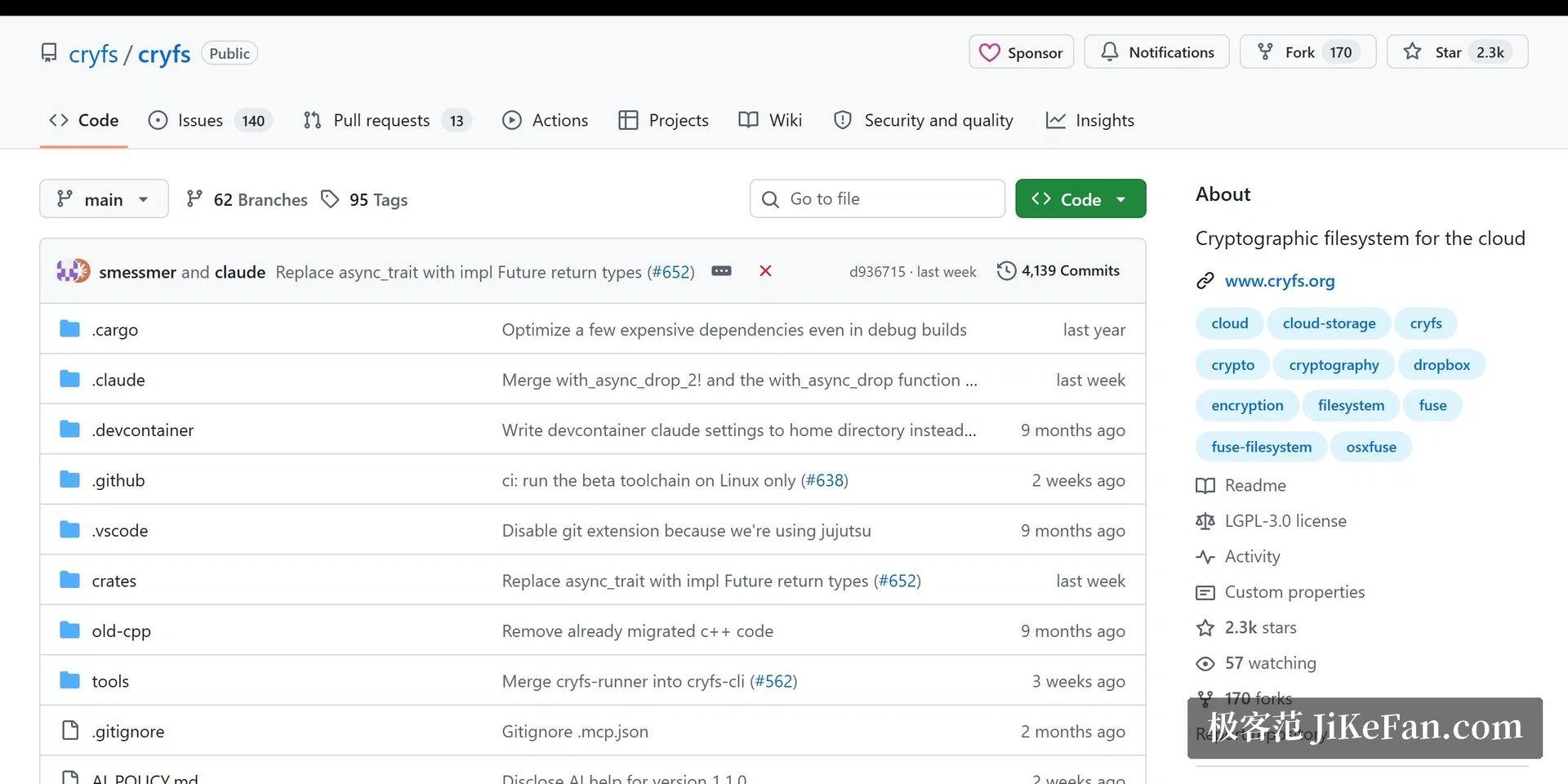
Three desktop platforms are supported. Point the encrypted directory at the sync folder of whichever cloud service you already pay for, and the combination is done. An automatic lock unmounts the vault when the machine goes idle, which matters more than it sounds on a laptop that travels. Two things to know before committing: each device that opens the same vault needs its own installation and configuration, and the Rust rewrite of the project is still in early testing and currently covers Linux only. Keep important data on the stable release and treat the new one as something to watch.
Who this is for
It suits people who already trust a cloud provider with availability but not with knowledge, and who are willing to trade a little convenience for that. It does not suit anyone who wants a web interface, a mobile client, or a shared folder that colleagues can open without a key. Those are different products, and asking this one to be them would break the property that makes it worth using.
The question of who holds the keys
Cloud services do encrypt what they store, and that is worth acknowledging. The distinction that matters is not whether a disk somewhere is encrypted but who is able to read the result. When the provider manages the keys, the protection is aimed at outsiders and at physical theft, not at the operator. A vault on your side moves the key to your machine, which is a different promise and a much narrower one.
What it costs you
Nothing is free at this layer. Splitting and encrypting every write costs processor time, and a large copy into the vault is noticeably slower than a plain copy. There is also a habit to learn: the vault must be unlocked before work and is better locked afterwards. Neither cost is large, and both are the sort of thing that becomes invisible after a fortnight. But anyone expecting a transparent drop-in replacement for a normal folder will notice the difference in the first hour.
CryFS stands on a plain principle: your files need confidentiality, and the shape of their existence should not be handed out either. The cloud does the carrying, and this program makes sure nobody along the way can read what is being carried.