
Bob translates and reads text from any Mac app, with more than 30 services behind it
Summary
A menu bar tool for macOS: select text in any application and a shortcut translates it, or drag a box over part of the screen and the words inside are read. The official figure is more than 30 translation services, and OCR works offline on newer systems.
Recommend- Name
- Bob
- Version
- 1.20
- Open source
- Proprietary
- Operating system
- macOS
- Website
- https://bobtranslate.com/
- Updated
- 2026-10-06 13:26
The action it removes from your day
Reading an English document on a Mac, the most disruptive move is switching windows to look something up. Bob exists to delete that move. It lives in the menu bar, translates selected text in any application from a keyboard shortcut, and reads English inside an image if you drag a box around it. The official home page states the position in one sentence: translate and recognise text in any application, use it and move on.
What kind of software it is
The official README on GitHub opens by saying plainly that this is closed-source software, that the repository exists for documentation and feedback, and that the distribution channel is the Mac App Store. The current version is 1.20, the minimum system requirement is macOS 11, and the company explicitly advises anyone still on the previous macOS release to keep an older build. The download is 13 MB, and the interface ships in Simplified Chinese, Traditional Chinese and English.
Three ways in, each with its own shortcut
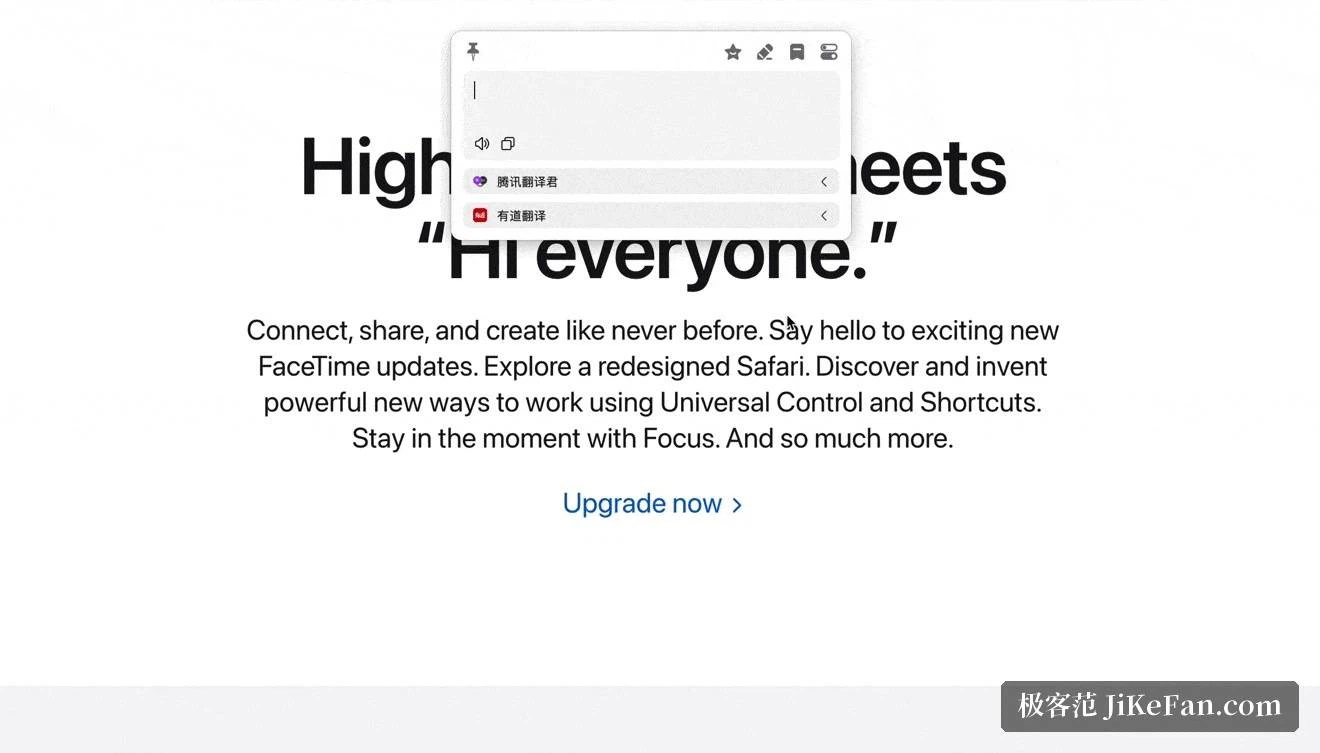
The documentation is specific about the entrances. Select text and press Option and D. Press Option and S to drag a box and translate the screen area inside it. Press Option and A to type something by hand and translate on return. Beyond those there is a call from the PopClip selection menu, a mode that lays the translation over the screenshot itself, and a dictionary mode that works when the returning service supplies enough detail.
For developers the feature list goes further: automatic language detection, splitting of camelCase and snake_case identifiers, AppleScript calls, and a history plus a favourites list for results. The need to compare engines has an answer too, since the app can open up to 12 translation services at once and show all their answers side by side.

Four ways to recognise text
OCR is where Bob separates itself from a plain select-to-translate utility. Screenshot OCR runs on Shift, Option and S, reading whatever you frame. The silent variant on Option and C goes further: no window appears at all, and the text lands directly on the clipboard when recognition finishes. A third mode works inside Finder, where you select image files, several at a time if you like, and recognise them in a batch.
The handling of the result has details worth knowing. A continuous mode appends one result after another into the same text box, QR codes are recognised automatically, text is copied to the clipboard, and smart paragraphing tries to restore the structure the image had. On macOS 11 and later, offline recognition is available, so a sensitive screenshot never leaves the machine.
The services behind it
The home page claims support for more than 30 translation services and lists representative names including the platforms run by the major Chinese cloud providers, Apple, Google, Microsoft, Amazon and DeepL. The repository list is more granular: 13 text translation services, 7 text recognition services and 5 speech synthesis services, the last covering offline voices plus several cloud providers.
Large model access is spelled out in the 1.20 release notes: OpenAI, Anthropic's Claude, Gemini, Grok, Azure OpenAI, Alibaba's Qwen, Kimi, Zhipu, Baidu's Ernie, DeepSeek and OpenRouter all gained current flagship models, and the OpenAI service can be given a reasoning effort setting. The translation window also gained a service panel where services can be switched on and off, reordered by dragging and configured per policy. The acknowledgements section of the repository notes that two providers supply free inference for a small Qwen model and for GLM-4-Flash.
Price and how to get it
Bob downloads free from the Mac App Store and follows a free plus in-app purchase model. The purchase list shows Bob Pro at 58 yuan, alongside a zero-yuan trial entry. In other words the basic capability works as soon as it is installed, and heavy users unlock the full set only when they need it.
One warning about look-alike apps. The store carries similarly named applications from unrelated developers, so the way to tell them apart is to match the developer shown on this listing and the 13 MB package size. Release news is posted through the developer's official account.
Who it suits
Mac users who read foreign documents and review foreign material all day are the natural audience: select inside a PDF and it translates, frame a screenshot and it translates, and the whole loop stays inside the application you were already in. Anyone who has to get text out of pictures, from a design file or a scan, finds screenshot OCR with smart paragraphing close to a one-step answer.
Two honest notes. First, Bob is macOS only, with no Windows version. Second, several of the services it connects to require you to obtain an API key from that platform, and their billing rules are whatever their own pages say. The tool lays out the entrances; which engine you walk through still depends on how you weigh translation quality.
A good translation tool measures itself by making you forget it is there. Select and it translates, frame and it translates, the language gap quietly closes, and your attention stays on the content.