
BilldDesk: an open source remote desktop with no time limit
Summary
An open source remote desktop built on a custom WebRTC stack with hardware video encoding: connect with a device code, transfer files both ways, share the clipboard, wake a machine from off. The open version is free for personal use; a paid tier adds privacy screen and a wall of machines.
Recommend- Name
- BilldDesk
- Version
- 20260616
- Pricing
- Paid
- Open source
- Open source
- Operating system
- WindowsmacOSAndroid
- Website
- https://desk.hsslive.cn/
- Updated
- 2026-10-25 22:00
A remote desktop tool is judged on a bad connection, a locked-down office network, or a machine in another city — and that is where the free tiers tend to end.
The shape of the problem
Working on a computer that is not in front of you is now ordinary: a machine at the office left running, a relative's laptop that needs looking at, a build server with a graphical tool on it. The commercial products that solve this are competent and priced accordingly, and their free tiers tend to be limited in a specific way — by session length, by transfer size, by resolution, or by an advertisement shown at the least convenient moment.
This is an open source alternative with an unusual amount of engineering behind it, and the interesting question is not whether it is free but whether the underlying connection is good enough to use daily.
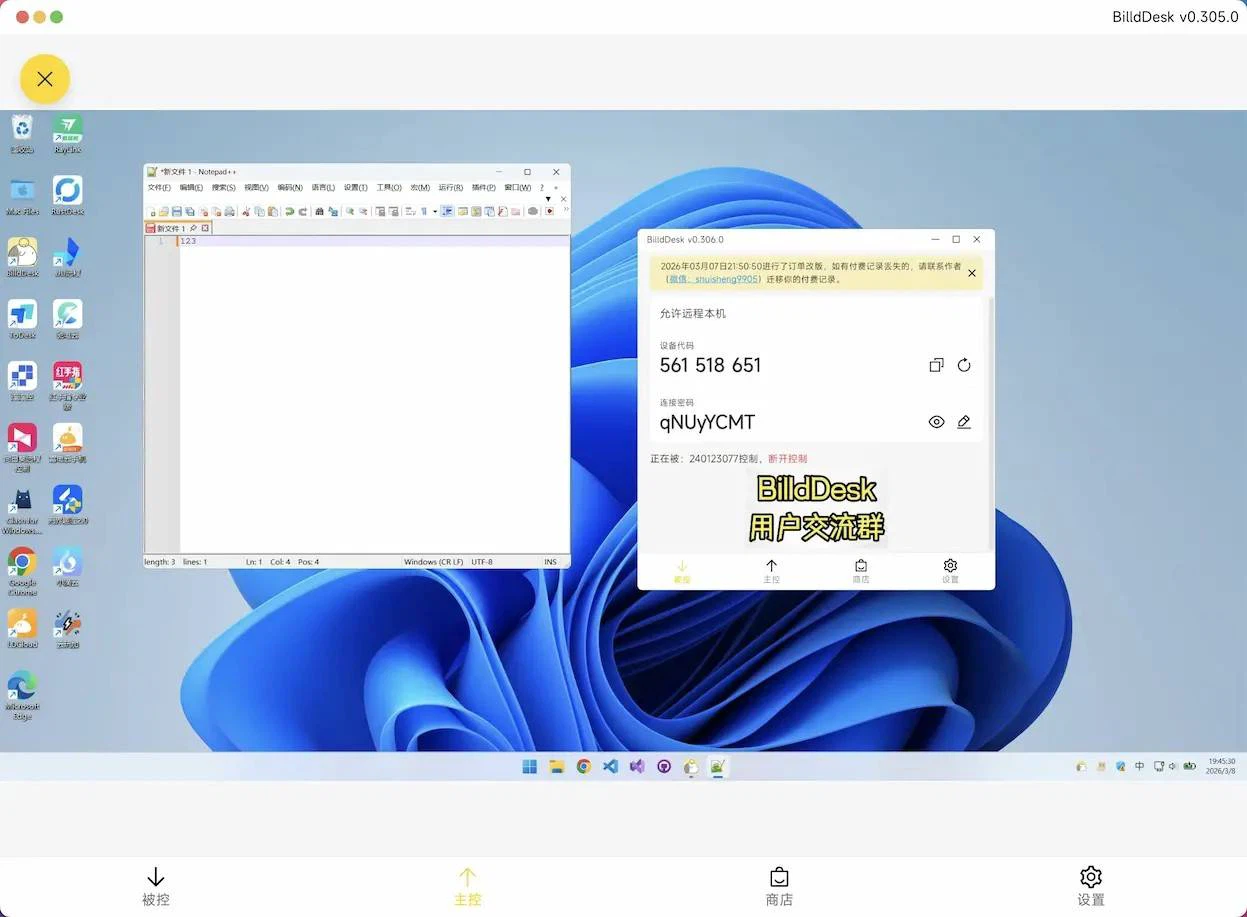
What is actually underneath
The transport is a customised WebRTC stack rather than a wrapper around someone else's protocol, with support for several codecs covering both the efficient newer ones and the widely compatible older ones, so a session can choose between bandwidth and quality instead of being stuck at one setting. Encoding can be handed to the graphics hardware on certain cards, which is the difference between a remote session that costs half a processor and one that is barely noticeable.
There is also a relay server you can deploy yourself. That matters more than it sounds: when both ends sit behind unfriendly routers, traffic has to pass through something, and owning that something is the difference between a connection that works at a predictable speed and one that depends on a stranger's capacity planning. The client is built on the usual cross-platform foundations, which is why the same experience appears on Windows, macOS and Android rather than three loosely related applications.
What separates it from the paid products
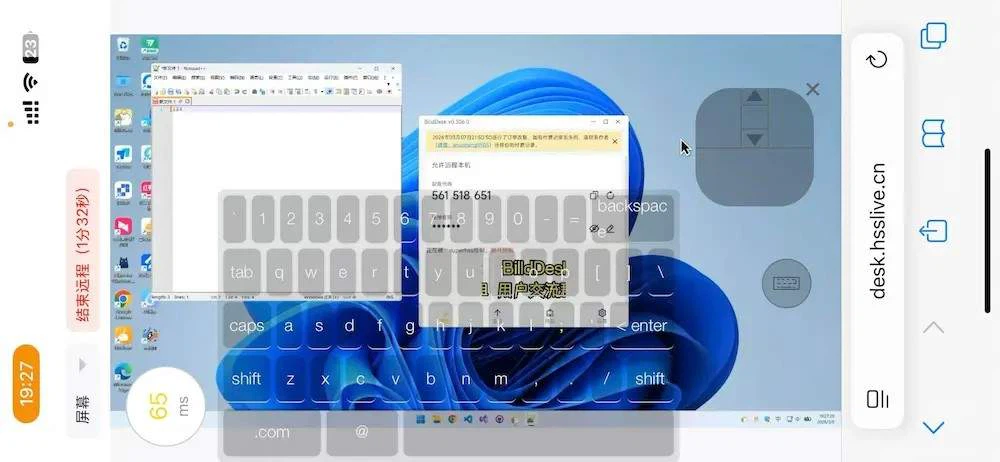
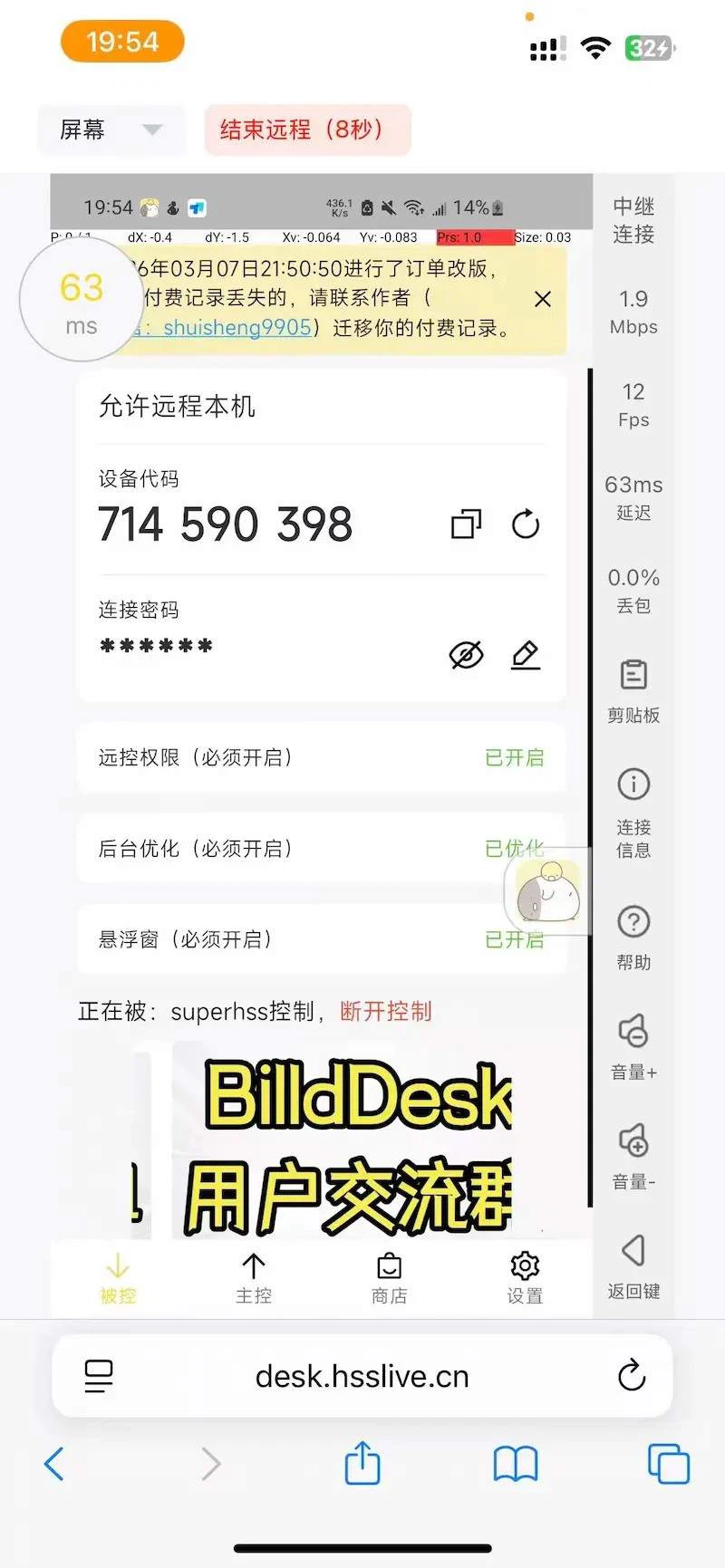
The core features carry no usage limit in the open version: no cap on session length, no cap on transfer size, no advertising. For one person controlling one or two computers, that covers the whole job. Connecting is a device code and a password, and there is a browser-based path so that helping someone does not require them to install anything at all — which is the single most useful feature in remote support, because the person who needs help is rarely in a position to configure software.
Unattended access is supported through starting with the system and staying resident, so a machine that reboots comes back reachable. Remote wake over the local network handles the case where it is switched off entirely. File transfer runs in both directions and the clipboard is shared, which removes the small courier work that otherwise ruins a support session.
Where the free line actually falls
Three features sit behind the paid tier, and they are worth naming precisely because they define the audience. A privacy screen blanks the remote display and blocks local input while the controller keeps working. Virtual screens create extra displays on a machine that has only one, which is what multi-monitor remote work needs. A screen wall shows many machines at once and allows commands to one or to all — the operations console pattern.
Those are administration features, not individual ones. A person working from home on one desktop never touches them; someone maintaining a lab of machines needs all three on the first day. The pricing line follows that split, which is a more honest arrangement than limiting session length for everybody.
Who should try it
Trial it if you have been living inside a session limit, or if you administer machines for other people and are tired of asking them to install something. It will not replace a fully managed support platform with ticketing and inventory, and it does not try to. What it does is answer the plain question — can I see and control that computer, for as long as the job takes, without paying per minute.
Open source matters here for a specific reason. When a tool can see your screen and type into your session, being able to read the code that does it is not ideology; it is the only way to know what you have agreed to.