
Ashampoo UnInstaller 16: writing an uninstall log after the fact
Summary
Version 16.00.02 weighs 45 MB and runs on Windows 11 and Windows 10. Its answer to software installed before the tool existed is forensic analysis, which builds a removal log for programs that were never monitored.
Recommend- Name
- Ashampoo UnInstaller
- Version
- 16.00.02
- Pricing
- Paid
- Open source
- Proprietary
- Operating system
- Windows
- Updated
- 2026-10-05 22:48
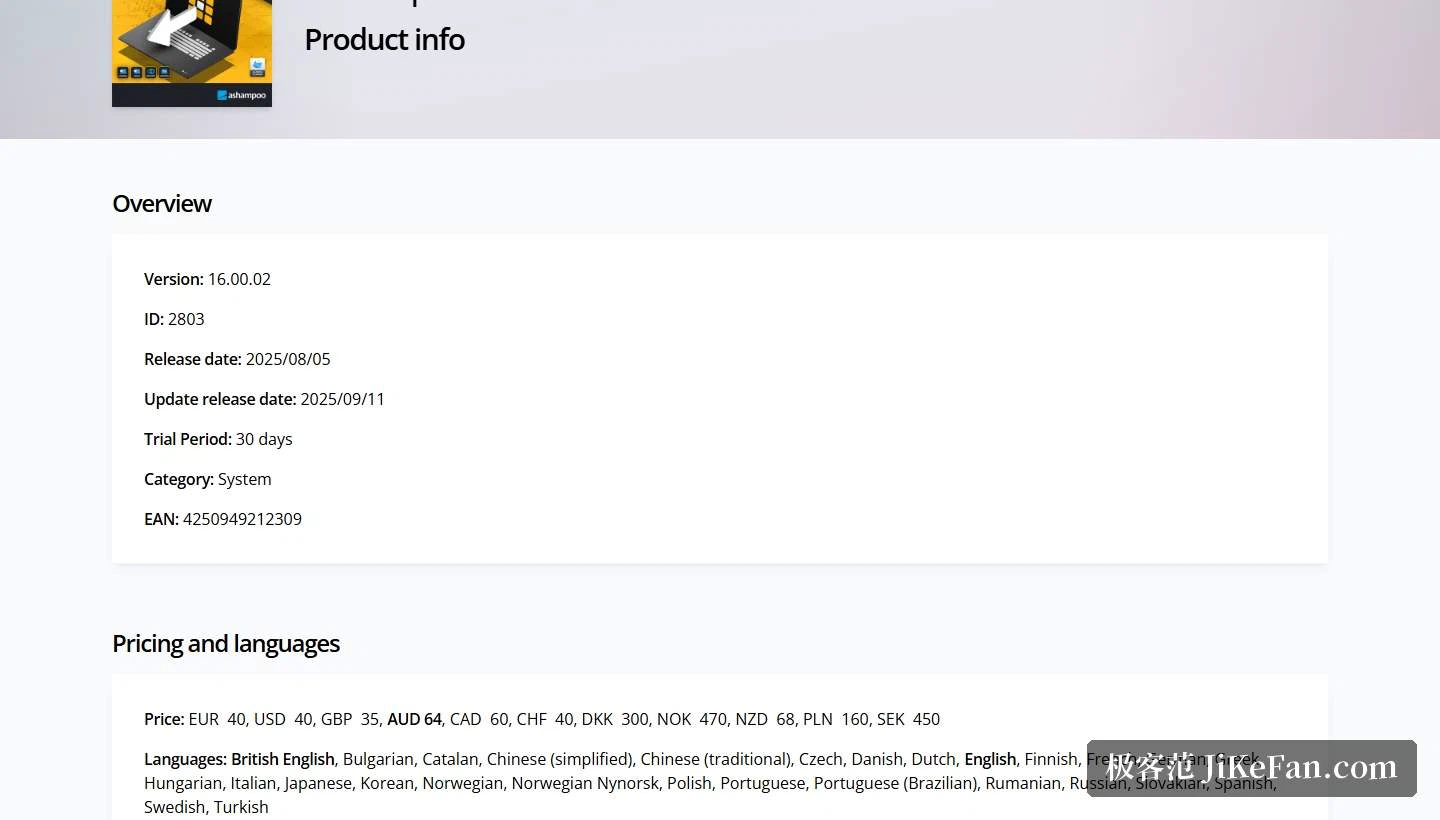
The hard part of uninstalling was never the deletion itself, but knowing what deserves to be deleted. Every program writes files, registry entries, services and scheduled tasks into the system, while its own uninstaller usually owns only a portion of that list and leaves the rest behind. The approach taken here is to record the process instead of guessing at it: the product page states that every installation is monitored and logged, and an installation with a log is the ideal basis for a clean removal. The German maker lists version 16.00.02 on its information page, released on 2025-08-05 and updated on 2025-09-11, weighing 45 MB, with Windows 11 and Windows 10 as system requirements and a 30 day trial attached.
The trouble is that old software has no log
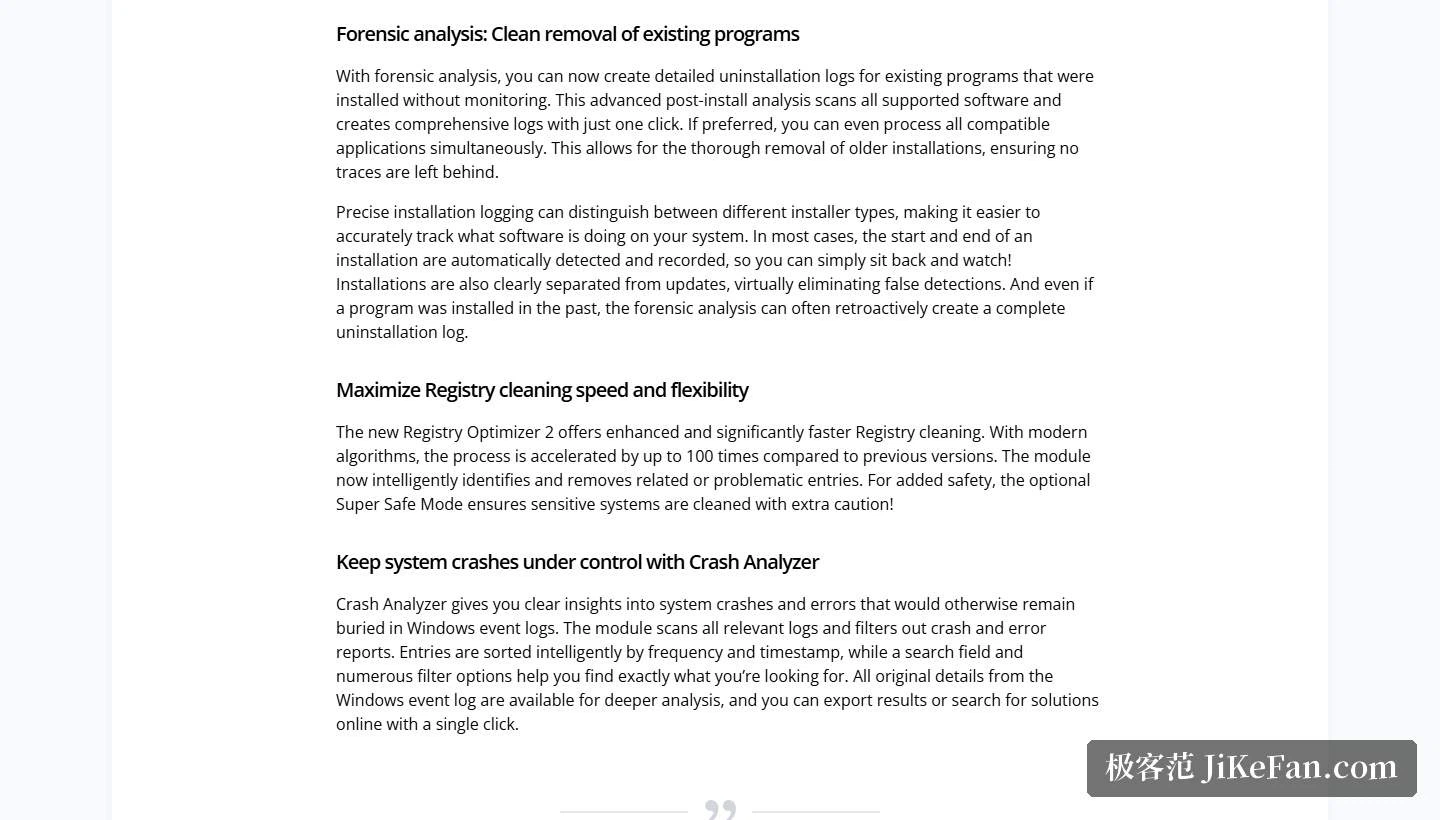
Monitoring an installation carries a precondition that is easy to overlook: the program has to arrive after the tool does. In practice most of what people want gone has been sitting in the system for years, from a time when nothing was recording anything. The page answers this with forensic analysis, which creates detailed removal logs for programs whose installation was never monitored. The retrospective pass walks through all supported software and produces a complete log on a single click, or processes every compatible application in one go if that is what the user prefers.
Behind that sits one more fallback. When a log cannot be reconstructed at all, the page describes a five stage removal routine working together with deep cleaning. Read as layers, the design is fairly clear: installations with a log are removed according to the log, installations without one get a log built first, and whatever defeats both falls back to the staged routine plus a deep scan. The deep scan section adds that an optional, more thorough registry pass can find and clear the most deeply nested orphan entries, at the price of a longer run and in exchange for a cleaner machine.
The records themselves became a feature
An installation log is not merely a working file in this product. The page states that logs can now be exported as HTML, CSV or TXT, so they can be dropped into another application or analysed further elsewhere. Every cleaner also keeps a deletion history, which means any past cleanup can be reviewed in full to confirm that nothing important went and nothing obvious was missed.
Snapshots are the other idea worth mentioning. The page describes tracking and displaying every change the system underwent between two moments in time. Take a snapshot before installing something large, take another one afterwards, and the difference between the two shows exactly what moved. For people who install and remove software constantly, this replaces guesswork with a list: no more speculating about what a given program actually left in the system.
Three modules sitting outside removal
The first is a registry optimiser in its second generation. According to the page it uses a modern algorithm and cleans up to 100 times faster than the previous version, recognises related and problematic entries more reliably, and offers an optional extra safe mode that treats sensitive parts of the system with additional caution. Speed and safety are presented as two separate switches rather than one compromise, so the risk appetite of the user decides how far it goes.
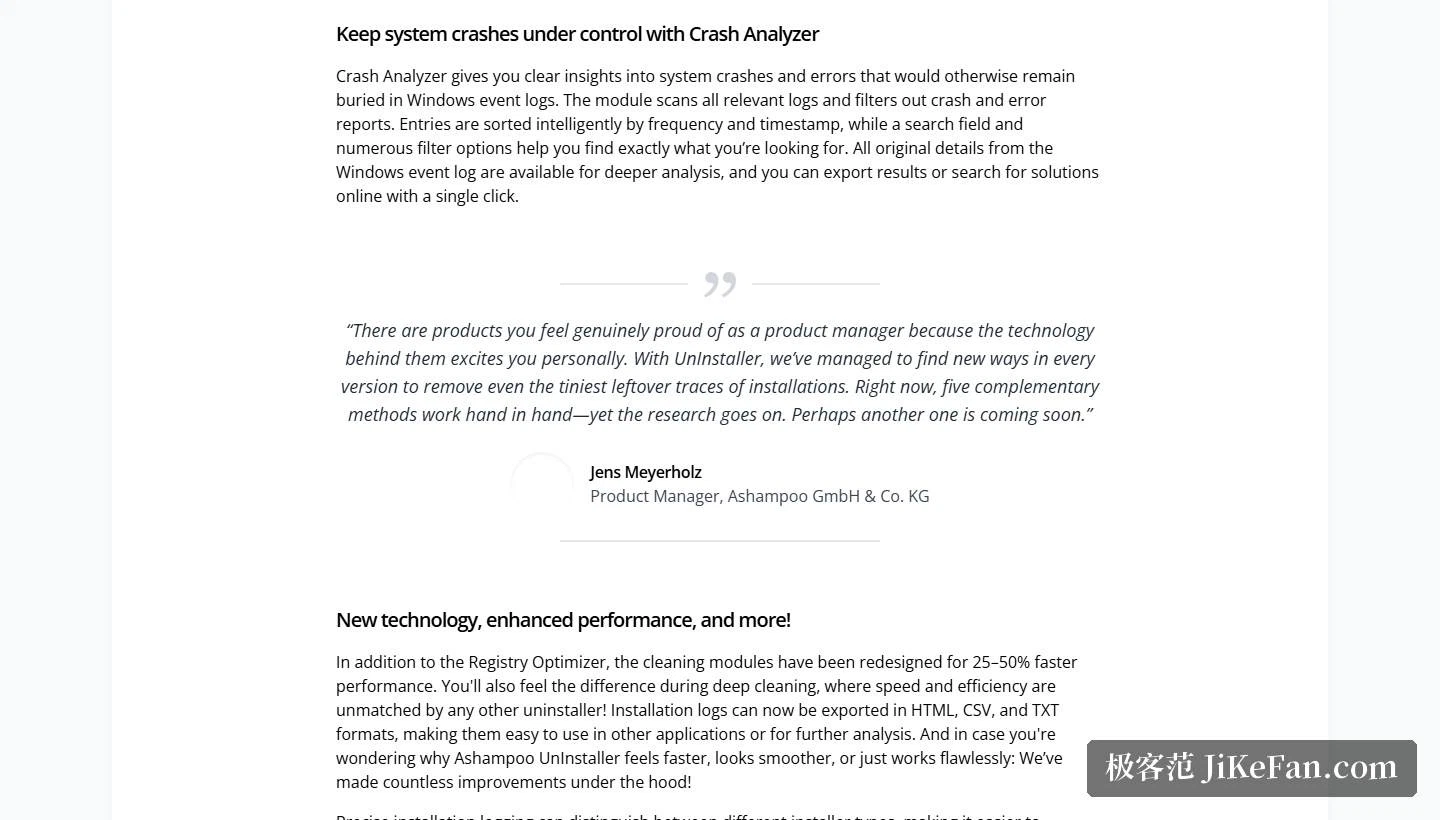
The second is a crash analyser, whose job is to dig crash and error reports out of the system event logs where they are normally buried. The module scans the relevant logs, filters out crash and error entries, and sorts them by frequency and timestamp, with a search box and several filter conditions on top. Raw details stay available for inspection, the result can be exported, and a single click starts an online search for a known solution. Anyone who has watched an application close itself for no visible reason will probably get more use out of this block than out of the removal side.
The third is a privacy trace cleaner, which per the page scans and clears activity traces from folders, files and the registry so that the system stays private. Alongside it, the redesigned cleaning module is said to bring a performance gain of 25% to 50%, while the background guard is described as up to 10 times faster with lower memory and processor load. The maker explicitly notes that this also makes the tool comfortable on older or modestly equipped machines.
How to read its position
The page quotes the product manager saying that five complementary methods currently work together on removal, and that the research is still going. That sentence marks the difference from a lightweight uninstaller quite well: the light tools chase speed and a small footprint, while this one chases exhaustiveness, recording the chain of what was installed, what was changed and what is still left as completely as it can. The cost is a larger download, a more complex surface, and commercial pricing, softened by a 30 day trial and a 30 day money back guarantee.
Two situations fit it. The first is a developer or a reviewer who installs, tests and removes software over and over on the same machine, where snapshots and log exports save a serious amount of time. The second is a machine that has been in service for years and has accumulated leftovers from dozens of past uninstalls, which is precisely the terrain forensic analysis was written for. Someone who removes a program or two a year will never touch most of what is inside.
Read as a whole, version 16.00.02 treats removal as a documentation problem before it treats it as a deletion problem: log it while it happens, reconstruct the log when it did not happen, and keep the differences between two points in time on record. At 45 MB with support for Windows 11 and Windows 10, that argument costs less room than it used to.
Most maintenance tools answer the question of what should go. This one first asks whether the answer is known at all. Deleting and knowing what to delete are two different problems, and the second one is where most leftover clutter actually comes from.