
AnyDesk 9.7 holds 60 frames a second with its own codec, free for personal use
Version 9.7.15
Summary
A light remote desktop tool from Germany whose installer weighs only a few megabytes. Its own screen codec keeps delay low and frame rates high, and unattended access, file transfer and multi monitor sharing are all standard. Free for personal and non commercial use.
Recommend- Name
- AnyDesk
- Version
- 9.7.15
- Open source
- Proprietary
- Operating system
- WindowsmacOSLinux
- Website
- https://anydesk.com
- Updated
- 2026-10-06 10:02
Reaching another machine should take a minute
Reading a misconfigured setting over a colleague's shoulder, fetching the file that never finished copying before you left the office, walking a relative through a printer driver over the phone: none of this deserves an enterprise deployment. What matters is how many steps stand between you and a working session. AnyDesk, made in Germany, keeps that number small. The installer weighs a few megabytes, every machine is given its own numeric address, you type the address of the other side, they accept, and the session is up. Nothing has to be arranged on the router and no account has to be created first. That last point is easy to underestimate, because the reason ad hoc help so often stalls is rarely the remote protocol and usually the sign up form standing in front of it.
A codec written in house, trading arithmetic for smoothness
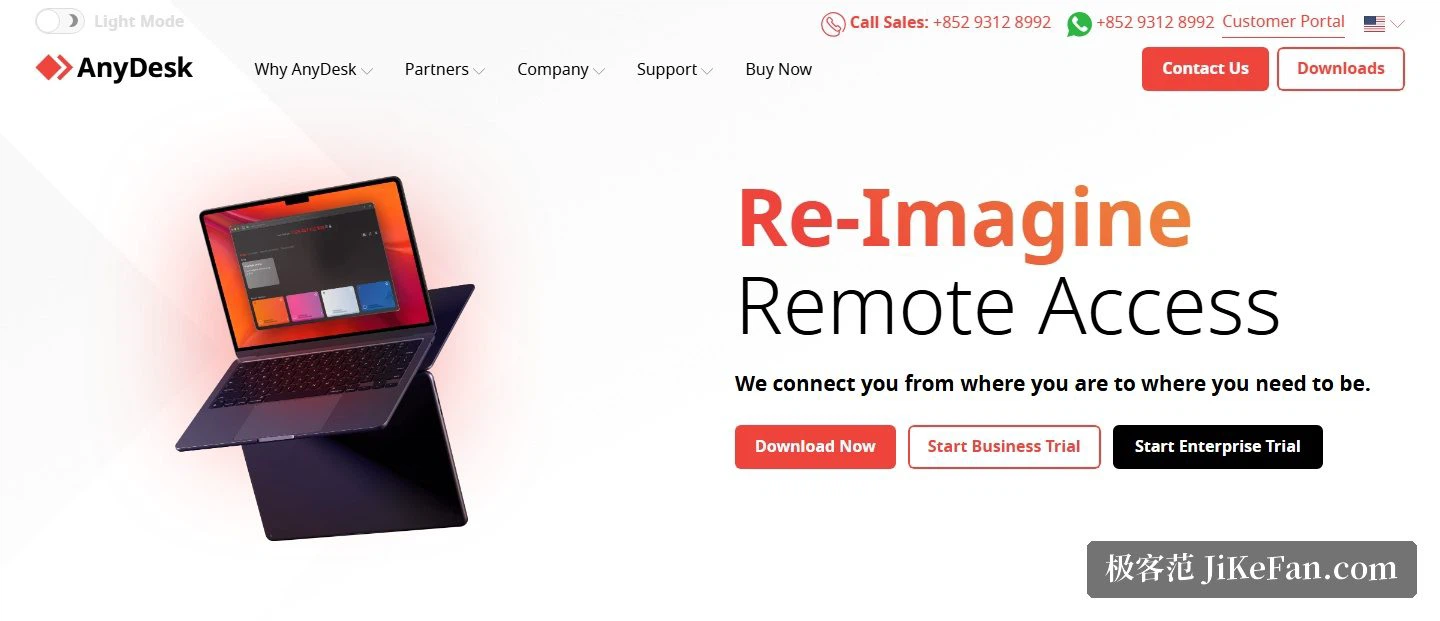
Quality in this category runs into two walls, delay and bandwidth. The obvious answer is to squeeze the picture harder. AnyDesk went another way and wrote its own codec around what a screen actually contains: broad areas of flat colour, sharply drawn text, the boundaries between windows. Those are exactly the cases a general purpose video encoder handles badly, because it was designed for photographs and continuous motion. On a network with little headroom the refresh rate still holds near 60 frames a second, and dragging a window or scrolling a page feels close to sitting at the machine itself.
Unattended access and the features that come up daily
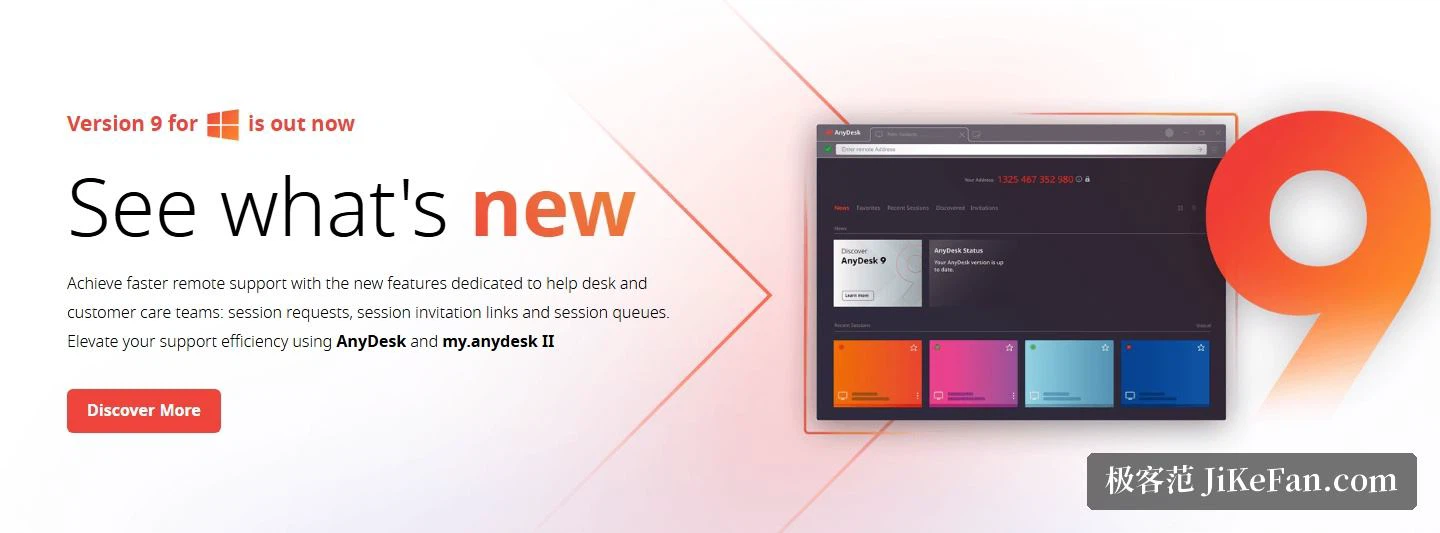
The installed build can register itself as a system service, and once an access password is set, a machine with nobody in front of it can be entered directly. The old computer at home that works as a download box, a server or something wired to the television no longer needs a monitor left on with somebody waiting to press accept. Inside a session, files can be dragged straight across and the clipboard synchronises in both directions, so a block of text does not have to be pasted twice. On a desk with several monitors, one of them can be chosen for sharing. Printing is bridged the other way round: a document opened on the remote side comes out of the printer beside you, which covers invoices, contracts and anything else that needs a signature. Since the ninth generation there are also session requests, invitation links and a queue, so a support desk can hand pending connections round the team in order and a troubleshooting session can be recorded to a file and kept. Between two machines a point to point encrypted tunnel can be raised, and a sleeping computer on the same local network can be woken from a distance.
Beyond remote control: collaboration folded in
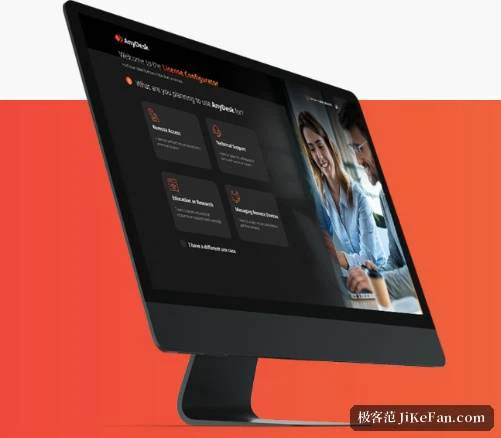
From the ninth generation onward a set of collaboration features sits beside remote control under one bundle name: an online meeting can be started, a whiteboard opened inside a session for shared marking, and a chat held over the connection that already exists. For the familiar case of two people discussing a fault while looking at the same screen, this removes the step of opening a separate meeting tool. The vendor describes its customers across remote support, remote work and the management of devices in education. For an individual the three common shapes are handing the screen to somebody who knows more, reaching the main machine while travelling, and turning an idle old computer into something that can be logged into at any hour.
Licensing: free for personal use, paid per seat for business
Personal, non commercial use is free, with no extra limit on session length and no feature held back by a timer. The moment a session falls inside a business setting it belongs to the paid tiers, which are priced per seat, and a version that runs on your own premises is offered too, keeping connections on the internal network with nothing going out. The transport layer is encrypted with TLS and keys are exchanged with RSA 2048. As of September 2026 the Windows build stands at 9.7.15, dated 17 August 2026, and the releases in that series were spent mostly on stability and on interface polish. Windows, macOS and Linux are all covered, with phone builds and versions for small single board machines and BSD systems besides, and any of them can reach any other.
The appeal is that the tool stays out of the way: a few megabytes, a numeric address, unattended access and file transfer as standard, and no charge for personal use. When a team grows to the point where central management really matters, that is the moment to buy seats.