
AirDroid: files over the same Wi-Fi cost nothing, and remote control sits close behind
Summary
AirDroid links an Android phone to a computer over the local network for free, and reaches it from outside through an account with a monthly allowance.
Recommend- Name
- AirDroid
- Version
- 4.3.12
- Pricing
- Paid
- Open source
- Proprietary
- Operating system
- WindowsmacOSAndroid
- Website
- https://www.airdroid.com/
- Updated
- 2026-10-06 17:15
A connection that begins on the local network
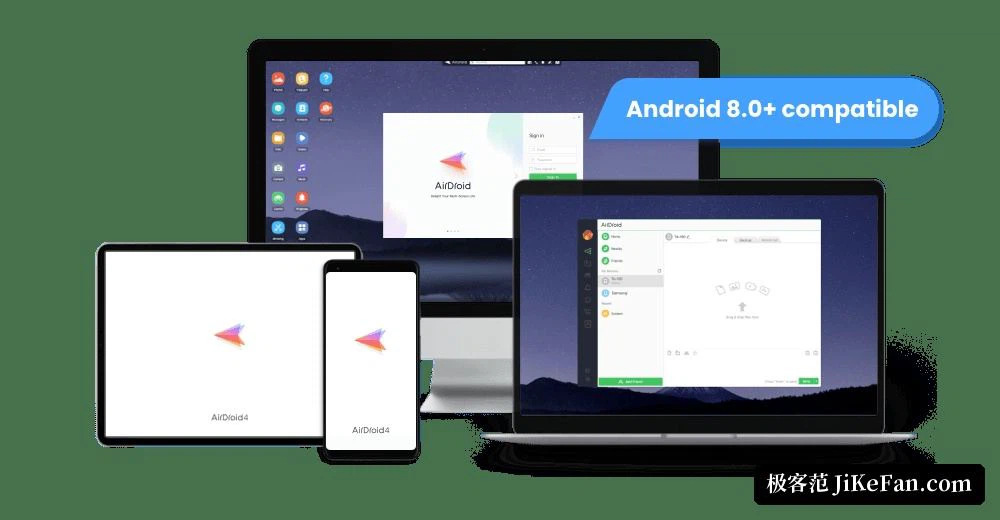
AirDroid is a bridge between a phone and a computer. On the phone it is an application for Android; on the computer it can be either a desktop client or the browser interface, and the browser side matters more than it sounds, because it means a borrowed machine or a work laptop does not have to be prepared in advance. When both devices sit on the same local network, files and images move without anyone signing in: the transfer runs inside the local network, and the speed is decided by the router and by the two devices rather than by a subscription.
Signing in changes what the tool is. With an account it also works when the two devices are no longer next to each other, so files can be managed and notifications read from outside the home network. The free, frictionless case and the account case are really two products living in one window, and knowing which one is in front of you explains most of the confusion people have with it.
Mirroring the screen, and taking the phone over
Screen mirroring is the second function most people reach for: the phone's display appears on the computer, which is convenient for a demonstration, for recording a walkthrough, or simply for watching something on a larger panel. Mirroring does not require the two devices to share a network, so it holds up on a mobile connection as well.
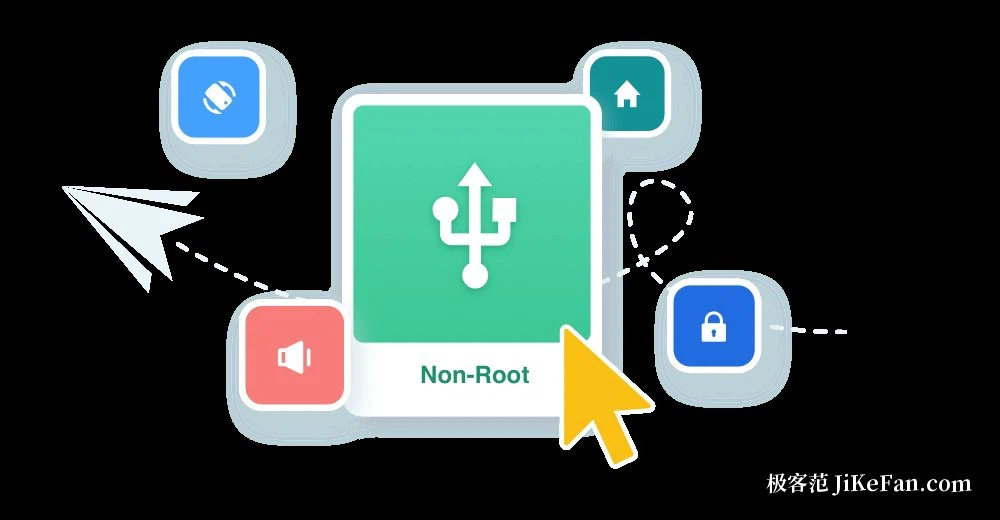
Remote control goes a step further. From the computer the phone can be operated directly, with applications opened, messages answered and the photo gallery paged through. On Android this needs no root access; one round of authorization, following the prompts on the phone, is enough. Notifications and text messages can be mirrored to the computer too, and replies can be typed there instead of reaching for the phone every time it buzzes.
Browsing the phone's storage, and the camera in the drawer
From the computer the photos, videos, music and installed applications on the phone can be browsed, moved in and out in batches, and photos can be set to back themselves up to the computer. The remote camera is the function that surprises people: an old phone left in a drawer becomes a simple camera, and with one-way audio it can serve as a monitor for a room, a pet or a doorway. Locating the phone, ringing it remotely and locking it are included as well, the sort of thing nobody thinks about until the phone is missing.
What stays free, and where the meter starts
Everything inside the local network is free and has no traffic limit, which is why the tool feels generous in daily use at home or in an office. The remote path is metered: a free account receives 200MB a month, single files have a size ceiling, and some functions, the remote camera among them, are not opened to it. Unlimited traffic and the complete set belong to the Premium subscription. As of 2026 the Android version line has reached 4.3.12.
Which case it suits
The judgment becomes easy once the two paths are separated. For moving photos and documents between a phone and a computer on the same network, the free path is enough and there is no reason to look further. For reaching a phone that is somewhere else, whether a parent's device that needs help or a phone left at home, the account path is what makes the tool interesting, and the monthly allowance is the number to weigh against how often you actually do it.
If files keep travelling between phone and computer and the cable is never where it should be, AirDroid is the sort of tool that works from the first minute: free and unmetered on the same Wi-Fi, with mirroring and remote control available when something urgent comes up. The part worth remembering is that the cross-network functions carry a free allowance, so heavy use deserves a look at the traffic before it becomes a habit.