
Wireshark: seeing every packet that actually crosses the network
Summary
The most widely used protocol analyser, with deep decoding for thousands of protocols, live capture, decryption of TLS and wireless traffic given the keys, and call analysis for voice traffic. Free, open source, on all three desktop systems.
Recommend- Name
- Wireshark
- Version
- 4.7.3
- Pricing
- Free
- Open source
- Open source
- Operating system
- WindowsmacOSLinux
- Website
- https://www.wireshark.org
- Updated
- 2026-10-05 23:04
The network is slow. Name the reason.
Something has become slow, and the honest answer is that you do not know why. It could be name resolution taking too long before the connection even starts. It could be packets being retransmitted because something on the path is dropping them. It could be the server itself, thinking for two hundred milliseconds before answering. Without a capture, all three look identical from the outside, and the tools available reduce to a ping and a guess.
Wireshark is the tool that settles the question, and it is the most widely used protocol analyser anywhere, maintained by a foundation rather than a company, free and open source under the second version of the General Public Licence. It is downloaded more than twenty million times a year and runs on Windows, macOS and Linux. Its predecessor appeared in 1998, which makes this twenty-eight years of continuous development – long enough that most of the strange corners of networking have already been encountered by somebody and encoded into the decoder.
The core capability is capturing every packet that crosses an interface in real time, and then expanding it field by field down the protocol stack: the Ethernet frame, the IP header, the TCP sequence numbers, the HTTP header. Each layer is displayed as it actually is, byte by byte, which is the difference between knowing that something failed and knowing where.
A decoder for more than three thousand protocols
Built in are dissectors for over three thousand protocols. The common ones – TCP/IP, HTTP, DNS, TLS – are the beginning rather than the scope. Industrial control protocols, voice over IP, database protocols and wireless protocols are all covered, which is why the tool shows up in places far removed from ordinary web debugging.
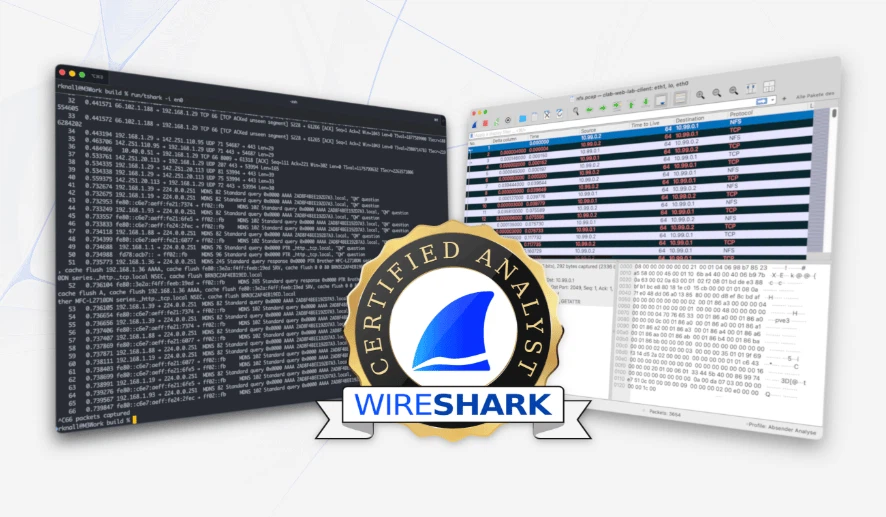
Any field in a captured packet can be highlighted, and the filter engine supports boolean logic and regular expressions, so the packets that matter can be isolated with a single expression instead of scrolling. That combination is what turns a wall of traffic into a readable narrative.
A concrete example shows why it cannot be replaced by other tools. A site's HTTPS request times out. In the capture, the client greeting goes out, the server greeting comes back, and then the certificate stage stalls. That sequence says the network is fine and the server's certificate chain is misconfigured – a conclusion no ping and no browser developer panel can reach, because neither of them sees the handshake itself.
Encrypted traffic, opened with the right key
Encrypted protocols can be decrypted when the material is available: TLS, IPsec, and wireless traffic under WPA or WPA2. Given a session key or a pre-shared key, the encrypted stream is restored to plain HTTP, to SQL queries, even to remote desktop operations, which is how a security team examines encrypted traffic for behaviour that should not be there. A module for voice traffic replays SIP and RTP streams, so a call that sounded broken can be heard as it actually arrived.
Charts, and profiles for different jobs
Visual analysis is built in rather than added: throughput over time, the shape of a TCP stream, the change in congestion window, the distribution of packet arrival times. Combined with colour rules and custom profiles, the interface can be rearranged for different kinds of work – a profile for chasing latency looks nothing like one for reading application traffic, and switching between them is a menu item rather than a reconfiguration.
This is not a tool opened every day. But when the question is what is actually happening on the wire, nothing else answers it. Open source under a free licence, maintained by a non-profit foundation, twenty-eight years of iteration – for anyone in network operations, security analysis or back-end development, learning it is one of the better investments available.