
Seafile: File Sync on a Server You Own, Built Around Libraries
Summary
Seafile is an open-source file sync and sharing platform you host yourself. It organises files into libraries that sync, share and encrypt separately, transfers only changed blocks, keeps version history, and from version 13 moved to a container-based deployment.
- Name
- Seafile
- Version
- 13.0.25
- Pricing
- Free
- Open source
- Open source
- Operating system
- WindowsmacOSLinux
- Website
- https://www.seafile.com/
- Updated
- 2026-10-06 21:49
A sync drive you run yourself
Seafile is an open-source platform for synchronising and sharing files, and it differs from the familiar public drives in one structural way: the server is yours to prepare and run. Clients exist for desktop and mobile, so the day-to-day experience is ordinary, but nothing sits on somebody else's infrastructure unless you put it there. Files are organised into libraries rather than into a single tree. A library can be synchronised on its own, shared on its own, encrypted on its own, and given its own set of member permissions. For splitting work by project or by purpose, that unit is far more usable than a folder buried somewhere in a hierarchy.
The difference shows up the first time a project has to be handed to somebody outside the team. With one large tree, sharing part of it means either copying the part out or granting access to more than intended. With a library, the boundary already exists, and the permission is applied to the boundary.
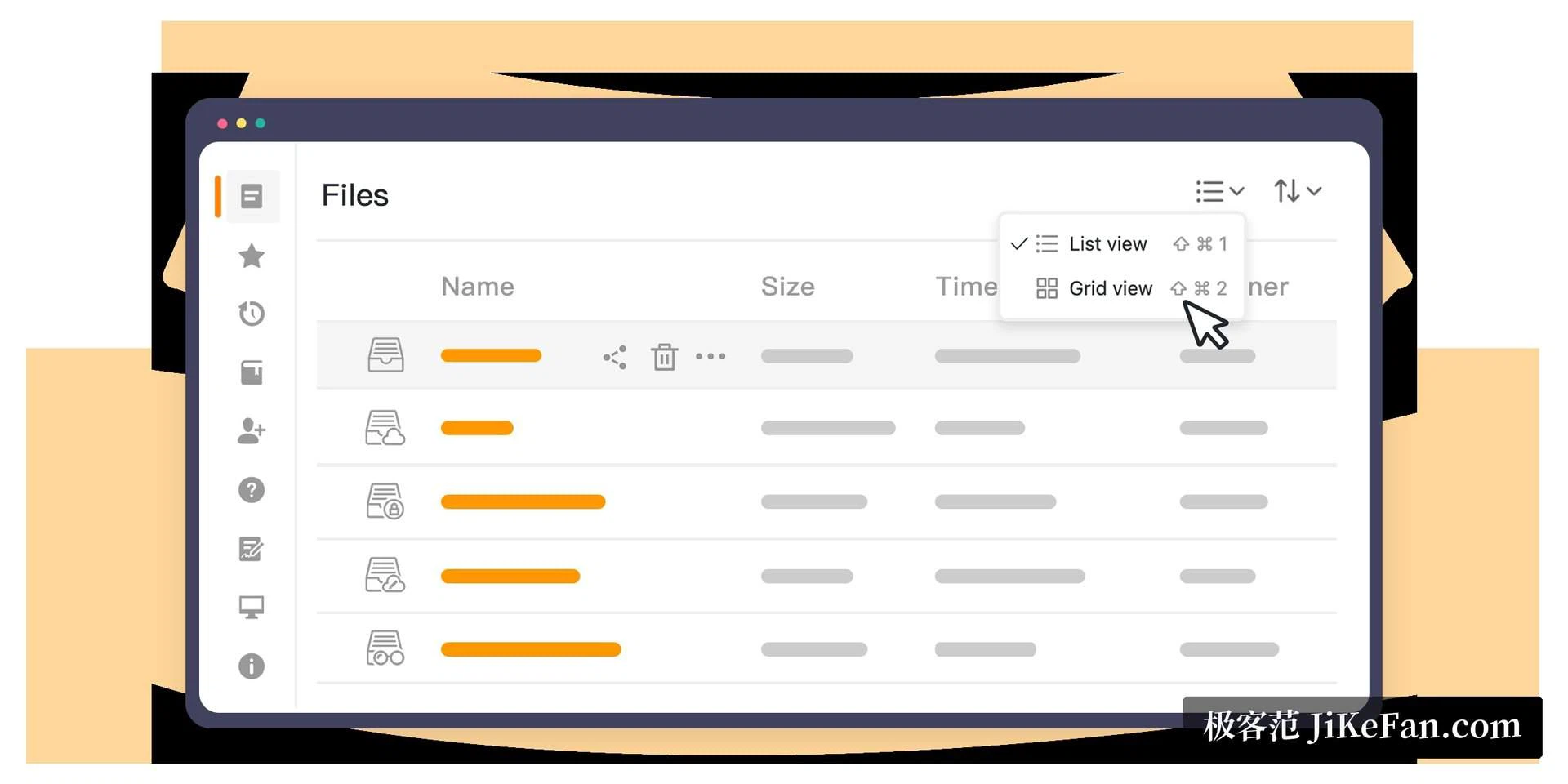
How the synchronisation works
The transfer is block level. Files are cut into blocks, and when something changes only the changed part travels, rather than the whole file being sent again. Combined with deduplication, the same file does not occupy space twice across the server and the various clients. Mistakes are recoverable in two directions: version history brings back an earlier state of a file that was edited wrongly, and the recycle bin brings back one that was deleted by accident.
Transfers can be encrypted, and a library can additionally be given a password for end-to-end encryption. In that mode the server holds only ciphertext, which is the strongest guarantee the arrangement can offer and also the least forgiving: the password is not recoverable, and a lost password means a lost library. That is not a defect to be worked around. It is the property that makes the guarantee mean anything.
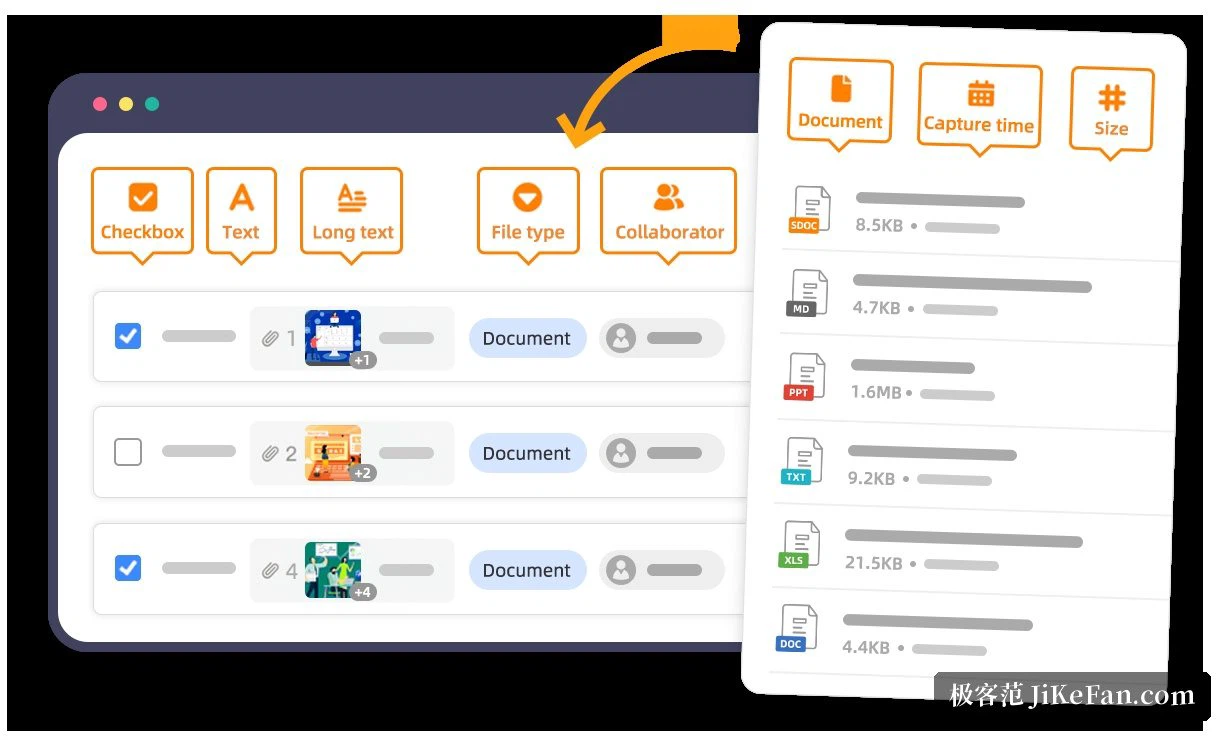
What changed from version 13 onward
The release published in January 2026 is a substantial change rather than a routine one. Beyond the existing synchronisation and sharing, it adds custom file attributes and several views - table, board, gallery, map, card - along with tag management, a built-in system for online documents and a wiki, and features that use a language model to pull information out of files and produce descriptions and tags. The deployment also changed: binary installers are no longer offered, and the official recommendation is a container-based deployment with a built-in reverse proxy, where certificates for encrypted connections can be requested automatically.
The second half of that list is the part that matters to anyone already running an installation. A change of deployment method is not a cosmetic change of packaging; it changes what an upgrade involves, and it is the reason an upgrade from an older release has to be planned rather than performed casually.
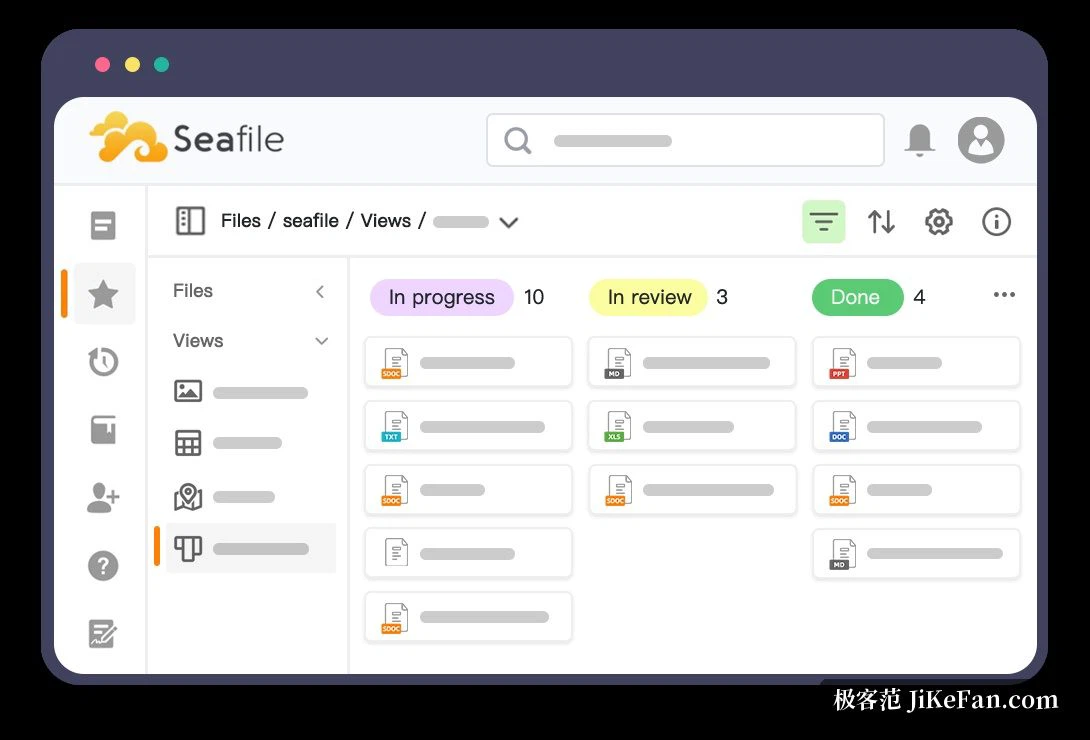
Editions and what to choose
The community edition is free and open source. The server core has been published under AGPLv3 since 2016, the desktop client under GPLv2, and the mobile clients under their own licences. The professional edition adds capabilities aimed at organisations: directory-based sign-in and single sign-on, audit logs, object storage backends. Teams of up to three people may use it without a licence. As of 2026 the stable community series has reached the 13 line, while the professional edition is on the 14 line.
What self-hosting actually asks of you
The honest description of a product like this is that it trades a subscription for an obligation. What is gained is straightforward: the files are on hardware you control, under a licence that lets you inspect and modify the server, with no per-seat arithmetic as the team grows. What is taken on is the part a hosted service quietly handled - the machine has to keep running, the certificates have to keep being renewed, the backups have to exist and have to be tested, and the upgrade has to be read about before it is performed. None of that is difficult on its own. All of it is continuous, and continuity is what a subscription was actually buying.
For anyone willing to maintain a server and wanting the files entirely in their own hands, this is one of the self-hosted options whose synchronisation feels closest to a commercial drive. One thing to note: the way it is installed changed from version 13 onward, so an upgrade from an older installation has to move to the container-based deployment first - and the backup comes before that, not after.