
Pinokio: local AI apps installed the way an app store does it
Summary
More than 300 verified programs for local AI, each packaged with its own installation script: one press brings down the models, sorts the dependencies, starts the service and opens the interface in a window, all inside its own sandbox.
Recommend- Name
- Pinokio
- Version
- 8.2
- Pricing
- Free
- Open source
- Open source
- Operating system
- WindowsmacOSLinux
- Website
- https://pinokio.computer
- Updated
- 2026-10-06 21:06
The hardest part of the local AI world has never been the model. It is getting the thing installed. A drawing tool wants its own runtime set up first; a voice cloner opens onto a screen of errors and leaves you guessing which library is missing; and on a bad day the graphics driver joins in. Pinokio squeezes that whole passage into a single click. The project, which calls itself an AI browser, is open source under a permissive licence, has more than 8,000 stars, and its current release arrived in early September 2026.
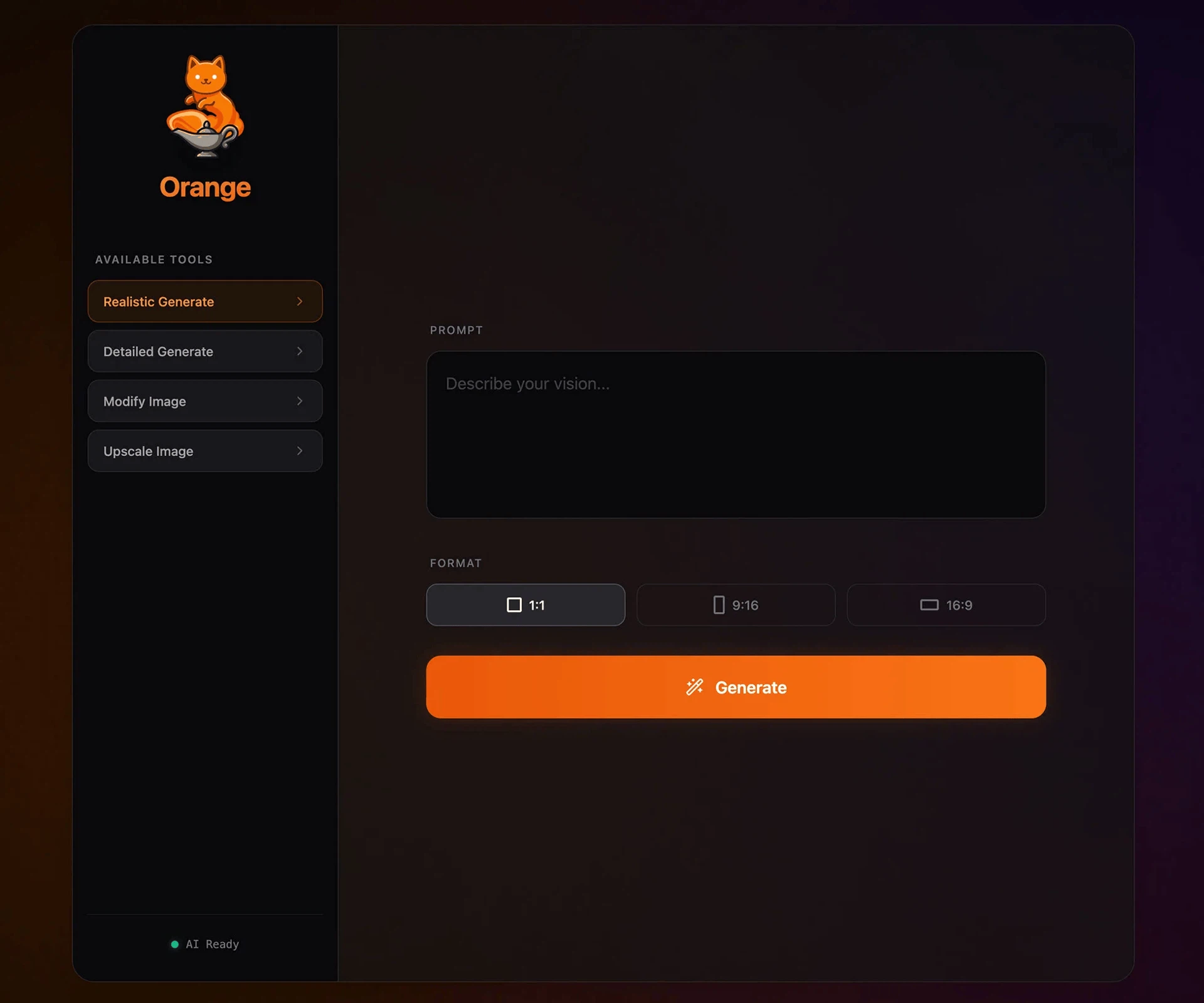
Using it feels like a browser. The Discover page is a shop: more than 300 verified programs for local AI, from drawing front-ends through voice cloning and video generation to windows onto a local model. Find something worth having and press install. What happens behind that press is where the labour went. Every app is packaged as a manifest carrying its own installation script, and the program follows it: model files come down, dependencies are resolved, a runtime is put together, the service starts, and the interface loads in an embedded window. No command line is involved, and nothing is installed into the system itself.
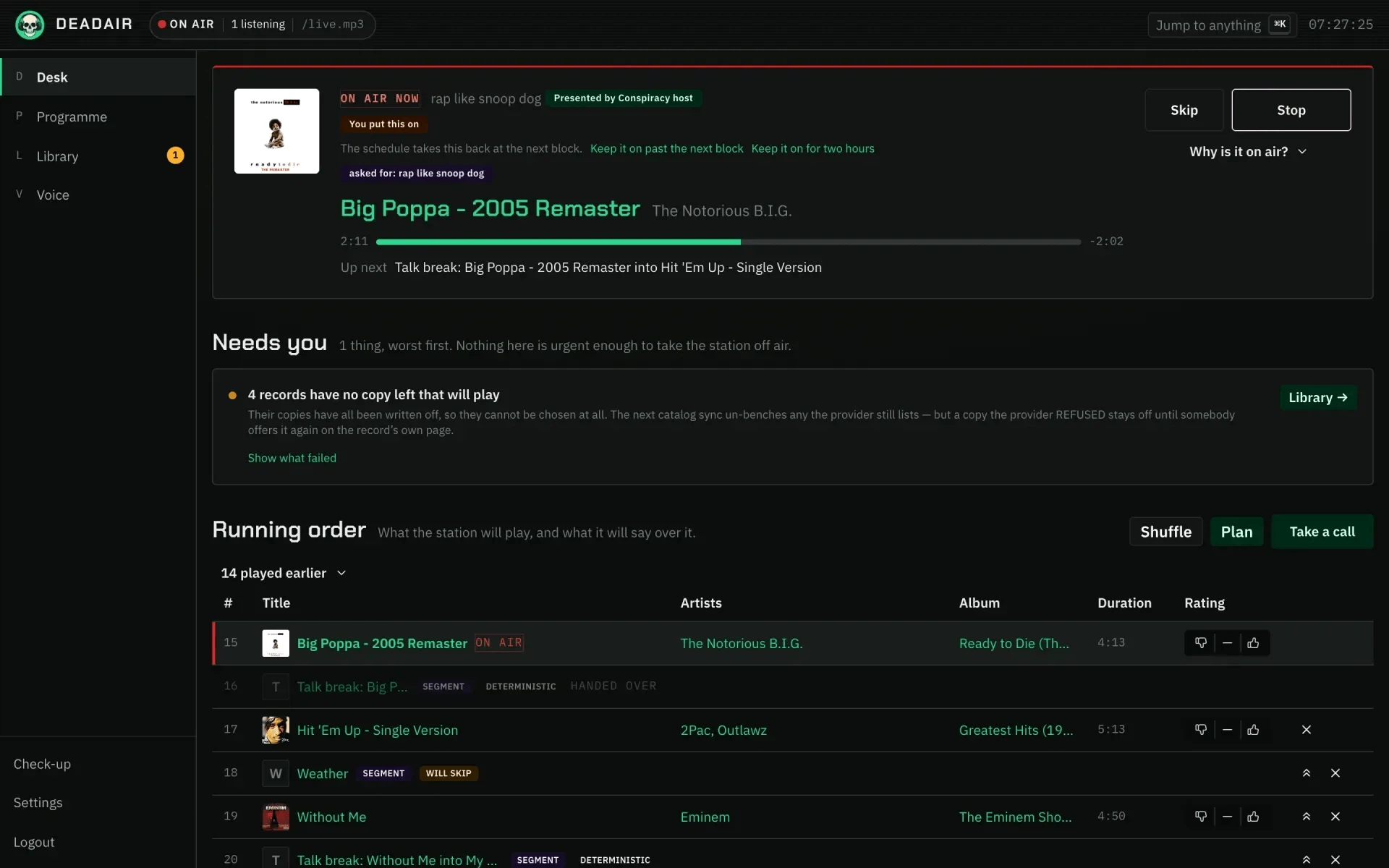
Each app lives in its own isolated environment, so they do not disturb one another and leave nothing behind - bored with one, delete it. That install-and-play, play-and-leave arrangement suits people still exploring: text-to-image today, voice cloning tomorrow, three or four tools inside a day, which is quicker than getting a single one to run used to be. Compatibility is broad as well: installers for the three desktop systems, both chip variants covered, and acceleration through all three vendors' compute stacks. A machine without a discrete card can still run some of the lighter programs on the processor. The privacy model matches the tone of the field - everything is computed on the machine, there is no telemetry, and installed apps keep working with the network off.
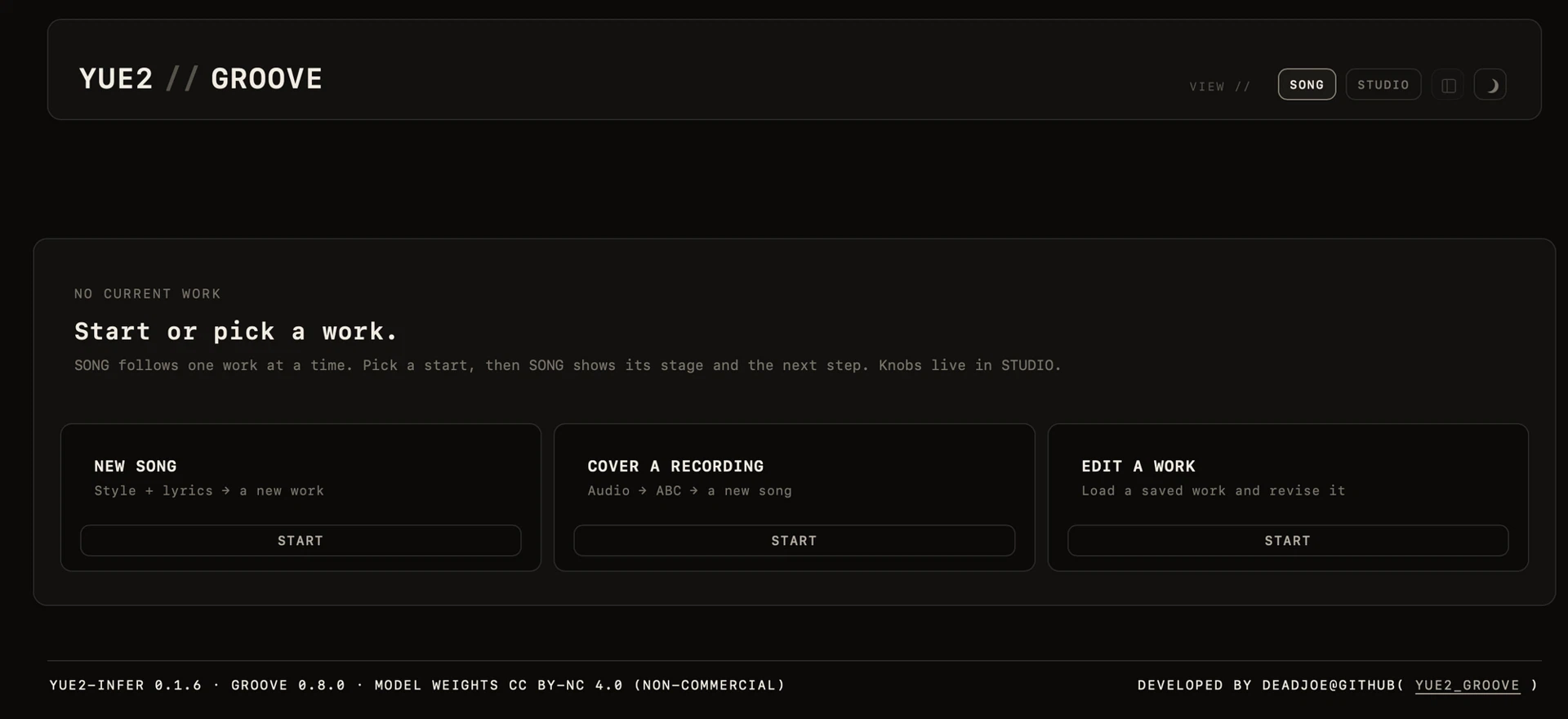
It cannot change physics, though. A program needs whatever video memory it needs, and an ordinary laptop with integrated graphics will not be generating video. The scripts are maintained by the community, so a stale one, or an upstream repository that has moved, will leave an app that refuses to install; there are enough others to walk around it.
The boundary is worth naming. Pinokio solves the stretch from nothing to running. Once you know a tool well enough to want finer parameters and real workflows, using that tool directly is more efficient, and keeping Pinokio as a permanent home puts a layer in between. As an entrance and a testing ground, though, it shortens the distance between wanting to try and actually running to one click. The licence is permissive, personal use costs nothing, and the collection of community scripts is still growing - for anyone who has been driven off by setting up an environment, the step is exactly low enough.
The shift is bigger than it looks. Until recently the entrance to local AI was a tutorial: a page of commands, a list of packages, and a comment thread underneath where people reported what had broken again this month. A shelf changes the shape of that. Programs appear and disappear, and what sits on the shelf is expected to work when you take it down - which is exactly why the scripts behind them have to be kept up by somebody.
Three sorts of people get the most out of it: the newcomer who has never set up a runtime, the tinkerer who wants four tools in an evening, and the explorer who will not spend a weekend on configuration before knowing whether the result is worth it.
There is a practical gain in all this that has nothing to do with convenience. Software that wants a graphics card, a particular version of a runtime and a folder of model weights, all arranged its own way, is exactly the kind of thing that ruins a working system. Confining each program to its own environment keeps the damage local: the weights live where the program expects them, the dependencies belong to it alone, and deleting the folder really does undo the installation. Anyone who has spent an afternoon repairing a machine after removing a tool will recognise the value.