OpenMediaVault: A Free NAS System Built on Debian Linux
Summary
OpenMediaVault is a free, open-source NAS system on Debian Linux, managed from a browser and extended through plugins.
Recommend- Name
- OpenMediaVault
- Version
- 20220906
- Pricing
- Free
- Open source
- Open source
- Website
- https://www.openmediavault.org/
- Updated
- 2026-10-06 20:46
A NAS system assembled from standard Debian parts
OpenMediaVault, usually shortened to OMV, is an open-source network attached storage system built on Debian Linux. It is not a distribution of its own invention: underneath the web interface there is a normal Debian system, and the storage services are the ones administrators already know, brought under one roof and one set of menus.
The services shipped with it cover most of what a home or small office server is asked to do: SSH for a shell, FTP and SFTP for file transfer, SMB/CIFS for Windows shares, a DAAP media server, RSync for synchronisation and a BitTorrent client.

Working from the browser
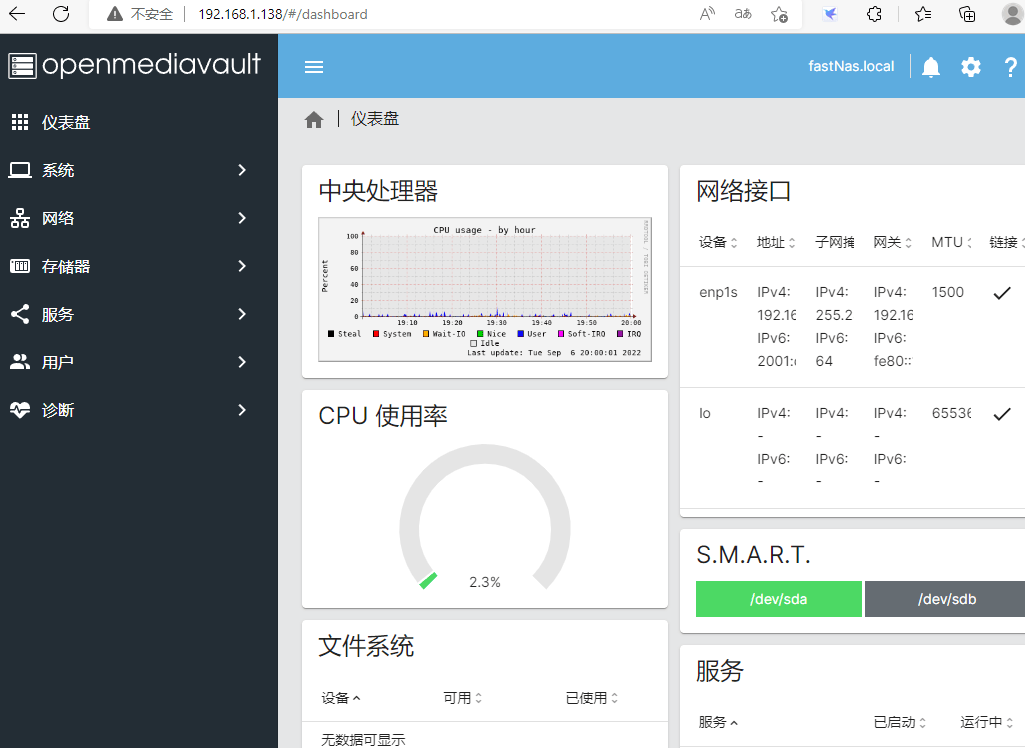
Everything is configured through a browser. The interface is plain rather than decorative, and that is the right choice for a device that is administrated a few times a month: a storage server should not require relearning its menus at every visit.
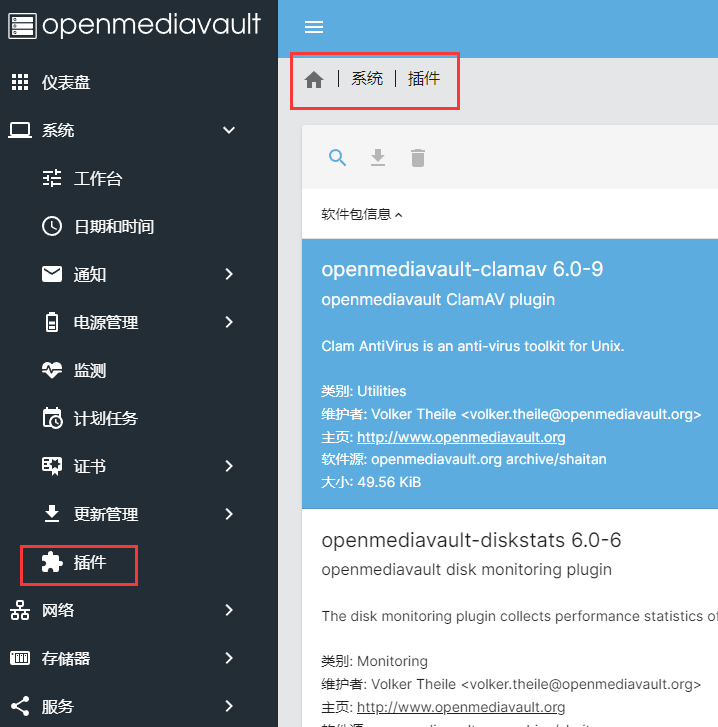
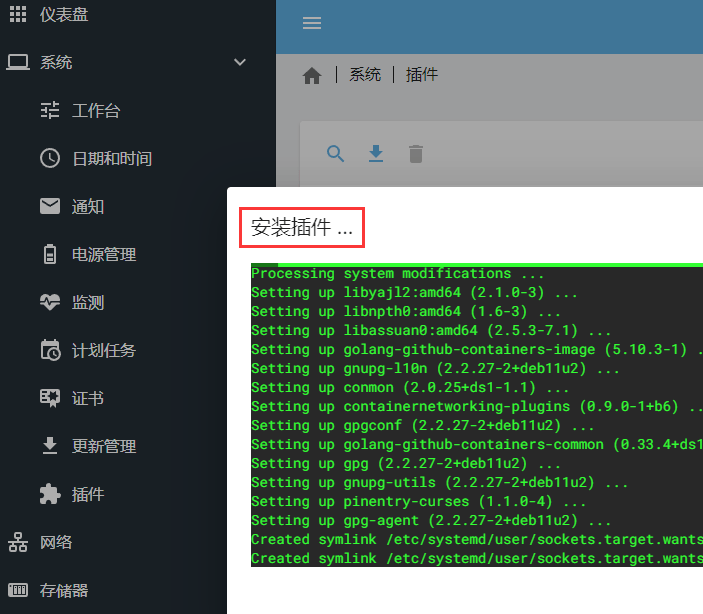
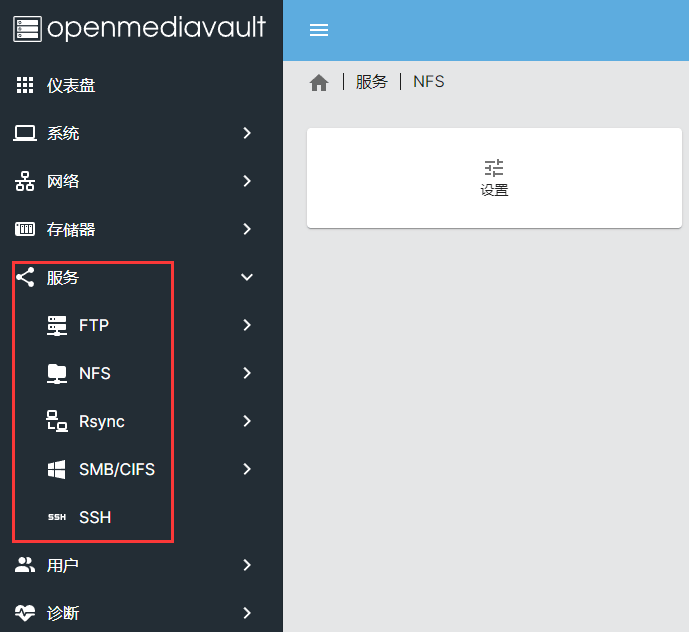
Plugins add the parts that the base system leaves out, and installing one is a matter of selecting it in the list and pressing install. Shared folders are configured in the services section, where the shares, their file systems and the accounts that reach them are tied together.
What the system covers
The feature list is long, and it is worth reading as a map of what an OMV box can be. The interface is a multilingual web GUI. The protocols are CIFS through Samba, FTP, NFS in versions 3 and 4, SSH, rsync, iSCSI, AFP and TFTP. Storage can be organised as software RAID in levels 0, 1, 4, 5, 6 and 10, or as JBOD. Monitoring brings together Syslog, Watchdog, SMART and a read-only SNMP agent in versions 1, 2c and 3, and statistical reports can be sent by email.
Charts cover CPU workload, LAN transfer rate, disk usage and RAM allocation. GPT and EFI partitioning supports volumes larger than two terabytes. The file systems on offer are ext2, ext3, ext4, Btrfs, XFS, JFS, NTFS and FAT32, with quotas available on top. Users and groups are managed in the interface, access control works through ACLs, network interfaces can be bonded and a machine can be woken over the local network. The plugin system ties the whole thing together.
Plugins that change what the box is for
The plugin catalogue is where OMV stops being only a file server. ClamAV adds antivirus scanning, the digital audio access protocol serves audio files inside the local network and also works with iTunes, and SAN and iSCSI provide block-level access to storage. Sabnzbd reads NNTP to retrieve binary files automatically, a lightweight directory access protocol plugin handles information requests and directory service changes, and the logical volume manager makes dynamic partitions possible.
Netatalk turns the machine into a file, time and print server for Apple Macintosh clients. A network UPS tool supports an uninterruptible power supply, the routing table can be changed without leaving the interface, and usbbackup allows automatic backups to an external USB disk. Plex server and its web client turn the box into a media library, Transmission adds a torrent client, and OwnCloud provides a client-server stack for running a file hosting service.
Installing it
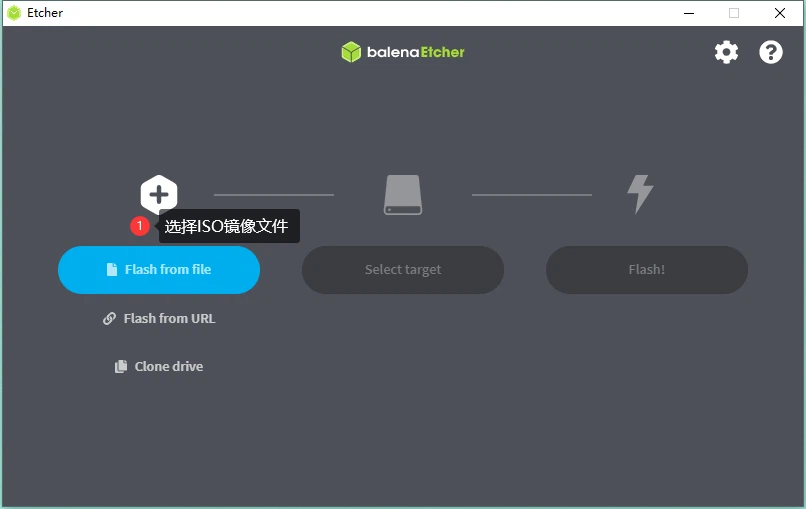
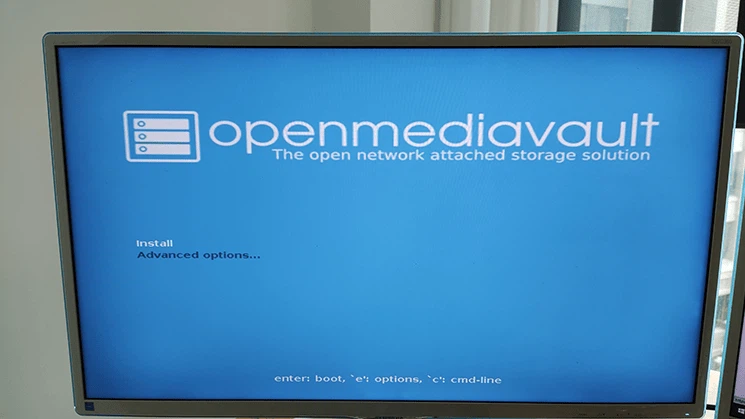
The recommended way to prepare the installation medium is balenaEtcher. Once the USB stick is written, it goes into the machine, the BIOS is set to boot from it, and the installer appears after the restart and walks through the questions it needs answered.
When the installation finishes, the appliance is reached from a browser by entering the IP address of the NAS host. The default account is admin with the password openmediavault, which is worth changing as soon as the system is reachable on the network.
Licence and where the code lives
OpenMediaVault is developed on top of the open Debian Linux operating system and is released under GPL3. The source code is kept on GitHub, which is the place to look when a plugin behaves in a way the documentation does not explain.
Who it suits
A machine that is already sitting idle, a spare set of disks and one evening are enough to end up with a storage server that serves Windows, macOS and Linux clients at the same time. The people who get the most out of OMV are those who want the services of a commercial NAS without the appliance: they keep the hardware, keep the Debian knowledge and get the web interface on top.
It also suits the case where the box has to do more than store files. Once Plex, Transmission, OwnCloud or a UPS tool is installed, the same machine becomes a media library, a download station or a small private cloud, and the plugin system means that decision can be made later rather than at purchase time.