
fish shell: Completion That Needs No Plugins, and What It Saves
Summary
fish shell puts the interactive experience first: suggestions drawn from history as you type, live colouring of the command line, searchable history and completion that covers arguments, branches and process names. The trade is a script syntax of its own that is not compatible with bash.
Recommend- Name
- fish shell
- Version
- 4.9.3
- Pricing
- Free
- Open source
- Open source
- Operating system
- WindowsmacOSLinux
- Website
- https://fishshell.com/
- Updated
- 2026-10-06 16:02
The setup you do not have to do
fish, short for friendly interactive shell, is a command line shell that puts the interactive experience first. What separates it from bash and zsh is the phrase installed means configured. As a command is typed, a suggestion drawn from history appears underneath and can be accepted with an arrow key. The line is coloured as it is written, so whether a command exists and whether a path is valid become visible while typing rather than after pressing return. Completion covers more than file names: command arguments, version control branches and process names are all offered, and the list of candidates can be paged through with descriptions attached.
The significance of that is easy to underrate. In the other shells, half of this behaviour is available - through plugins, frameworks and a configuration file that has to be assembled and maintained. Here it is the state of the program before anything has been configured, which means the benefit arrives on the first minute rather than after the first weekend.
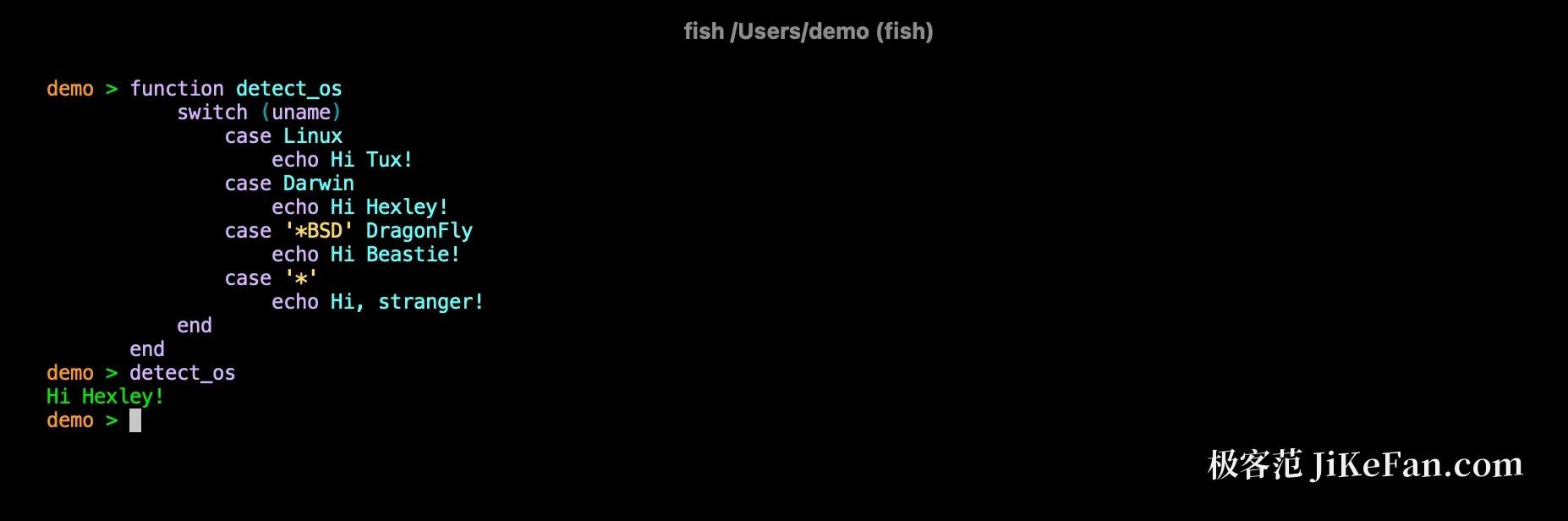
A few details in the interaction
History can be searched by keyword, and a previous command of the same kind can be pulled up by prefix. Tab completion and wildcard expansion both offer a visual preview of what will be substituted. Abbreviations are among the more useful pieces: a long command used often is defined as a few characters, and after expansion the full command is still visible on the line - unlike an alias, which hides the real content behind a short name and leaves the reader of a shell history guessing.
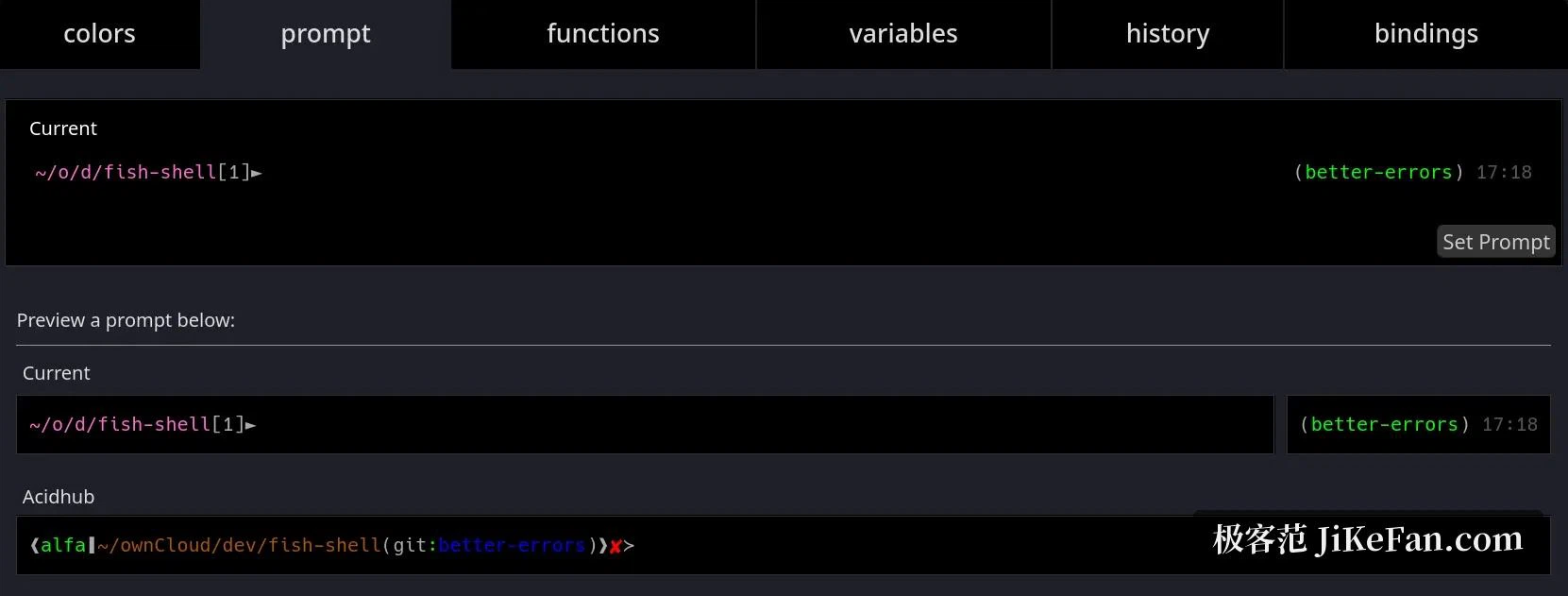
Prompt, colours and functions are all adjusted on a built-in configuration page that opens in a browser, and changes take effect immediately. That is a small design decision with a real consequence: editing a configuration file by hand requires knowing where it is, what the syntax is, and how to recover from a typo, and every one of those requirements is a reason people leave the default in place for years.
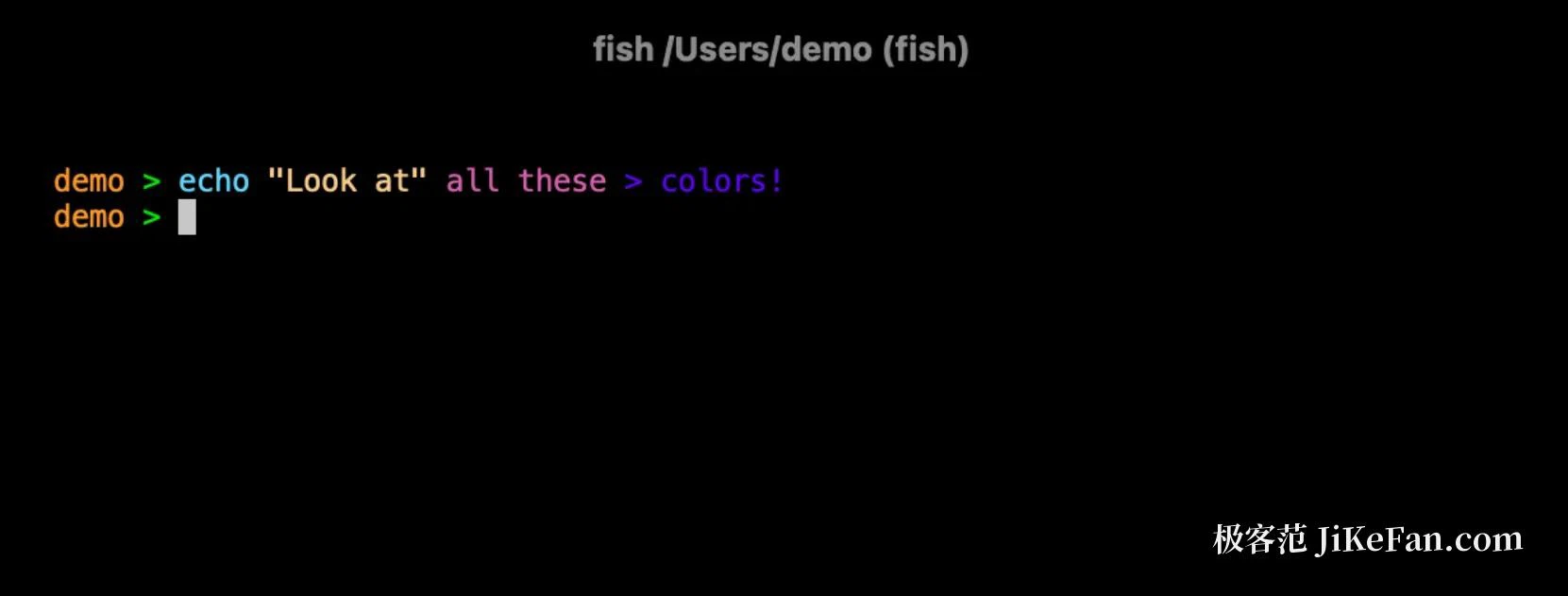
What to know about scripts beforehand
The cost sits on the scripting side: fish has a syntax of its own and does not accept bash. Variables are assigned with set, conditionals close with end rather than the then and fi pair, an unquoted string is not split into words, and arrays and path handling follow different rules. The practical consequence is that the great mass of bash fragments found online cannot be pasted in and run, and existing shell scripts must either be rewritten or explicitly executed by bash.
How much that matters depends entirely on the ratio between typing commands and writing scripts. For someone who types commands all day, the impact is close to zero and the gain is daily. For someone who maintains a collection of scripts, the migration cost is real and should be counted before switching rather than discovered afterwards.
Version and platforms
The 4 series was an important marker: the whole project was rewritten in Rust, with performance and maintainability said to be clearly improved, and the installation methods adjusted along with the build system. As of now the stable series has reached 4.9.3, published in September 2026, and the pace of iteration is fast. Installation covers Windows, macOS and Linux, and most distributions carry a package in their own repositories. Before making it the default shell, it is worth trying it in the current terminal for a while - a default shell is exactly the kind of setting that is annoying to get wrong and easy to test first.
Why the interactive defaults matter more than they sound
A shell is used thousands of times a day in fragments of a few seconds, and the cost of any friction is multiplied by that count. A shell that has to be tuned before it is pleasant imposes a fixed cost on every new machine, every new account and every colleague who borrows a login. Providing the tuning as the default does not make any single command faster. It removes a maintenance task that was never interesting and was always deferred.
The incompatibility carries a social cost as well as a technical one. Shared knowledge about the command line is largely shared bash, and a shell that cannot run it asks each user to hold two syntaxes in mind. That is a fair price for daily comfort and a poor one for a team whose work is a library of scripts, and the same person can reasonably be on both sides of that line.
For anyone tired of assembling completion out of a pile of configuration, the experience here is close to a one-off release: suggestions, live highlighting and a usable history search are all present the moment it is installed. The only thing to weigh is that scripts are not compatible with bash - people who type commands all day barely notice, people who live on scripts should work out the migration cost first.