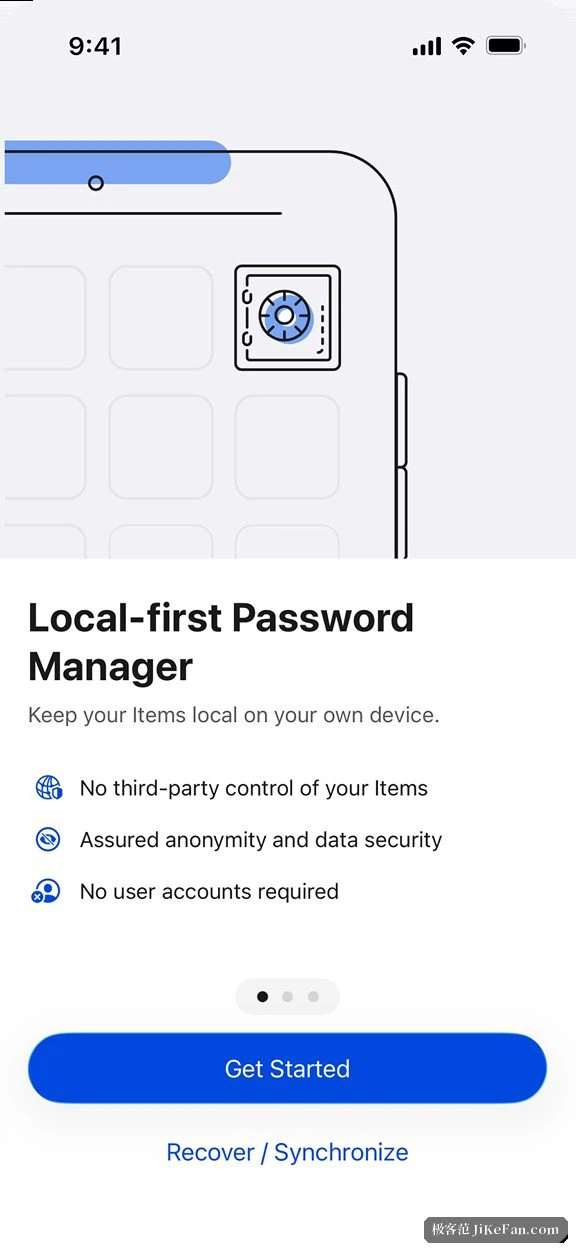
2FAS: the free, open-source authenticator that fills in codes from a browser click
Summary
A two-factor app with no account to create: approve the login on your phone and the code lands in the browser by itself, keys stay local by default, and an encrypted export is there before you need it.
Recommend- Name
- 2FAS
- Version
- 6
- Open source
- Open source
- Operating system
- AndroidiOSmacOSWindows
- Website
- https://2fas.com/
- Updated
- 2026-10-06 05:55
Codes that are only valid for a moment, kept by something free and open
More and more sites offer two-factor authentication, and the applications that generate the codes each make their own trade. Some insist on an account. Some make moving to a new phone an ordeal. Some charge for the export button, which means the data you need to leave is the data you have to pay to take with you. 2FAS goes the other way: TOTP codes, apps for iOS and Android, a browser extension and a desktop client, all free, no account to register anywhere, and source code published so that anyone who wants to can read what it does. As of September 2026 the iOS app is at 6.0 and the Android app on the 5.6 line.
The browser extension is the part people notice
The usual path through two-factor authentication is: log in, pick up the phone, open the app, read six digits, type them in. The extension removes that walk. Pair it with the phone once and, the next time a two-factor prompt appears, a confirmation arrives on the phone instead; approve it and the code is filled into the page without anyone copying anything. Pairing happens over the local network, so the phone and the computer need only be on the same network. When automatic filling is not appropriate, a single click copies the code for pasting by hand, which is still faster than switching to the phone and hunting for the right entry.
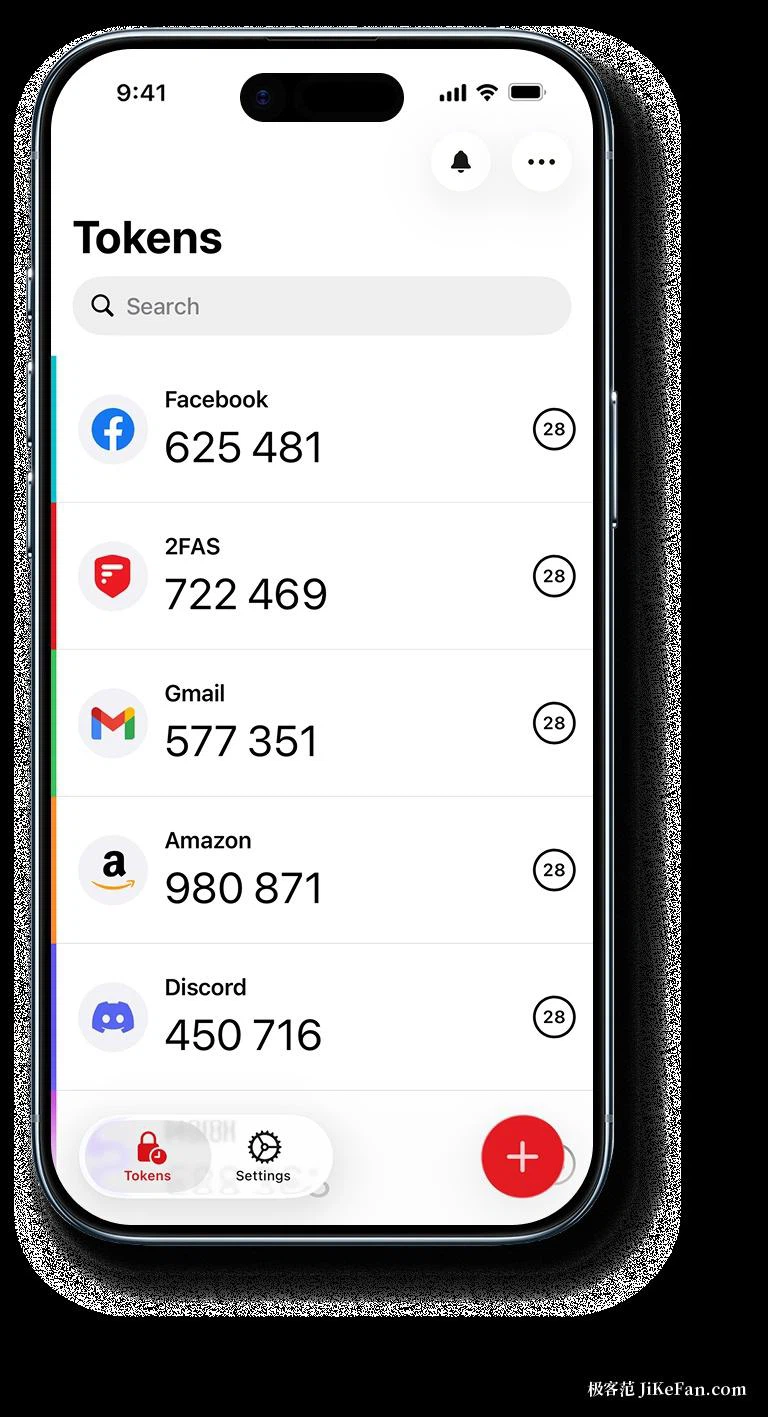
Sync and migration leave a way out
Entry management is careful. Search, groups, favourites and icon recognition are all there, so a list of a hundred entries can still be navigated quickly. Each entry can be locked on its own, and the app itself opens behind biometrics. Backup and migration are where it earns trust: data exports as an encrypted backup file, and it can also sync into cloud space you already control. Importing from another authenticator takes a scan, and several entries can come across in one pass. A new phone gets restored from the backup file with every entry in place, instead of a session of re-registering on each site.
Free without the usual amputation, and clear about privacy
The business model does not rest on user data. The application and extension are open source, so the community can read how data is handled. No account means no identity of yours sitting on a server. The secrets behind the codes live on the device by default, and whether they go to the cloud is a decision the user makes rather than one made for them. One thing deserves emphasis: once a site is bound to the app, back the data up. Any authenticator that loses its keys without a backup means contacting each service in turn to reset. Making the encrypted export a habit is what turns two-factor authentication into something you can rely on.
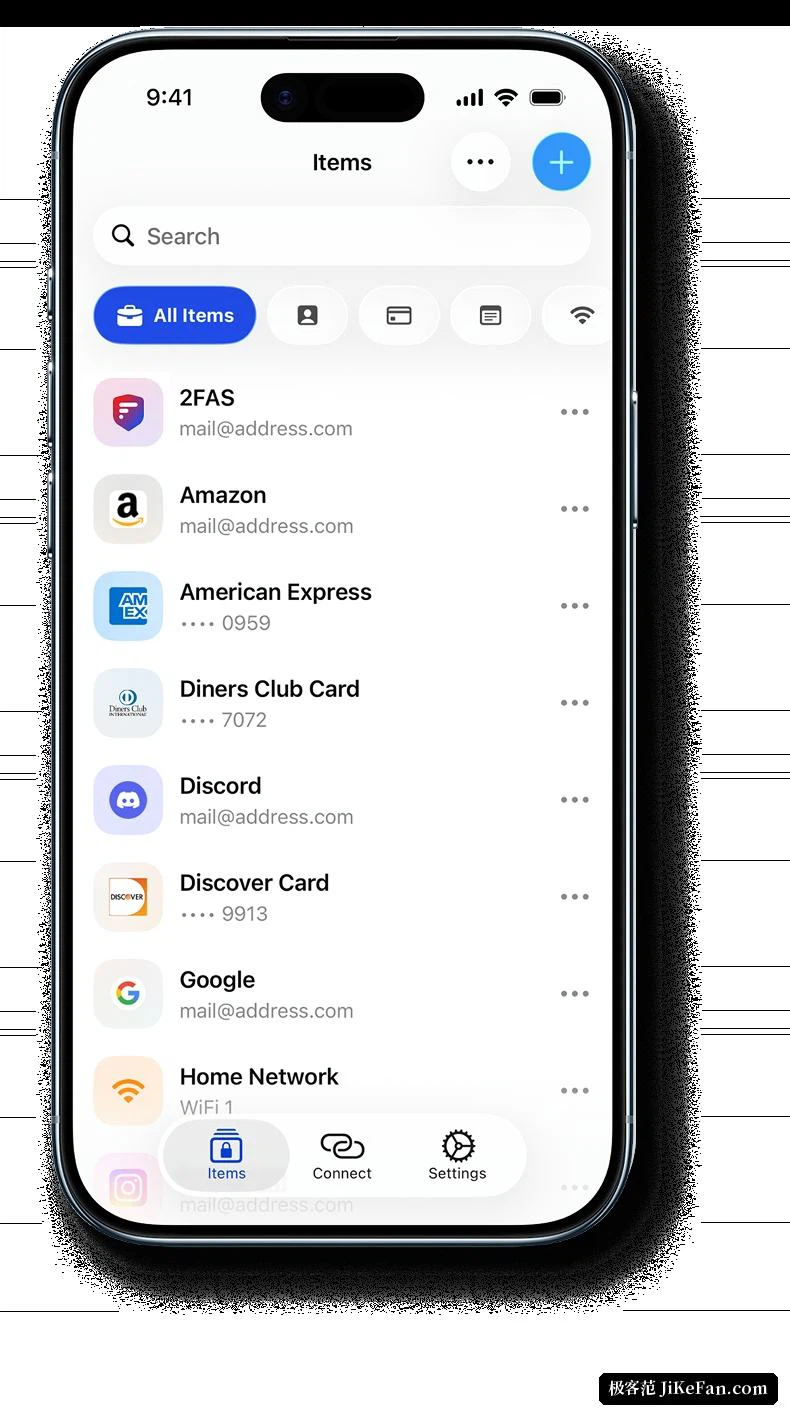
Security design without a back door
Two failures haunt this category of app: secrets quietly uploaded, or a backup route locked shut by the app itself. Both ends are addressed. Entries sit locally by default, syncing is an option the user switches on, and where the data lives is the user's decision. A separate PIN and a biometric lock can be required, so that every look at a code passes a door first — enough that lending someone the phone to read a message does not expose the list. Each interaction between the extension and the phone needs confirmation on the phone, and a pairing can be revoked from settings at any time. For someone who cares about privacy, those details argue louder than a decorated interface.
The way in is short
Switching authenticators usually costs an afternoon, and this one tries to make it cost minutes. An import channel for common authenticators is built in: scan the old app's code or bring in a backup file, and entries arrive with their icons attached. Site enrolment follows the standard protocol, so binding a new site means scanning the setup code the site offers. For a first-time user the help documentation walks through the binding steps for common sites with pictures, and the first entry is configured in a few minutes. Immediately afterwards, export an encrypted backup and put the file somewhere dependable — local disk or a cloud drive you trust. Do that once and a lost phone or a new phone stops being an emergency.