
Falkon: a light browser with a serious foundation
Summary
The browser arms race keeps eating memory, and not everyone needs the heavy equipment. Falkon starts quickly, loads pages responsively and stays restrained on memory, while still shipping blocking rules, vertical tabs and a feed reader.
Recommend- Name
- Falkon
- Version
- 26.08.1
- Pricing
- Free
- Open source
- Open source
- Operating system
- WindowsLinux
- Website
- https://www.falkon.org/
- Updated
- 2026-10-07 20:30
Lightweight is a design decision, not a shortage
The browser arms race has a cost, and it is paid in memory. Every release of the mainstream options adds another process, another background service, another few hundred megabytes before a single page is loaded. For a developer machine with plenty of room that is a fair trade. For an older laptop, an office desktop doing one job, or a small box with limited memory, it is the difference between a machine that feels usable and one that spends its time swapping.
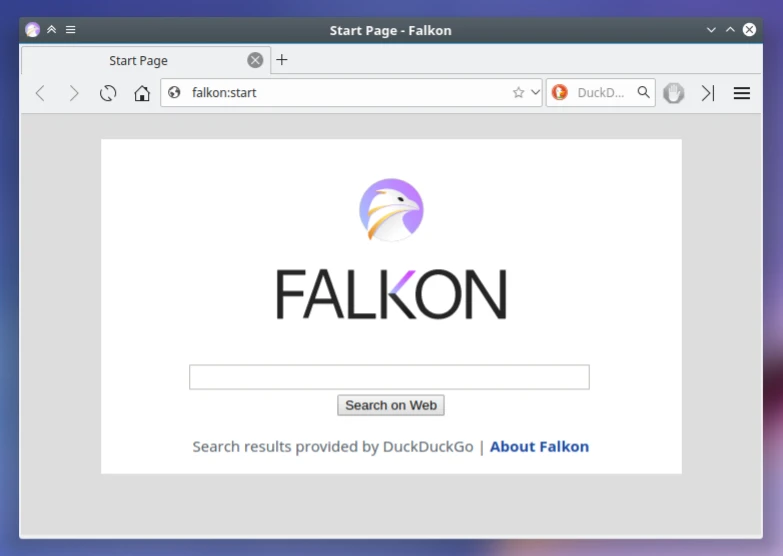
Falkon takes the other road deliberately. It starts without ceremony, loads pages responsively and keeps its memory footprint restrained in comparison with the same class of software, which is exactly what old hardware needs. The important part is that lightweight here does not mean bare. Blocking rules are built in and customisable, so advertising and tracking scripts are stopped before anyone has to install a second program. Vertical tabs gather several dozen open pages into a single column at the side instead of a strip that no longer fits. A feed reader lives in the sidebar, and subscriptions refresh into something readable rather than a list of links.
A KDE lineage, and releases on a schedule
Its predecessor was a well-known light browser, and joining the KDE family gave it steady engineering support: versions ship quarterly with the rest of the suite, so fixes and engine updates keep pace rather than arriving when someone has time. On a KDE desktop the integration is smooth in the way that matters, the system theme, the global menu and the notification centre behave as if the browser had always been part of the environment.
It covers both Linux and Windows, which makes it usable as a spare browser on a machine where the main one is installed for a specific purpose, or as the main browser on a machine that has no memory to spare. It is open source and free, the code is public, and the community translations and documentation are complete enough to get through the first week without guessing.
Its existence is a reminder that browsing the web does not have to cost that much memory. Being light is not a compromise, it can be a position.
Where it fits, and where it does not
On an old device or a work machine that exists to do one task, make it the main browser and the difference is felt on the first day: pages open before you have finished deciding to open them, and the fan does not start. If your daily work depends on a deep extension ecosystem, keep the mainstream browser for that and use this one for reading, so that the two do not compete for the same memory.
Turn on vertical tabs and the feed reader in the sidebar settings early. They are the two features that change how the program feels, and they are easy to miss because both live in a panel most people never open. Once several dozen pages are folded into a column, going back to a horizontal strip feels like a downgrade.
Be honest about the trade. Anyone who needs cross-device sync, a password vault tied to an account, or an extension store with thousands of entries will find the mainstream options better served, and should stay there. This is for the person who wants the browser to be a tool rather than a platform, and who would rather have the memory back.