
Bodhi Linux and Moksha: a Desktop Assembled From Fewer Parts
Summary
Bodhi Linux is a lightweight distribution on the Ubuntu long-term support base that installs a very small set of tools and leaves the rest to you. Its own Moksha desktop is modular, the official minimum is 1GB of memory and 10GB of disk, and only 64-bit images are offered from the 8 series onward.
Recommend- Name
- Bodhi Linux
- Version
- 8
- Pricing
- Free
- Open source
- Open source
- Operating system
- Linux
- Website
- https://www.bodhilinux.com/
- Updated
- 2026-10-06 11:54
Install less, add your own
Bodhi Linux is a lightweight distribution built on the long-term support releases of Ubuntu, and its approach fits in one line: a minimal base, everything else added on demand. A fresh installation provides a very small set of basic tools. A browser is not among them. Neither is an office suite, nor anything for playing media. Whatever is needed gets installed by the person who needs it. The purpose of that arrangement is that the machine stays quick on hardware with limited resources, and the official minimum figures are 1GB of memory and 10GB of disk space.
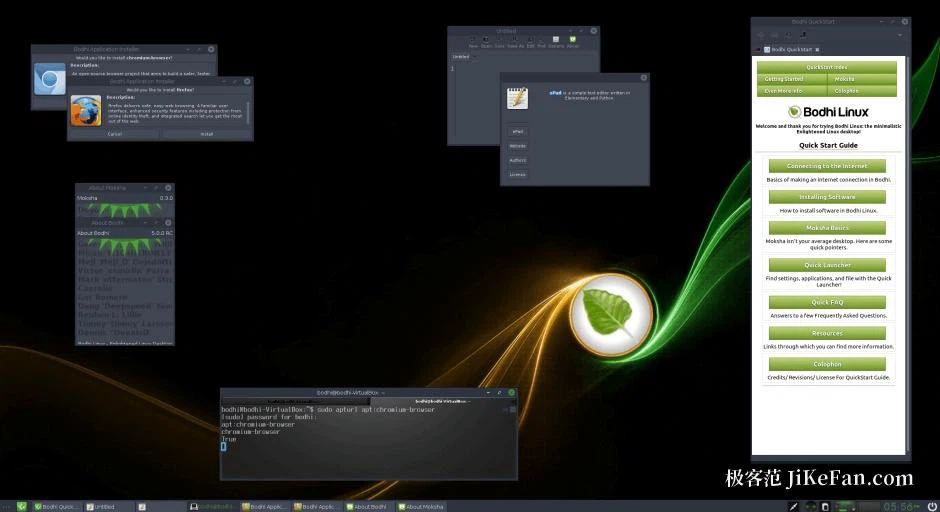
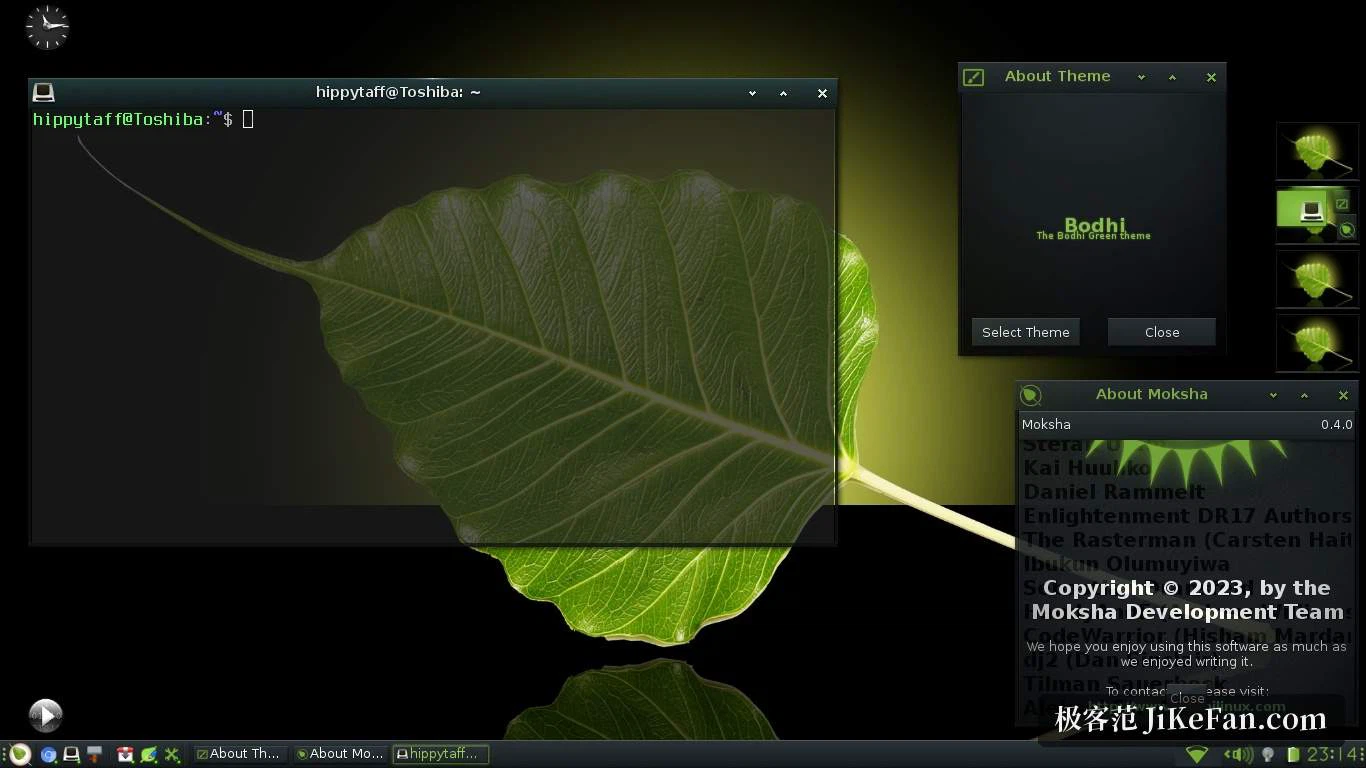
The Moksha desktop
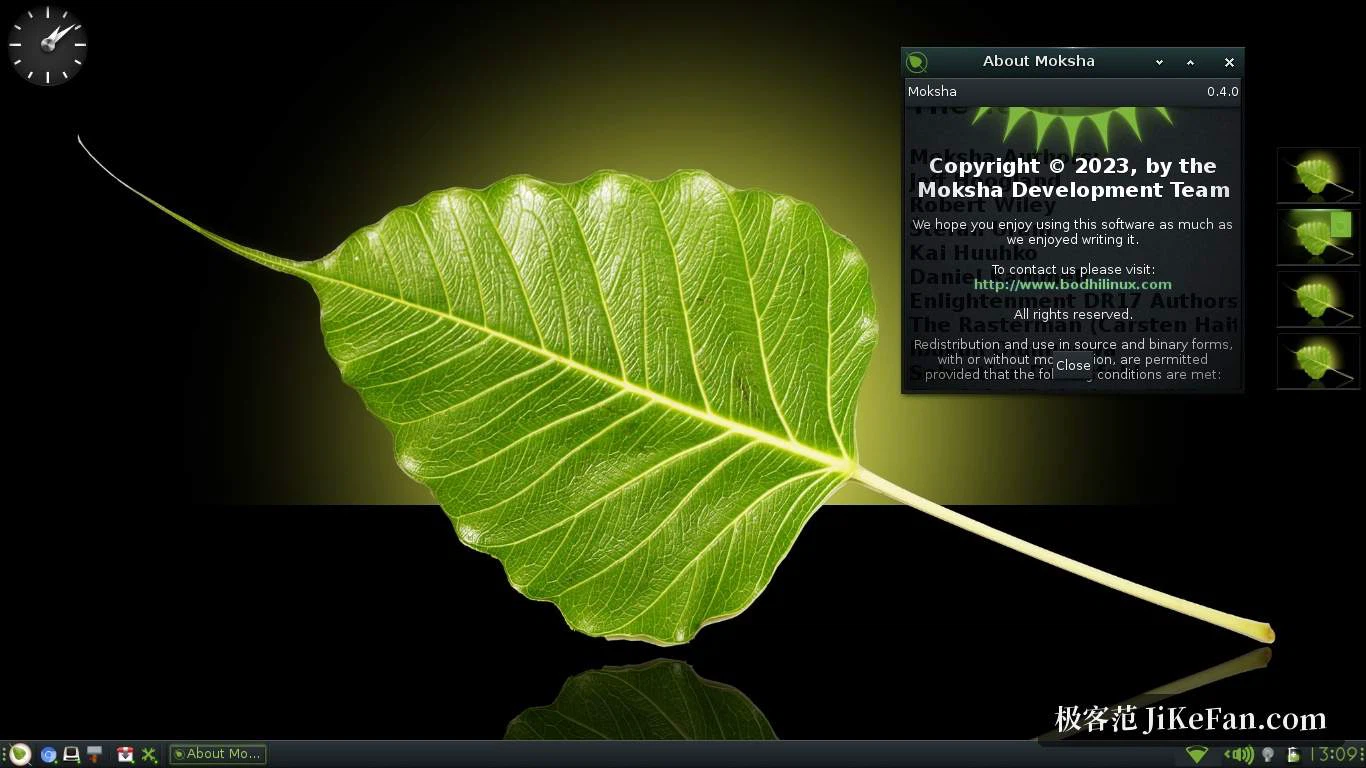
The desktop environment is its own, called Moksha, and it descends from a branch of Enlightenment. Compared with the large desktop environments in common use, Moksha is lighter, and the modular thinking is more visible: the desktop, the panel, window decorations and themes can each be adjusted separately, and small modules can be attached to them. It does not aim at a single, all-embracing look. What it suits is a person who wants to assemble a working environment out of chosen parts rather than accept a finished arrangement.
The several images
The download page offers images with different purposes. The standard one is the base system described above. Another arrives with a set of common applications already in place, which saves the round of hunting for each one afterwards. A third targets newer hardware and uses a newer kernel for better device support. One detail is worth catching: from the 8 series onward only 64-bit images are offered, while earlier releases included a 32-bit option aimed at older machines.
Choosing between them comes down to one question: what this machine will be asked to do in its first week. On a machine that serves as a window onto the network, the standard image plus a browser is the smaller total. On one handed to somebody who does not want to think about software at all, the image with the common applications in place removes the stage where things have to be looked up and chosen. The newer kernel in the third image matters when the hardware is recent enough that the older kernel fails to recognise something; on a genuinely old machine that is the wrong direction to travel.
Version and installation
The 8 series was published in August 2026 and follows the Ubuntu long-term support base, so security updates continue over a comparatively long period. Software goes in through the usual package commands, and a graphical application centre is available as well. Because so little is preinstalled, the first session after installation may involve going online to add a batch of everyday programs, which on a slow connection is time worth planning for.
What the arrangement asks of you
The distribution states the trade plainly, but it is worth spelling out. A minimal base means the first hour belongs to the system rather than to your own work: a browser, a document tool, something that plays audio, and whatever else the day turns out to require. In exchange, nothing sits on the disk that will never be opened, and on an old machine with a small drive that difference is not cosmetic. The second exchange is attention. A modular desktop rewards someone who will arrange the panel and the decorations once, and quietly penalises someone who never does, because the defaults are deliberately plain. Neither half is a defect. They are the same decision seen from two sides.
If there is an old machine with modest hardware around, and no wish to give a large share of the disk to software that will never be opened, this is a route worth considering. The cost is that the work continues after installation. Anyone who prefers a system that is usable the moment it boots will be better served by a distribution that arrives complete.