
Linux Mint Review: The Least Frightening Way to Leave Windows
Summary
The panel is at the bottom, the menu is bottom left, and the file manager looks familiar on purpose. A driver manager and an updater remove the two hardest questions, and the live session lets you try before installing.
Recommend- Name
- Linux Mint
- Version
- 22.3
- Pricing
- Free
- Open source
- Open source
- Operating system
- Linux
- Website
- https://linuxmint.com/
- Updated
- 2026-10-08 12:13
An introduction written for people who are nervous
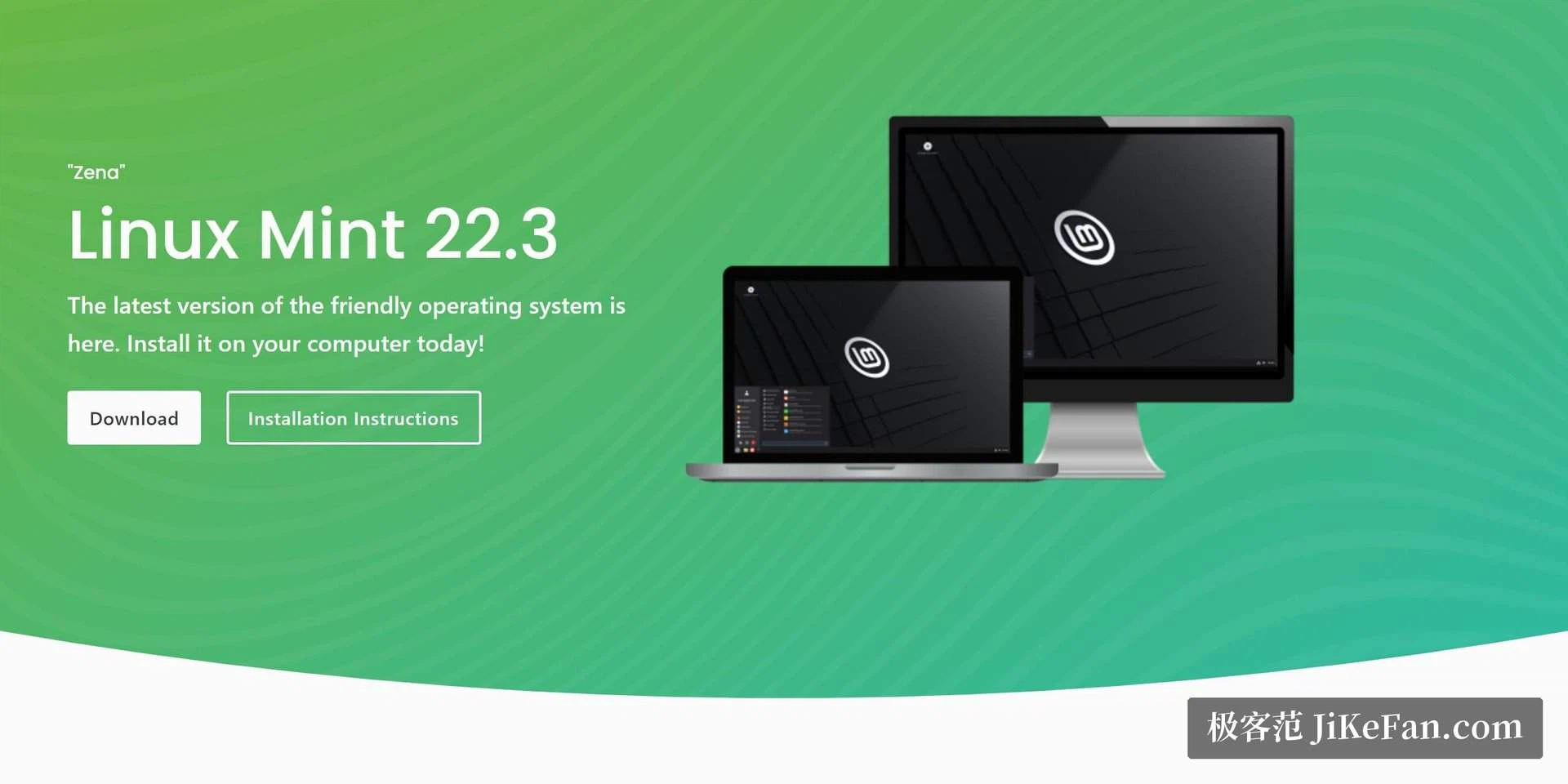
A great many people still believe that Linux means a black terminal and a weekend of configuration. Linux Mint exists to make that belief false within ten minutes of first boot. The panel sits at the bottom, the application menu sits in the bottom left corner, windows have minimise and close buttons in the places a Windows user's hands expect them, and the file manager opens with the same panes and the same shortcuts. None of this is accidental. The desktop environment is deliberately arranged so that the muscle memory of twenty years keeps working.
Two tools finish the argument. The driver manager presents the available proprietary drivers for graphics and wireless as a short list with a recommendation, which removes the single hardest question in a first installation. The update manager turns a complicated policy about kernel and package versions into a plain judgement of whether a particular update is worth taking, with a warning level attached. Between them, the two things that used to send people back to the old system are handled by a dialog box.
The second life of an old laptop
The classic use case is a machine that was declared obsolete. Requirements are modest, so a laptop from a decade ago, with an old processor and four gigabytes of memory, becomes a working machine for browsing, documents and mail. It will not compile software, and it does not need to. Households that have a drawer of retired laptops usually discover that one of them is a perfectly good kitchen computer once the operating system stops asking for more.
The software centre covers the ordinary applications without requiring a search engine: browser, office suite, media players, image tools, all installed from one window. A backup tool ships with the system, which matters for someone trying an unfamiliar platform precisely because they are afraid of breaking something. The base comes from a long term support upstream, so security updates continue for years, and the community documentation is unusually deep because so many beginners have asked the same questions before.
The formula is disarmingly plain: give people back the familiarity they had, leave them the choice, and let time settle the rest.
Trying it without committing
The installation image runs as a live session before it installs anything, which is the single most useful feature for a nervous first timer. Boot from the stick, use the system for an hour, check that the wireless card works, that the printer is found, that the screen resolution is right and that the function keys do what they claim. If something is wrong, unplug the stick and the old system is untouched. Only then run the installer.
During partitioning, put personal data on its own partition. That one decision makes every future reinstallation a twenty minute job instead of an evening of copying files from a backup, and it means an experiment with a different distribution costs nothing. For older machines, the lighter desktop variant is the right choice, and the difference in responsiveness is larger than the difference in appearance.
Where it will disappoint
Two categories of software simply are not here: professional creative suites and a number of games with aggressive anti cheat systems. There are workarounds and there are alternatives, and for some people none of them is good enough. Being honest about that is more useful than pretending otherwise. If a required program has no version for this platform and no equivalent, the correct answer is to keep a second machine rather than to fight the operating system.
The other disappointment is novelty. This distribution deliberately ships older, tested components rather than the newest ones, which is exactly why it is stable and exactly why enthusiasts find it dull. For a work machine, dull is the feature. Judge it by whether the machine is still doing its job in three years, not by whether the wallpaper is new.