
B1 Free Archiver: one free archive tool for every device you own, reading nearly forty formats
Version 1.5.86
Summary
Official builds for Windows, macOS, Linux and Android plus a web version, no ads and no account: packs open to b1 or zip, and nearly forty formats unpack, including split and password-protected archives.
Recommend- Name
- B1 Free Archiver
- Version
- 1.5.86
- Open source
- Open source
- Operating system
- WindowsmacOSLinuxAndroid
- Website
- https://b1.org/
- Updated
- 2026-10-06 05:24
One archive tool for every device you own
There is no shortage of archiving software, but most of it guards a single platform: the program everyone uses on Windows is absent on the Mac, and a compressed file that arrives on a phone often has nowhere to open. The idea here is to spread one experience across the whole set — official builds for Windows, macOS, Linux and Android, and a web version as well, with an interface that stays the same from machine to machine so that learning it once is enough. It is free in full, for personal and commercial use alike, there is no account to create, and as of September 2026 the current release is on the 1.5.86 line.
It reads almost everything
Format support is the substance behind the claim. Archives can be created in the program's own format or as plain zip. Unpacking covers zip, rar, rar5, 7z, tar, gzip, bzip2, xz, iso, dmg, deb, rpm, cab, lzh, cbz and cbr — close to forty in all — so the odd archive a colleague sends usually opens without a hunt for another tool. Split archives and password-protected ones are handled too; for a pack divided into several parts, opening the first part unpacks the rest in sequence. It doubles as a file manager as well, browsing the contents of an archive the way you would browse folders, with a double click enough to preview something before deciding whether to extract it.
The b1 format, and how encryption is handled
The program's own b1 format is an open archive format, built on the established LZMA compression algorithm with tuning aimed at balancing speed against ratio, and carrying an Adler-32 integrity check so that damage is detected before extraction rather than producing half a file. Security comes in the form of 256-bit AES: set a password on an archive and without it neither the listing nor the original contents can be read, which is one more layer when sensitive material has to travel. The format itself is open, with source code and development libraries published, so other developers can read and write b1 archives in their own products.
Light, clean, nothing to learn
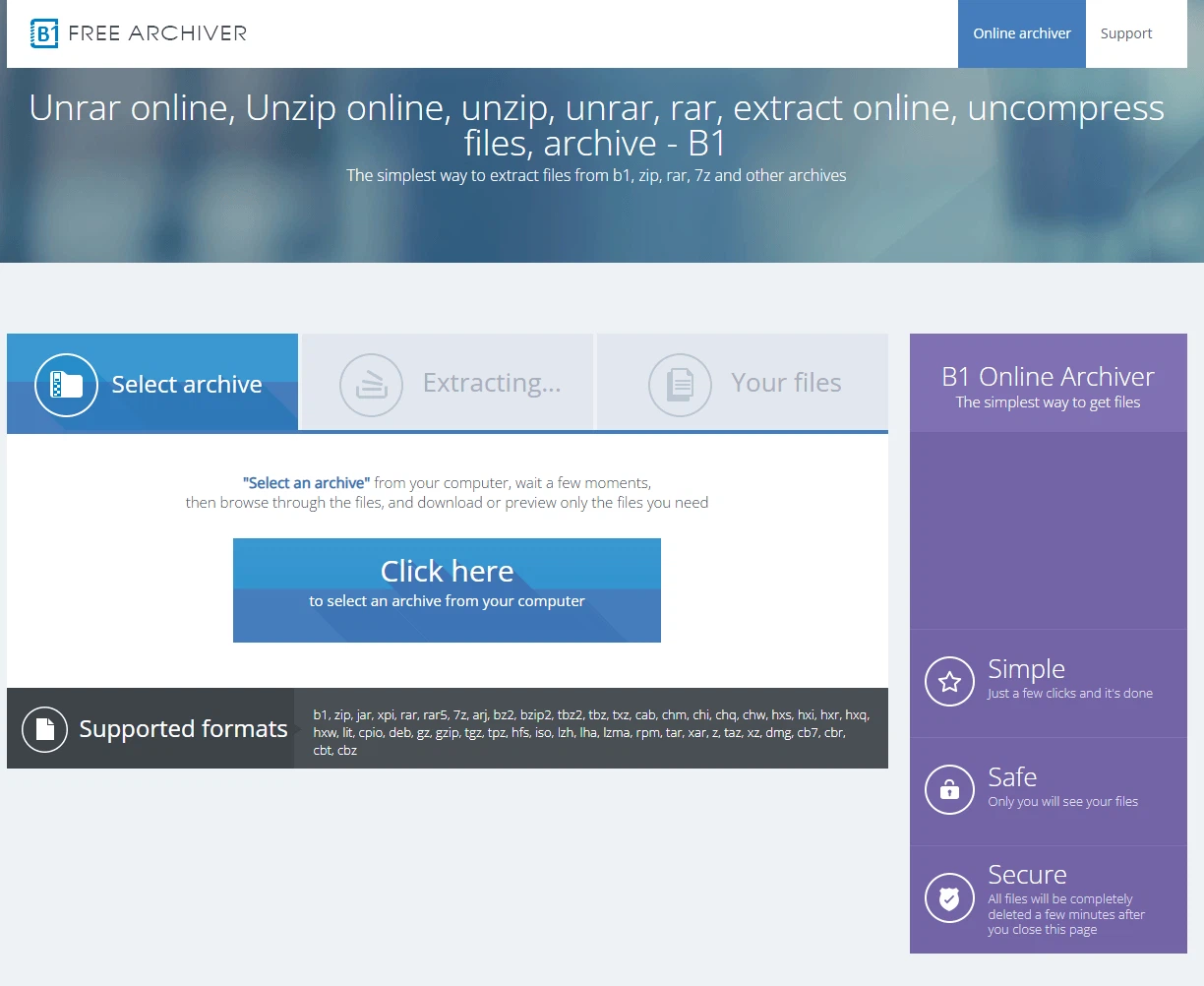
The installer is a few megabytes, and once installed there are no advertisements and no bundled extras; the developer states plainly that personal information is not collected. Nothing needs learning: compress from the context menu, unpack with a double click, or drag files into the window. The Android build doubles as a file manager, so an archive arriving on a phone is no longer a dead end. The web version is for the awkward moment when the computer in front of you has no archiving tool at all — open a browser and unpack. For anyone whose need is simply to pack files for someone else and to open what arrives, this is a reasonable place to stop looking.
Details that show up in daily use
A few things deserve naming. Browsing before extracting means the one file you want comes out without emptying the whole archive onto the disk. Compression level is a setting, so speed and size can be traded deliberately. Creating an encrypted archive sits in the context menu, two steps and done. For people who move files between a computer and a phone all day, it removes the familiar embarrassment of sending something that cannot be opened at the other end, since the phone build handles the mainstream formats as well. And the web version is the fallback for a borrowed machine where nothing can be installed. As a free, ad-free, cross-platform archiving tool it lands in a sensible place between ease of use and format coverage — worth keeping installed for the day it is needed.