
-
Rime: the input method engine behind Weasel and Squirrel, schemas as config
A cross platform input method engine rather than a single app. Weasel on Windows, Squirrel on macOS and ibus-rime on Linux are the official front ends, and dozens of schemas from pinyin to Cangjie to Cantonese can be mounted on top. Everything is configured in YAML, and dictionaries stay on the machine.

-
ClipboardFusion: strip formatting and run macros on the clipboard, version 6.3
A Windows tool for working on clipboard content before it lands: clear the formatting, rewrite the text by rule, or run a macro over it. Free and professional share one installer, syncing between machines belongs to the paid side, and the trial falls back to free rather than stopping.

-
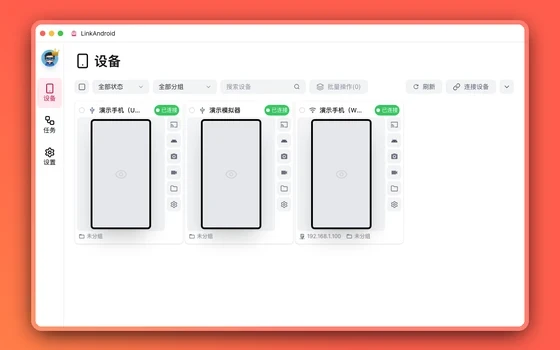
LinkAndroid puts one app in its own window on the desktop and hands the repeat work to scripts
LinkAndroid gives an Android phone a place to stand on the computer: a single app can be mirrored into its own window without taking the phone over, and files, apps, recording and a terminal all sit in one interface, with repeat work handed to Python scripts and AI.
-
Listary: find a file without opening a window first
The traditional route means opening the file manager, guessing which folder, clicking down through levels. Listary compresses that into one gesture: press the hotkey, type a few letters, press enter, and you are there.

-
PowerToys 0.101: the official toolkit that files the rough edges off Windows
PowerToys is a free, open-source set of utilities published for Windows by the people who make the system: window layouts, batch renaming, a colour picker and a launcher, all in one install. Version 0.101 arrived on 25 August 2026 with Window Hopper, which keeps the window switcher inside the current application, a compact command palette, and text transformation done by a small local model.
-
Sogou Input Method: from typing pinyin to writing help, the desktop build does more than type
Sogou Input Method covers Windows, macOS and Linux with pinyin, voice, handwriting and shape-based input, and a dictionary that syncs online. Recent versions add writing services invoked while typing, a cursor assistant inside document editors, text-selection explain and translate, and clipboard sync between devices.

-
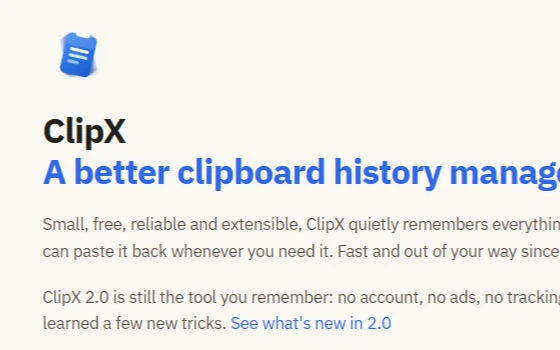
ClipX: a clipboard keeper of under a megabyte that remembers everything you copied
The clipboard in Windows holds one thing at a time, so whatever was copied a moment ago is pushed out by whatever is copied next. This old tool, which has been around since 2004, sits in the tray and quietly keeps every piece of text and every image you copy; a hotkey brings the list up and a click pastes one back. It has stayed under a megabyte, and the memory it holds is counted in megabytes too.
-
ArsClip: a clipboard that remembers more than the last thing you copied
An old free clipboard enhancer that keeps a record of everything copied, text and pictures and files alike, opens a list on a shortcut so any of it can be pasted in one go, and turns repeated pasting into a macro. It needs no installation, sits in a folder you can carry, and almost every part of it can be adjusted.
-
iFlytek Keyboard: type by talking, with speech that keeps up
A keyboard from a company built on speech technology: hold the voice key and words appear as they are spoken, with mixed Chinese and English, several dialects and automatic punctuation. The 2026 releases add an assistant and a shelf of custom shortcuts.

-
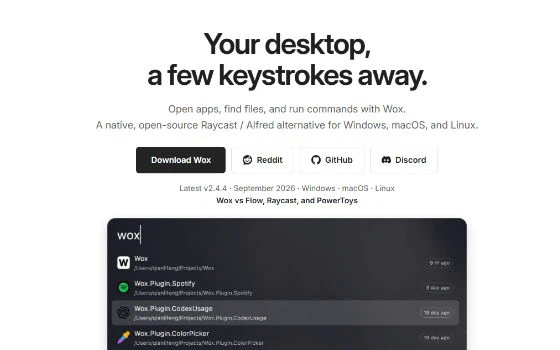
Wox 2.4: a free open source launcher that runs on three platforms
Wox 2.4.4 is a cross-platform launcher for Windows, macOS and Linux, with clipboard history, a calculator, conversion tools and plugins written in Python or Node.js.
-
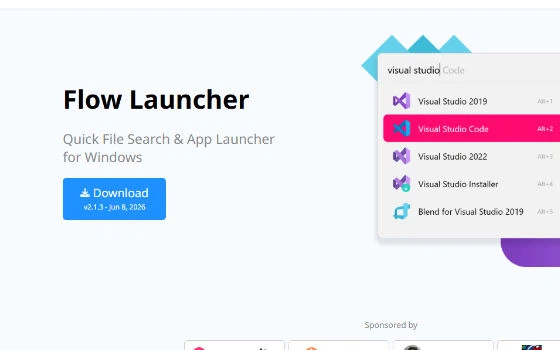
Flow Launcher 2.1: a free open source file search launcher
Flow Launcher 2.1.3 is a free open source file search and app launcher for Windows. Alt+Space brings up one box that finds files, starts programs and takes plugins.
-
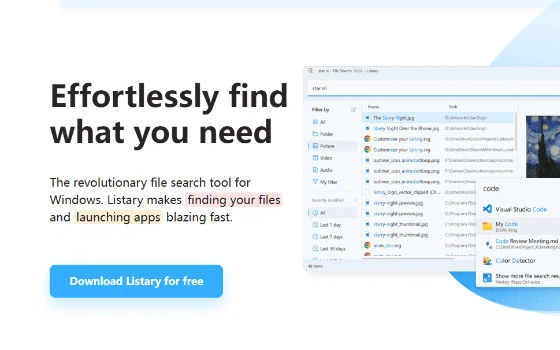
Listary 6.3: find files and launch programs from one box
Listary 6.3.5.94 is a file search and launch tool for Windows, free for personal use. One keystroke searches the whole disk, results are ranked by habit, and commercial use needs the 19.95 dollar Pro licence.
-
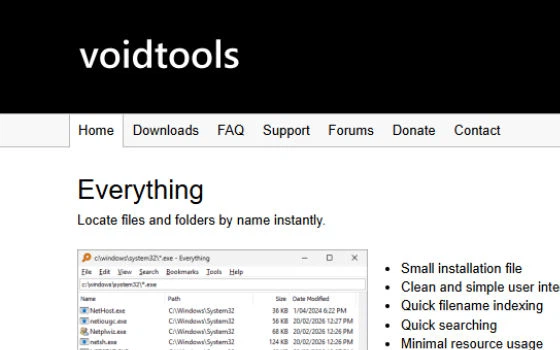
Everything 1.4.1: instant file name search, free of charge
Everything 1.4.1.1032 searches file names on Windows through a local NTFS index, so results appear as you type. The installer is small, resource use is light and it runs fully offline.
-
Raycast first look: a keyboard-first launcher whose team tier never expires
One input box holds apps, files, windows, snippets and a store of thousands of extensions, and the free and free-team tiers stay open to organisations without an expiry date. The paid tiers buy AI credits rather than features.

-
uTools: one shortcut in front of a hundred small tools
A plugin-based desktop workspace: press one shortcut and a small input box appears, matching whatever you type against translation, file search, clipboard history, batch renaming and a hundred more plugins. Runs on Windows, macOS and Linux; the core is free, a few advanced items need a membership.

-
第 1 / 2 页