
Obsidian 1.15.1: a note library that is just files
Summary
Obsidian 1.15.1 keeps notes as plain Markdown files, replaces the chart engine, sorts search by relevance and starts without a loading screen.
Recommend- Name
- Obsidian
- Version
- 1.15.1
- Open source
- Proprietary
- Operating system
- WindowsmacOSLinuxiOSAndroid
- Website
- https://obsidian.md/
- Updated
- 2026-11-10 23:00
Obsidian stores every note as a plain-text Markdown file. There are desktop clients for Windows, macOS and Linux, plus mobile builds for iOS and Android. The problem it solves is not where to write. It is how a few thousand notes still find each other once they exist. Version 1.15, pushed in early November 2026, reworked chart rendering, search response and startup together.
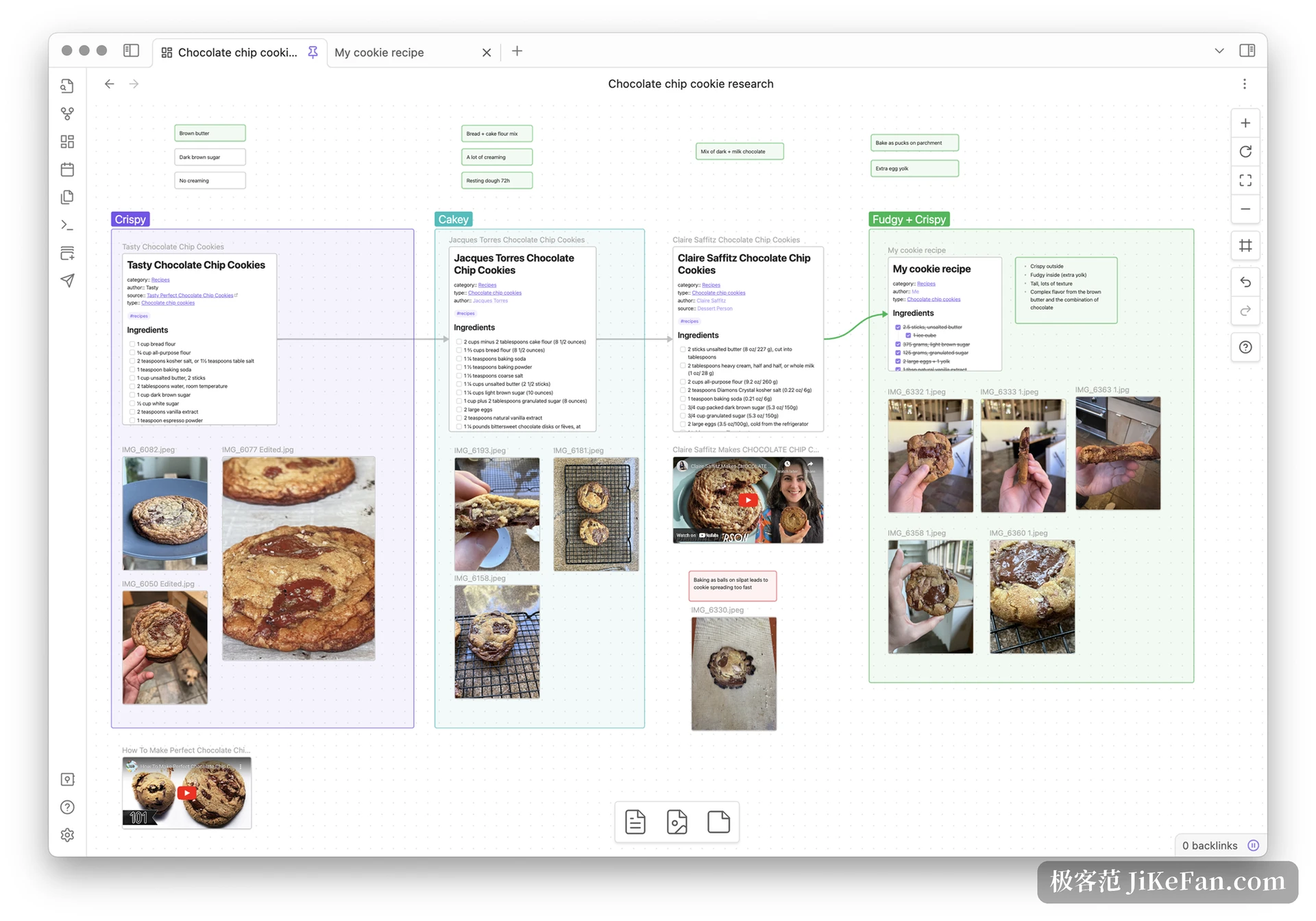
1.15 swaps out the chart engine
Flowcharts inside Obsidian used to come from the external Mermaid.js. From 1.15 they are drawn by Pele, written in house. The syntax is the same one, compatible with Mermaid 12.1.0, so blocks that already exist need no edit.
The difference shows on both sides. Pele reads theme colours and fonts through CSS variables, so a light or dark switch carries the diagram along instead of forcing a redraw. Complex flowcharts re-lay themselves to the width of the note, which means narrow screens no longer squeeze them into one line, and you can zoom out and drag to read. The published numbers: bundle size 1.6MB down to 230KB, render time under 0.3 milliseconds, measured on Chrome with a Mac mini M4 in October 2026.
Anyone who keeps architecture diagrams in Mermaid every day gets one plain gain. Opening the note stops stalling for a moment.
Search now sorts by relevance
1.15.1 arrived on 3 November 2026 and currently runs through the early-access channel. It adds a relevance option to search. With thousands of hits you are no longer limited to filename or date order, and the closest matches move to the top.
The same build handles accents. A search for cafe also finds the spelling with an accent on the e, and strasse finds the one with the sharp s. German, French, Polish and Vietnamese are covered. Readers whose vaults stay in Chinese will notice little, until a stack of foreign papers sits inside it.
Startup changed as well. Obsidian used to greet you with a loading screen. The workspace now appears first and the progress bar shrinks into the status bar, while reading-mode rendering, file indexing and the zoom of very large canvases all got faster.
A note is a file, not a row in a database
This is where Obsidian differs most from the rest of the field. The whole vault is one folder, every note is a .md file, and the title is the filename. Notepad, VS Code or any text editor can open it, a Git repository can hold its versions, and a synced drive holds a backup.
- Vault
- An ordinary folder of Markdown files, free to live on any drive
- Backlink
- Two square brackets reference another note, and that note records the reverse link by itself
- Graph
- Draws every reference in the vault as a network of nodes, which makes orphan ideas visible
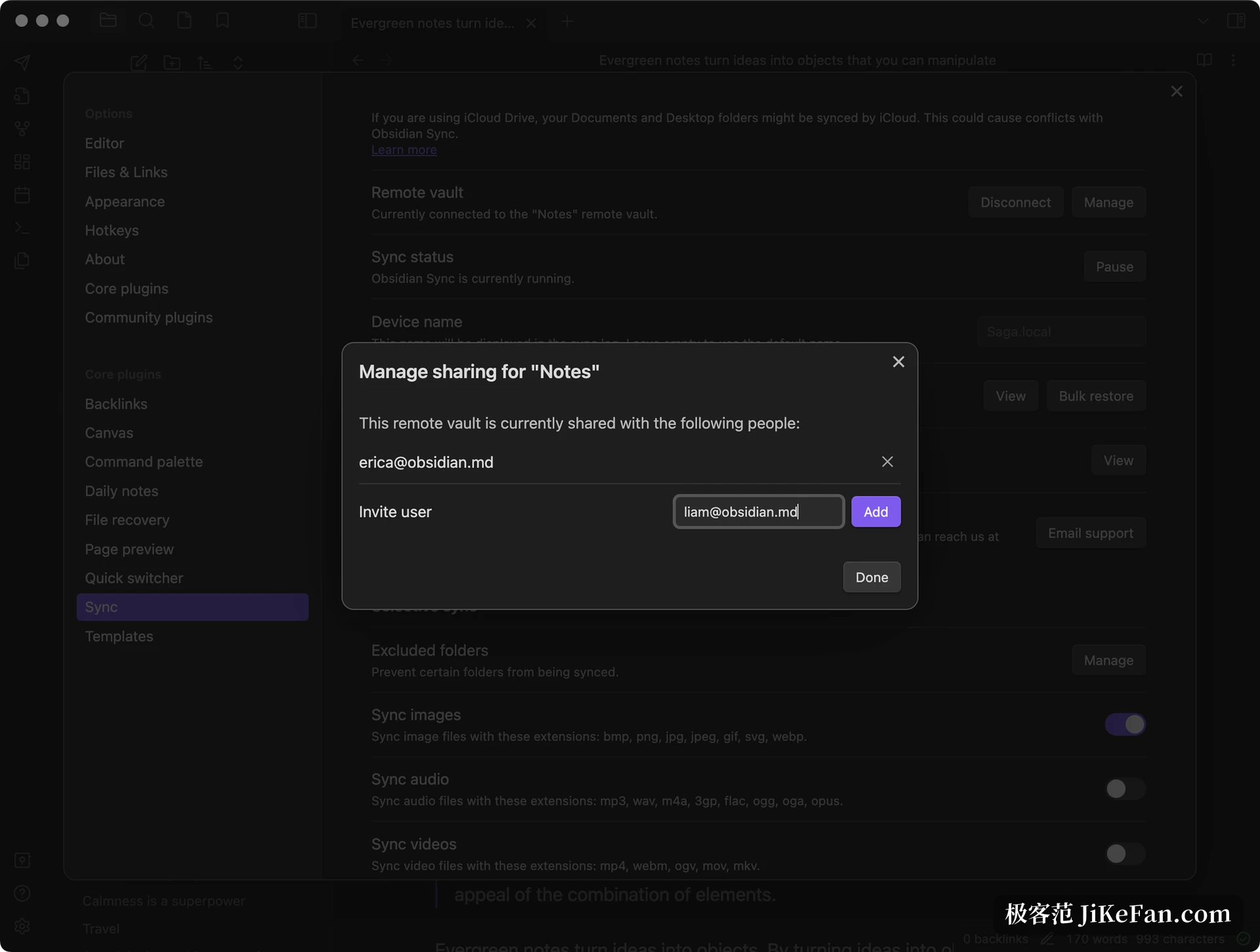
The gain is that data does not sit on someone else's server; if the software stops shipping, the files remain. The cost deserves the same clarity. Cross-device sync is your problem to solve, the official encrypted sync is a paid item, and real-time collaboration between several people was never the design target.
Plugins are the other half
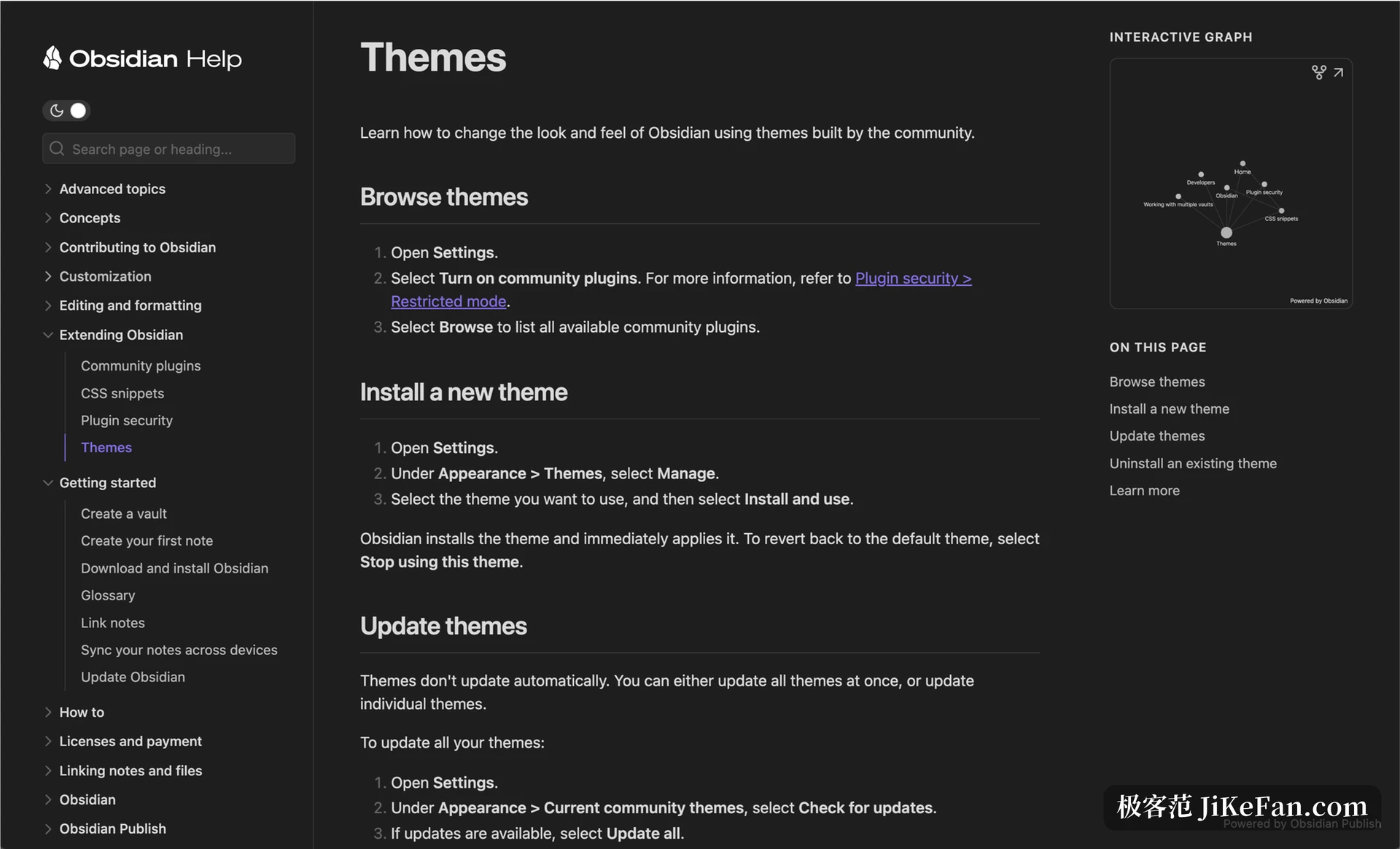
A bare Obsidian is an editor with backlinks. Community plugins are what turn it into a task board, a diary or a reference library. As of November 2026 the official marketplace lists more than a thousand of them: Dataview queries notes like a database, Tasks gathers scattered to-dos onto a board, Calendar lays the diary out as a timeline, Templater manages templates.
Install too many and it slows down; that part is honest. The steadier path is two or three essentials first, long enough for the daily loop to feel smooth, then add. Plugin settings scatter across separate pages, so copying someone's celebrated configuration on day one usually costs an evening and buys nothing.
Who it fits, and who it fights
Thesis writing, research and long-term material gathering fit best, because the value of those notes comes from the links between them. People who write first and organize later also get along with it, and so do those who refuse to fix a folder structure on day one. Someone who wants one quick to-do captured, or has to edit a single document with colleagues at the same moment, will find the whole thing roundabout.
On price, personal use is free with no feature ceiling. Sync, publish and a commercial licence are separate paid items, with tiers laid out on the official site. Installers come per platform, so pick the one that matches your system.