
kitty 0.50 docks terminal panels outside the grid
Version 0.50
Summary
kitty 0.50, out 3 November 2026, adds dock windows outside the tiling grid, restores sessions after logout with scrollback, and brings touch to Wayland.
Recommend- Name
- kitty
- Version
- 0.50
- Pricing
- Free
- Open source
- Open source
- Operating system
- LinuxmacOS
- Website
- https://sw.kovidgoyal.net/kitty/
- Updated
- 2026-11-10 23:00
kitty is a GPU-accelerated terminal emulator, an application that draws its text with OpenGL and runs on Linux, macOS and some of the BSD systems under GPL-3.0. Its standing habit is to do everything in-house: splits, tabs, session files, an image protocol of its own and a remote control that scripts can drive all live inside the terminal, with no window manager bolted on from outside. Kovid Goyal keeps the project, and on 3 November 2026 it reached 0.50.
Panels that leave the grid behind
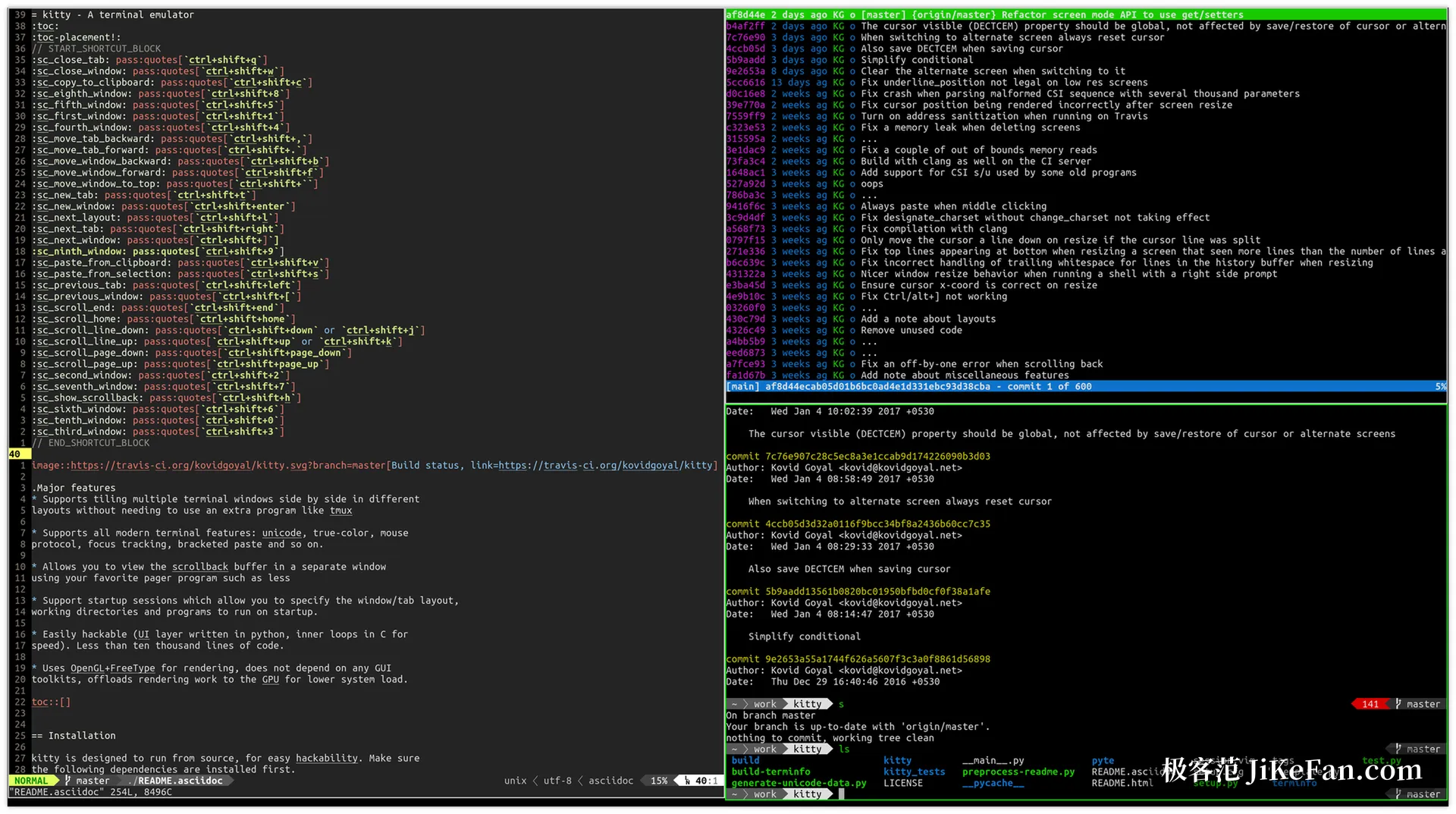
A terminal that wants to pass for a development environment needs a sidebar and a status bar somewhere. The old answer was another split: file tree, logs and a test runner crammed into the same grid of panes. The grid, though, is recomputed as a whole, so widening the main area squeezes the column at the edge down to a handful of characters.
0.50 takes a different route with dock windows. A dock sits outside the tiling area and hugs one edge of the host window or of the whole tab, so tiling never counts it. launch --type=window-dock creates a window-level dock and launch --type=tab-dock a tab-level one, while --dock-edge picks the edge and --dock-size the width it takes.
The two kinds live differently. A window dock follows its host from tab to tab and dies with it, whereas a tab dock stays until the last ordinary window in that tab closes. Dock relations are written into session files as well, so the sidebar comes back on the same edge the next time the session starts.
What the feature really buys is that a sidebar stops being a pane. A pane is space taken away from the thing you are reading; a dock is furniture that keeps its width while the working area resizes around it. That is the whole difference between a terminal with many windows and a terminal with a layout.
Sessions that outlast a logout
A new switch, restore_session_after_logout, saves the OS windows, tabs, windows and scrollback of every instance at logout, reboot or shutdown, then lays them back out on the next start. On macOS the stored state is encrypted with a key held in the keychain. On Linux it needs the Inhibit interface of the desktop portal, which is what buys kitty the time to finish writing before the session is torn down.
Session files gained fields too. os_window_position records where the operating system window sat, and save_as_session --os-window-geometry stores size, position and state in one go. Before this release kitty could restore the arrangement inside a window; now it can also put that window back on the right monitor.
Tabs inch toward workspaces
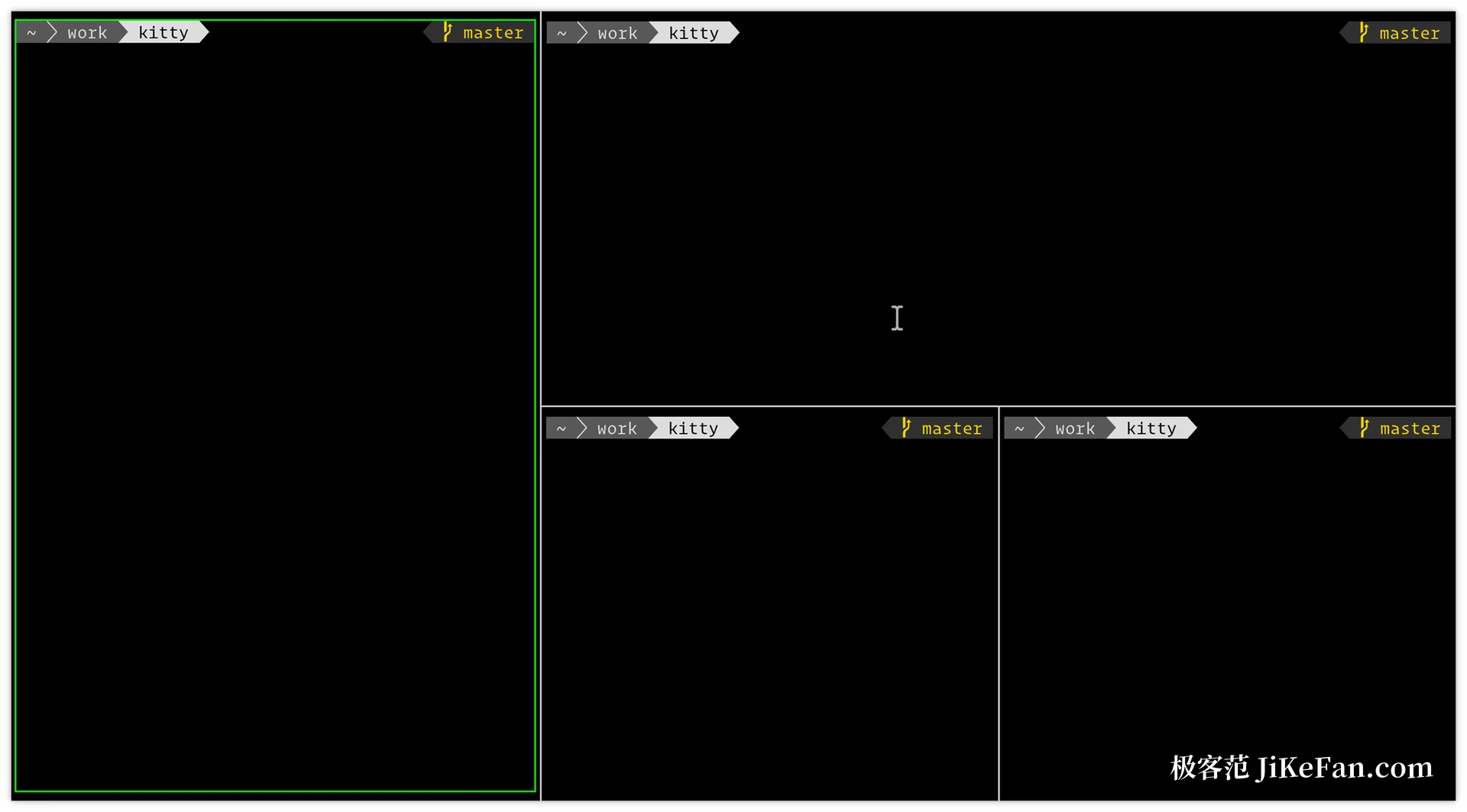
Three small openings this time. launch --focus-existing jumps to a window or tab that already exists instead of opening another copy, launch --location by-title sorts tabs by the letters of their titles, and detach-window or the detach_window action can post a window to a named tab, creating that tab when it is missing. Together they turn tabs from extra shells into named slots that windows travel between.
None of it adds up to a document workspace, and kitty is not pretending otherwise. The pieces are there so that a script can do the arranging: open the project tab, move the log window into it, focus what already runs. Automation was always the point of the remote control, and these three flags give it fewer excuses to break.
Status on the tab bar
Program Status Protocol arrives over the OSC 7501 escape sequence. A program reports whether it is working, finished, failed or blocked, and the tab bar shows that as soon as tab_title_template reads tab.program_status. During a long build there is no need to click through windows one by one: a glance at the bar tells you which tab is stuck waiting for input.
Particles behind the cursor
Custom shaders were laid down in 0.49, and 0.50 stacks three cursor trails on top: cursor-trail-railgun, cursor-trail-torpedo and cursor-trail-pixiedust. Switch a trail on and the cursor moves, leaving a string of particles behind. Shaders can also fire from a key binding now through the new shader_event action, and a shader may define pointer_map() so that clicks and selections land on the character actually drawn rather than on shifted coordinates.
Pictures that follow the palette
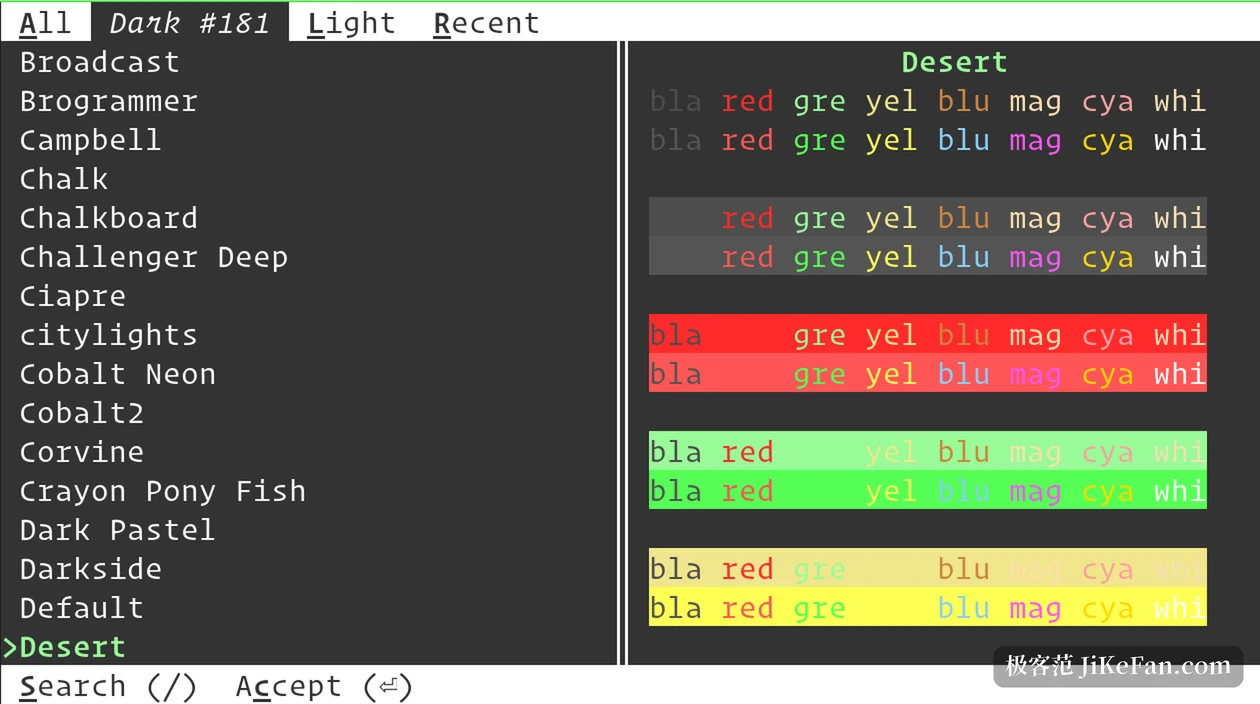
The graphics protocol gained two indexed-colour image formats, in which a pixel value is an index into the terminal palette instead of a fixed colour. Change the colour scheme and the picture changes with it, with no need to regenerate the image.
Touch on Wayland
Wayland got denser coverage. 0.50 adds touchscreen support: a tap counts as a click, a finger in motion scrolls with inertia, and a press held and then dragged selects text. Client-side decorations on compositors such as GNOME now imitate the native style, picking up the title bar font, text scaling, button placement and click behaviour of the desktop. Candidates from an input method are anchored to the start of the pre-edit text instead of jumping about as you type.
Small things, touched daily
A new option, collapse_window_margins, merges the margins of neighbouring windows rather than adding them, so borders line up and the gap finally looks even. mouse_map can map the scroll wheel now, each of the four directions counting as a button, which turns a binding such as Ctrl plus wheel for font size into a single line of config. Box drawing characters, the cursor and title bar borders scale their weight with the font size, so enlarging the text no longer thins them to a hairline.
What got fixed
One security hole is closed: a crafted request could pass itself off as the cancellation of an asynchronous one and so get around the password on remote control. Parsing for that batch of commands was rewritten as well. action, send-key, set-colors, ls and run used to ignore options, report success that never happened or swallow invalid input in silence; they now fail loudly, and a single unresponsive peer no longer blocks the whole channel. On memory safety, a heap buffer overflow during config reload, an out-of-bounds write and a use-after-free are gone.
Performance moved as well: the GPU sprite cache grows more slowly, and CPU use falls when input_delay is not zero. Fixes also cover bold italic icons rendered by an unrelated font, the ssh kitten dropping permissions when it copies a directory, and drag and drop moving a directory into its own subdirectory, all of which could lose real data.
Where it runs
kitty covers Linux, macOS and part of the BSD family; Windows is not natively supported, and the Linux build is what runs under WSL2. Kovid Goyal drives the project alone and ships often: 0.49 arrived on 21 September, and 0.50 followed a little more than a month later.
The point of 0.50 is not the shaders. It is that dock windows split arrangement from permanent furniture. A terminal that means to be a workspace has to let some windows sit outside the reshuffle. Restoring a session after logout then stretches that idea from one session to the gap between shutdown and boot.